
How to organize a school application packet from official requirements
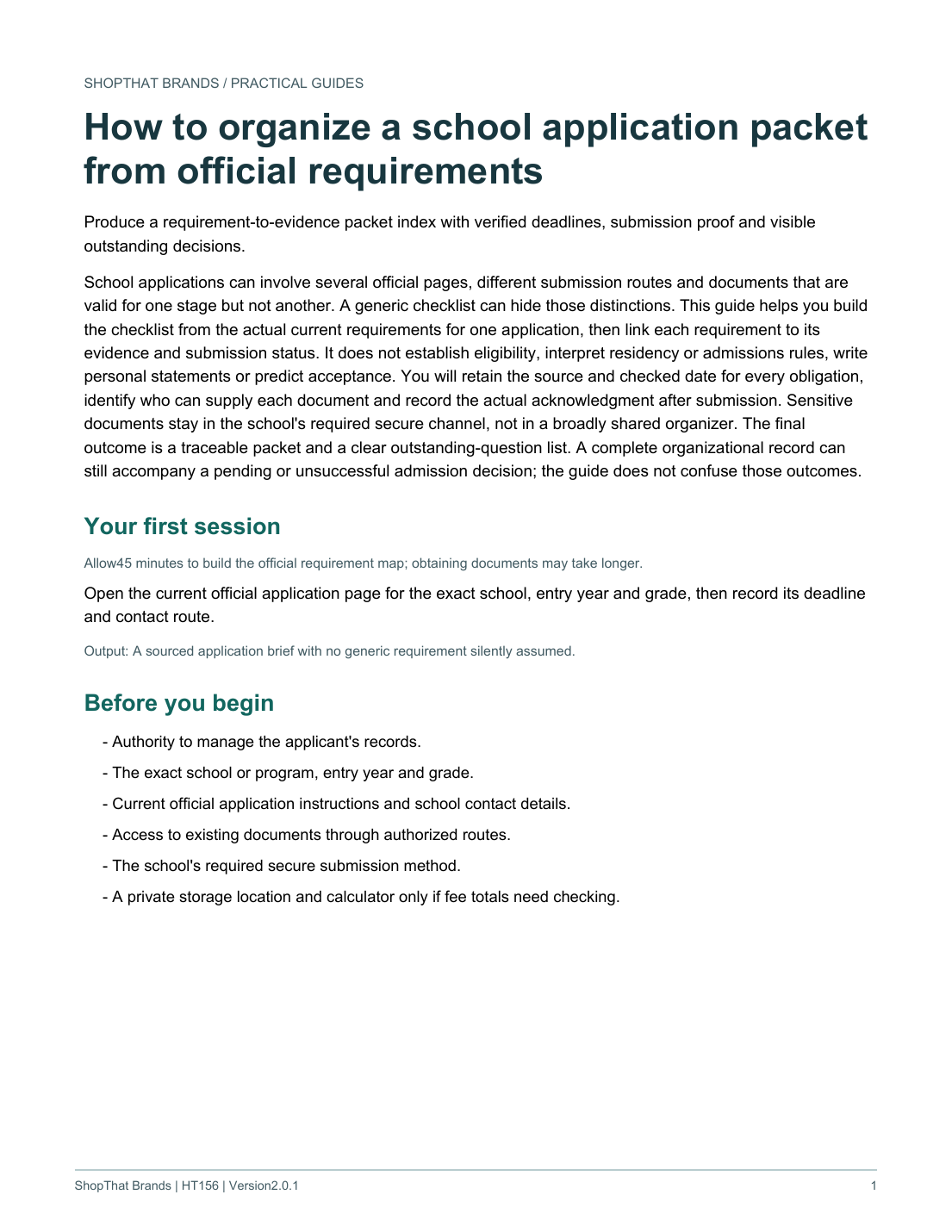
A generic application checklist can mix schools, entry years and stages. This guide helps an authorized parent or applicant create a requirement-to-evidence map for one specific current application and keep the actual submission status clear.
Eight steps cover application identity, sourced requirements, evidence owners, deadlines, format checks, acknowledgments, follow-up requests and stage closeout. The fictional example follows three requirements, including an external reference, and keeps a complete application record separate from a pending admission decision.
Four tools include the official requirement map, evidence preparation index, deadline/submission record and follow-up/decision log. Each has task-specific field help and a coherent completed example. The PDF provides the method; offline HTML and editable TXT records organize your own authorized information. They are not school forms and do not submit an application.
Troubleshooting addresses conflicting pages, unavailable evidence, unconfirmed uploads, external references and later acceptance deadlines. Sensitive documents stay in the school's required secure route, with private references in the organizer. The product does not determine eligibility, residency, legal requirements or admission chances, and it does not write personal statements. Its finished outcome is a traceable packet with supported acknowledgments and a clear list of what remains unresolved.
Included files: PDF guide, offline HTML guide, 4 distinct editable tools in HTML and TXT. Extract the ZIP before use. No paid software is required to read this guide or edit its supplied tools. Third-party services discussed may have their own costs. No XLSX, Canva, Notion or video files are included.
Text and template wording were generated with AI and reviewed for clarity and consistency.
License: Personal or internal business use only. You may edit the templates for that use; do not redistribute or resell the supplied files or templates.
HTML tools do not autosave. Use Save filled copy before closing to download and keep your completed entries.