






Money Flow Planner: Paycheck Budget App with Bank Import & 12-Month Forecast
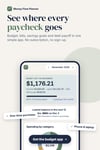
Know where every pay check goes, and what's left, before you spend.
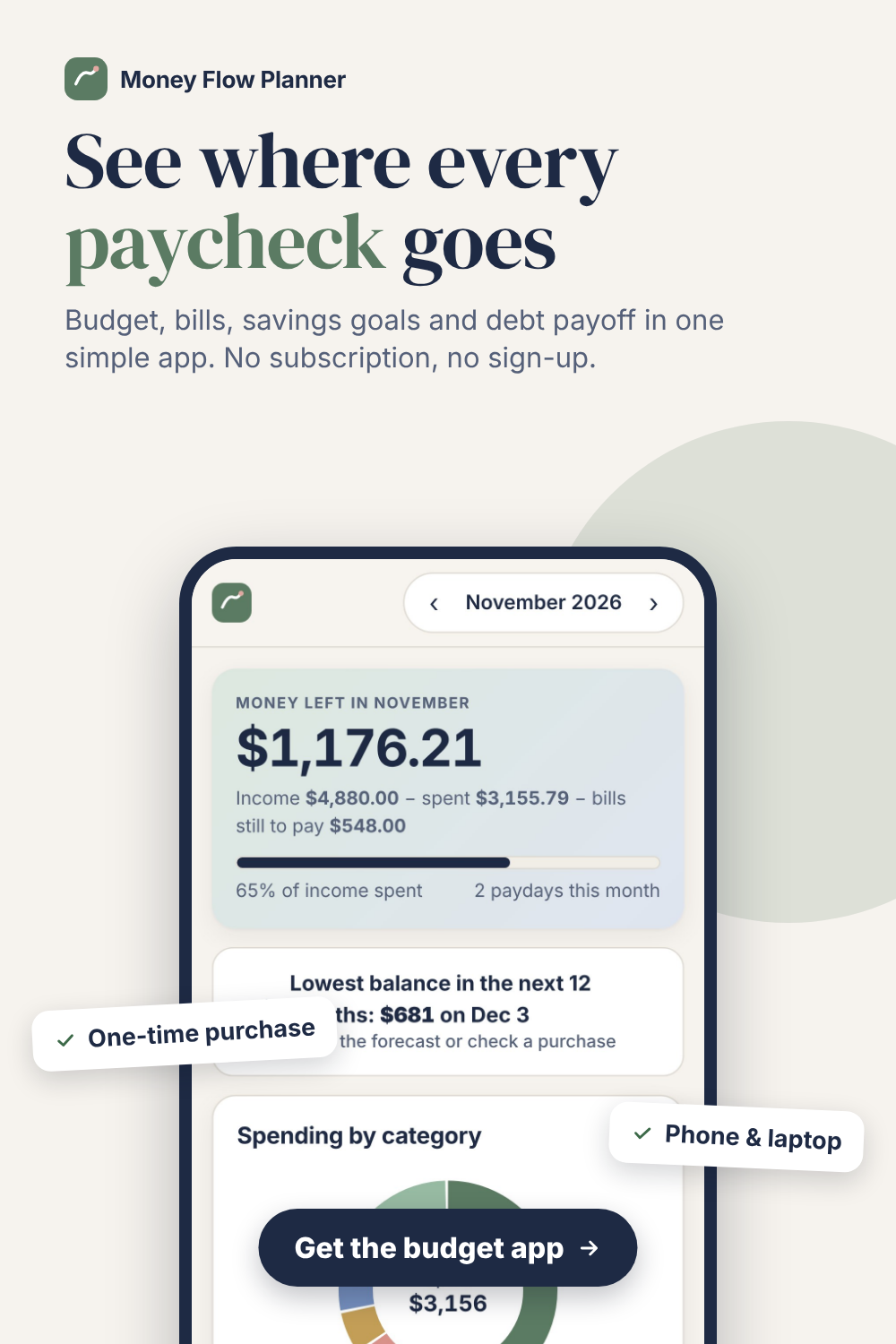
Money Flow Planner is a budget app you buy once. It plans each pay check, imports your bank statement, tracks bills (including the yearly ones), and shows your bank balance for every day of the next 12 months. It opens in your browser on your phone or laptop. No subscription, no account, and your numbers stay on your device.
What it does
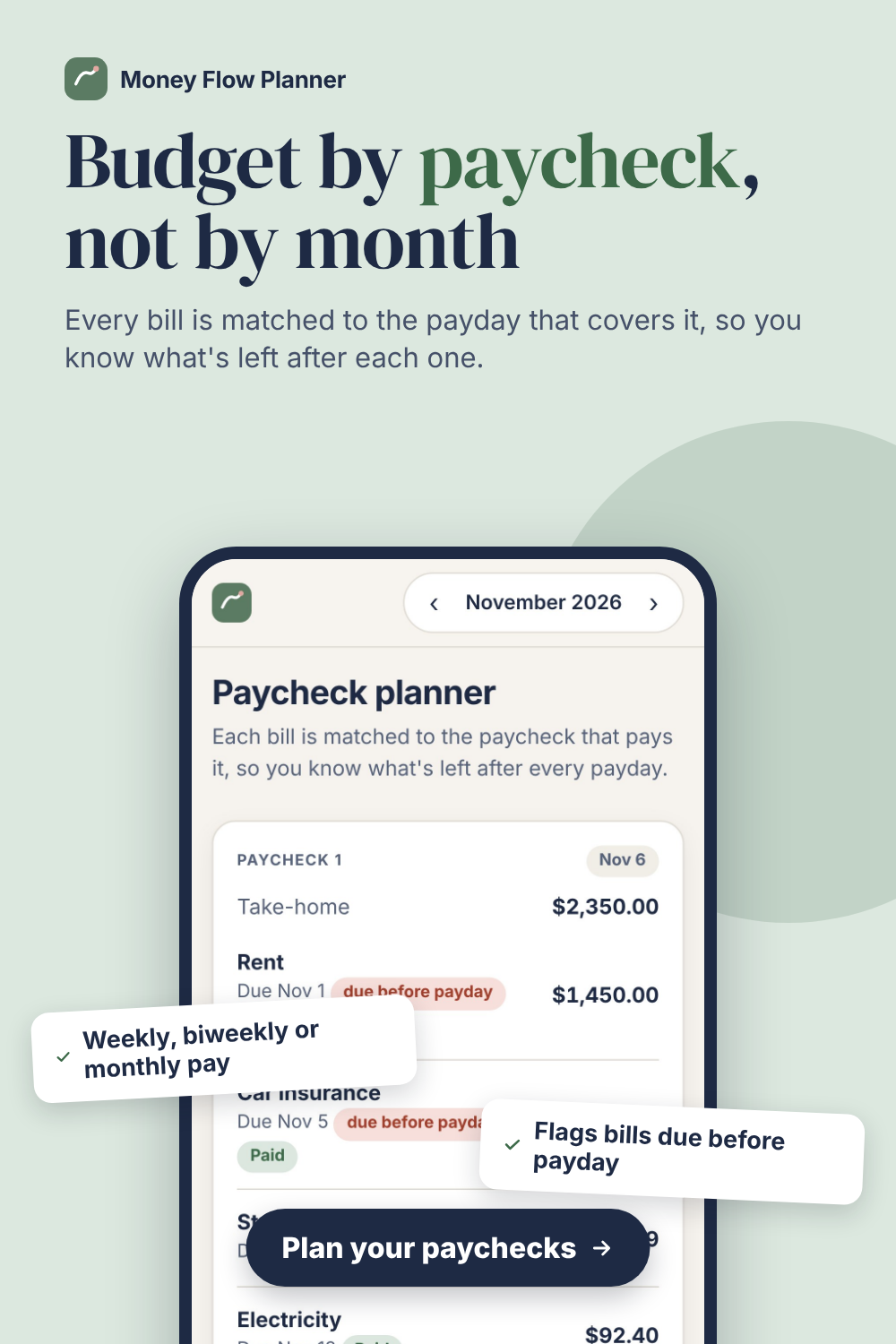
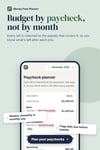
• Budget by pay check: each bill is matched to the payday that pays it, so you see what's left after every pay check. Weekly, every 2 weeks, twice a month or monthly pay.
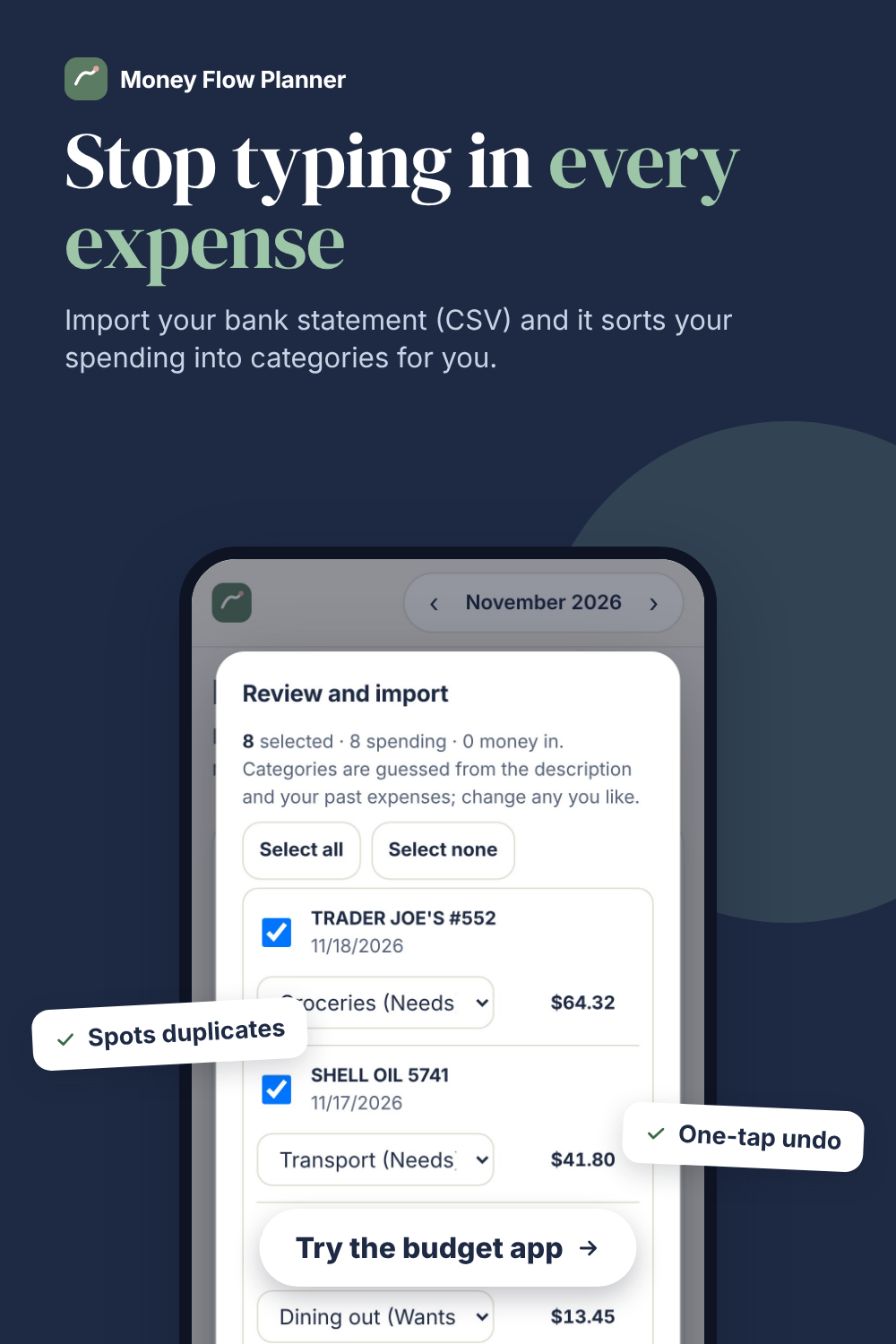
• Bank statement import: export a CSV from your bank and import it. Spending is sorted into categories for you, duplicates are skipped, and you can undo in one tap.
• 50/30/20 budget in one tap: needs, wants and savings planned from your take-home pay, then compared with what you actually spend.
• "Can I afford it?": a 12-month cash-flow forecast checks whether a purchase would drop you below your safety buffer, and tells you the earliest safe date.
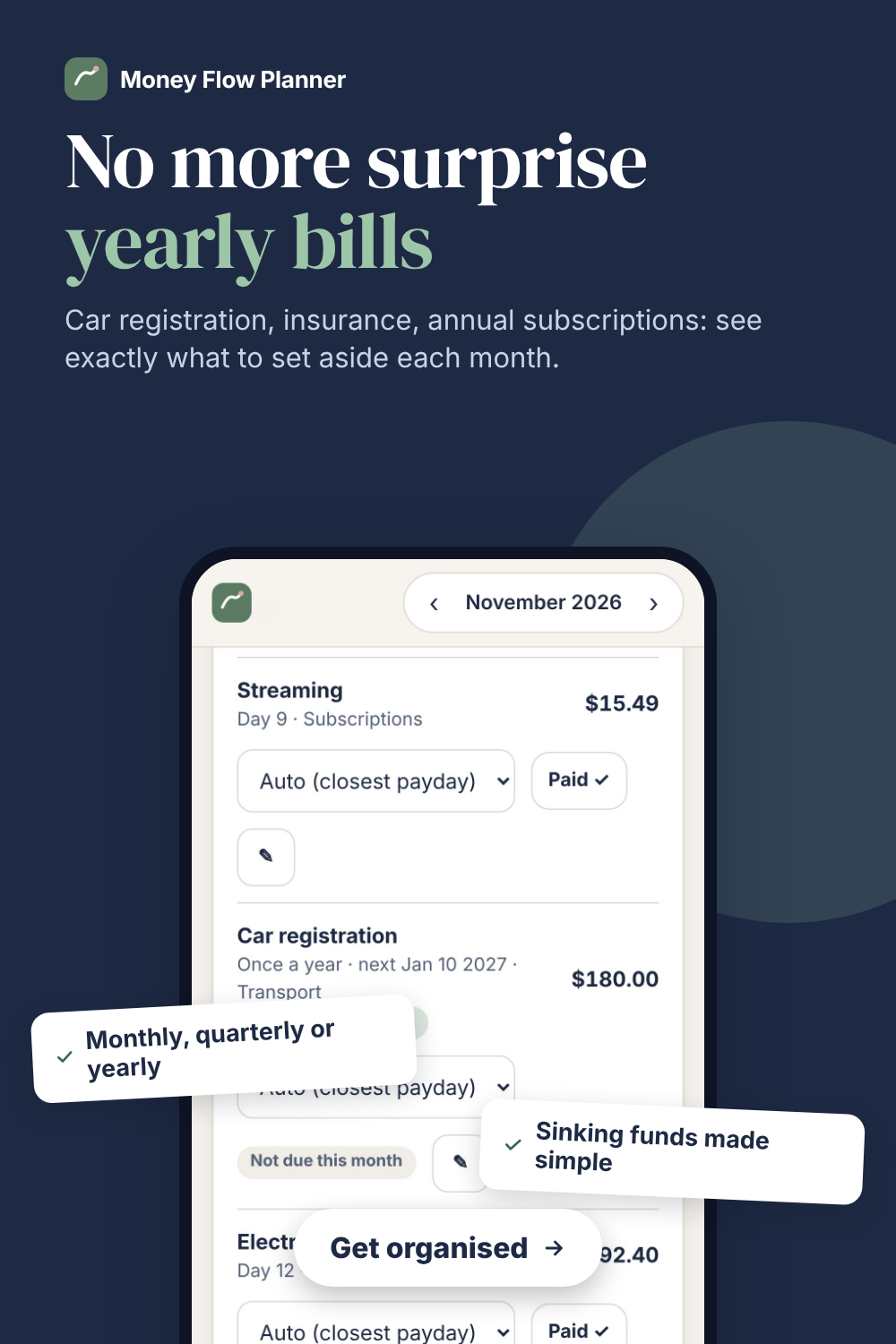
• Bills and sinking funds: monthly, quarterly and yearly bills, with how much to set aside each month for the big ones.
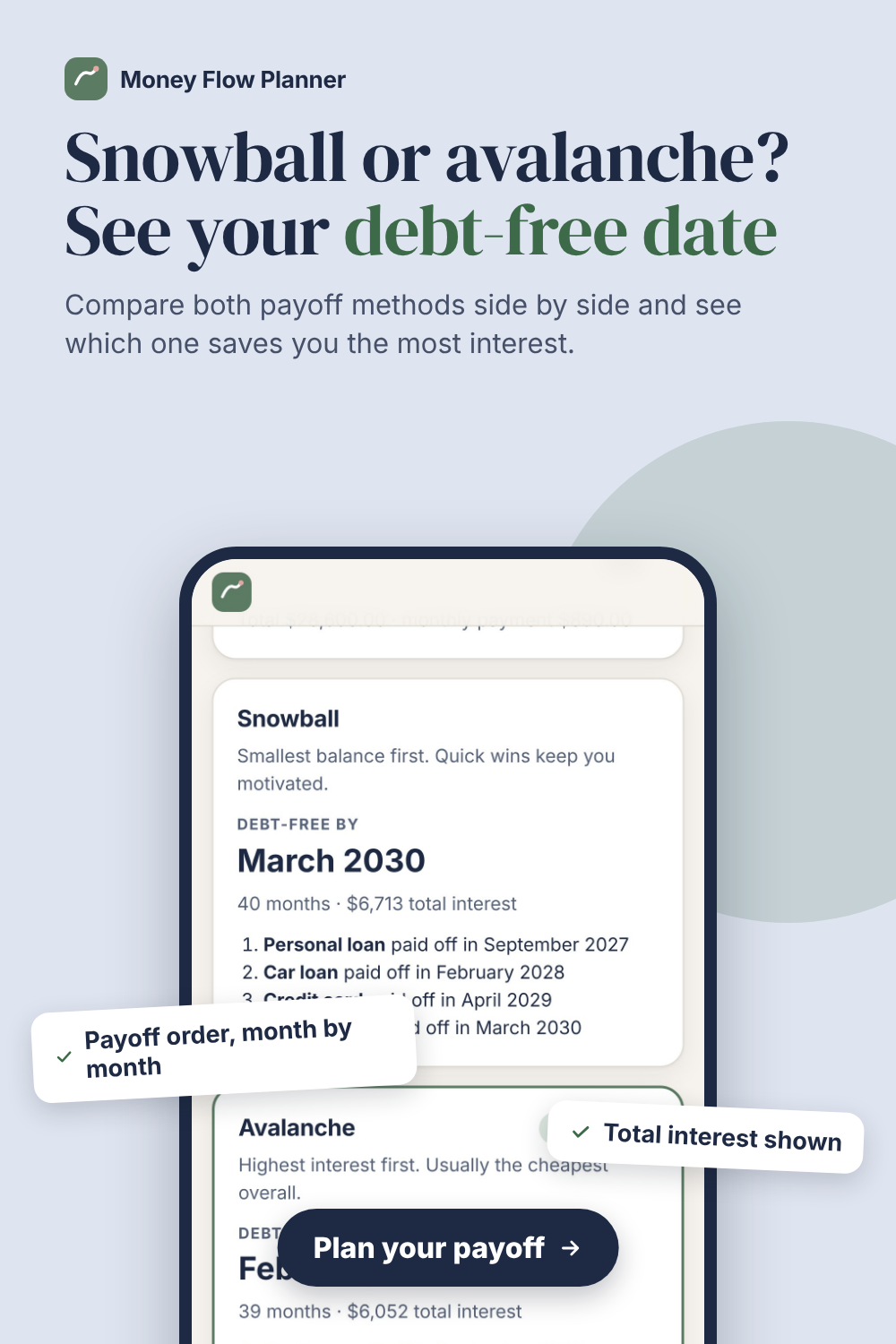
• Debt payoff: snowball vs avalanche side by side, with your debt-free date and total interest.
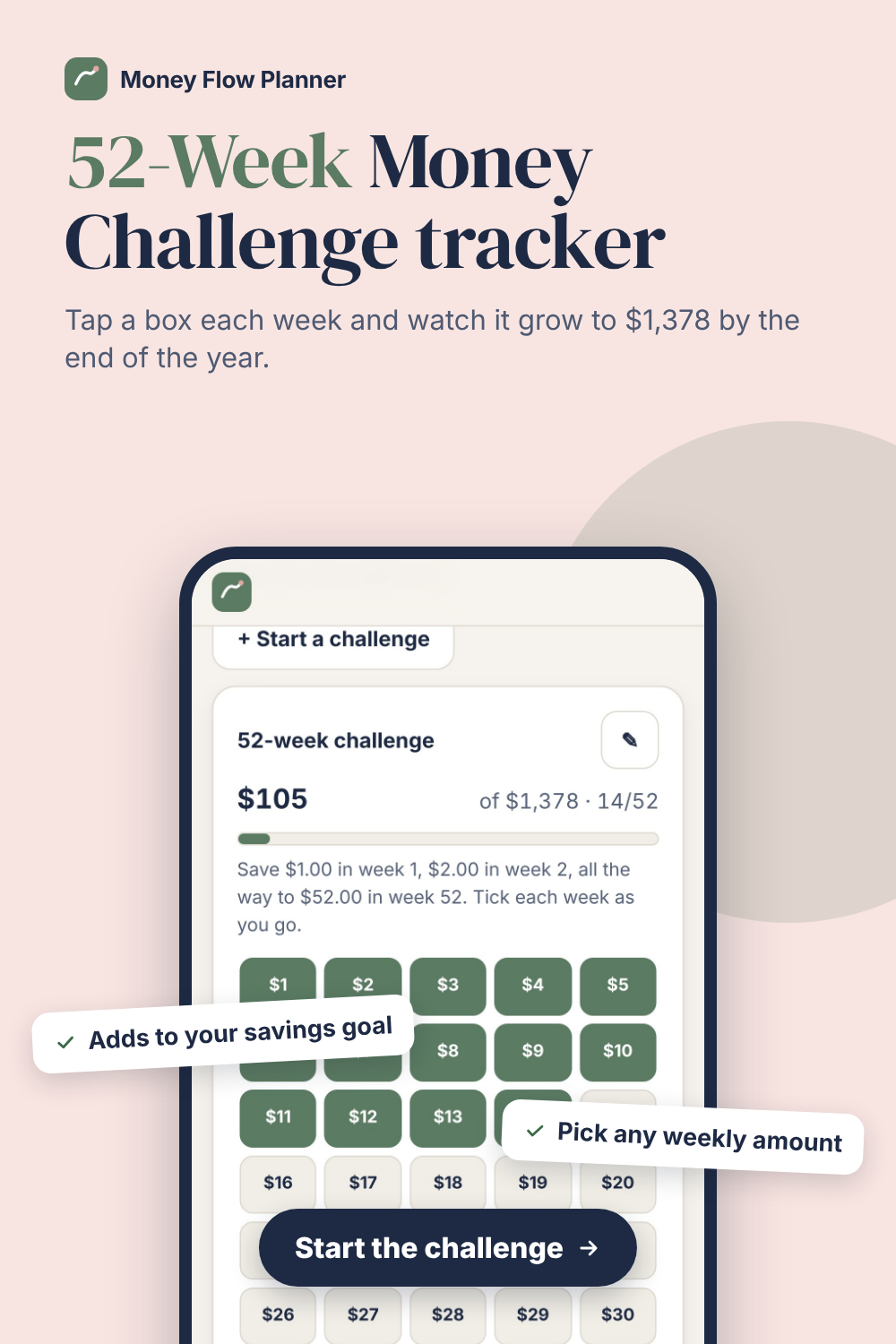
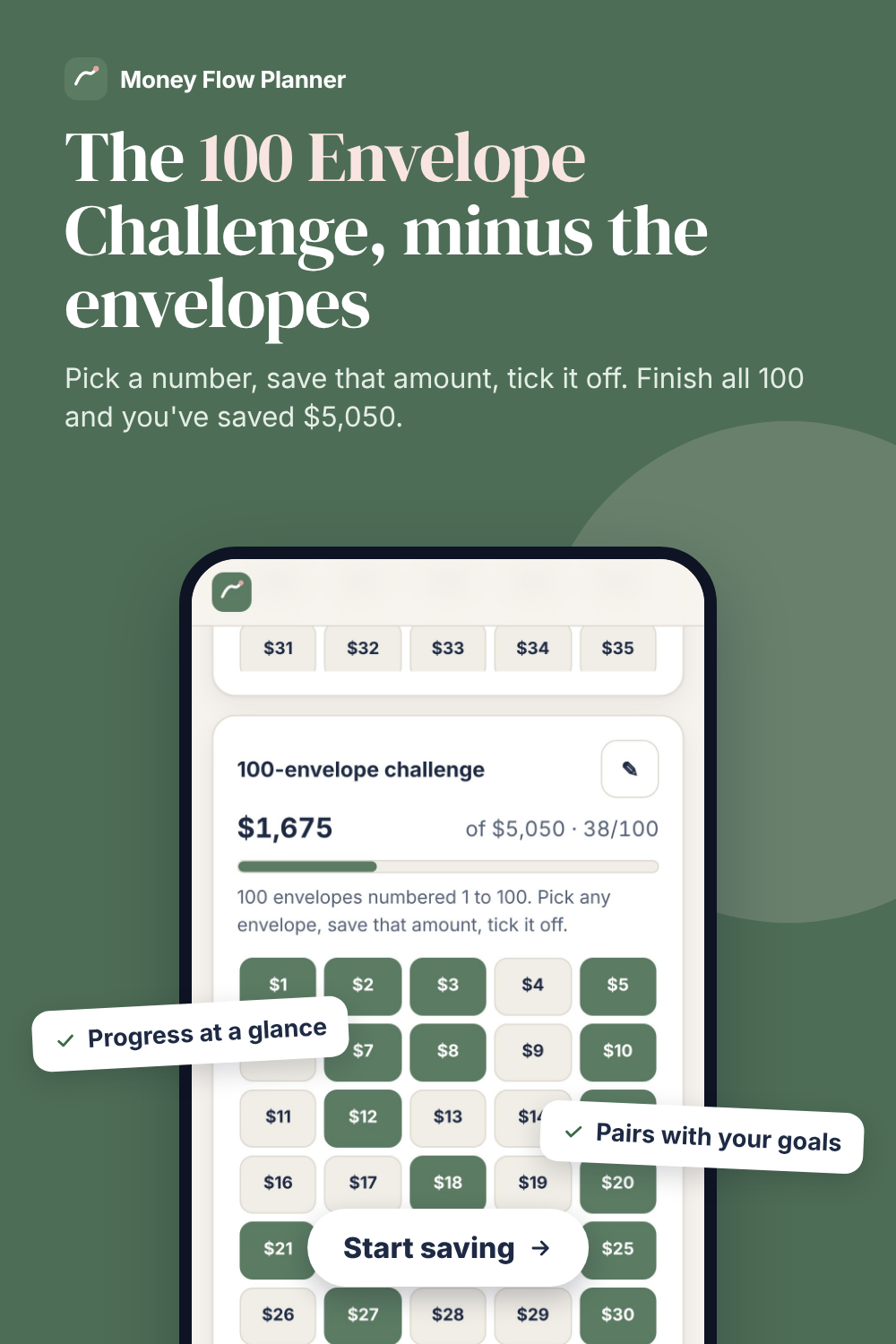
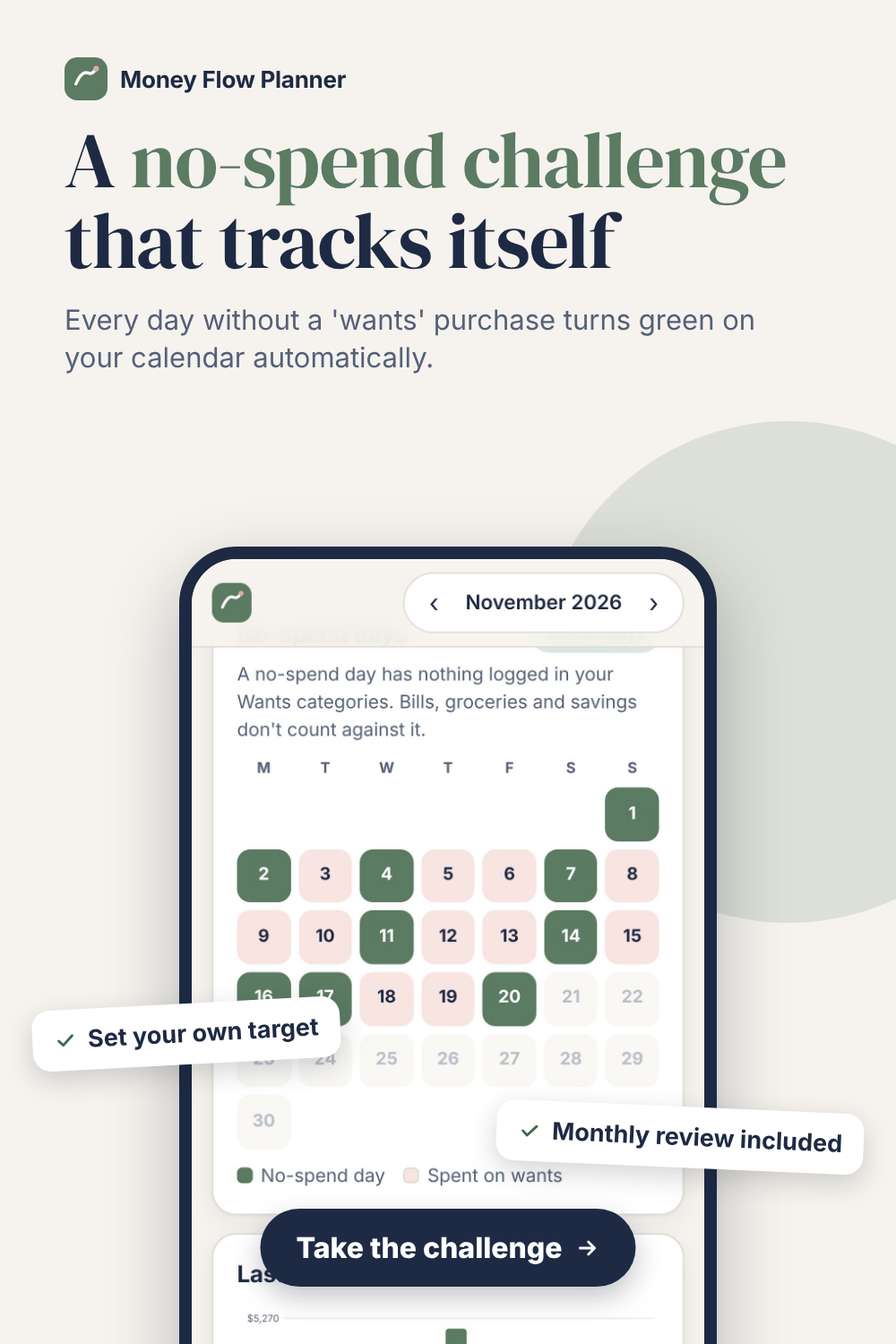
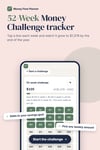
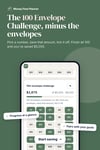
• Savings goals and challenges: goals with a monthly target, plus the 52-week, 100 envelope and no-spend challenges.
• Monthly report: where the money went, what you kept, and a no-spend calendar. Print it or save it as a PDF.
• Extra income: side gigs, bonuses and refunds count toward your month.
Easy to start
• Set up in 3 steps: currency, how often you're paid, and your take-home pay
• A "Get set up" checklist on the Home screen walks you through your first week
• Want to look around first? Explore a ready-made sample month
What you get
• The Money Flow Planner app (one file that opens in your browser)
• A quick-start guide (PDF) and your link for iPhone and Android
Not ready for the full planner? Start small.
Try the Savings Challenges app for $2: Link
It tracks the 52-week, 100 envelope and no-spend challenges. When you're ready to upgrade, your challenge progress moves straight into Money Flow Planner.
Good to know
• This is a digital download. Nothing is shipped.
• Bank import works with CSV files you download from your bank. The app never connects to your bank or asks for your login.
• Your data stays on the device you use. To move it to another phone or computer, download a backup and restore it there.
• Works with US, Canadian, Australian and New Zealand dollars, pounds, euros and rupees.
Questions or trouble opening it? Email jajasoos225@gmail.com and we'll help.