


Task Tracker | Google Sheets Template
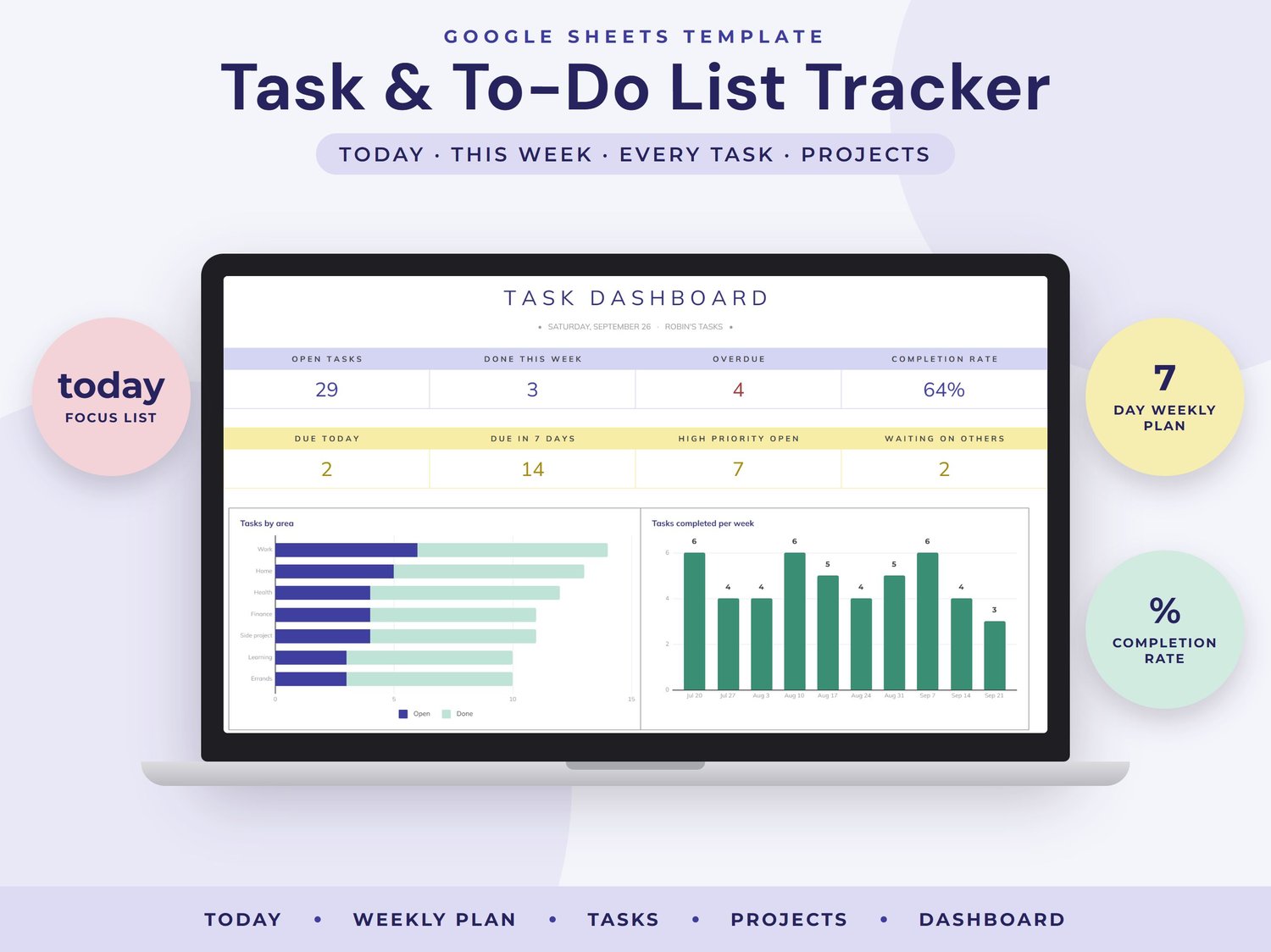
Get everything out of your head and into one simple list. This Google Sheets task tracker shows what to do today, lays out your week, groups tasks by area or project and tracks your progress on a dashboard that updates automatically.
WHAT'S INSIDE (7 tabs)
- START HERE: quick setup steps and tips
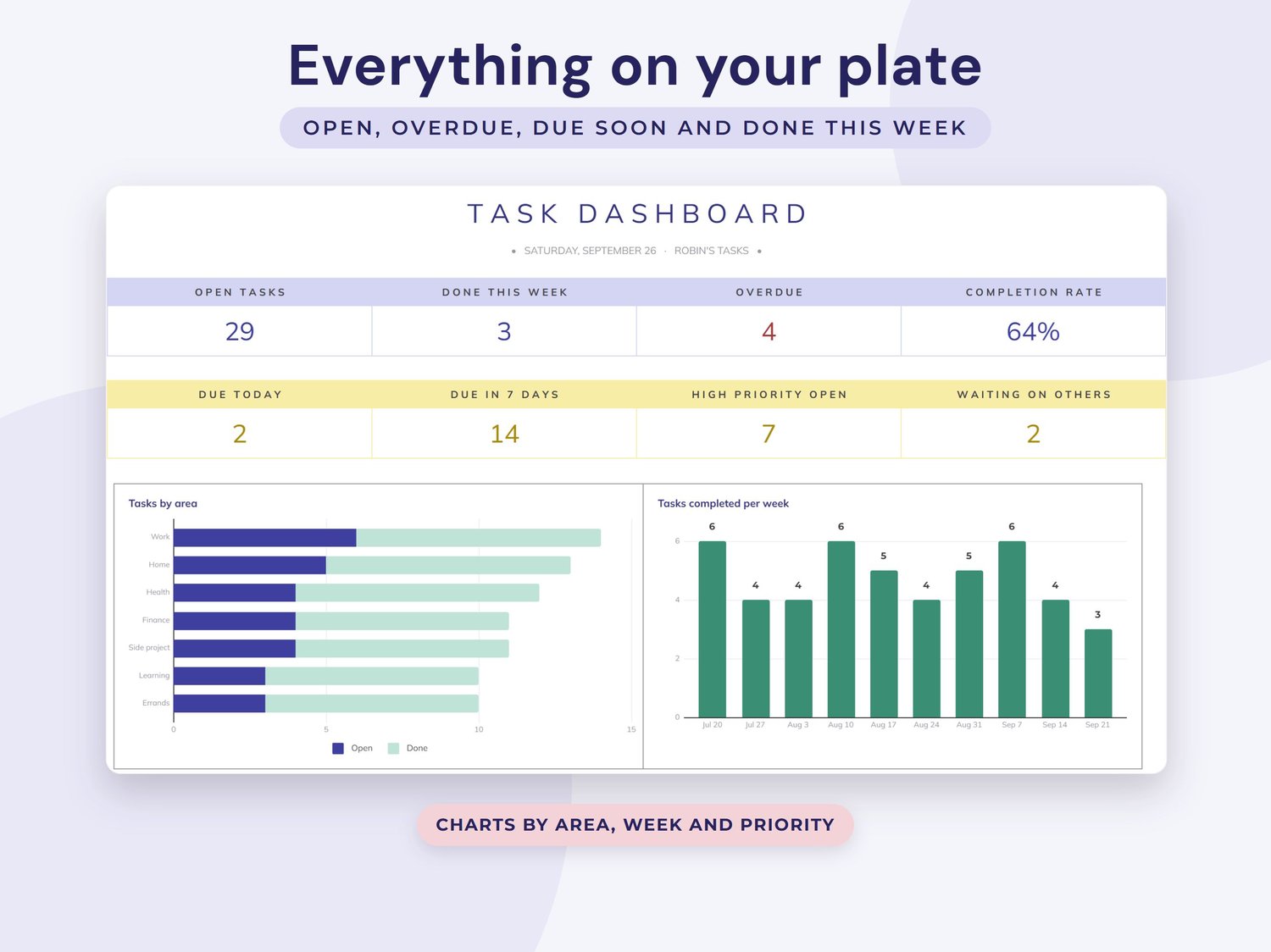
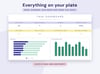
- Dashboard: open tasks, done this week, overdue, completion rate, due today, due in 7 days and high priority, with charts by area, priority and tasks completed per week
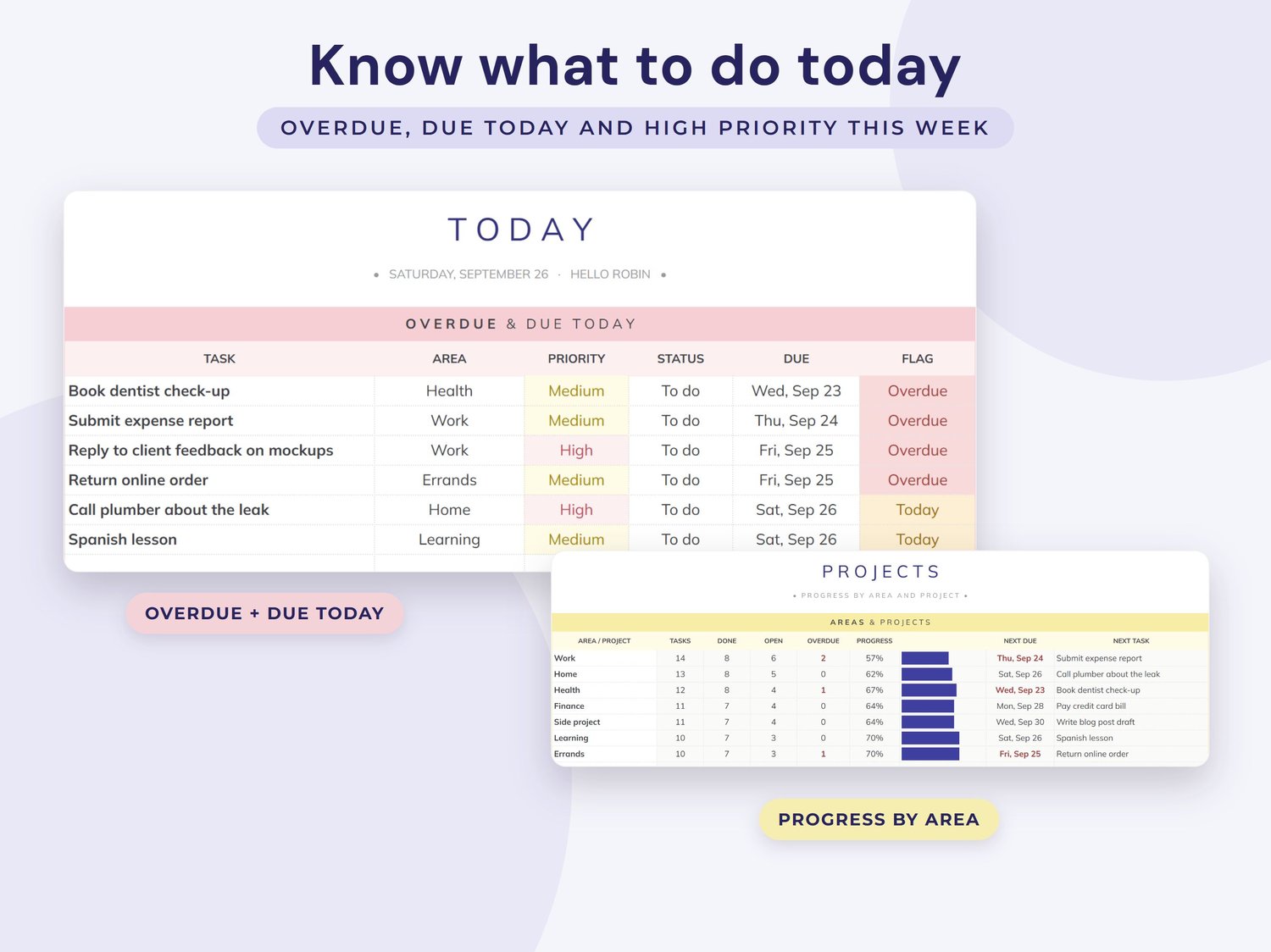
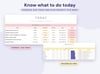
- Today: overdue and due today, then high priority tasks for the next 7 days
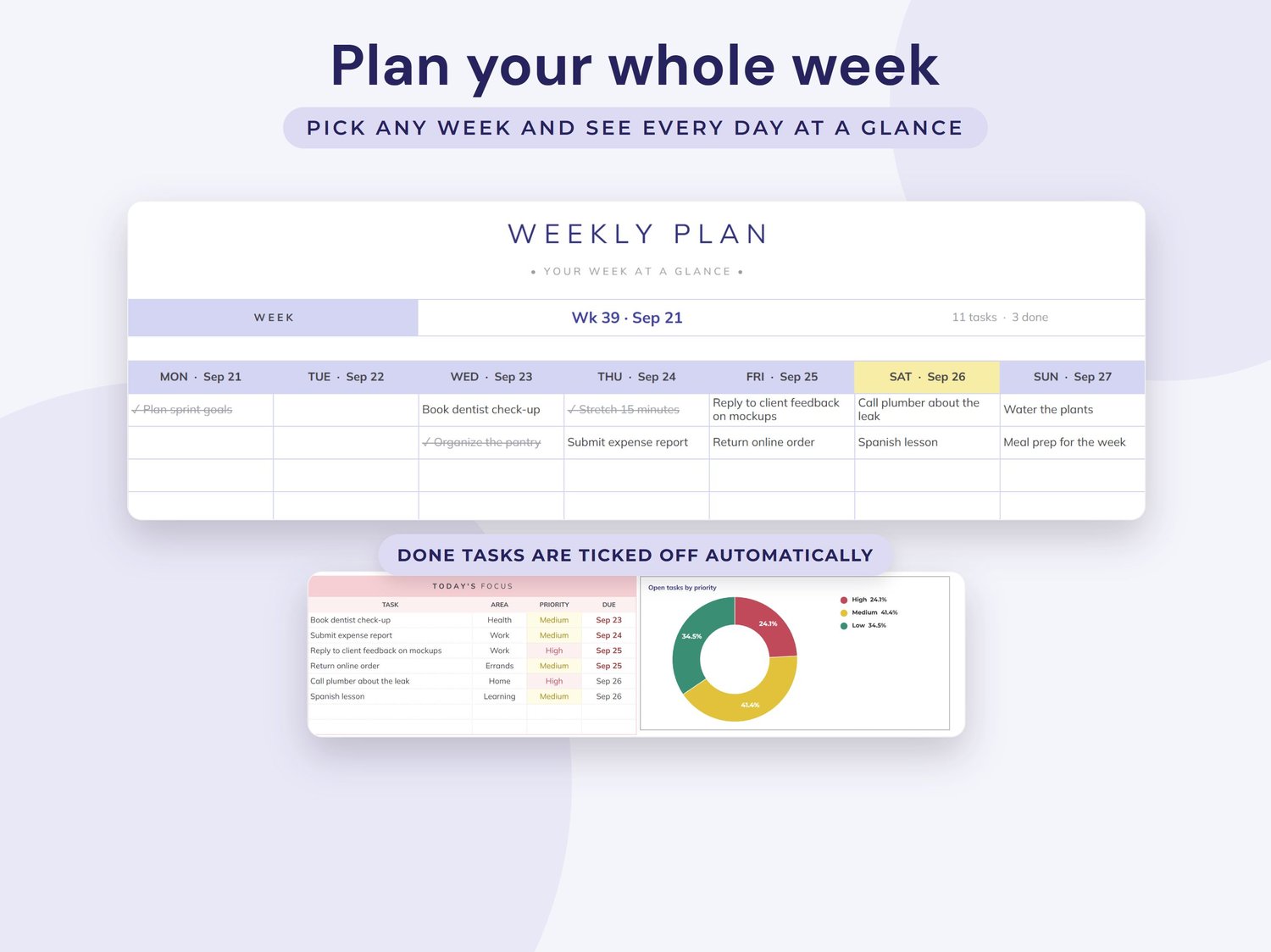
- Weekly: pick any week to see your tasks laid out Monday to Sunday, with done tasks ticked off
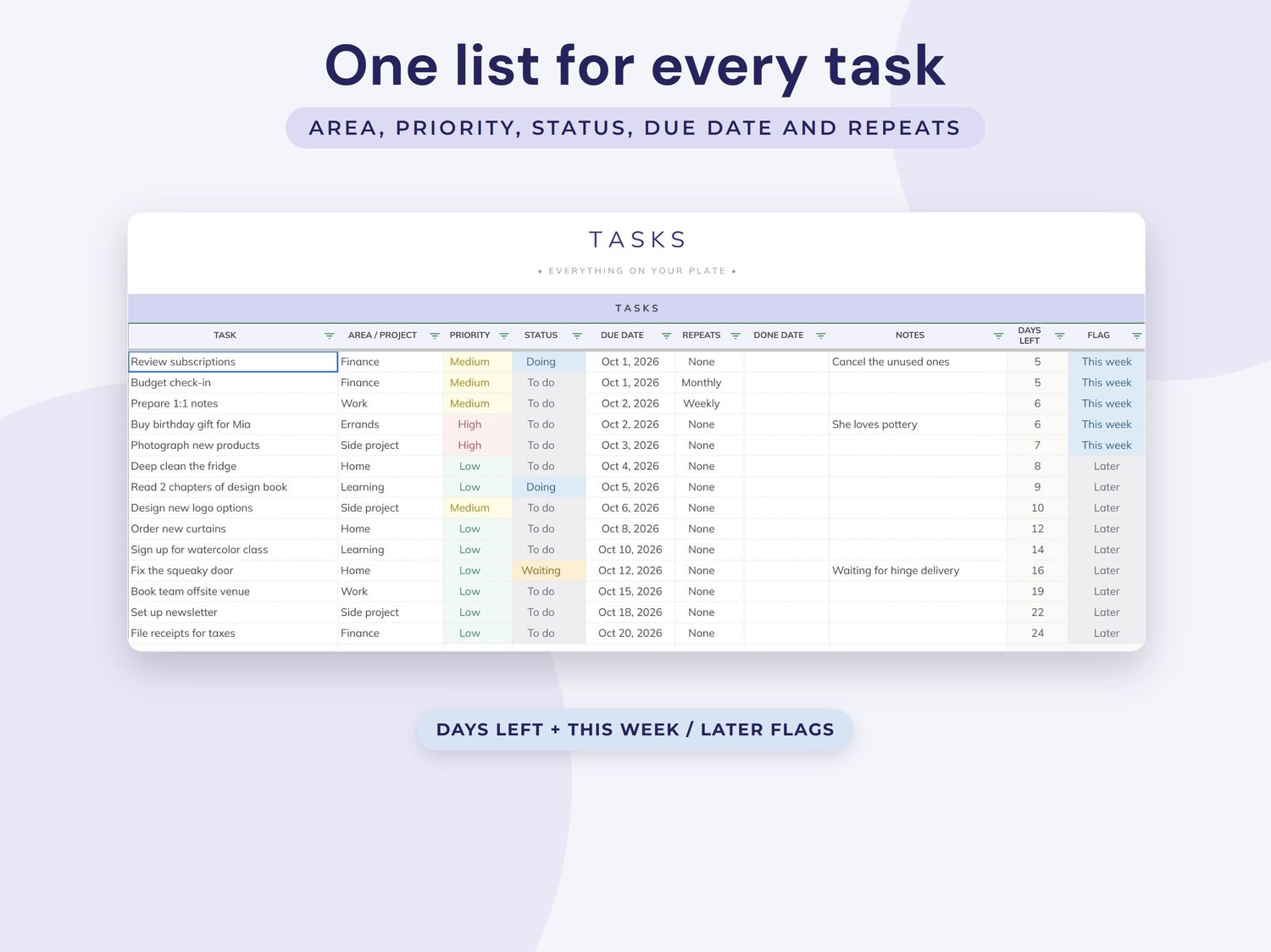
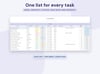
- Tasks: your master list with area, priority, status, due date, repeat, done date, days left and a flag
- Projects: every area or project with tasks, done, open, overdue, a progress bar and what is next
- Setup: your name, the year and your own areas and projects
HOW IT WORKS
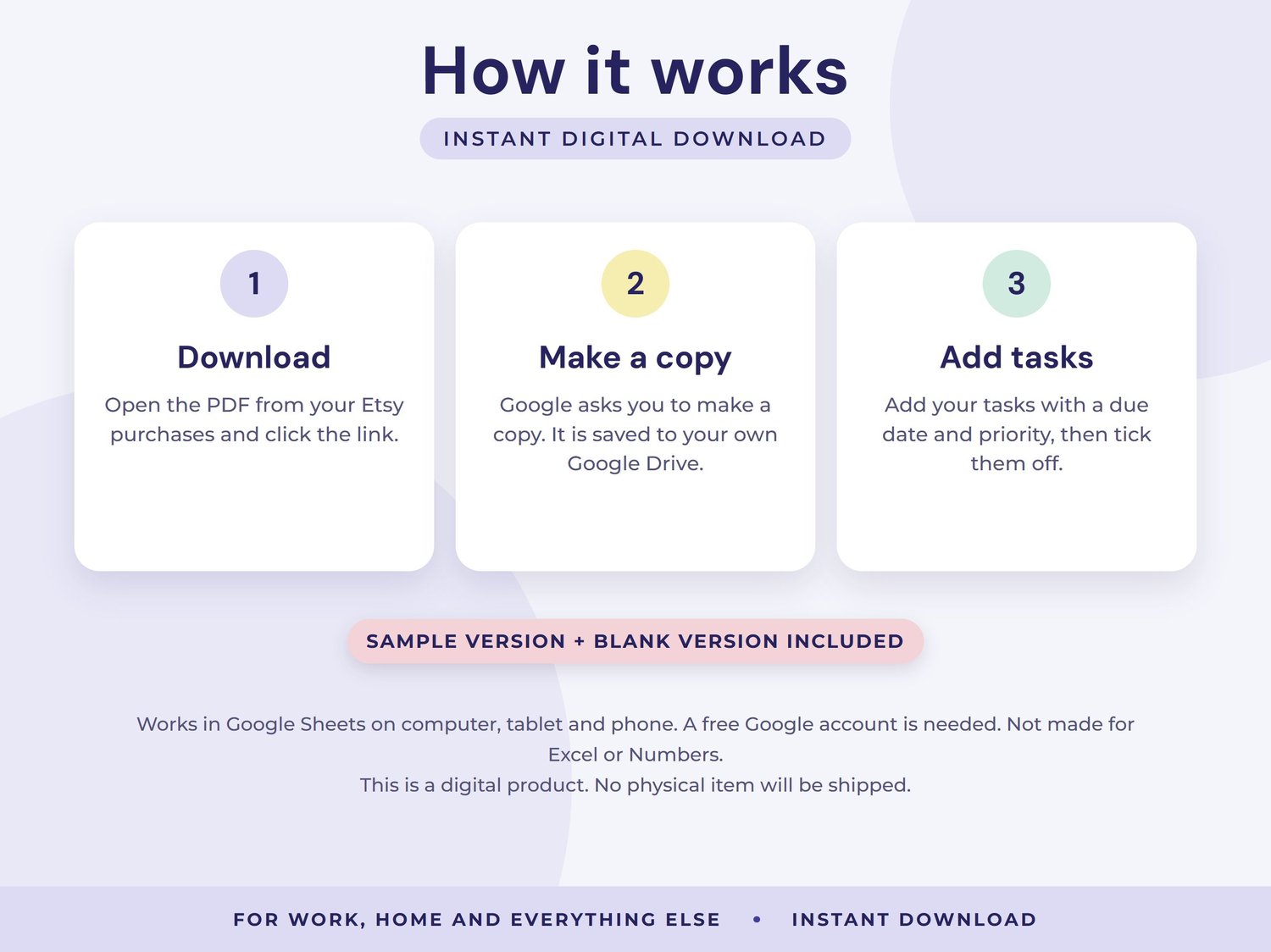
1. After purchase, download the PDF from the link in your confirmation email.
2. Click the link. Google asks you to make a copy, which is saved to your own Google Drive.
3. Add your tasks with a due date and priority, then mark them done as you go. Today, Weekly and the dashboard update automatically.
GOOD TO KNOW
- Two versions included: one with sample data to explore and a blank one ready for your own numbers
- Use it for work, home, study and side projects
- Works in Google Sheets on computer, tablet and phone. A free Google account is needed. Not made for Excel or Numbers
- Cells that calculate show a gentle warning if you try to edit them, so formulas are not deleted by accident
- This is a digital product. No physical item will be shipped
- For personal use only. Please do not share or resell
- Because this is a digital download, returns are not accepted. If you have any problem, email me and I will be happy to help