
Interactive Digital Weekly Planner
The Weekly Planner That Actually Works the Way You Do
Tired of digital planners that look pretty but don't actually work? This one does.
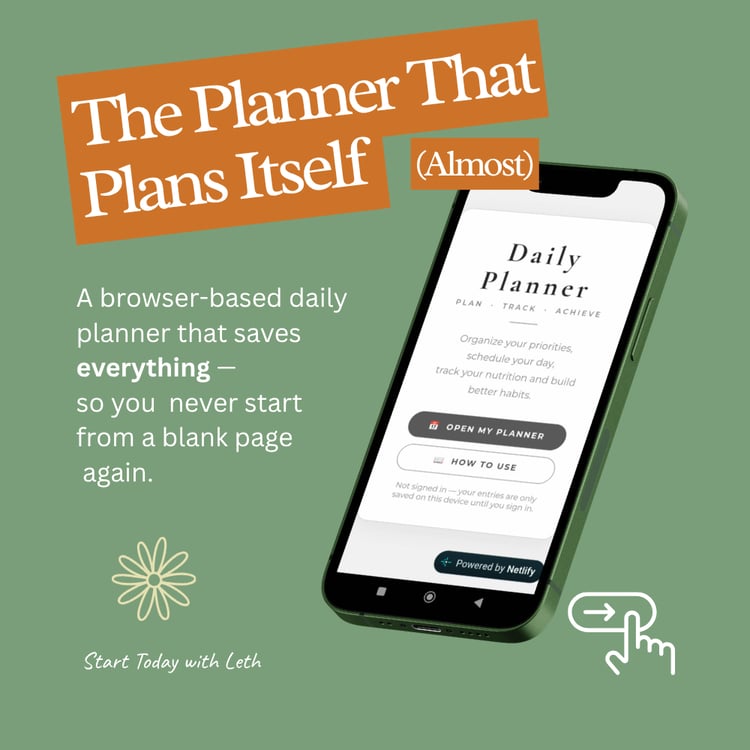
The Weekly Planner by Start Today with Leth is a fully interactive, browser-based planner — no app downloads, no subscriptions, no complicated setup. You get a link, you click it, and you start planning. It's that simple.
Designed for people who want to feel organized without feeling overwhelmed.
"Start Today with less clutter. I created this because I wanted a planner that felt like a breath of fresh air—no manual needed, no subscriptions, just a simple space to design your day."
What Makes This Different
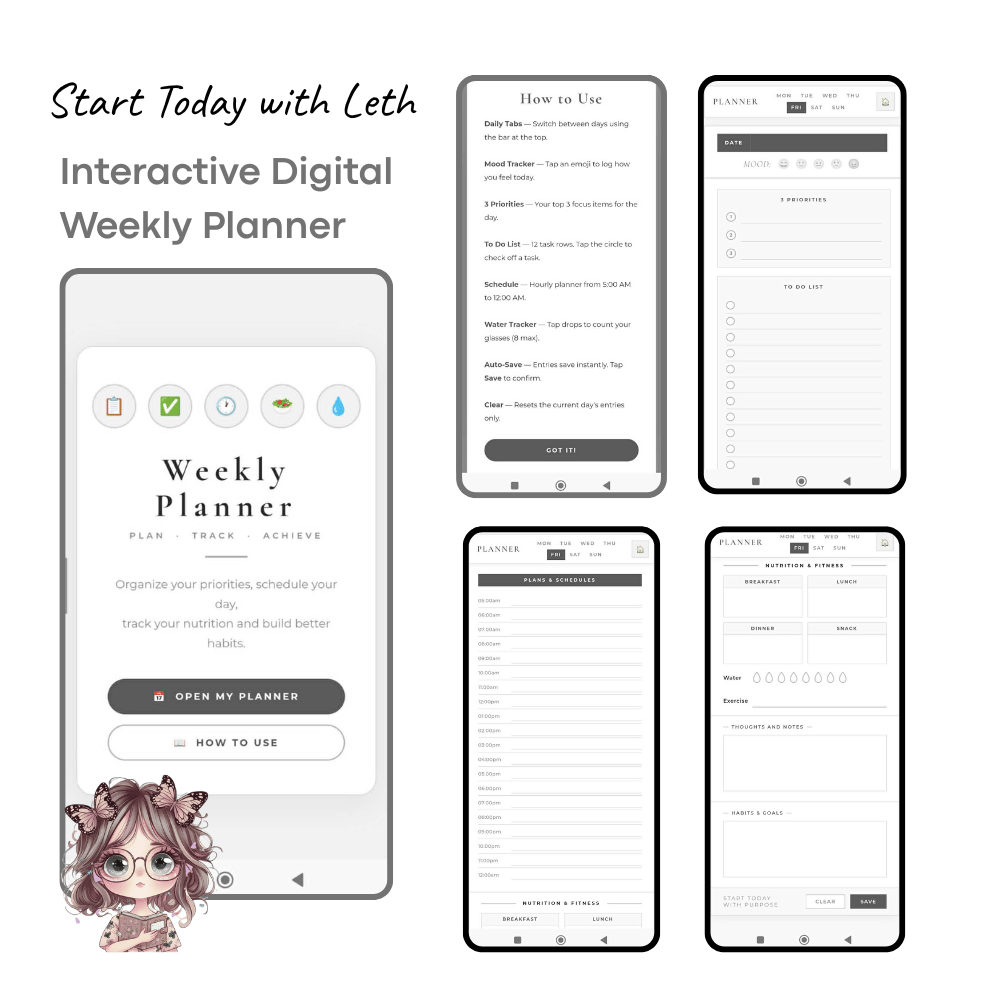
It's Not a PDF. This isn't a file you "annotate." Every field is a real text input — click anywhere and type. Your entries are saved automatically, right in your browser.
No App Store. No Tablet Required. Works in Google Chrome or Microsoft Edge on any laptop, desktop, or Android phone. No GoodNotes. No Notability. No Apple Pencil.
Built for Real Life. Plan your day from 5:00 AM to 11:00 PM with an hourly schedule. Track your top 3 priorities, a full to-do list, meals, water intake, exercise, habits, and your mood — all in one clean view.
Private by Design. Your data never touches our servers. Everything you type is saved locally in your own browser. Your plans stay yours.
What's Inside Each Day
✅ Mood Tracker — Start the day with intention by checking in with how you feel
✅ 3 Priorities — Identify what actually matters today
✅ To-Do List — 12 checkable task rows with one-click completion
✅ Hourly Schedule — Plan from 5:00 AM to 11:00 PM, every hour covered
✅ Nutrition Tracker — Log Breakfast, Lunch, Dinner & Snacks
✅ Water Tracker — Tap the drops to count your glasses (up to 8)
✅ Exercise Log — Keep your fitness goals visible
✅ Thoughts & Notes — A free-write space for reflections and ideas
✅ Habits & Goals — Track the small actions that build big results
✅ One-Click Clear — Start any day fresh without losing other days
What You'll Receive After Purchase
After purchase you'll receive a PDF with your personal access link, a quick-start guide, and tips for saving it to your home screen so it opens like a native app — in seconds.
📌 Please Read Before Purchasing
Internet Required. The planner needs an internet connection to load its fonts and styling.
Compatible Devices Best experienced on: Google Chrome (laptop/desktop) · Microsoft Edge · Android Mobile (Chrome browser) Note: Apple devices (iPhone, iPad, Mac/Safari) have not been fully tested. Results may vary.
Your Data Lives in Your Browser This planner saves your entries in your browser's local storage — similar to how websites remember your preferences. This means:
- Clearing your browser's cookies or cache will erase your saved entries
- We recommend taking a screenshot or printing your week if you want a permanent copy