
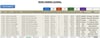
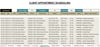
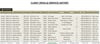
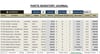
Auto Repair Shop Point of Sale System
AUTO REPAIR SHOP POS SYSTEM
Run Your Shop Without Chaos, Confusion, or Missed Revenue
If you’re running an auto repair shop with scattered notes, handwritten invoices, or a basic spreadsheet, you’re losing time, losing money, and losing track of what’s actually happening in your business.
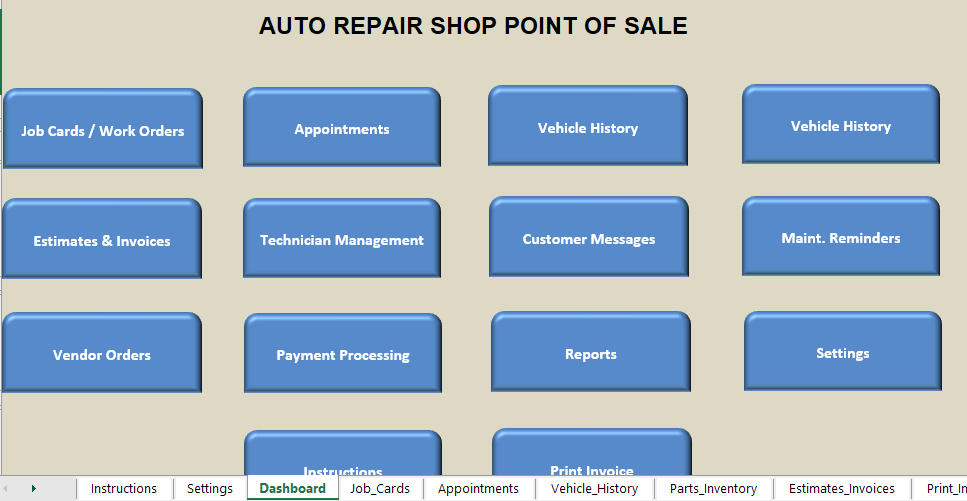
This system replaces the chaos with a clean, predictable workflow that handles customers, vehicles, labor, parts, diagnostics, taxes, payments, and invoices — all inside one streamlined Excel‑based POS.
This isn’t a template.
This is a full operational system built for real mechanics.
Who This System Is Built For
- Independent mechanics
- Small repair shops
- Mobile mechanics
- Side‑hustle techs
- Anyone tired of messy paperwork and inconsistent billing
If you’ve ever said “I know I fixed that car, but I can’t find the invoice,” this system is for you.
The Problem It Replaces
Most repair shops struggle with:
- Lost or incomplete work orders
- Miscalculated labor hours
- Parts scattered across notes and receipts
- Inconsistent pricing
- Handwritten invoices that look unprofessional
- No clear record of payments
- No idea what the shop actually earned this week
This system eliminates all of that.
How the Workflow Actually Works (Step‑by‑Step)
Mechanics don’t buy features — they buy workflow clarity.
Here’s exactly how your shop runs inside this POS:
1. Vehicle Arrives
Select an existing customer or add a new one.
Enter the vehicle details once — the system remembers them forever.
2. Diagnose the Issue
Record the problem, notes, and recommended work.
Everything stays attached to the vehicle and customer.
3. Add Labor
Enter labor hours → the system calculates labor cost automatically.
4. Add Parts
Search or enter parts → cost, markup, and totals calculate instantly.
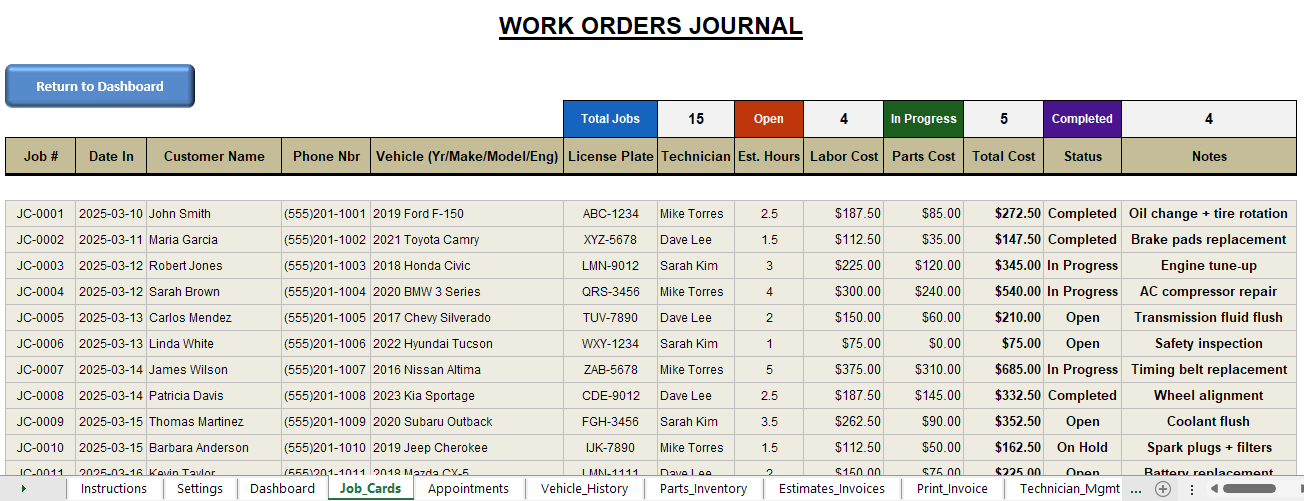
5. Review the Work Order
You see a clean breakdown of labor, parts, taxes, and totals.
No math. No mistakes.
6. Generate a Professional Invoice
Click → invoice is created with:
- customer info
- vehicle info
- labor
- parts
- taxes
- totals
- payment status
Print it or send it digitally.
7. Record Payment
Cash, card, check — whatever you accept.
Payment history updates automatically.
8. Revenue Updates Automatically
Your daily, weekly, and monthly revenue dashboards update instantly.
You finally know what your shop is earning.
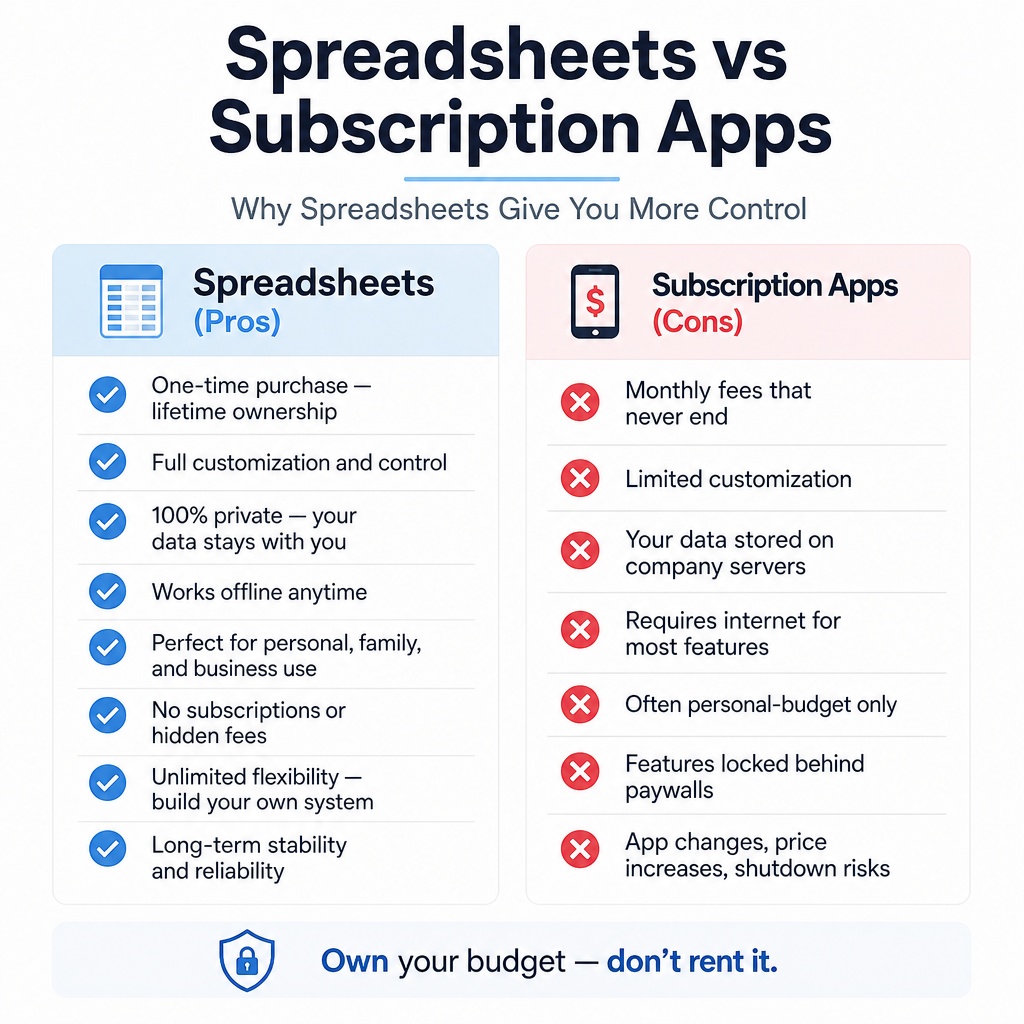
This is how a real POS system should work — without subscriptions.
Key Automations That Save You Time
- Labor cost auto‑calculation
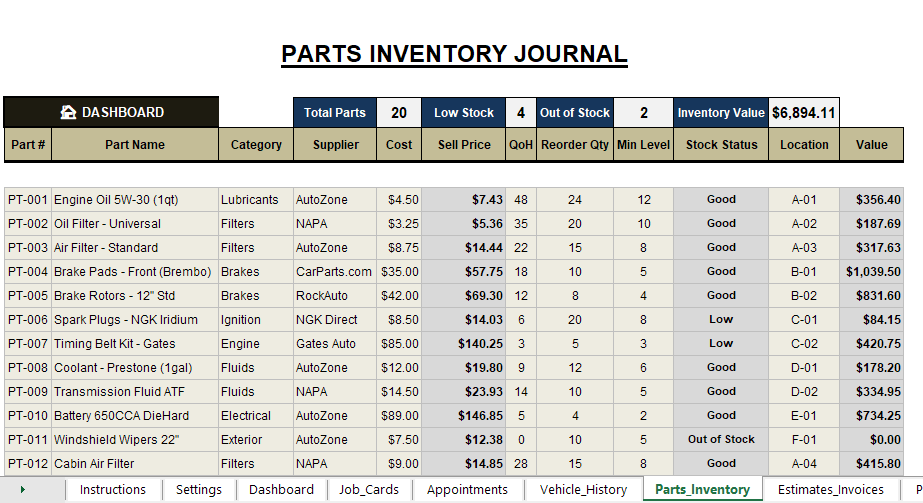
- Parts totals + markup auto‑calculation
- Tax auto‑calculation
- Invoice auto‑generation
- Payment tracking
- Revenue dashboards
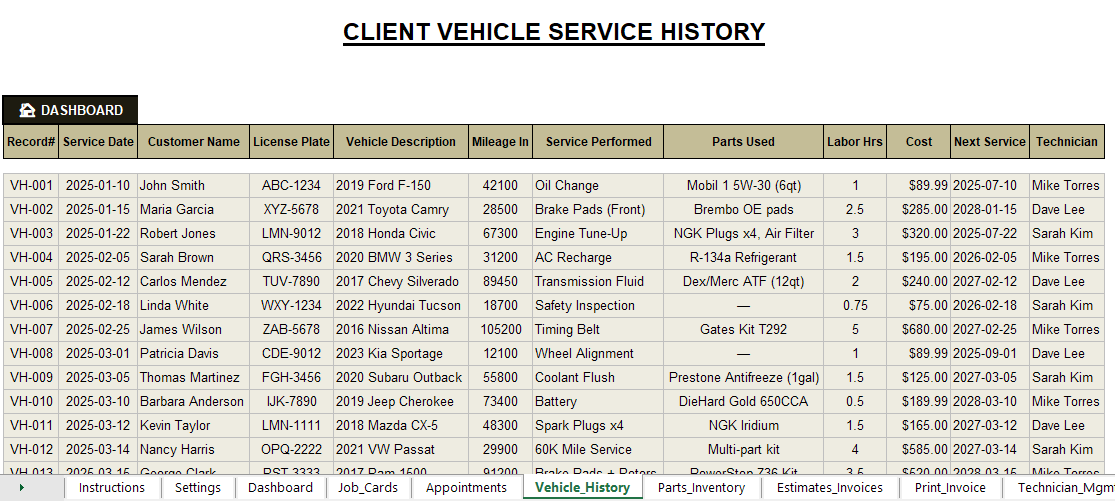
- Customer + vehicle history
- Work order history
- Automatic running totals
You stop doing math.
You stop making mistakes.
You stop losing money.
What’s Included
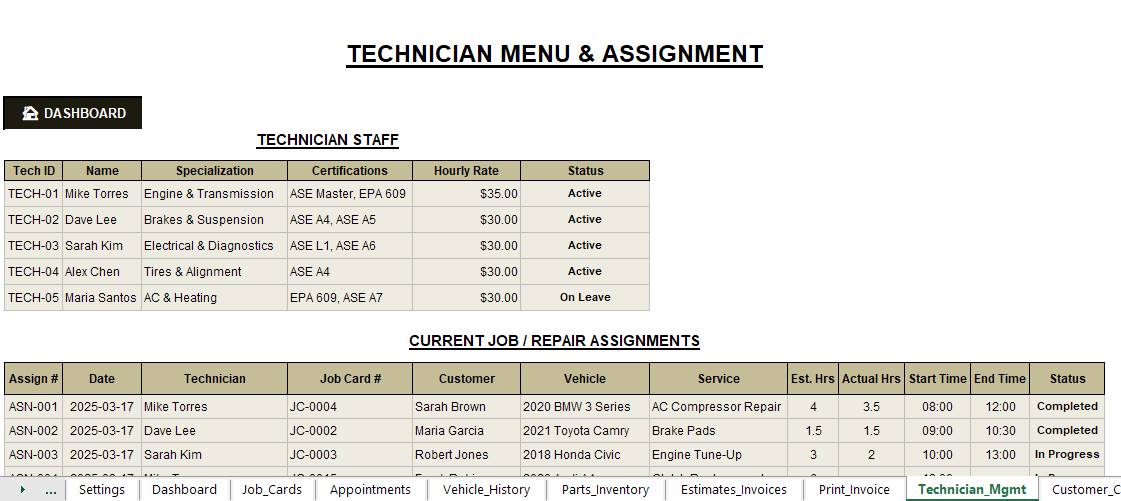
You get a complete operational suite:
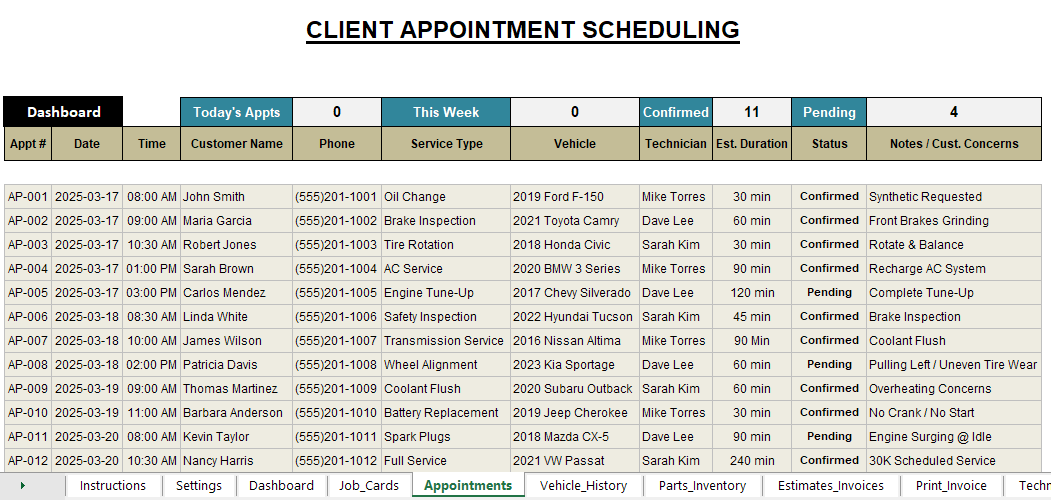
- Work Order Manager
- Labor Calculator
- Parts Manager
- Diagnostics Log
- Invoice Generator
- Payment Tracker
- Customer Database
- Vehicle Database
- Revenue Dashboard
- Shop Performance Summary
Everything works together.
Everything updates automatically.
Practical Benefits You’ll Notice Immediately
- Faster check‑ins
- Cleaner work orders
- Accurate labor and parts totals
- Professional invoices
- Fewer billing mistakes
- Better customer trust
- Clear revenue tracking
- Less paperwork
- More time to actually fix cars
This system doesn’t just organize your shop — it makes your shop feel professional.
Excel Incentives
- Works in Excel (Windows or Mac)
- No advanced Excel knowledge required
- No macros needed unless noted
- No subscriptions
- No cloud lock‑in
- You own it forever
Customization Options
Need custom fields? Extra workflows? Additional automation?
This system is fully editable.
You can expand it as your shop grows.
Your Shop Deserves Better Than Handwritten Invoices
Download the Auto Repair Shop POS System today and start running your shop with:
- clarity
- accuracy
- professionalism
- confidence
Stop losing time.
Stop losing money.
Stop running your shop on guesswork.
Get the system that makes your repair business run smoothly — every day.