
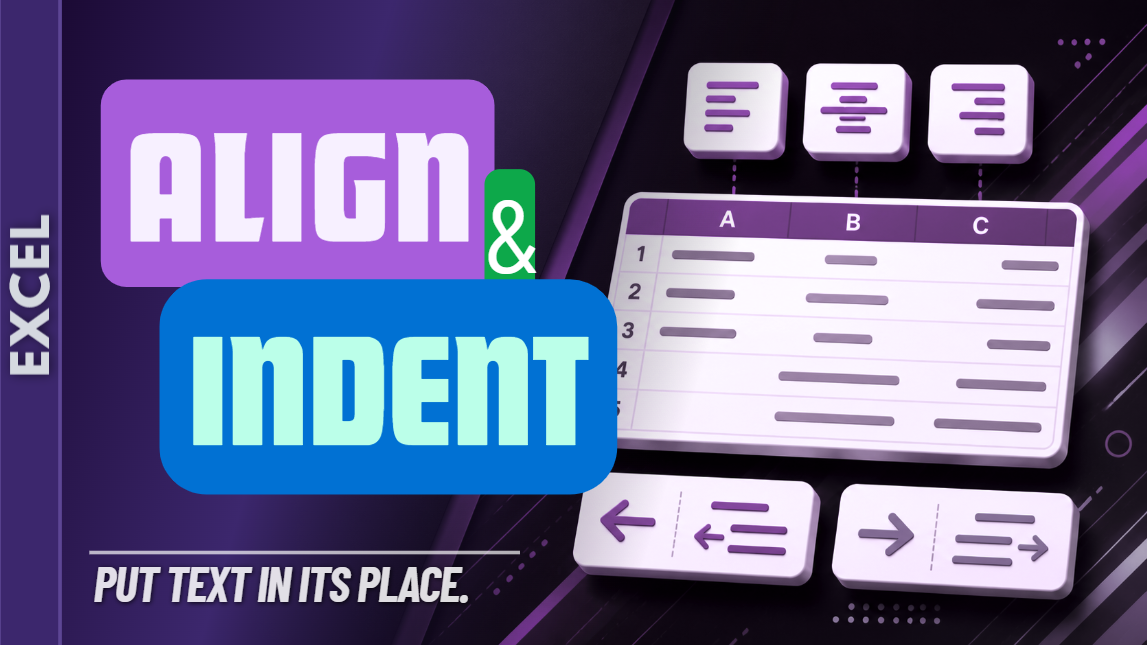
Excel Alignment & Indentation Practice Workbook | Beginner Formatting
Learn how to align and indent text in Microsoft Excel with this beginner-friendly practice workbook from Easy Mode Excel Tutorials!
Want your spreadsheet to look cleaner and more organized? Excel makes it easy to position information inside cells, whether you want text centered, aligned to one side, or indented for a more polished appearance.
This hands-on workbook accompanies our free Excel Alignment & Indentation video lesson, giving you the opportunity to practice organizing cell contents with confidence.
What You'll Practice
✓ Align text to the left, center, or right of a cell
✓ Adjust vertical alignment within cells
✓ Use Increase Indent to move text farther from the cell edge
✓ Use Decrease Indent to move text back toward the edge
✓ Apply alignment and indentation to multiple cells
✓ Build confidence creating neat, readable worksheets
What's Included
✓ One downloadable Excel practice workbook (.xlsx)
✓ Beginner-friendly exercises to reinforce the lesson
✓ A workbook you can open and edit in Microsoft Excel
✓ Hands-on practice you can complete at your own pace
Perfect for Excel beginners! Learn how to position information neatly inside cells and give your spreadsheets a more organized appearance.
Price: $2.49 USD — one-time purchase.
After purchasing, you'll be able to download your Excel practice workbook and start practicing right away.
This purchase includes the practice workbook only. Microsoft Excel is not included.
Watch the FREE Video Lesson
🎥 Excel Alignment & Indentation:
More FREE Learning
Continue learning with our free Excel Row Height & Column Width lesson to discover more ways to make your spreadsheets neat and readable.