

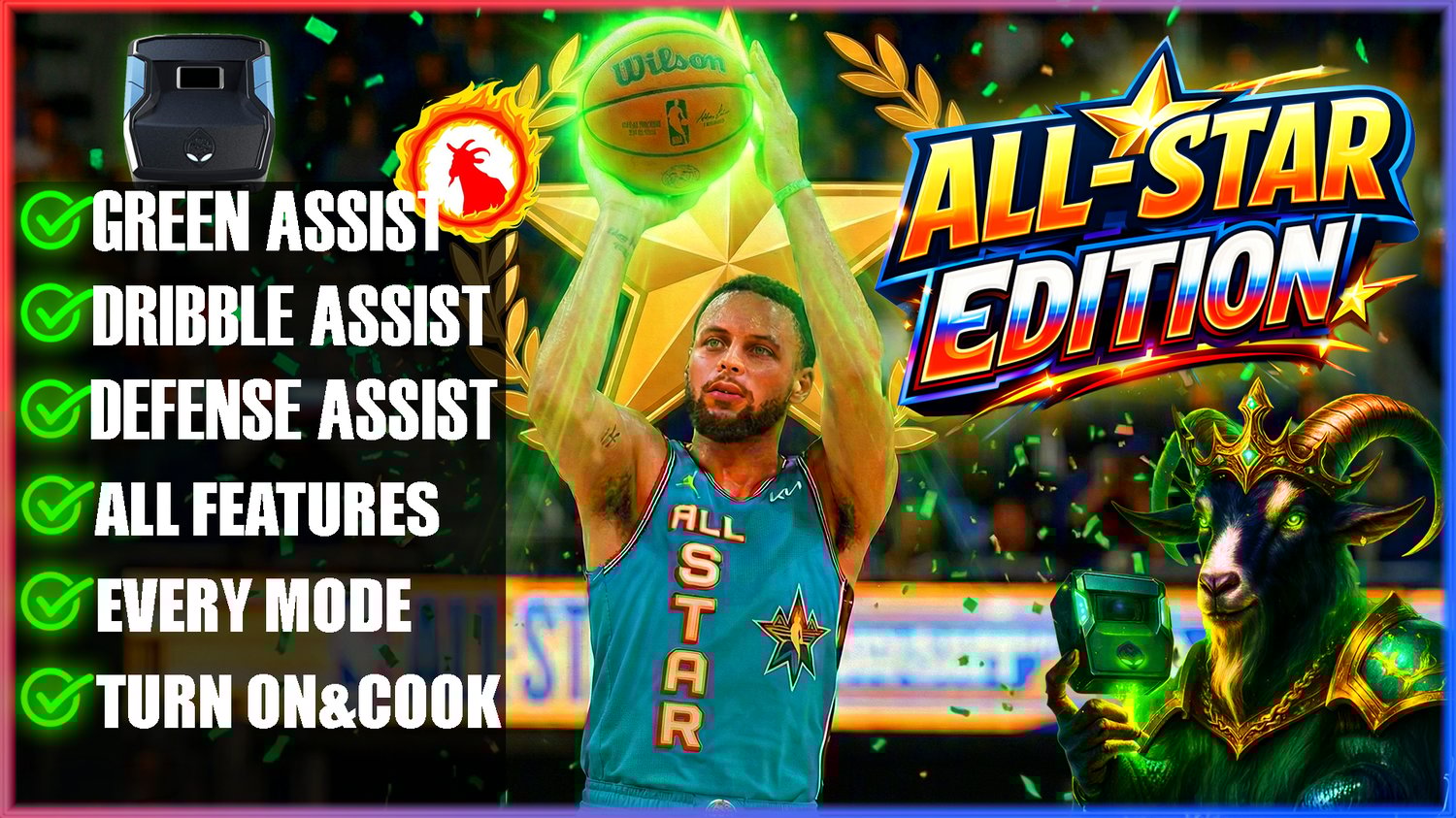
🏀2K26 ALL-STAR EDITION SCRIPT⭐
On Sale
$105.00
(% off)
$65.00
Welcome to the 🏀2K26 ALL-STAR EDITION⭐ Script!
1. What the Script Actually Does
- This script is a simple automation tool built for the Basketball26 game. It focuses on basic input remapping and timing assistance for shooting mechanics.
- Key elements include:
- Shot Tempo Automation
- Turbo Shots and Modes
- RS Shooting and Insta-Shot
- Remapping Options
- OLED Menu
- RS Shooting
- Insta Shot: Tap L3/R3 (remap-dependent) for instant timed shots
- Insta Speed:
- Insta Tempo
- Remap Square
- Auto QuickStopot.
- Meter Dunk
- Defense Boost
- No-Dip Shot)
- No-Dip Tempo
- Unlimited Stamina
2. Educational Purposes: Learning Game Mechanics
- Teaching Tool for Beginners: The script serves as a learning aid by breaking down complex mechanics like shot timing and stick flicks into adjustable parameters. For example:
- Adjust "Tempo Speed (ms)" to experiment with delays and see how they impact shots in practice mode.
- Use the "Stability Enhancer" to simulate variations in input, helping users understand randomness in gameplay.
- The OLED menu encourages tinkering, teaching programming basics (e.g., variables like delay_duration or stabilization_variation) and game design principles.
- Scripting Education: As an open .GPC file, it's a great resource for aspiring coders. Users can study the code (e.g., combos like flick_up_rs_smooth or menu logic) to learn about loops, variables, and input handling. It's like a tutorial on building custom controllers or mods, promoting STEM skills in gaming contexts.
- Practice and Skill-Building: By automating repetitive inputs, it allows focused practice on strategy, positioning, and decision-making turning the game into an educational simulator rather than a grind.
3. Accessibility for Players with Disabilities
- Designed for Inclusivity: Many players face physical challenges that make precise analog stick movements or rapid button presses difficult. This script addresses that by:
- Remapping Controls: Options like remapping Square to L3/R3 reduce strain for those with limited hand mobility, arthritis, or motor impairments.
- Timing Assistance: Adjustable delays (e.g., Insta-Shot with 700 ms default) help players with slower reaction times or coordination issues (e.g., due to neurological conditions like Parkinson's or cerebral palsy) enjoy the game without frustration.
- Simplified Inputs: Features like hold-based RS Shooting minimize the need for complex combos, making the game accessible for users with repetitive strain injuries (RSI) or dexterity limitations.
- Ethical Focus: This isn't about "winning at all costs"; it's about equalizing access. For instance, someone with hand tremors can use the stability enhancer to practice shots consistently, building confidence and skills over time.
4. How to Use It Responsibly
- Setup and Download
- Recommendations: Use it in single-player or practice modes for learning. For disabilities, consult accessibility guides from the game's developer. Always play fairly disclose usage in casual groups if needed.
- No Refunds Policy: As an educational resource, sales are final. Ensure your setup is compatible before purchasing.