Mastering Excel VBA Automation - First Chapter
Mastering Excel VBA Automation
Notice—this is just the first chapter! - For the full version visit here:
For the Full Course - Visit here:
https://payhip.com/b/s0Kmd
The full version include:
10+ BONUS Structured Chapters | 200+ Pages | 4 Real Projects | 50+ Code Snippets
This is your complete, hands-on workbook to mastering VBA for Excel automation—designed for professionals, analysts, students, and self-learners ready to build powerful tools with code.
What You'll Get:
- ✅ 10+ Structured Chapters crafted for progressive learning
- 💥 BONUS Chapter on Event Macros — the secret behind responsive automation
- 📄 200+ Pages of beautifully structured, beginner-friendly explanations
- 🧠 Practice Tasks + Quiz Questions to lock in core concepts
- 💡 50+ Ready-to-Use Code Snippets for real Excel VBA challenges
- 🚀 4 Real Projects to Build Confidence.
Why This Workbook is Different:
- Built with a real-world mindset—not just syntax, but why and how to code.
- Includes full walkthroughs, project planning, and debugging guides.
- Teaches how to automate day-to-day tasks like data input, formatting, validation, PDF exports, filtering, and more.
- Perfect for those who want to think like a developer while working in Excel.
What You’ll Learn:
- UserForms, logic, and advanced interface building.
- Reading & writing Excel ranges with precision.
- Arrays, loops, conditions, and string manipulation.
- Working with files, folders, and external data.
- Smart macros that respond to Excel events.
- Clean and modular code practices.
Built for Practice:
Each chapter includes:
- 🎯 Clear goals and learning outcomes
- 🛠 Hands-on examples with in-depth code explanation
- 📌 Key takeaways and visual highlights
- ✅ Exercises and optional challenges to reinforce learning
BONUS CONTENT:
- Event Macros Chapter—make Excel react when files are saved, opened, edited
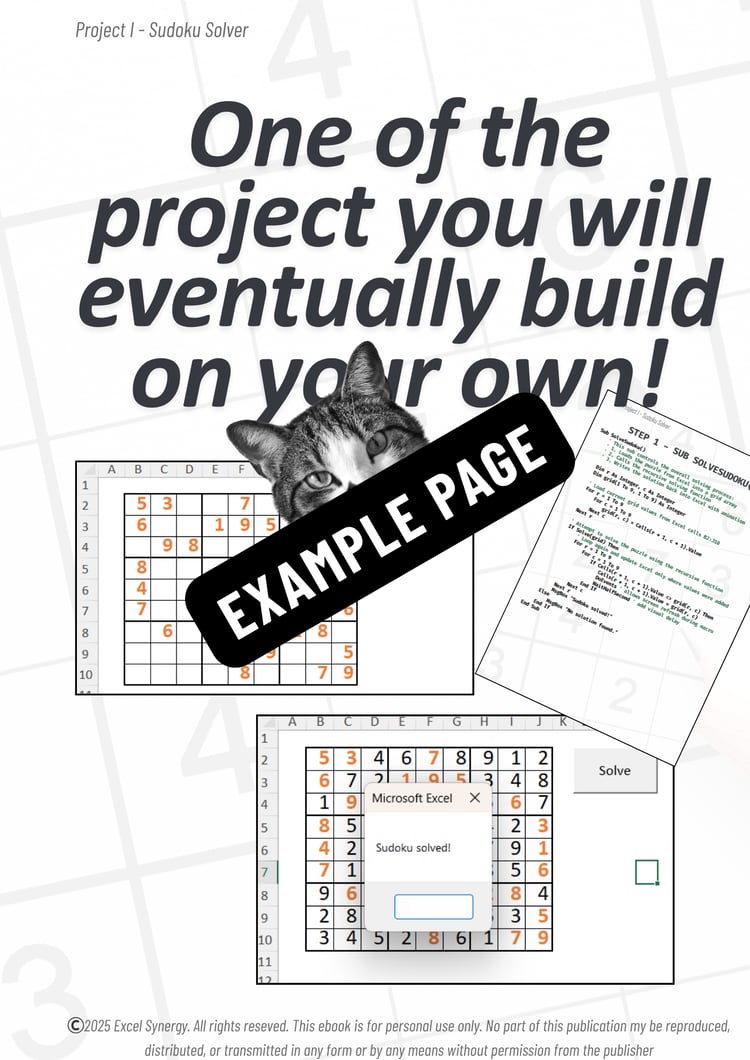
- 4 Real Projects with step-by-step breakdowns
- Pro design + practical use cases for every snippet
Download once. Use forever.
Important Instructions:
🤝 We're Here to Help:
If you have any questions or need assistance, don’t hesitate to reach out! Remember, this template is for personal use only, and you cannot use any part of it to create products for sale or for public/commercial purposes.
📩 Digital Product Policy:
Please be aware that due to the nature of digital products, we cannot accept refunds, returns, exchanges, or cancellations.
💾 Instant Download — no waiting, no shipping fees.
Once purchased, it’s yours forever.
Please note: No physical product will be shipped.
This book is licensed for personal use only and may not be copied, redistributed, or resold in any form.
The materials in this product — including the VBA Learning Book, its projects, code examples, exercises, and chapter content — are provided for educational and illustrative purposes only.
While every effort has been made to ensure accuracy and quality, Excel Synergy makes no warranties regarding the suitability or completeness of any code, logic, or method for a specific use case or industry.
Users are solely responsible for how they implement and interpret the content in their own Excel environments.
This product is independently developed and is not affiliated with, endorsed by, or sponsored by Microsoft Corporation.
© 2025 Excel Synergy. All rights reserved.