

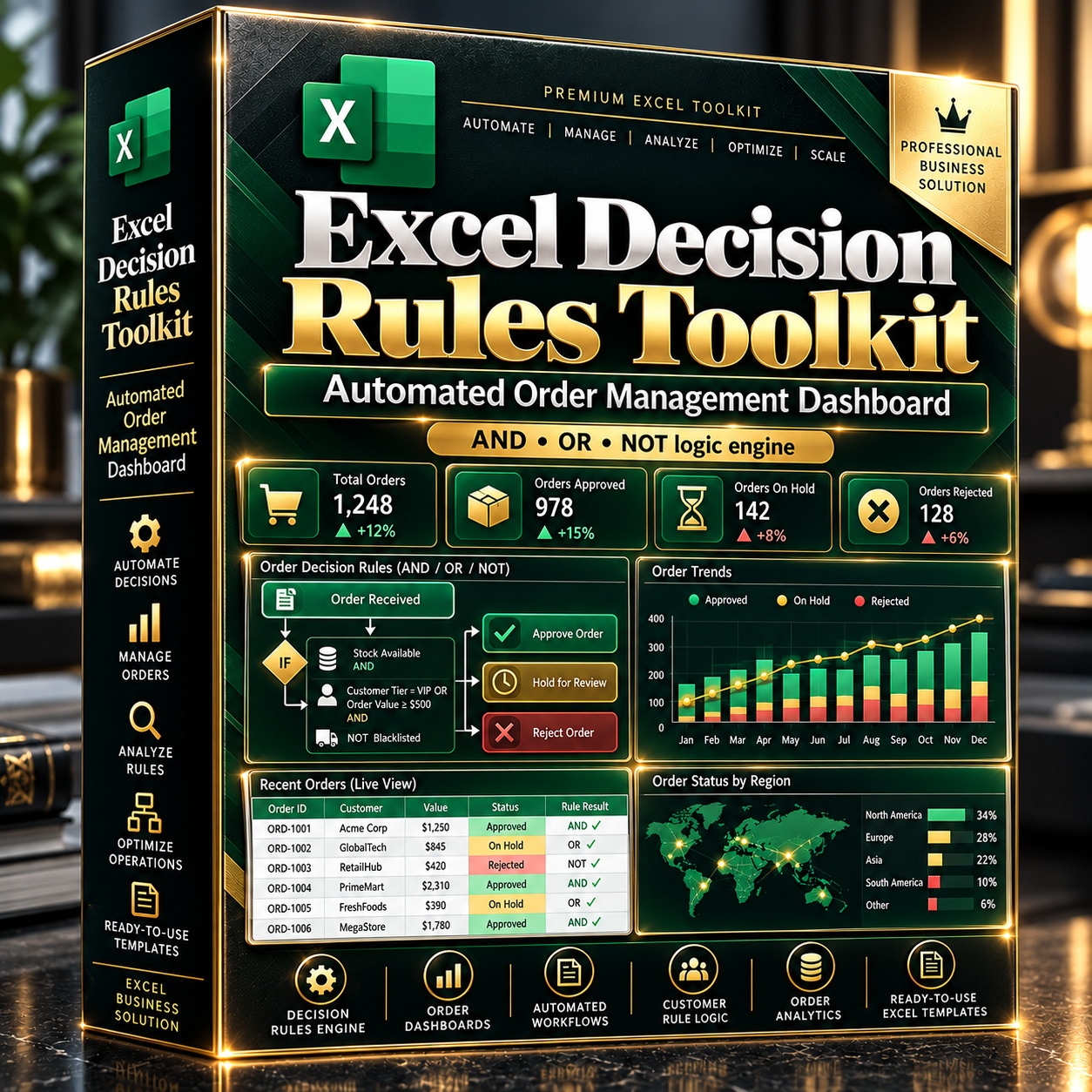
Excel Automated Decision Rules & Order Management Dashboard
Automate Order Decisions with AND, OR & NOT in Excel
Stop checking business records manually. This Excel toolkit helps you evaluate order conditions, identify exceptions, apply customizable business rules, and monitor performance through a built-in KPI dashboard.
What's Included
- Approximately 120 sample orders
- Adjustable business rules and thresholds
- Automatic order qualification
- Exception and approval checks
- READY, REVIEW, and HOLD classifications
- KPI dashboard and quality-control checks
- Editable Excel formulas — no VBA required
Designed for Real Business Workflows
Use the toolkit to organize operational decisions, highlight orders requiring attention, and apply consistent rules across your dataset.
Need More Than 120 Orders?
The sample dataset is not a fixed order limit.
You can expand the workbook to handle additional records:
- Add your new orders beneath the existing data.
- Extend calculated formulas into the newly added rows.
- Update summary formulas and dashboard ranges so they include the expanded dataset.
- For easier ongoing maintenance, consider converting the data range into an Excel Table using Ctrl + T and adjusting formulas to structured references.
- Verify several calculated decisions after expansion.
The included version contains a preconfigured sample dataset. Expansion requires updating relevant formulas and report ranges; automatic unlimited scaling is not included.
Ideal For
- Business and data analysts
- Operations managers
- Sales and order-processing teams
- Small business owners
- Excel professionals
Compatibility: Excel 2016, 2019, 2021, and Microsoft 365.
Format: Editable .xlsx workbook
Instant download · No macros · No subscription