

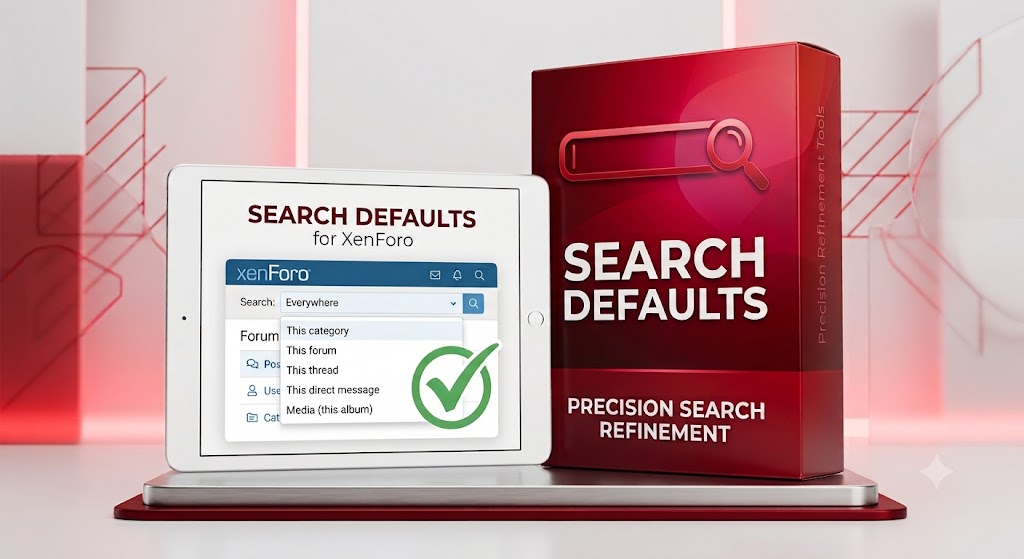
Search Defaults
Your search box, finally paying attention to where you are.
By default, XenForo's search box always defaults to "Everywhere" — no matter where you're looking. Browsing a forum? Reading a thread? Sifting through your Media Gallery? Doesn't matter — every search starts from scratch, scoped to the entire site.
Search Defaults fixes that. It quietly preselects the most relevant search scope based on the page you're actually on:
- Browsing a forum → defaults to This forum
- Reading a thread → defaults to This thread
- Inside a category → defaults to This category
- Viewing a direct message → defaults to This direct message, or Direct messages from the conversation list
- Media Gallery → defaults to Comments (this media item), Media (this album), Media (this category), or just Media on the general overview
- Resource Manager → defaults to This category, or Resources on the main listing
- AMS → defaults to This series, This category, or Articles on other pages
Everywhere still stays one click away in every case — this just saves the click most of the time, instead of costing one.
Key features:
- Fully controlled by a single Admin CP on/off toggle — install it, decide if you want it live
- No PHP, no database queries, no performance overhead — pure template logic
- Works standalone on any XenForo 2.3+ forum; automatically extends to Media Gallery and/or Resource Manager scopes if those are installed, with zero errors or side effects if they're not
Requirements: XenForo 2.3 or later (relies on XF 2.3's search page-option system). Media Gallery, Resource Manager, and AMS integration require those add-ons to be installed, but none are required for the core forum/thread/category/conversation behaviour to work.