
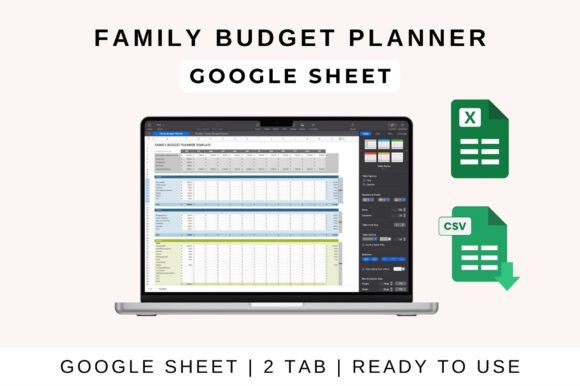
Family budget planner
Stay on top of your household finances with this Family Budget Planner. Designed for easy monthly income and expense tracking, this spreadsheet helps families manage their finances, plan savings, and maintain control over spending. Ideal for budgeting for groceries, utilities, kids’ expenses, mortgage, and more.
🧾 Monthly income & expense breakdown
📊 Visual charts for better financial overview
💡 Customizable categories (groceries, rent, savings, etc.)
📅 Tracks budget vs. actual spending
📈 Built-in savings and debt tracking
💬 Easy to use for all family members
✅ Works with Excel, Google Sheets, and Apple Numbers
————
How to Use in Google Sheets:
————-
1. Open the File: Upload the template to Google Drive and open it in Google Sheets.
2. Enter Your Data: Fill in income and expenses under the relevant categories.
3. Automated Calculations: The sheet will auto-calculate totals, profit, and loss.
4. Customize as Needed: Adjust categories, formulas, and visuals to fit your needs.
5. Share & Collaborate: Easily share the sheet with your team for real-time updates.
———-
How to Use in MS Excel:
———-
1. Download the File: Open the Excel version on your desktop.
2. Enable Editing: If prompted, click “Enable Editing” for full functionality.
3. Input Data: Enter income and expenses, and let formulas update automatically.
4. Analyze Insights: Use built-in charts and summaries to assess financial performance.
5. Save & Export: Save your file or export it as a PDF for reporting.
———–
How to Use in Apple Numbers:
———–
1. Import the File: Open the template in Apple Numbers on your Mac or iPad.
2. Edit Invoice Fields: Update with your business and client details.
3. Automatic Pricing Calculations: Totals and taxes adjust dynamically.
4. Customize as Needed: Add your logo, change colors, and modify formatting
5. Export & Send: Save as a PDF or share directly from Apple Numbers.