
Perpetual Impact Grant - Drafting Document FY26
Applying for the FY26 Perpetual Impact Grant?
Save yourself time, effort and heartache by using my FY26 Perpetual Drafting Document.
Drafting your document directly into the online form is bad practice. The form might fail to save, and you'll lose all your work. You won't be able to share the draft with collaborators, or the person who needs to sign off. You can't go over the word limit on any question, so you can't add extra notes and ideas while you're drafting your great responses.
Speaking of word limits... Perpetual does publish a sample application form - but it fails to note the word limits, which makes it hard to use! And anyone who has tried to copy-paste from PDF to Word knows that the formatting gets mucked up and it's just annoying.
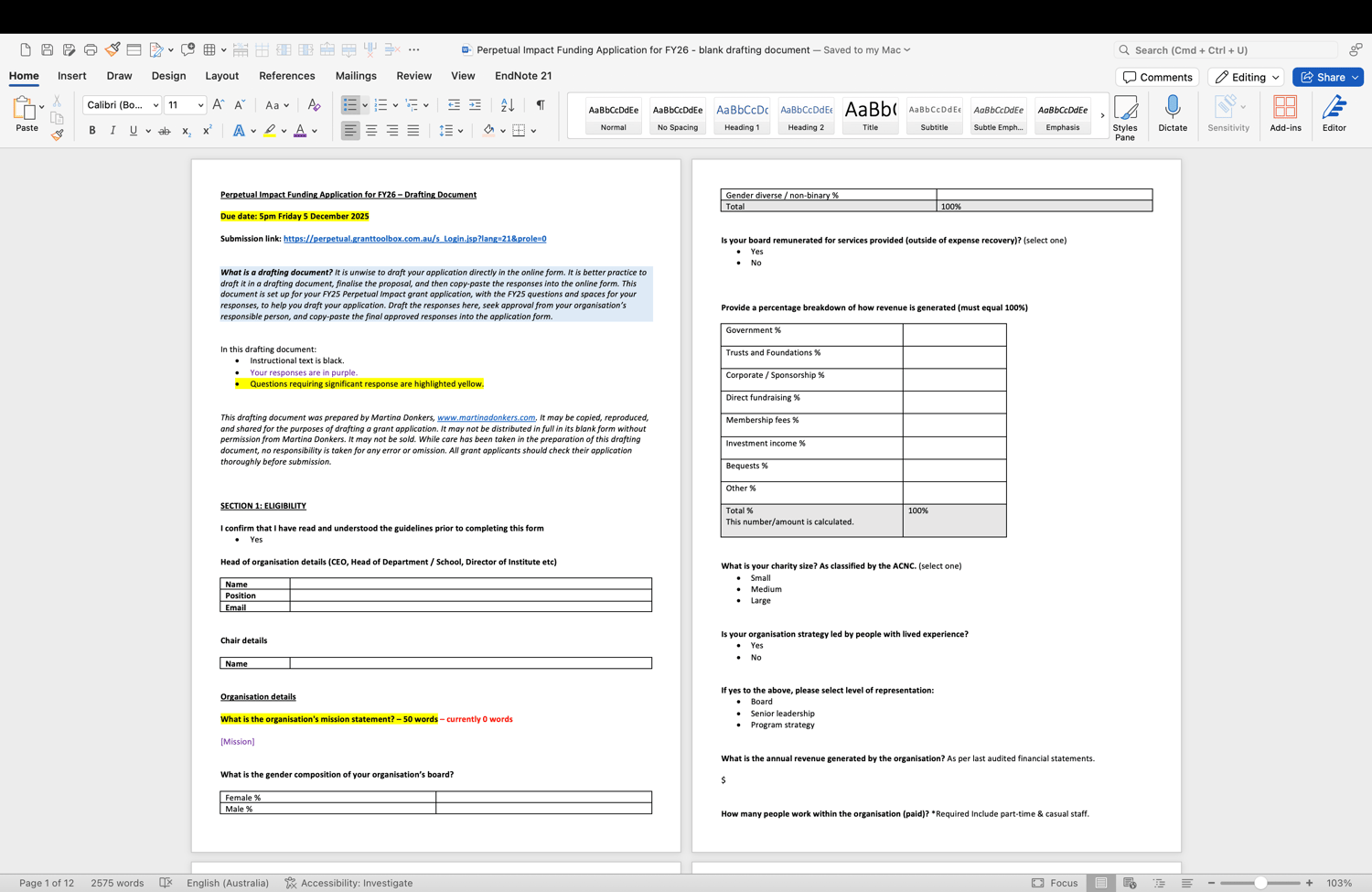
Every year, I make myself a Perpetual Impact Drafting Document. This is a MS Word .docx document that sets out all the questions in an easy-to-fill-out way, with colours that differentiate instructional text and draft words, highlight word limits, and flag the most important questions. Since I already spend this time making a good drafting document, I figured I might as well share it!
Download this doc to help make drafting your Perpetual application just a little easier.
And if you want further help with your application, reach out - hello@martinadonkers.com.
I can explain the tricky questions (what is the difference between efficiency and effectiveness KPIs? what are they looking for in terms of external trends?), I can review and comment on your application before you submit, or I can write the application with you (limited availability).
Or, just use my drafting document. 😊
Good luck!!