

The 3D Printing Maker's Playbook — Guide, Workbook & Journal
The 3D Printing Maker’s Playbook
From First Print to Finished Part
Learn how to produce stronger, cleaner, more reliable 3D prints—and understand what to change when something goes wrong.
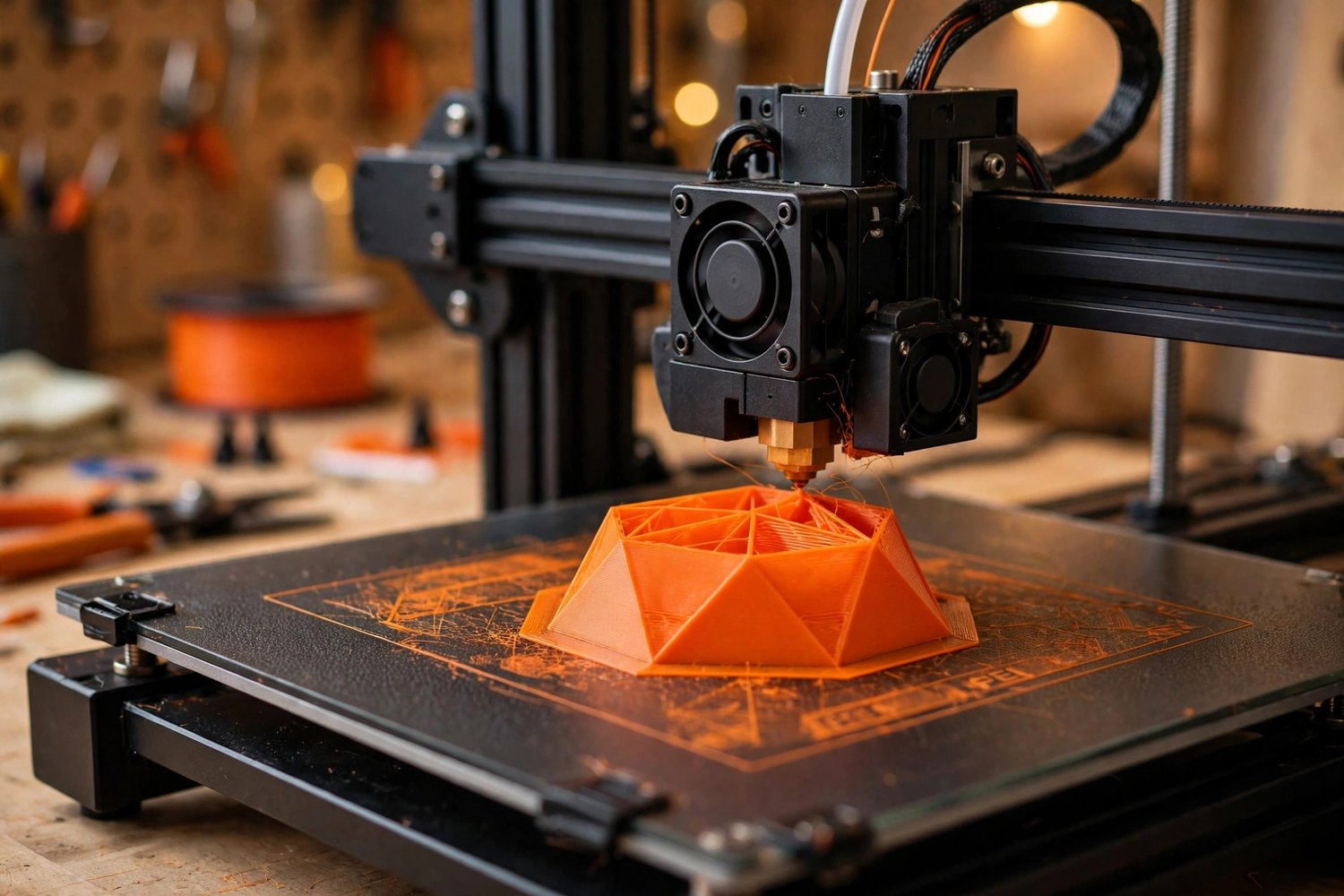
Buying a 3D printer is easy. Getting consistently good results takes more than downloading a file and pressing “Print.”
Bed adhesion fails. Supports fuse to the model. Parts warp, crack, string, shift, or break. A print that looks perfect on the screen may be weak, inaccurate, or impossible to assemble.
The 3D Printing Maker’s Playbook helps you understand why those problems happen and what to do next.
This complete 51-page guide, workbook, and maker’s journal takes you from your first print to useful, finished parts—without requiring an engineering degree or the most expensive printer on the market.
Read it once from beginning to end. Then keep it next to your printer as a troubleshooting and improvement reference.
This Is for Makers Who Want to Print Well—Not Just Print
The Playbook focuses on the decisions that make the biggest difference:
- Choosing the right printer
- Setting it up correctly
- Understanding slicing settings
- Matching materials to the job
- Designing parts that can actually be printed
- Improving strength and surface quality
- Diagnosing failed prints
- Finishing and assembling completed parts
- Maintaining a safer, more reliable workspace
- Recording what works so you can repeat it
You do not need perfect settings on your first attempt.
You need a system for learning from every print.
What You Receive
Your download includes:
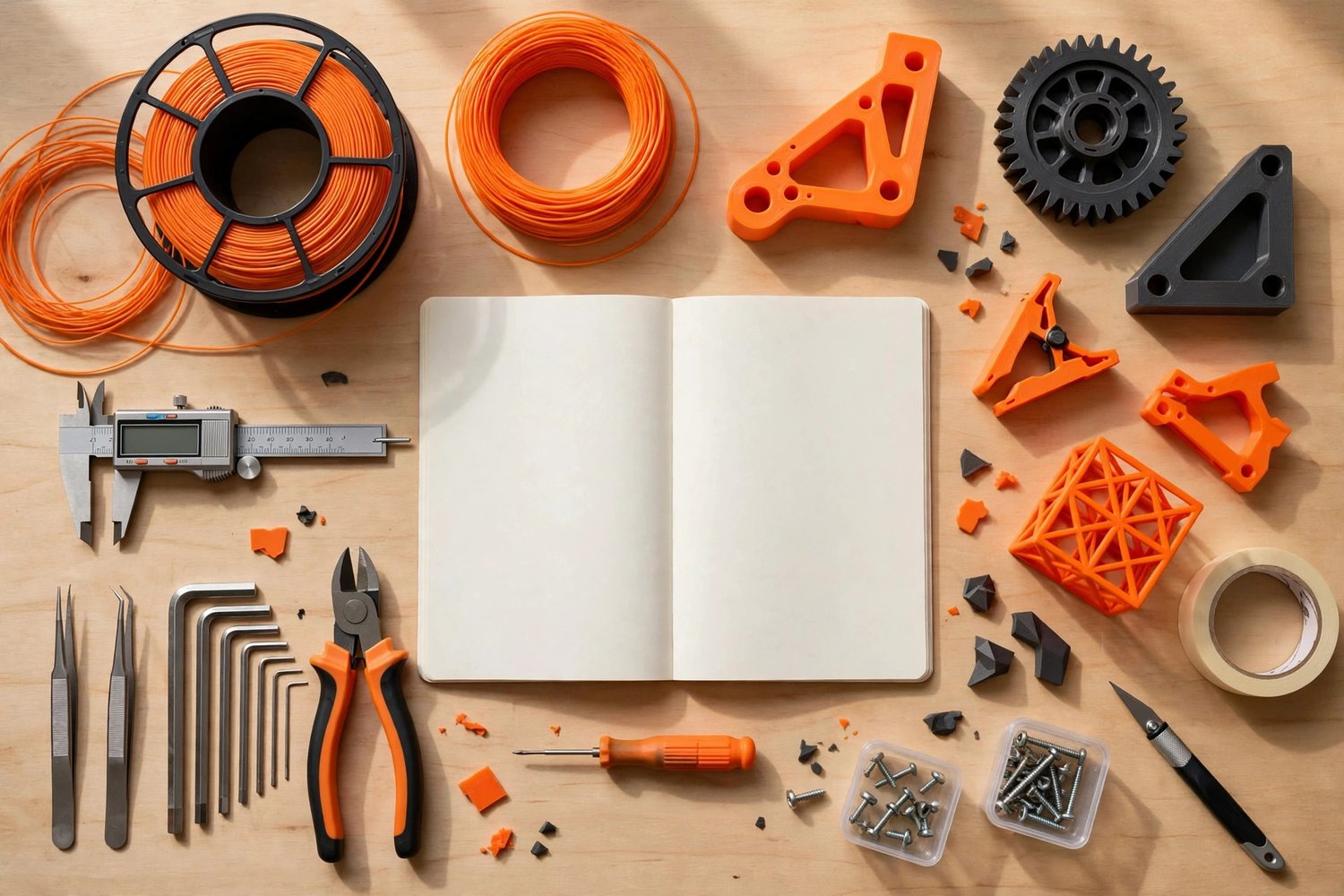
- 23-page 3D Printing Maker’s Guide
- 28-page Workbook and Maker’s Journal
- Complete 51-page digital toolkit
- Pre-print checklist
- Weekly maintenance checklist
- Monthly maintenance checklist
- Troubleshooting quick reference
- Material-selection guidance
- Slicing and strength strategies
- Print-tracking and learning pages
Inside the 23-Page Guide
Part 1: How 3D Printing Actually Works
Understand what your printer is doing layer by layer.
Learn the foundations of:
- FDM printing
- Resin printing
- Layer height
- Supports
- Infill
- Walls and perimeters
- Bed adhesion
- Print orientation
- Common failure points
Instead of memorizing random settings, you will begin to understand how each decision affects the finished part.
When something fails, you will have a better idea of where to look.
Part 2: Choosing and Setting Up Your Printer
The best printer is not always the most expensive one. It is the printer that fits what you want to make—and that you understand well enough to use consistently.
Learn what to consider before buying, including:
- Printer type
- Build volume
- Material compatibility
- Reliability
- Replacement parts
- Community support
- Workspace requirements
- Ongoing operating costs
Then follow a practical setup process covering unboxing, inspection, initial calibration, first prints, and bed leveling that is more likely to stay level.
Part 3: Slicing Mastery
Your slicer turns a 3D model into the instructions your printer follows.
A few settings make a much bigger difference than the dozens of advanced options most beginners are tempted to change.
Learn the eight slicing settings that matter most, including how they influence:
- Print quality
- Printing time
- Strength
- Surface finish
- Material use
- Support removal
- Dimensional accuracy
- Reliability
You will also explore:
- Model orientation
- Speed versus quality
- Slicing for strength
- Support placement
- Wall and infill decisions
- When slower printing is worth the wait
- Why changing several settings at once makes troubleshooting harder
Part 4: Materials Deep Dive
Different materials solve different problems.
The Playbook compares six popular filament types:
- PLA — Easy printing and general-purpose projects
- PETG — Durability, moisture resistance, and functional parts
- ABS — Heat resistance and tougher applications
- ASA — Outdoor use and improved weather resistance
- TPU — Flexible parts, grips, bumpers, and wearables
- Nylon — Strong, durable parts for demanding applications
Learn about typical temperatures, strengths, limitations, storage needs, and the signs that it may be time to switch materials.
The goal is not to collect every filament available. It is to choose the right material for the part you are making.
Part 5: Design Basics for Better Prints
A model can look excellent on a computer and still be difficult—or impossible—to print successfully.
Learn practical design principles including:
- The 45-degree rule
- Wall thickness
- Clearances and tolerances
- Holes and overhangs
- Fillets and rounded corners
- Part orientation
- Stress direction
- Designing for assembly
- Designing for strength
- Reducing unnecessary supports
These fundamentals can help you create parts that print more reliably, fit together more accurately, and perform better in real use.
Part 6: Post-Processing and Safety
A print does not have to be finished when it leaves the build plate.
Explore practical methods for:
- Removing supports
- Sanding
- Filling gaps
- Priming
- Painting
- Surface smoothing
- Gluing and assembly
- Installing hardware
- Improving the final appearance
The guide also addresses essential workspace considerations, including ventilation, resin handling, heat, electrical awareness, and fire safety.
A successful maker understands both the printer and the environment around it.
Quick-Reference Appendix
The appendix is designed to stay close to your printer.
It includes:
- Pre-print checklist
- Weekly printer-maintenance checklist
- Monthly maintenance checklist
- Troubleshooting quick reference
Use it when a print fails, when quality begins to decline, or when you cannot remember the last time the printer was inspected.
The 28-Page Workbook and Maker’s Journal
Good makers do not rely entirely on memory.
The companion workbook helps you record:
- What you printed
- Which printer and material you used
- Your important slicer settings
- Temperatures and speeds
- Print orientation
- Supports and infill
- Problems you observed
- Changes you tested
- Final results
- Lessons for the next attempt
Tracking your prints makes it easier to repeat successful settings and avoid repeating the same mistakes.
Over time, the journal becomes your own personalized printing manual—built around your machine, materials, environment, and projects.
Who Is This For?
The 3D Printing Maker’s Playbook is designed for:
- First-time 3D-printer owners
- Beginners frustrated by failed prints
- Makers who rely on default slicer settings
- Hobbyists ready to improve quality and consistency
- Students and educators
- Designers learning printability
- Small businesses producing prototypes or functional parts
- Anyone whose printer is collecting more dust than completed projects
You do not need advanced CAD skills, an engineering background, or a professional print farm.
You need curiosity, patience, and a repeatable process.
Stop Guessing. Start Learning From Every Print.
The best 3D printer is not the machine with the highest price or longest feature list.
It is the one you understand—and actually use.
Learn how printing works. Choose better settings. Match the material to the job. Design parts that can be manufactured. Track your results. Improve one print at a time.
Get The 3D Printing Maker’s Playbook and turn more digital models into finished parts you are proud to use.
Important Safety Notice
This guide provides general educational information. Always follow the safety, ventilation, maintenance, electrical, material-handling, and operating instructions supplied by your printer and material manufacturers.
Use appropriate personal protective equipment when working with resins, solvents, heat, tools, sanding dust, fumes, or other potentially hazardous materials. Never leave equipment operating unattended when the manufacturer or local safety guidance advises against it.