
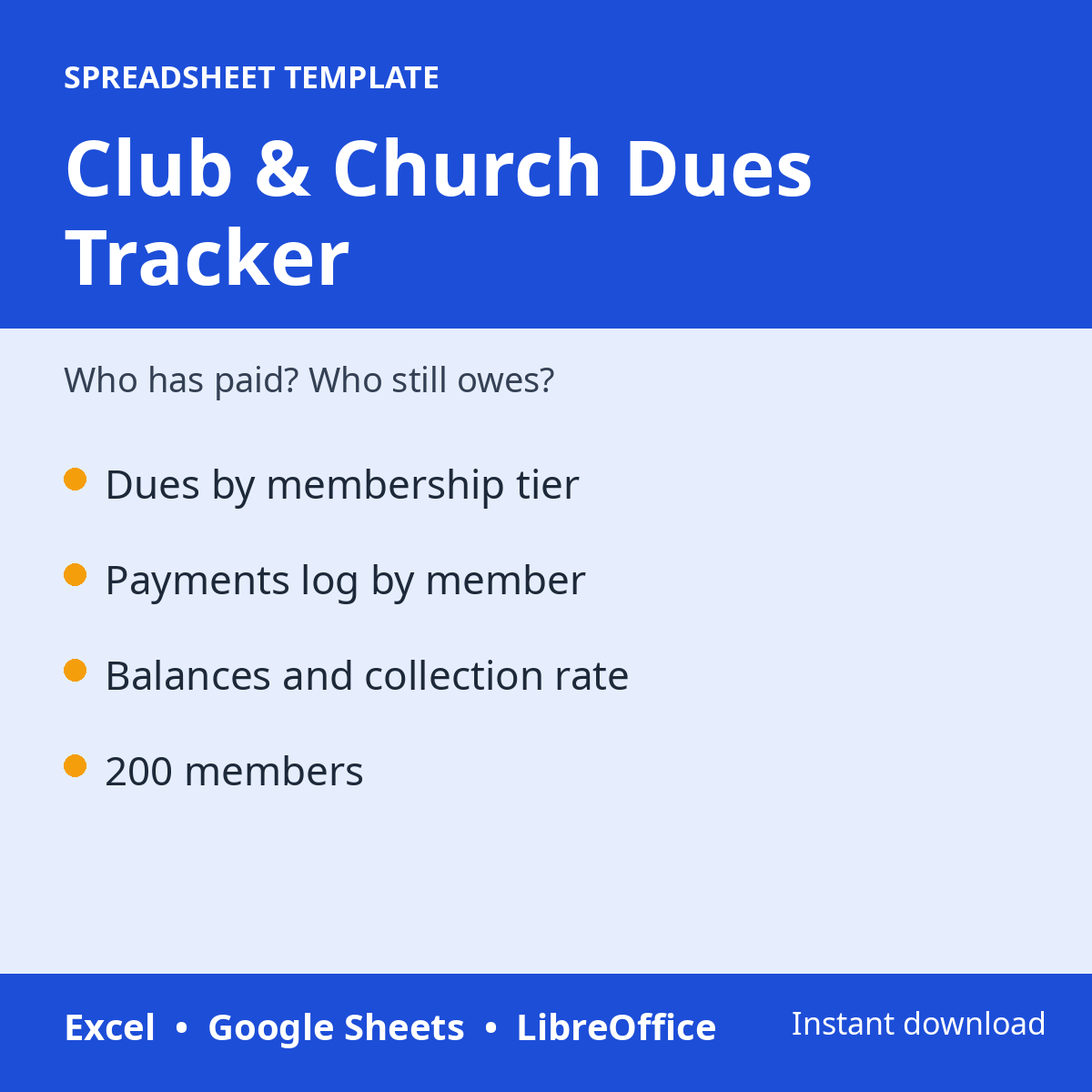
Club and Church Membership Dues Tracker Spreadsheet (Excel, LibreOffice, Google Sheets)
For clubs, congregations, associations and teams that collect yearly dues. Keep a member list, set dues by tier, record payments and see who still owes.
WHAT YOU GET (one .xlsx file, 5 tabs)
- Start Here: short instructions
- Members: 200 rows with name, email, phone, join date, tier (drop-down), status (Active, Lapsed, Resigned), and notes. Dues owed, paid and balance calculate for each member, and balances above zero show in red
- Payments: 600 rows with date, member (drop-down), amount, method and note
- Summary: members listed, active members, total dues owed, total paid, outstanding, collection rate, members with a balance, members paid up, plus a table and chart of dues owed and paid by tier
- Settings: organization name and up to 8 tiers with yearly dues
GOOD TO KNOW
- Tested in LibreOffice; should open in Excel and Google Sheets. No macros.
- Formulas were recalculated and checked in LibreOffice against hand-worked totals. The Excel and Google Sheets versions are not separately tested by me.
- Dues are one amount per year per tier. There is no part-year proration, and no payment reminders are sent.
- Member details are personal information, so keep the file private.
- Sample members and payments are included so you can see how it works. Clear them to start your own.
Digital download. You receive the .xlsx file right after purchase. No physical item is shipped.
Made with AI assistance. General tool only - not financial, tax, legal or medical advice.