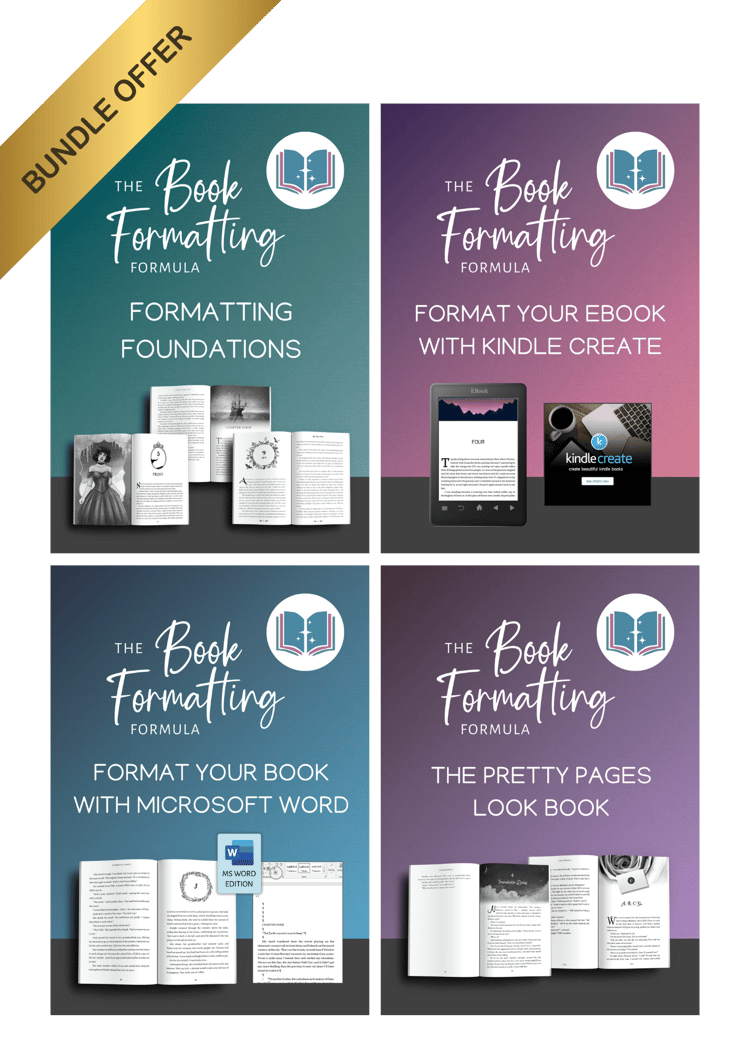

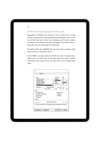
Format Your Paperback with Microsoft Word
Create a bookstore-quality paperback using the software you already know. You don't need expensive design software or a professional formatter to publish a beautiful book. You just need the right settings.
Most authors write their manuscripts in Microsoft Word, but few realize just how powerful it actually is for book design. You might think you need to buy expensive software or hire a pro to get that "traditional publishing" look—but you don't. You can produce a flawless, professional paperback right inside Word. You just need the map.
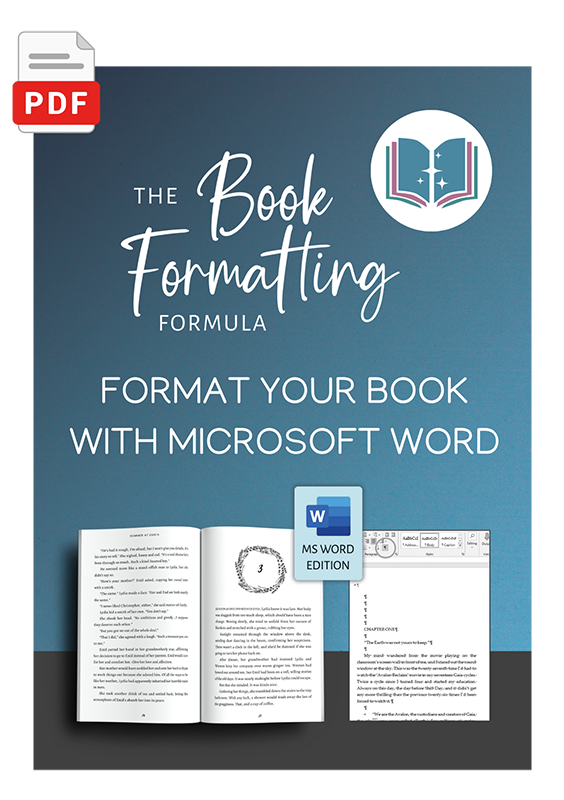
Format Your Paperback with Microsoft Word unlocks the publishing potential of the software you already own.
This isn’t a generic "how-to" document. It is a specific, click-by-click roadmap supported by a library of bite-sized video guides. Whether you are a tech novice or a daily user, you can read the steps or watch the screen to see exactly how to configure Word to produce an interior file that KDP and IngramSpark will accept instantly.
Inside this step-by-step guide, you will learn how to:
- Master the "Mirror Margins": Finally understand Gutters and Outside Margins so your text never gets swallowed by the spine or cut off by the printer.
- Conquer Headers & Footers: The #1 struggle for authors. Learn how to make headers appear only where you want them (and vanish on Chapter Title pages) using Section Breaks correctly.
- Professional Pagination: How to set up Roman numerals (i, ii, iii) for your front matter and switch to standard numbers (1, 2, 3) for your story—automatically.
- Automate Your Style: Use "Styles" to instantly update every chapter heading, indent, and font across your entire 300-page document in one click.
- The "Clean Export": How to save your file as a Print-Ready PDF with fonts embedded, ready for upload.
BONUS RESOURCE:
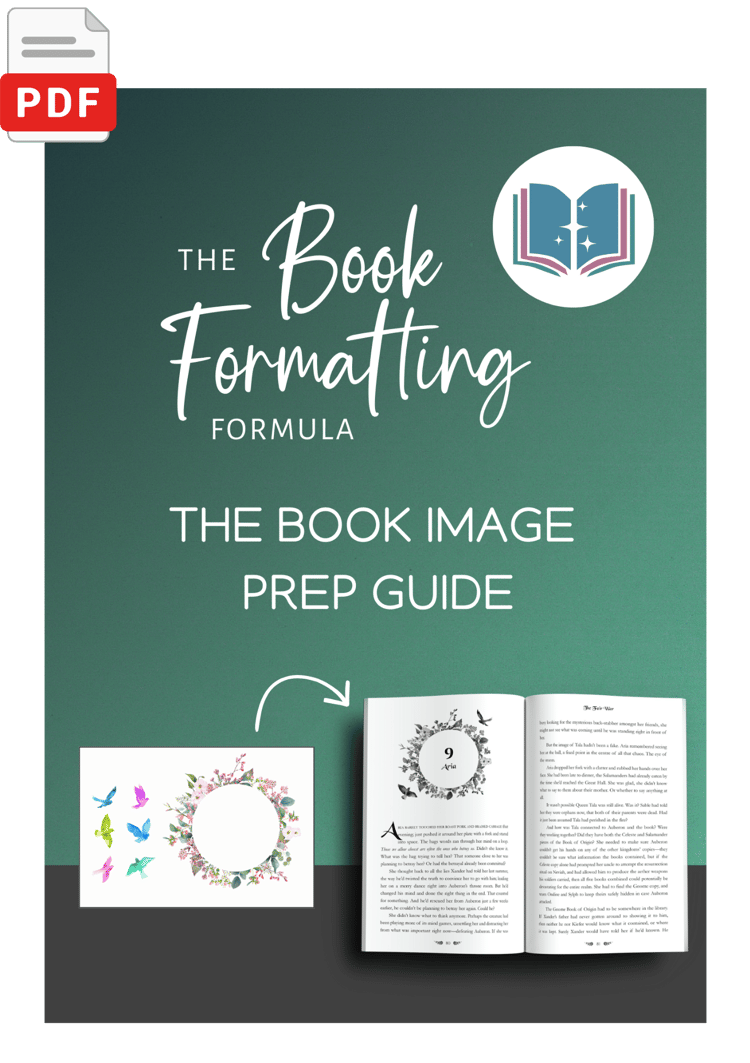
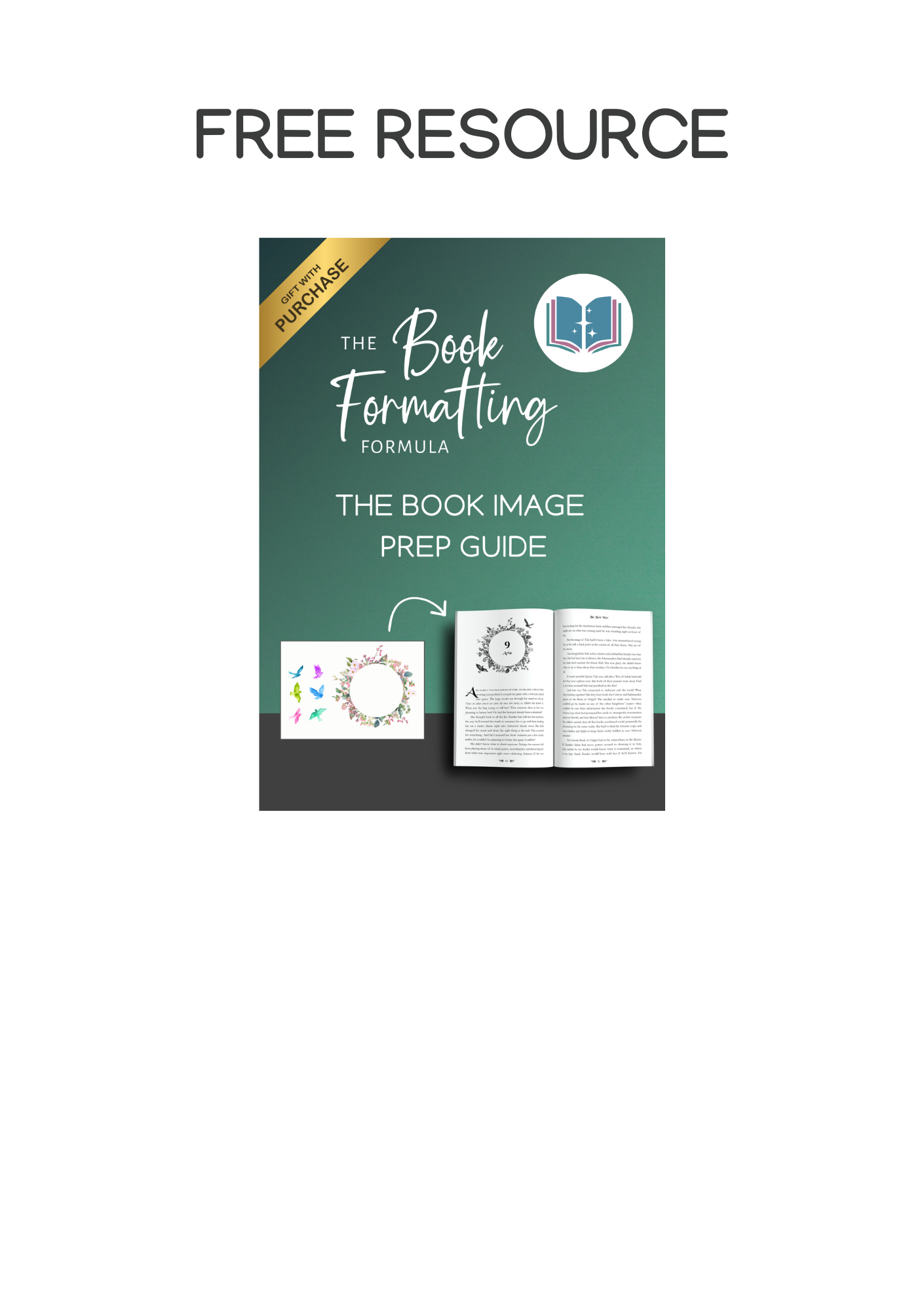
- The Book Image Prep Guide: Your technical cheat sheet for illustrations and maps. It breaks down the complex rules of resolution, bleed, and greyscale into simple steps so you never have to worry about your graphics printing "blurry" or pixelated.
Don't let technical headaches delay your launch. Get the guide, follow the steps, and hold a beautiful paperback in your hands.