
Debt-Free Planner 2027: Snowball vs Avalanche Debt Payoff Spreadsheet (Excel & Google Sheets)
- Find out the exact month you'll be debt-free, and which payoff order costs you the least.
Enter your debts once (balance, APR, minimum payment) and your monthly budget. The planner then:
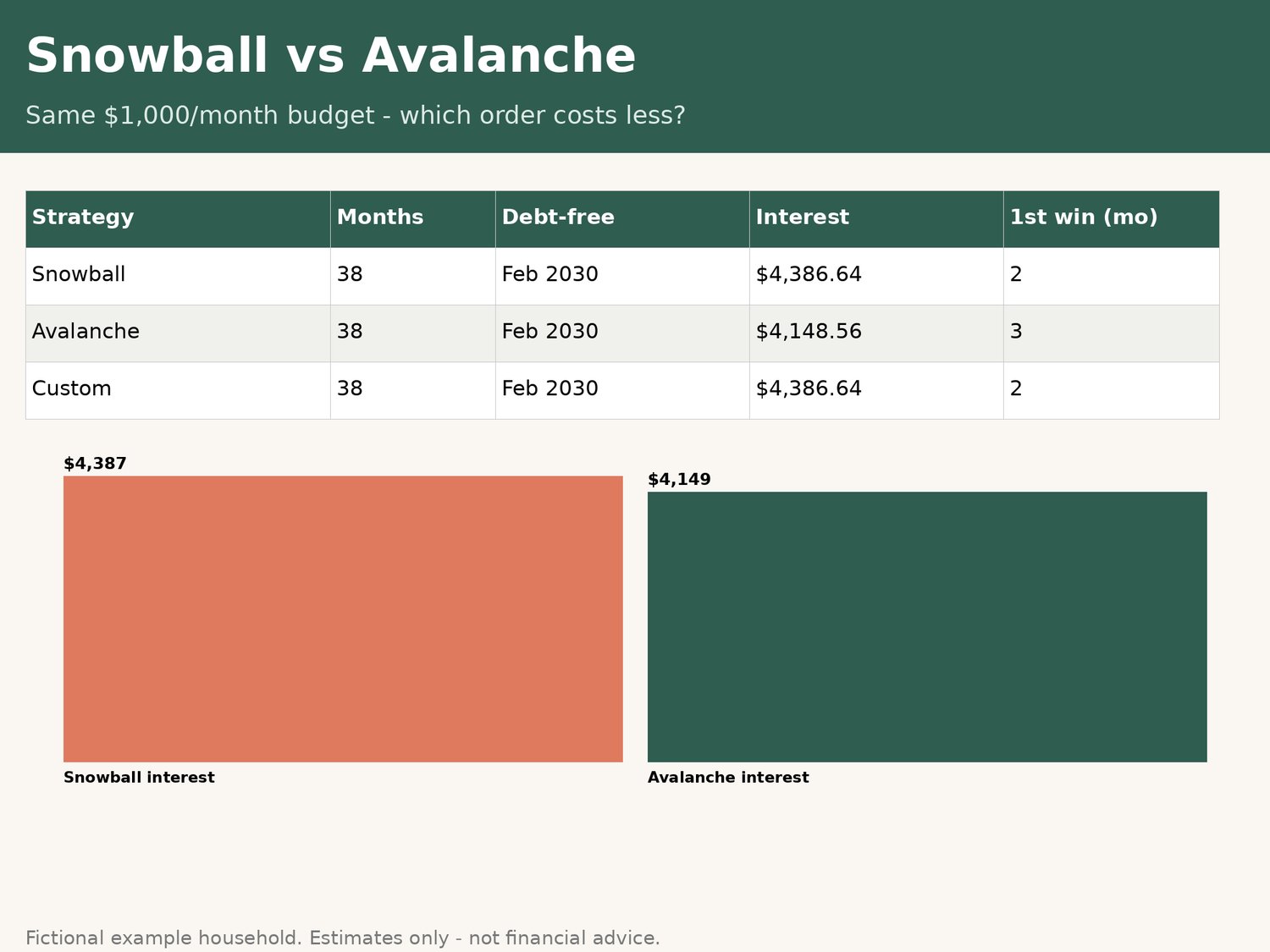
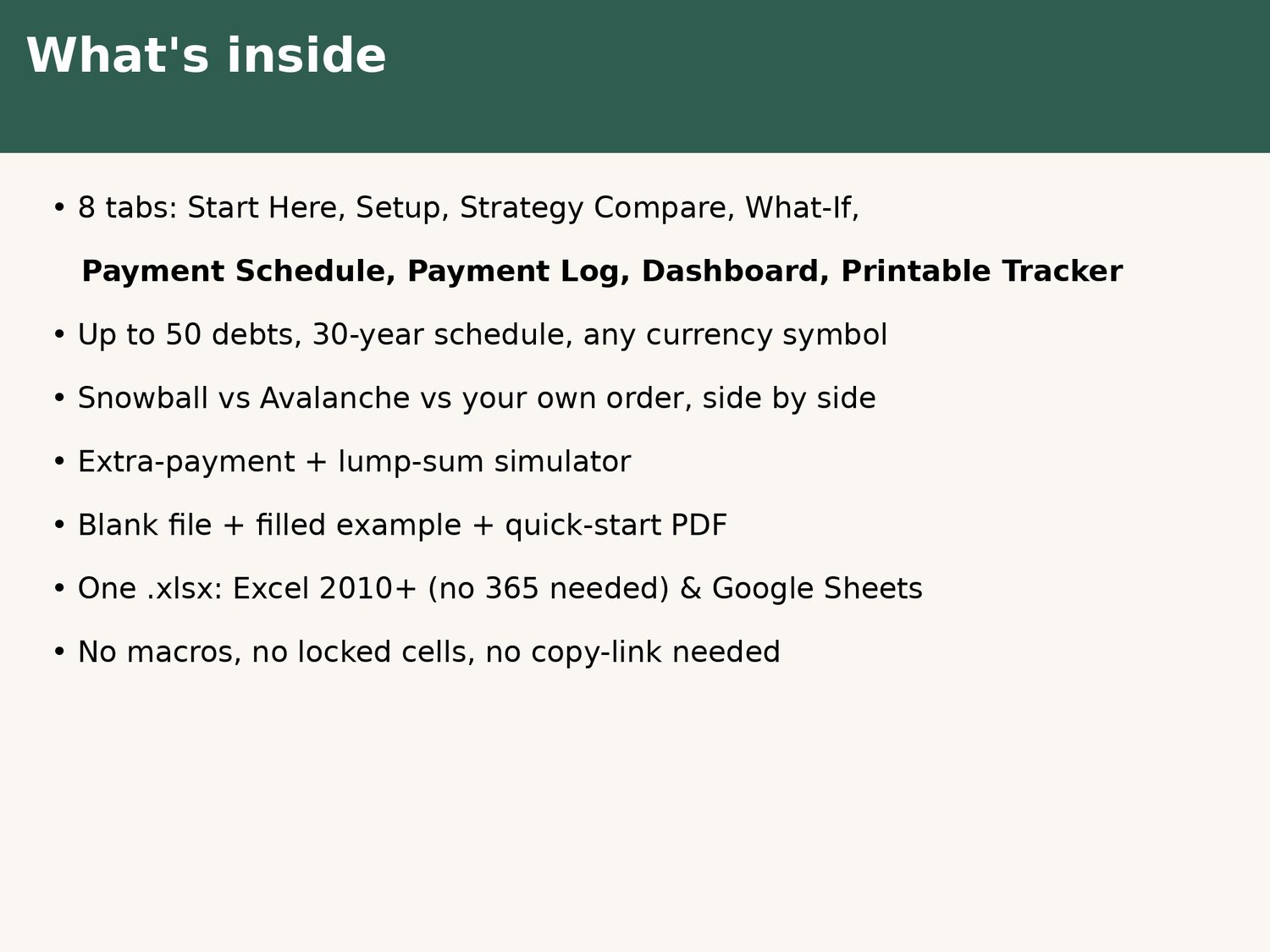
• compares Snowball, Avalanche and your own Custom order side by side, showing months, debt-free month and total interest for each
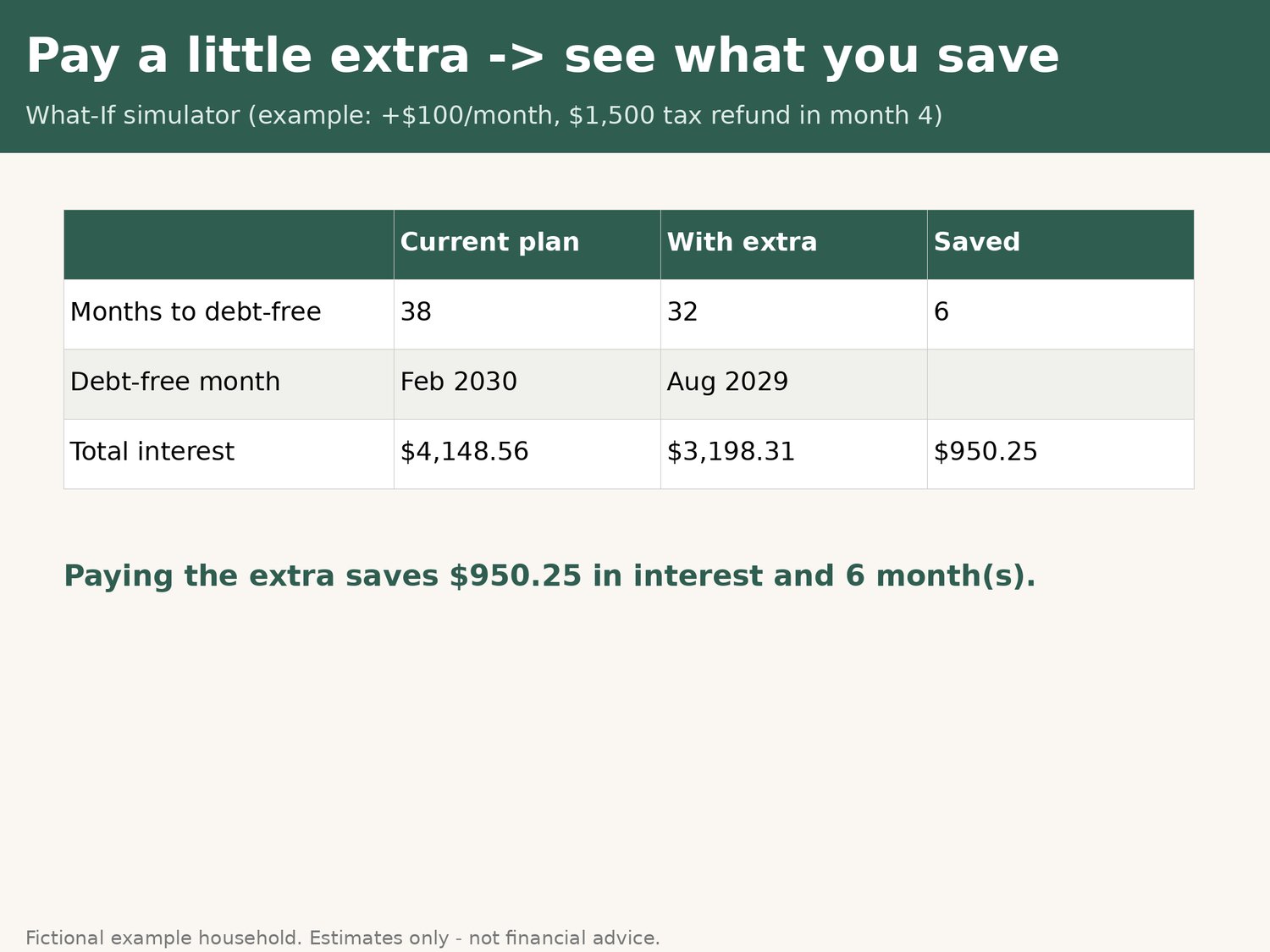
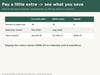
• shows what an extra amount each month or a one-off lump sum (tax refund, bonus) saves you
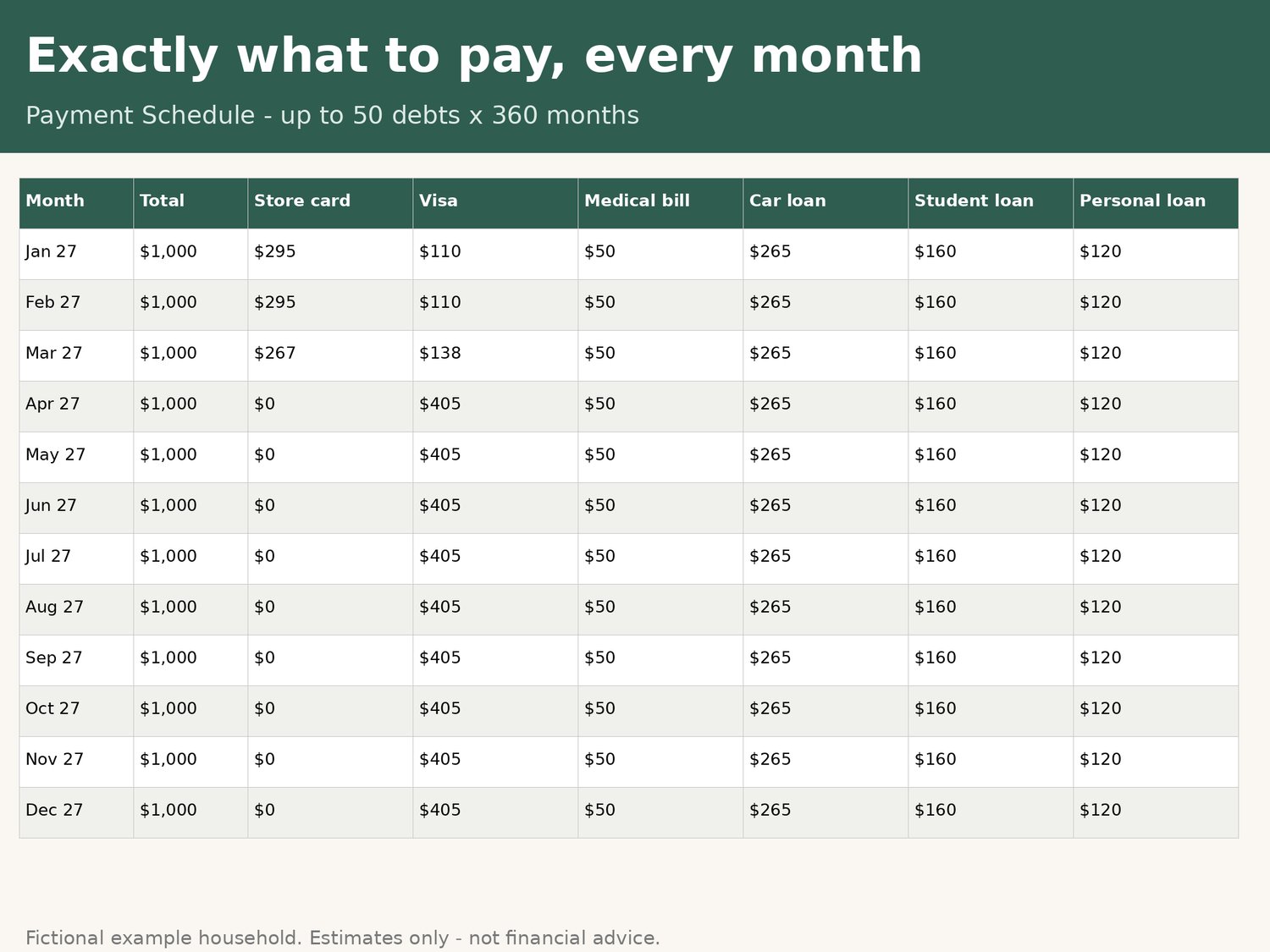
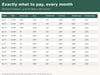
• builds a month-by-month schedule of exactly what to pay on each debt, for up to 50 debts over 30 years
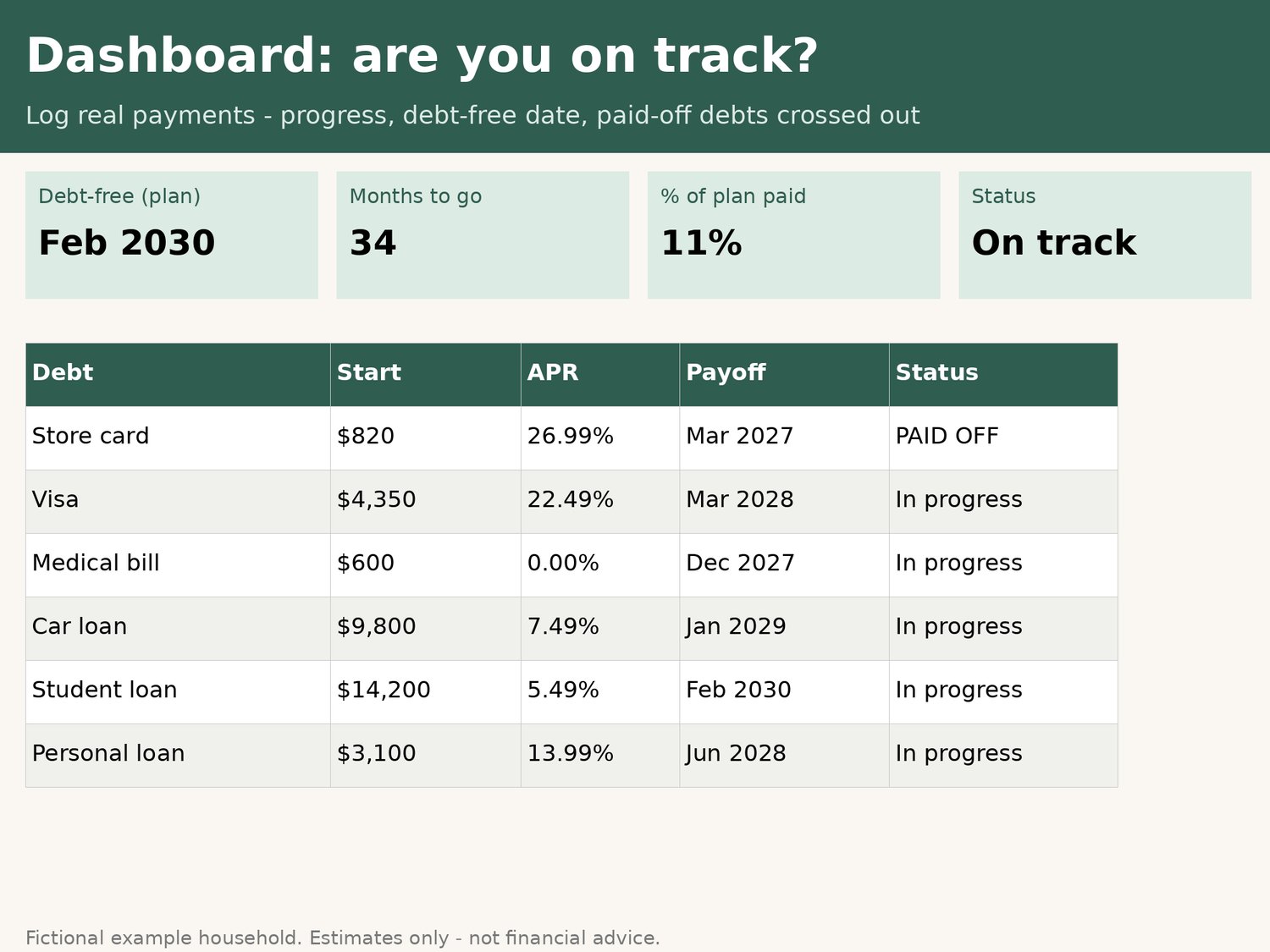
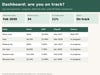
• checks real payments against the plan: you log what you paid, the Dashboard shows whether you're on track, and paid-off debts get crossed out
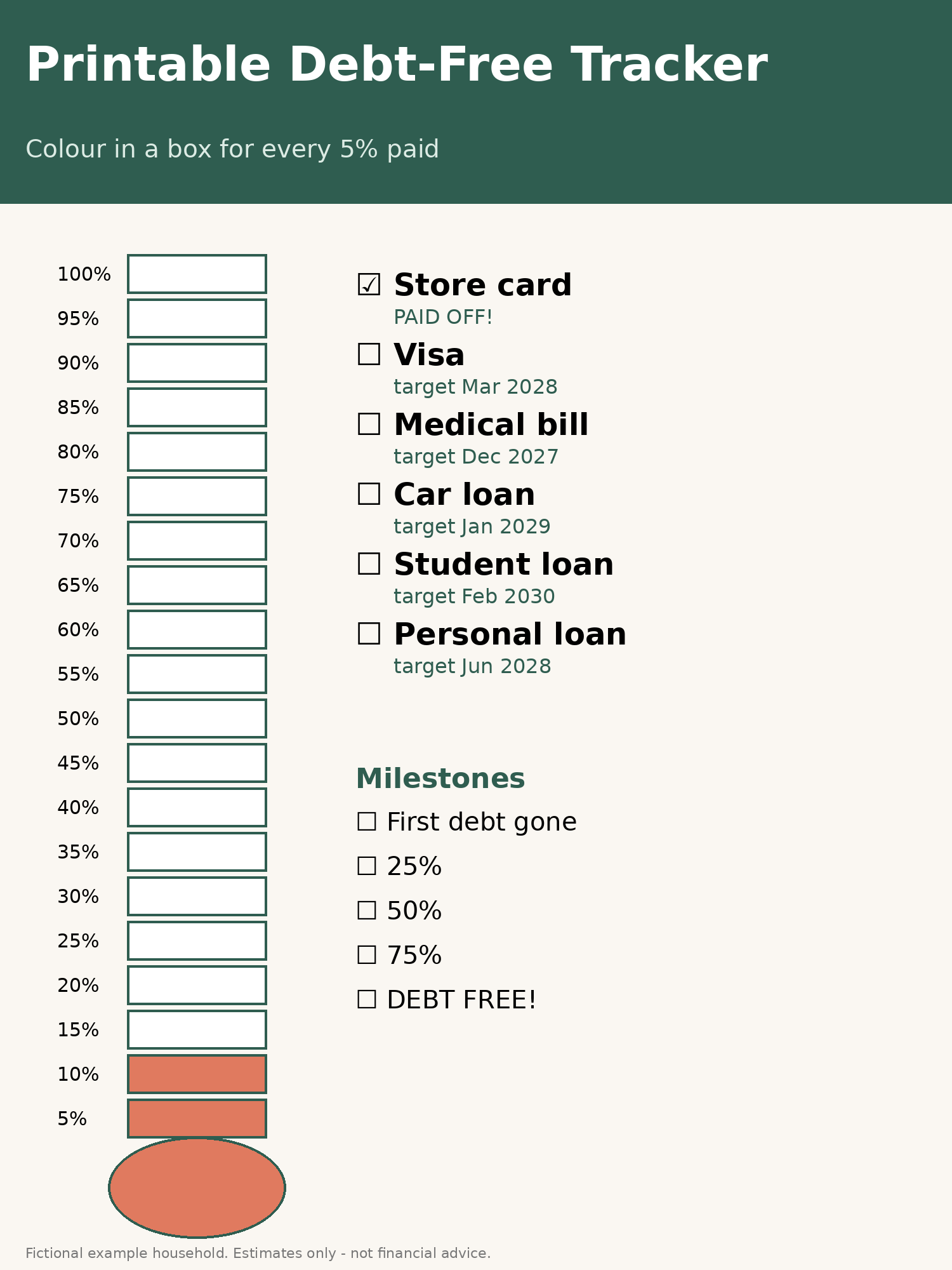
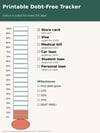
• includes a printable debt-free thermometer that shades in from your own numbers
Why this one
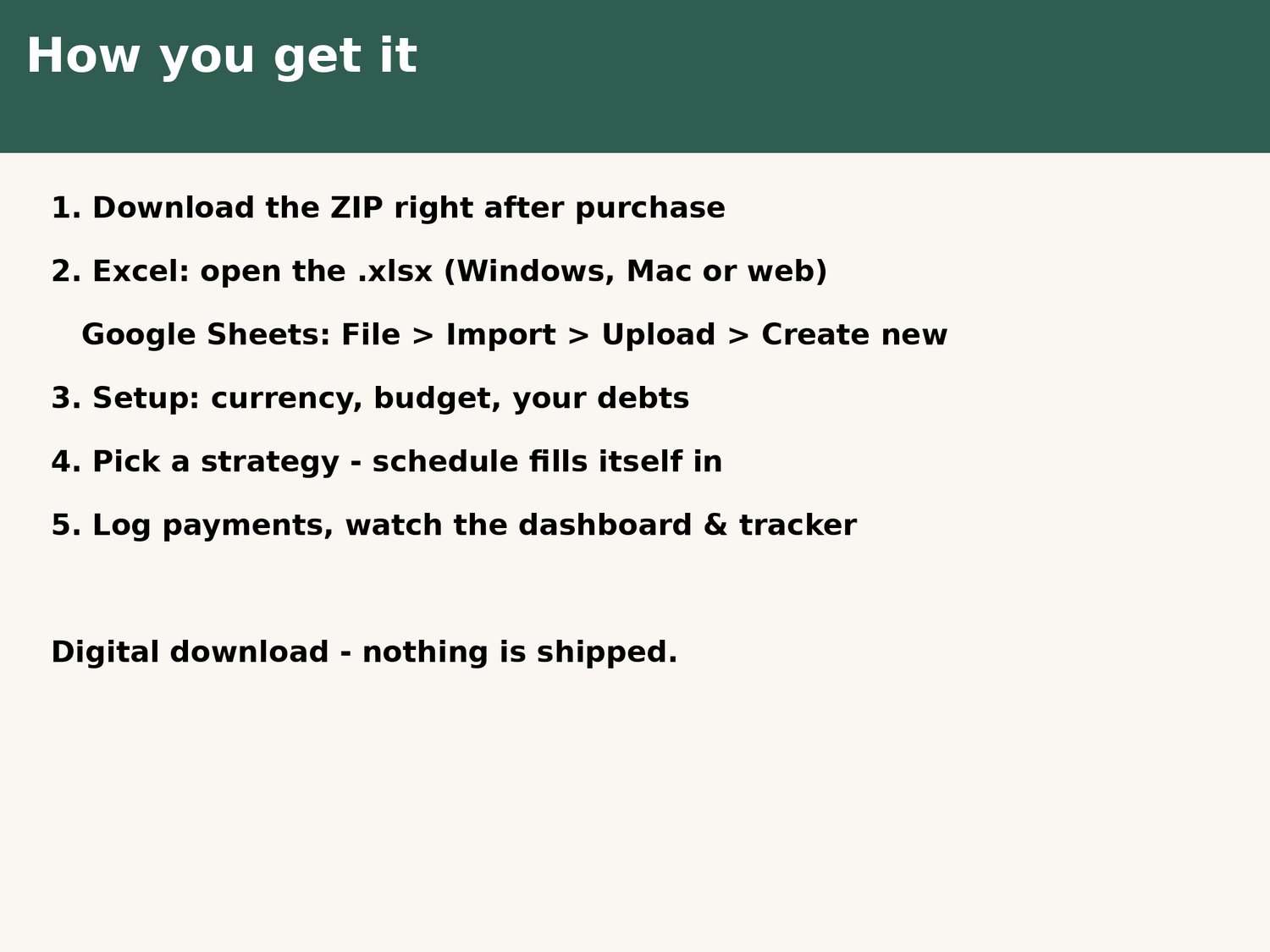
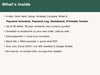
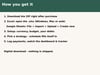
• One .xlsx that works in Excel 2010+ (no Microsoft 365 subscription needed) AND Google Sheets (File > Import, with no copy-link or access request)
• Any currency symbol, picked from a dropdown, so you don't have to message the seller
• Snowball + Avalanche + Custom + What-If in one file
• No macros, no locked cells
What you get: blank planner, filled example (fictional household), and a 2-page quick-start PDF.
Good to know: The interest estimate is balance × APR ÷ 12 per month. Lender figures can differ slightly because of daily interest, fees or rate changes. This is a planning tool, not financial advice. Best on a computer. For personal use only. If anything doesn't work, message us and we'll fix it.
Try the free 10-debt snowball calculator first: https://payhip.com/b/BW4pJ