

(AfterEffectsプラグイン ) Syndromee Text Distribute
==============================================================
sy_TextDistribute
==============================================================
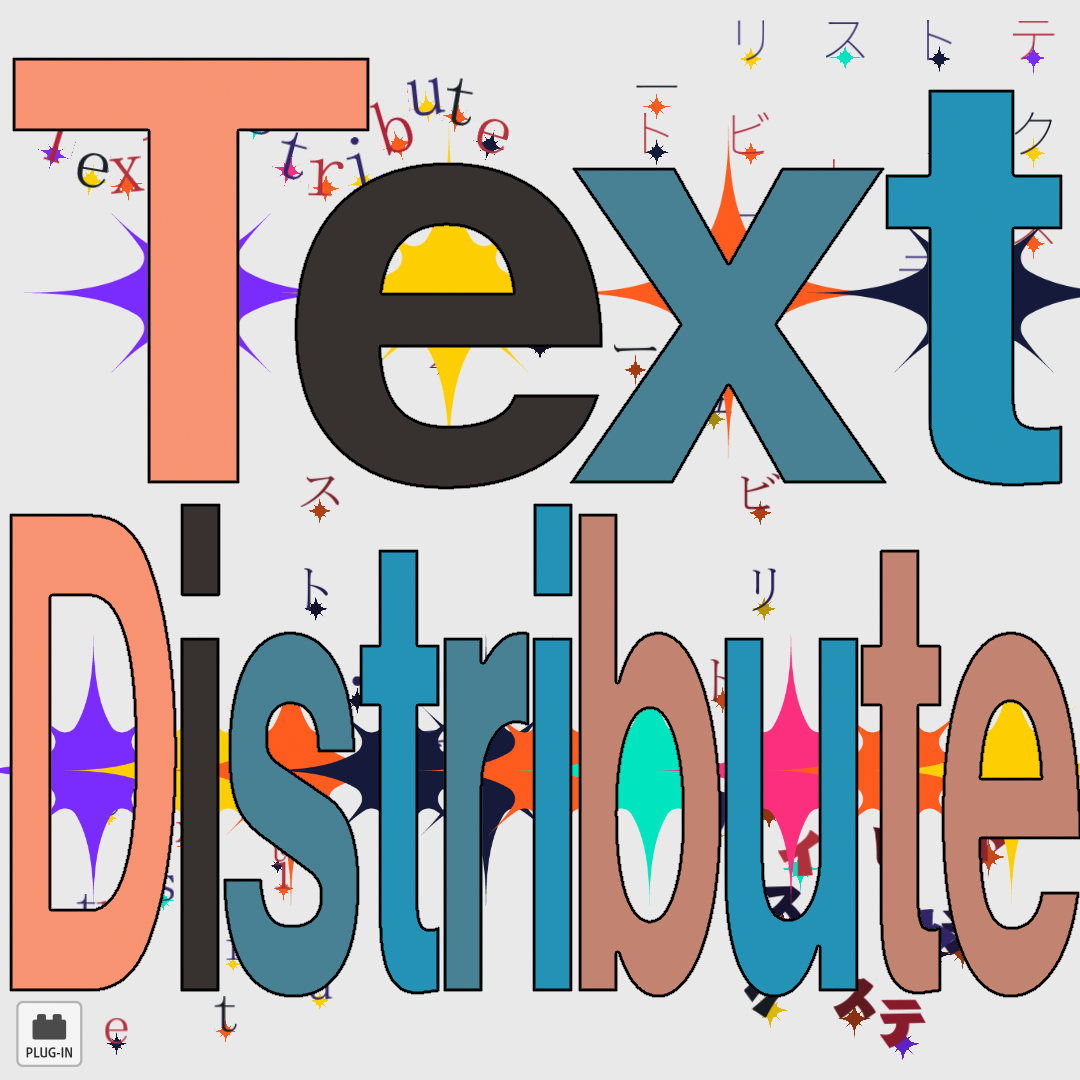
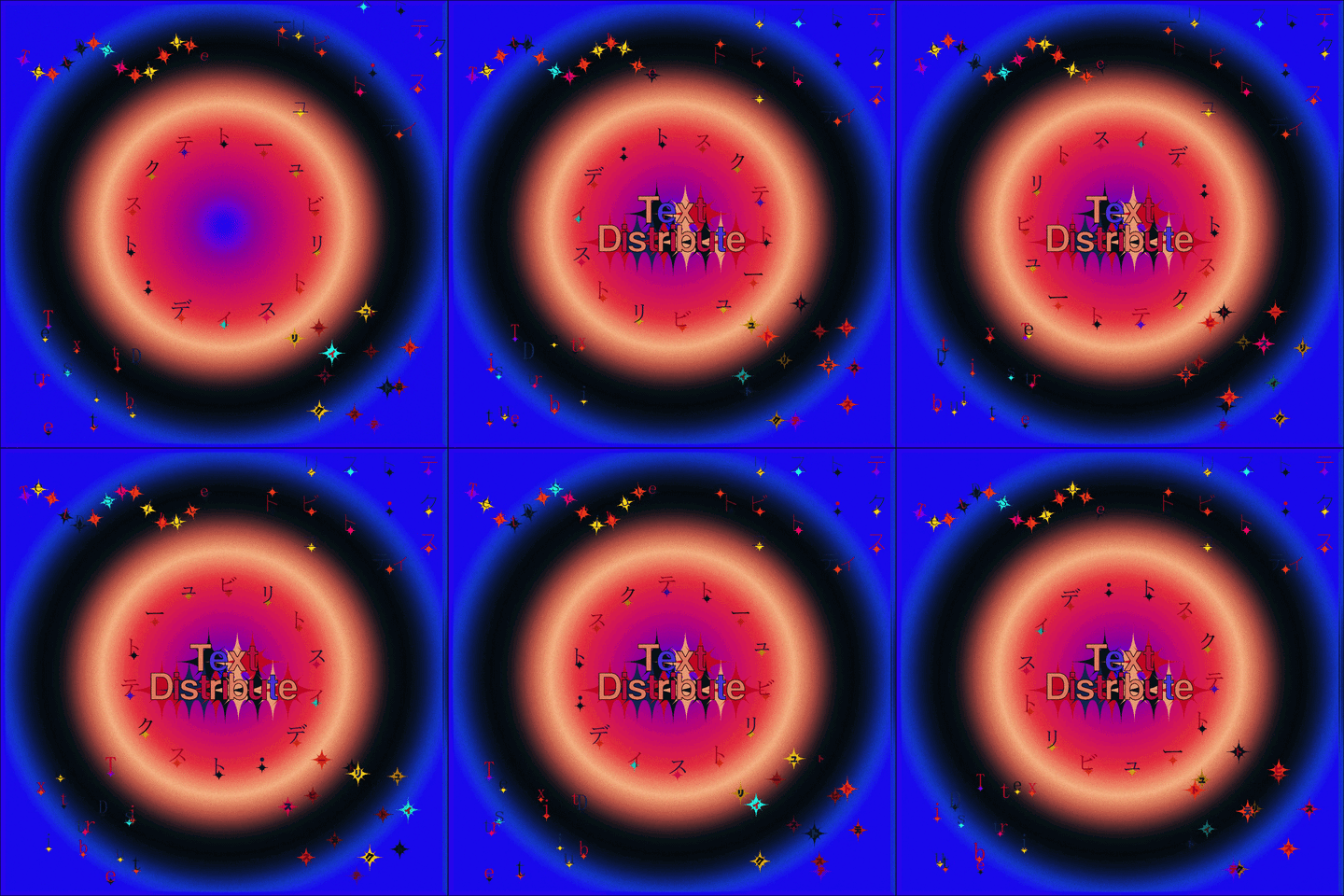
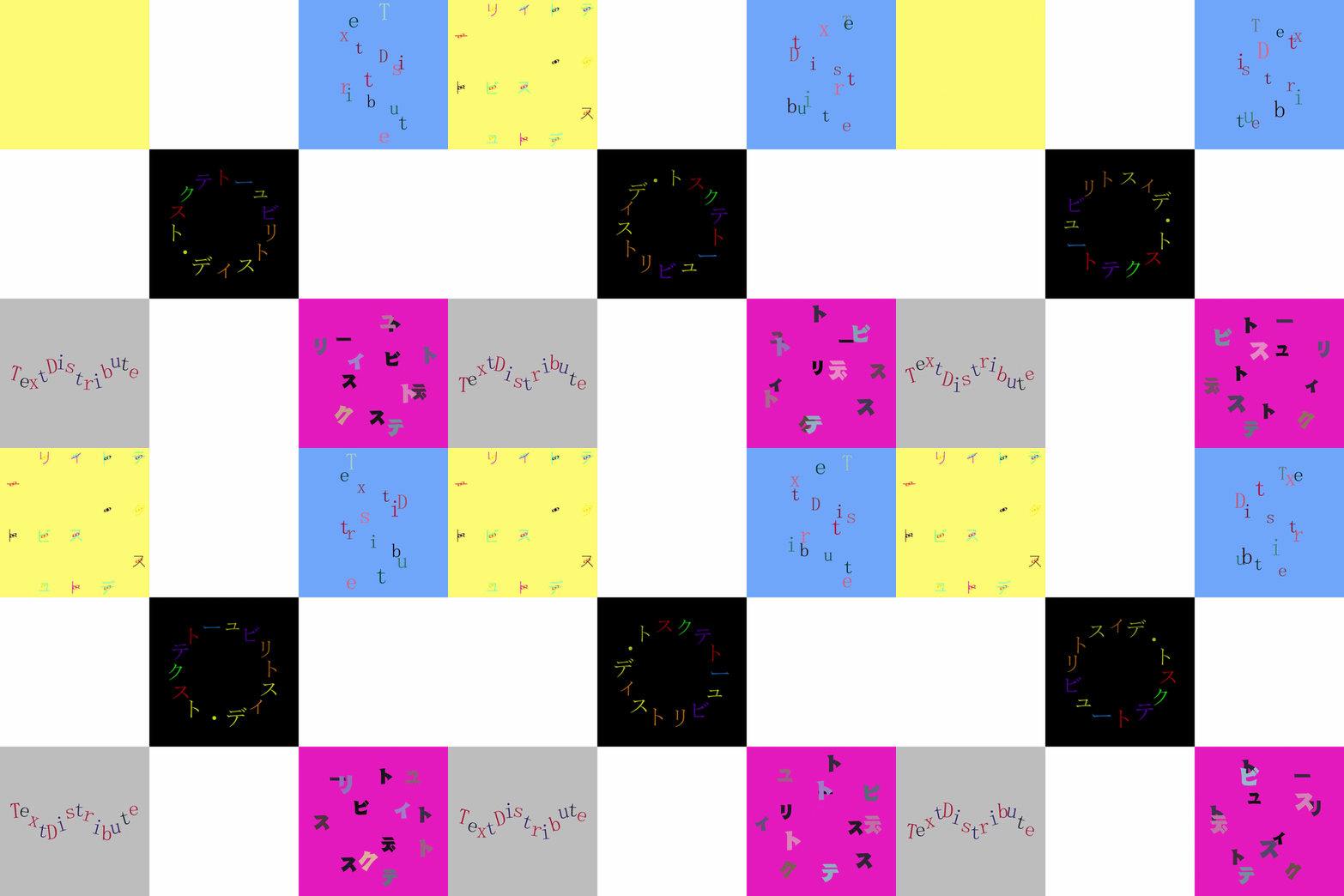
sy_TextDistribute is an After Effects plugin that breaks text into
glyphs and distributes it into animated 2D and 3D formations: spiral,
grid, vortex, wave, ring, sphere, fold and more. It combines cascading
text animation, plexus-style Connect lines between glyphs, editable
color cycles, custom-layer stamps, scatter placements, depth shading
and camera-aware 3D projection in a single effect.
Compatible with After Effects 2020 and later.
Windows & macOS - 8 / 16 / 32-bit aware - CPU (no GPU required).
This folder contains:
- sy_TextDistribute.aex (the Windows plugin)
- sy_TextDistribute.plugin.zip (the macOS plugin)
--------------------------------------------------------------
NEW IN v2.0.0
--------------------------------------------------------------
- Connect: plexus-style lines linking characters or words in EVERY
mode -- chain (Connect), hub rays (Point) or Both; line styles
Straight / Curved / Step / Zigzag; color blending, dashes, wiggle
and Trim Path; follows Animation 1/2/3 (opacity fade and/or trim-in,
each toggleable); 3D depth-sorted (default) and motion-blur aware.
- Control Null: one click creates a "Text Distribute Control" 3D null
right above the text layer (trimmed to its duration) that drives the
whole formation's Position, Rotation + Orientation and Scale from the
viewport. Delete Null removes it and cleans up the expressions.
- Overlay Style editing HUD: per-glyph draggable anchor / position /
scale / rotation / opacity widgets, per-marker color / size /
rotation, coordinate read-outs and Show-In-Render burn-in.
- Per-Char Data: three additive keyframable data tracks with a
launchpad toggle grid and per-track ease.
- Word Spacing + curve-aware Tracking: adjust word-to-word gaps
independently of Tracking, including along Ring / Path curves.
- Hide Text: a Composite checkbox that removes the text glyphs while
keeping custom layers, Connect lines and overlays.
- Wiggle overhaul: smooth spline noise plus separate Scale X / Scale Y.
- Ring mode: true text-on-a-circle with natural letter spacing and
tangent alignment.
- Invisible Box edge noise (Feather / Dissolve / Grain), time-motion
blur for formation movement, per-word color robustness, panel
reorganized into tidy subfolders, and many workflow refinements.
--------------------------------------------------------------
WINDOWS - INSTALL
--------------------------------------------------------------
1. Quit After Effects.
2. Copy sy_TextDistribute.aex into:
C:\Program Files\Adobe\Adobe After Effects <version>\Support Files\Plug-ins\
3. Start After Effects.
The effect appears under Effect > Syndromee Plugin > sy_TextDistribute.
--------------------------------------------------------------
macOS - INSTALL
--------------------------------------------------------------
1. Quit After Effects.
2. Unzip sy_TextDistribute.plugin.zip ON THE MAC
(do not unzip it on Windows -- that removes the permissions the
Mac needs and the plug-in may not load).
3. Move sy_TextDistribute.plugin into:
/Applications/Adobe After Effects <version>/Plug-ins/
4. Start After Effects.
First launch: macOS may ask you to allow the plug-in under
System Settings > Privacy & Security.
If it is blocked or won't load, open Terminal, run the command
below (with the real path), then relaunch After Effects:
sudo xattr -r -d com.apple.quarantine "/Applications/Adobe After Effects <version>/Plug-ins/sy_TextDistribute.plugin"
--------------------------------------------------------------
QUICK START
--------------------------------------------------------------
1. Apply Effect > Syndromee Plugin > sy_TextDistribute to a text layer.
2. Choose a Mode (Spiral, Grid, Vortex, Wave, Ring, Sphere, Fold).
3. Open Animation 1 and keyframe Strength from 0 to 100 for a reveal.
4. Increase Delay to stagger the motion across characters, words or
strokes.
5. Use Animate By to choose the timing unit: Per Char, Per Word,
Per Stroke or All Together.
6. Add Color Cycle for animated text colors, or enable Custom Layers
to replace / decorate the text with another layer.
7. Turn on Connect to draw lines linking the characters or words.
8. Use the 3D Rotation, Depth Shade, Z-Pass and Camera controls for
dimensional layouts.
--------------------------------------------------------------
TIPS
--------------------------------------------------------------
- Use Grid Animation for X-then-Y or Y-then-X motion, especially on
grid-style layouts.
- Set Animate By to Per Word when you want whole words to move as one
timing unit.
- Custom Layer > Scatter places multiple stamps around each glyph;
enable Randomize Color for different stamp colors.
- Custom Layer > Stamp Per = Word uses one full custom-layer texture
across the whole word.
- Use Animation 2 and Animation 3 for extra additive motion on top of
Animation 1.
- Add a Control Null (Camera & Depth group) to drive the whole
formation's position, rotation and scale straight from the viewport.
- COLOR CYCLE & FONTS (please read): per-letter Color Cycle works best on
fonts whose letters are SEPARATE (most serif / sans / print fonts) -- each
letter is detected cleanly and gets its own color, stable at any scale.
On CURSIVE / SCRIPT / heavily-ITALIC fonts the letters JOIN into one
connected shape, so the per-letter split is only an approximation: a color
boundary may land slightly inside a letter, and animating can break a long
swash into pieces. This is a limit of working from the rasterized text
(the effect does not receive per-glyph geometry from After Effects).
For a clean result on connected/cursive fonts, enable
"Color: Whole Glyph (no split)" -- each connected glyph gets ONE color
(no mis-placed splits), or use a font whose letters do not touch.
==============================================================
sy_TextDistribute - 説明 / インストール(日本語)
==============================================================
sy_TextDistribute は、After Effects のテキストを文字ごとに分解し、
Spiral、Grid、Vortex、Wave、Ring、Sphere、Fold などの 2D / 3D
レイアウトへ分散・アニメーションさせるプラグインです。カスケード
アニメーション、グリフ同士をつなぐプレクサス風の Connect ライン、
カラーサイクル、カスタムレイヤースタンプ、Scatter 配置、Depth Shade、
カメラ対応の 3D 投影を 1 つのエフェクトにまとめています。
対応:After Effects 2020 以降 / Windows・macOS / CPU(GPU 不要)。
このフォルダーの内容:
- sy_TextDistribute.aex (Windows 版プラグイン)
- sy_TextDistribute.plugin.zip (macOS 版プラグイン)
--------------------------------------------------------------
v2.0.0 の新機能
--------------------------------------------------------------
- Connect:文字/単語をつなぐプレクサス風のライン。全モード対応。
チェーン(Connect)/ハブ放射(Point)/両方(Both)、ラインは
Straight / Curved / Step / Zigzag。カラーブレンド、ダッシュ、
ウィグル、トリムパスに対応し、Animation 1/2/3 に追従(不透明度
フェード/トリムインを個別に ON/OFF)。3D 深度ソート(既定)と
モーションブラーにも対応します。
- Control Null:ワンクリックで「Text Distribute Control」という
3D ヌルをテキストレイヤーの直上に生成(デュレーションも自動で
一致)。位置・回転/方向・スケールがフォーメーション全体を
ビューポートから直接コントロールします。Delete Null で削除と
エクスプレッションの後始末まで行います。
- Overlay Style 編集 HUD:グリフごとにドラッグできるアンカー/
位置/スケール/回転/不透明度ウィジェット。マーカーごとの色・
サイズ・回転、数値表示、Show-In-Render 焼き込みに対応。
- Per-Char Data:加算合成される 3 本のキーフレーム可能なデータ
トラック。ランチパッドでチャンネルを切り替え、トラックごとの
イーズも設定できます。
- Word Spacing とカーブ対応 Tracking:Tracking とは独立して単語間
だけを調整。Ring / Path モードではカーブに沿って機能します。
- Hide Text:Composite グループのチェックボックス。テキストだけを
消し、カスタムレイヤー・Connect ライン・オーバーレイは残します。
- Wiggle 強化:なめらかなスプラインノイズ+Scale X / Scale Y の
個別ジッター。
- Ring モード:自然な文字送りと接線整列による本当の円周テキスト。
- Invisible Box のエッジノイズ(Feather / Dissolve / Grain)、
フォーメーション移動のタイムモーションブラー、Per Word カラーの
安定化、パネルのサブフォルダー整理など多数の改善。
--------------------------------------------------------------
Windows インストール
--------------------------------------------------------------
1. After Effects を終了します。
2. sy_TextDistribute.aex を次の場所にコピーします:
C:\Program Files\Adobe\Adobe After Effects <バージョン>\Support Files\Plug-ins\
3. After Effects を起動します。
エフェクト > Syndromee Plugin > sy_TextDistribute に表示されます。
--------------------------------------------------------------
macOS インストール
--------------------------------------------------------------
1. After Effects を終了します。
2. sy_TextDistribute.plugin.zip を「Mac 上で」解凍します。
(Windows で解凍すると Mac に必要な権限が失われ、読み込めなくなる
場合があります。)
3. sy_TextDistribute.plugin を次の場所に移動します:
/Applications/Adobe After Effects <バージョン>/Plug-ins/
4. After Effects を起動します。
ブロックされて読み込めない場合は、ターミナルで以下のコマンドを実行
(実際のパスを入力)してから、After Effects を再起動してください:
sudo xattr -r -d com.apple.quarantine "/Applications/Adobe After Effects <バージョン>/Plug-ins/sy_TextDistribute.plugin"
--------------------------------------------------------------
クイックスタート
--------------------------------------------------------------
1. テキストレイヤーに sy_TextDistribute を適用します。
2. Mode(Spiral / Grid / Vortex / Wave / Ring / Sphere / Fold)を
選びます。
3. Animation 1 の Strength を 0 から 100 にキーフレームします。
4. Delay を上げると、文字・単語・ストローク単位で動きがずれます。
5. Animate By でタイミング単位を切り替えます。
6. Color Cycle や Custom Layers を使って、色やスタンプ表現を追加します。
7. Connect をオンにすると、文字/単語をつなぐラインを追加できます。
【ご注意:Color Cycle とフォントについて】
文字ごとの Color Cycle は、文字が「分かれている」フォント(一般的な
セリフ/サンセリフ/印刷系フォント)で最も正確に動作します。筆記体・
スクリプト・強い斜体フォントは文字どうしが「つながって」1 つの形になる
ため、文字単位の分割は近似となり、色の境界が文字の内側に少しずれたり、
アニメーション時に長い飾り(スワッシュ)が分割されることがあります。
これはラスタライズされたテキストから処理する仕組み上の制限です
(After Effects からグリフ単位の形状情報が渡されないため)。
つながった/筆記体フォントできれいに見せたい場合は
「Color: Whole Glyph (no split)」をオンにしてください(つながった
グリフ全体が 1 色になります)。または文字が接触しないフォントをご使用
ください。