
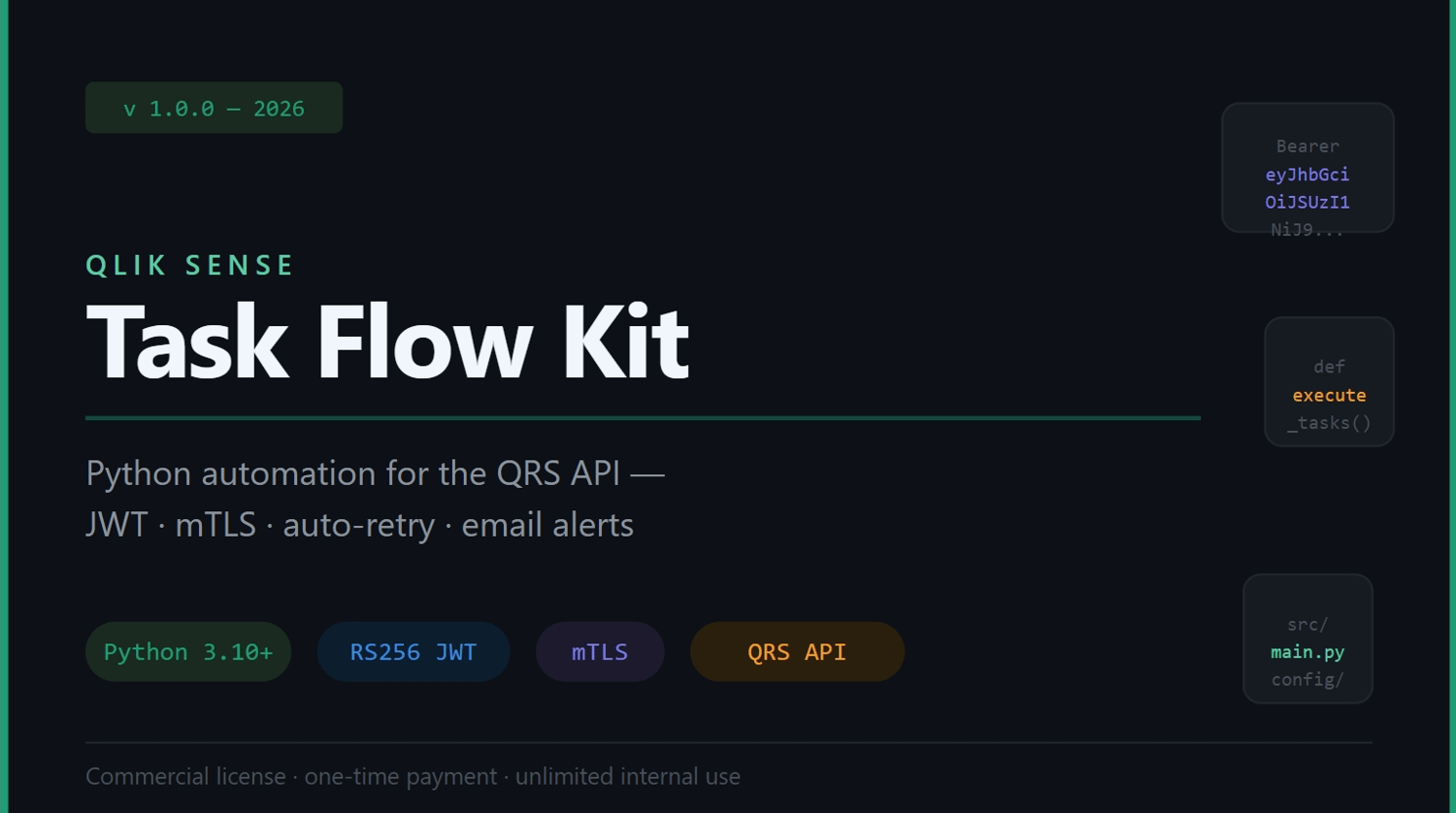



Qlik Sense Task Flow Kit — Python automation for the QRS API
If your team uses Qlik Sense Enterprise On-Premise, you already know the
pain: every morning someone has to open QMC, go through the task list one
by one, figure out which reloads failed overnight, and notify the right
people.
When you're managing 40, 60, or 100+ scheduled tasks, that's not a process
— it's a liability.
The Qlik Sense Task Flow Kit solves this with a production-ready Python
automation that plugs directly into the QRS API.
---
WHAT IT DOES
→ Connects to Qlik Sense Enterprise using JWT (RS256) + mutual TLS — the
same authentication your server already requires, fully implemented.
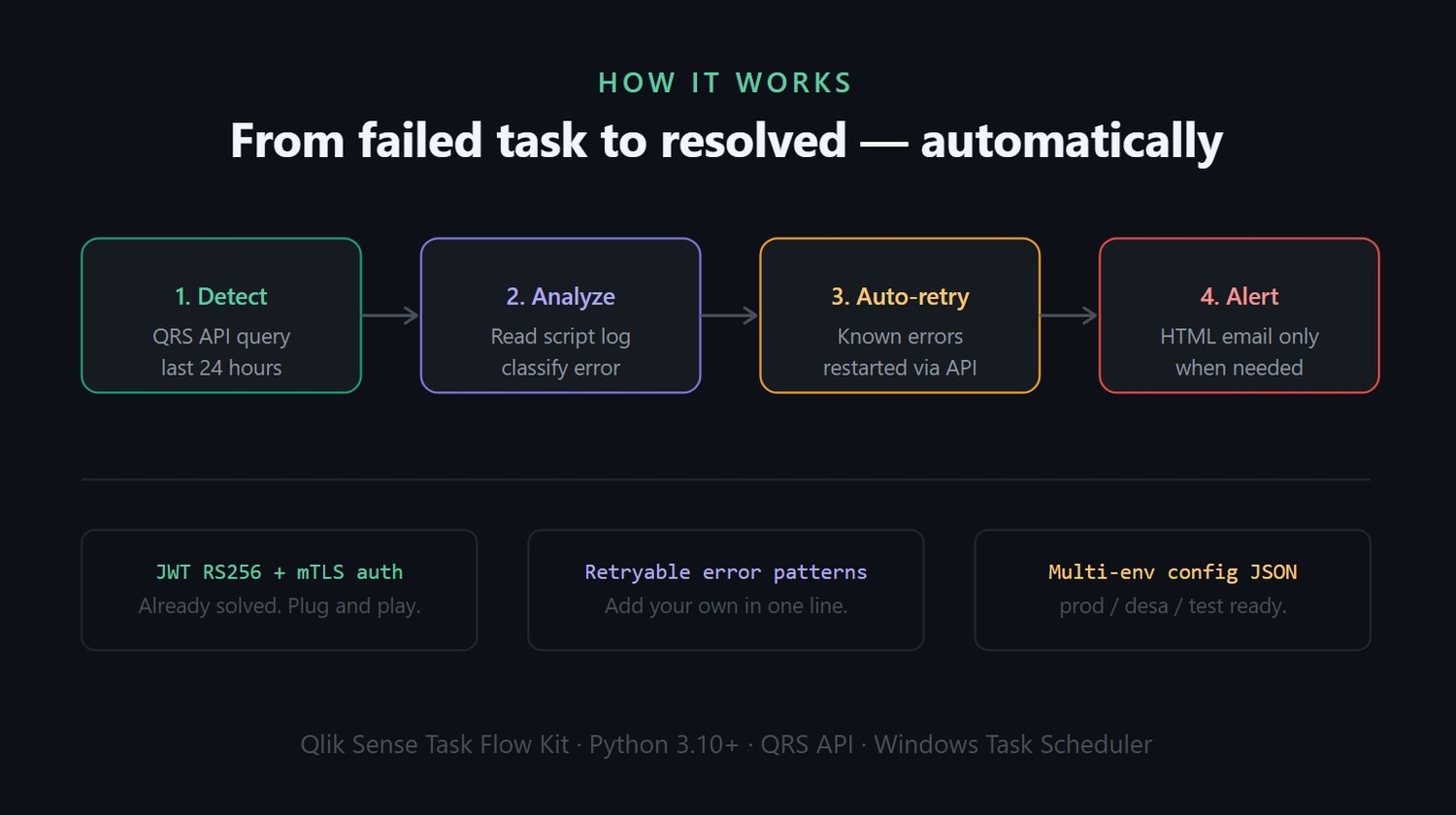
→ Queries all scheduled tasks and filters the ones that failed in the last
24 hours by status, app name keywords, and execution time.
→ Reads the script log file Qlik generates for each failed task and
classifies the error:
- Known transient errors (e.g. Oracle ORA-01555, memory exhaustion,
ODBC disconnects) → retried automatically via the API.
- Unknown errors or unreadable logs → alert email sent to your team.
→ Sends an HTML email alert only when manual review is actually needed.
No noise. No false alarms.
→ Runs on a schedule via Windows Task Scheduler with the included run.bat
template.
---
WHAT'S INCLUDED
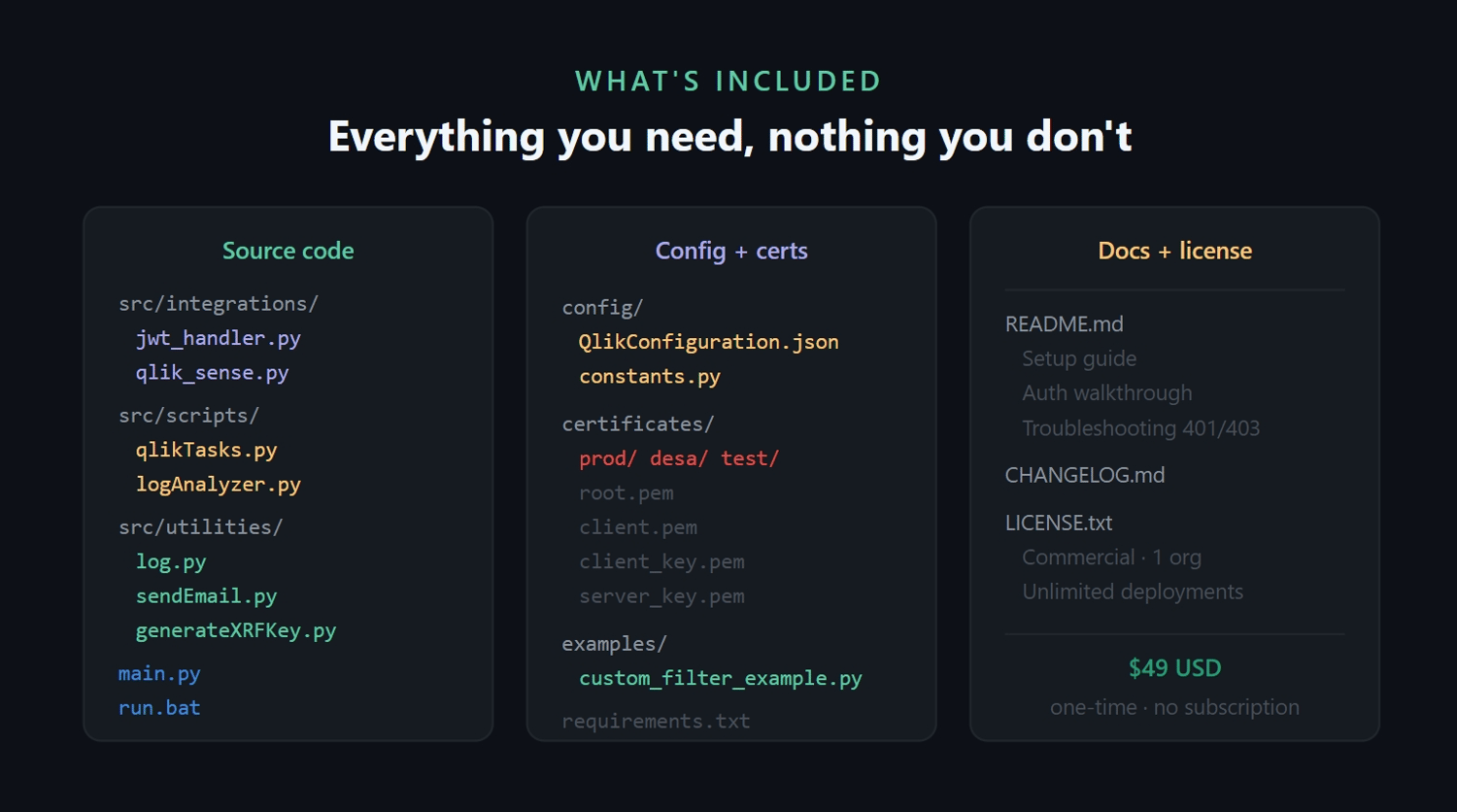
✔ Complete Python source code (Python 3.10+)
✔ Multi-environment config (prod / desa / test) via a single JSON file
✔ send_email flag per environment — no code changes between test and prod
✔ Structured logging with daily log rotation
✔ Customizable error pattern list (add your own retryable errors in one line)
✔ Example script showing how to extend the task filter
✔ Full README with setup guide, authentication walkthrough, and
troubleshooting for common 401/403 errors
✔ run.bat template for Windows Task Scheduler
✔ Commercial license — unlimited internal use for your organization
---
WHO IS THIS FOR
→ Data engineers and BI teams running Qlik Sense Enterprise On-Premise
→ Teams tired of manually checking task status every morning
→ Anyone who has lost time debugging a failed reload that nobody noticed
for hours
---
REQUIREMENTS
- Python 3.10 or higher
- Qlik Sense Enterprise On-Premise (QRS API access)
- SSL certificates exported from your Qlik server
- A virtual proxy configured with JWT authentication in QMC
- Network access from the machine running the script to the Qlik server
---
LICENSE
One license covers unlimited developers and deployments within a single
organization. See LICENSE.txt included in the download for full terms.