


Glazing Schedule Pro
Window Area Calculations for Main, Upper, and Lower Floors
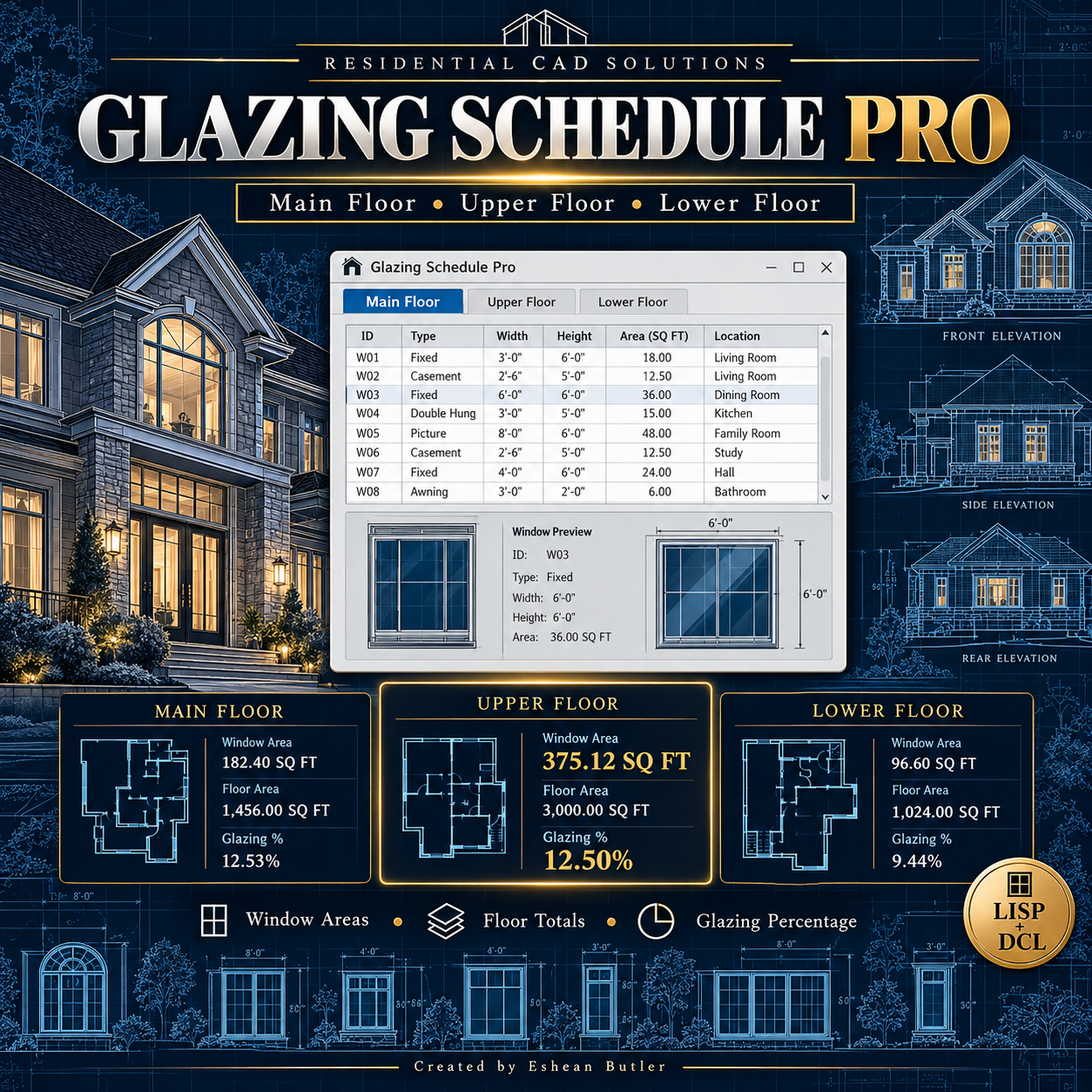
Organize your residential window schedule and calculate window areas directly inside AutoCAD. Glazing Schedule Pro combines a classic DCL interface with editable window entries, floor subtotals, and a project-wide glazing percentage.
Features
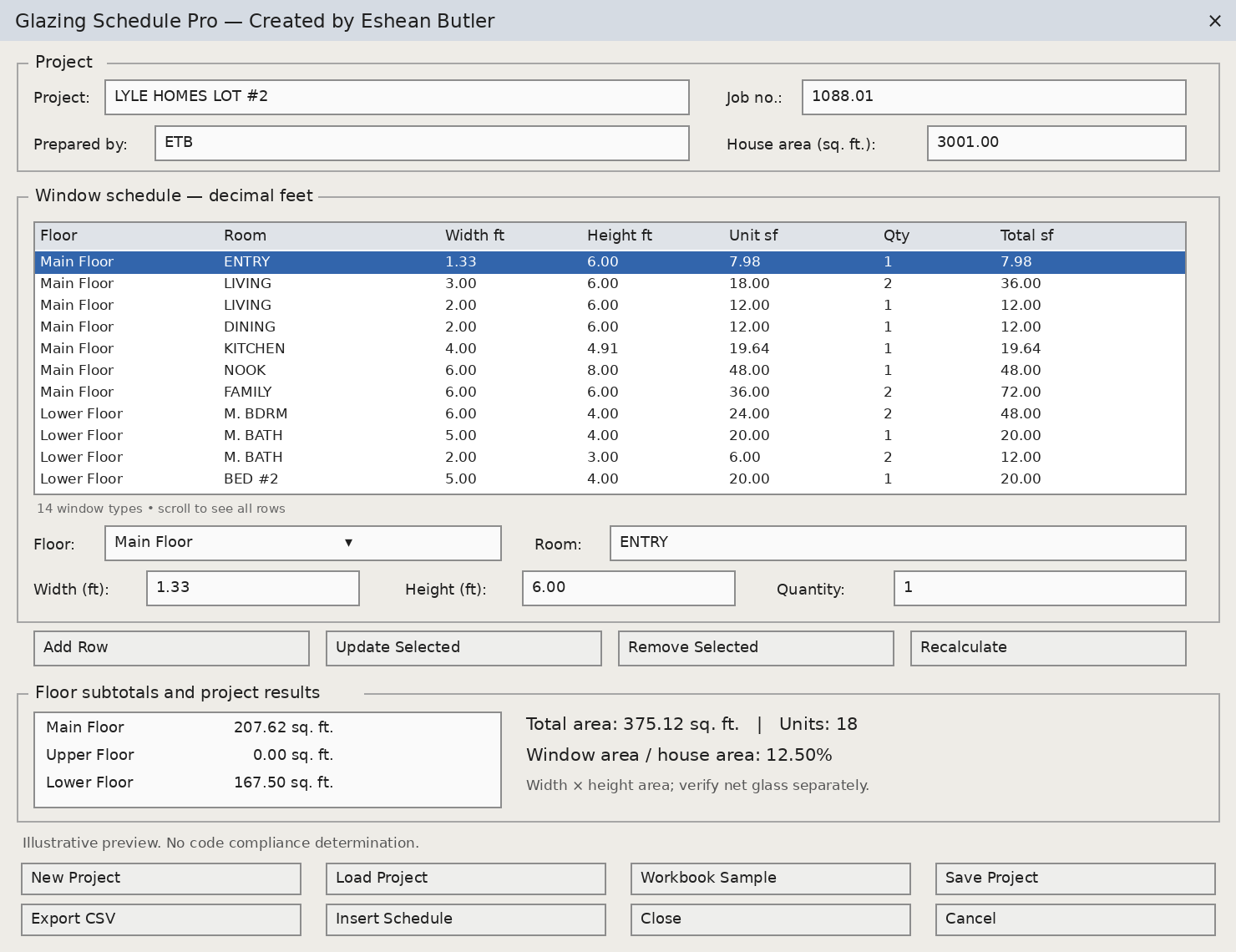
- Three floor choices: Main Floor, Upper Floor, and Lower Floor.
- Editable window entries: Enter room names, width, height, and quantity.
- Automatic calculations: Calculate individual window area, row totals, and total window quantity.
- Floor subtotals: See window area totals for each floor.
- Project summary: Calculate combined window area and its percentage of the entered house area.
- Schedule editing: Add, update, and remove window entries.
- Save and load projects: Reuse your saved schedules.
- CSV export: Export schedule data for spreadsheet review.
- AutoCAD drawing output: Insert a labeled schedule using text and linework on the A-GLAZ-SCHEDULE layer.
Enter dimensions in decimal feet. The program calculates width × height × quantity and reports areas in square feet.
Your Download Includes
AutoLISP program, matching DCL dialog, sample project based on the supplied workbook, illustrated DCL preview, installation instructions, and a testing checklist.
Requirements and Notes
Designed for full AutoCAD for Windows using classic AutoLISP, DCL, and Visual LISP APIs. Intended for AutoCAD 2002 and later; live testing is required in your specific release.
Calculations use rectangular window dimensions. Results do not establish actual net glass area or determine energy, daylight, ventilation, egress, or safety-glazing code compliance. Drawing schedules are static and can be reinserted after project changes.
Created by Eshean Butler
Residential CAD Solutions