

Google NotebookLM: The Educator's Quick-Start Guide
Google NotebookLM: The Educator's Quick-Start Guide
Your AI co-pilot for lesson planning, study guides, and research — without the learning curve.
You've heard the buzz about Google NotebookLM. Maybe you caught a session at TCEA, or a colleague mentioned it in the staff lounge. But between grading, planning, and everything else on your plate, who has time to figure out a new AI tool from scratch?
This guide gets you from "curious" to "confident" in one sitting.
What's Inside:
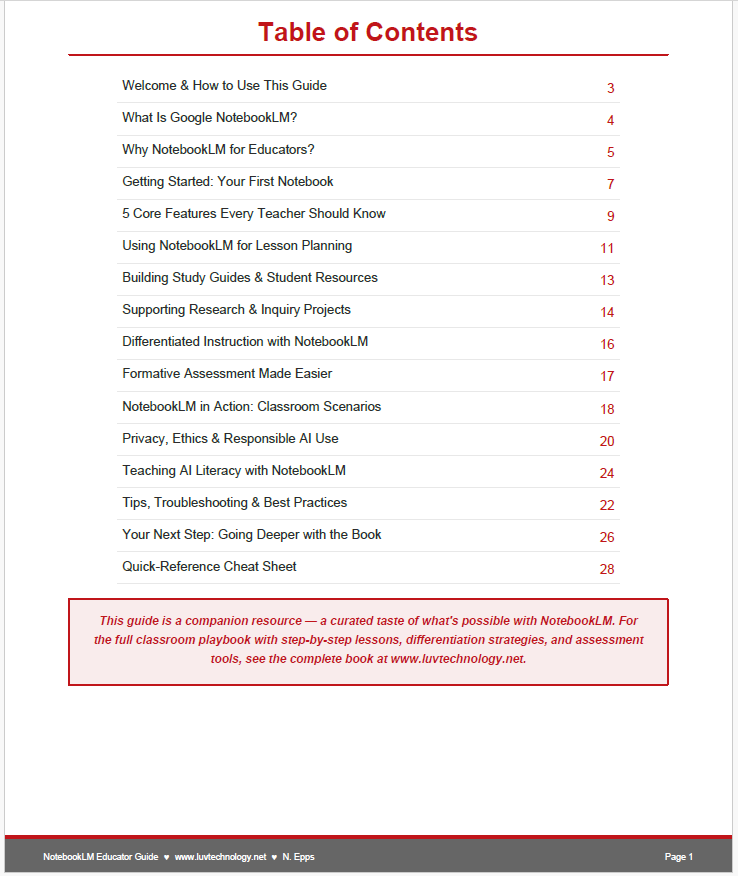
✅ A plain-English breakdown of what NotebookLM actually is — and why it's safer and smarter than a typical AI chatbot
✅ A 5-minute setup walkthrough so your first notebook is live before your coffee gets cold
✅ The 5 core features every teacher should know — summarizing, source-grounded Q&A, Audio Overviews, Video Overviews, and Mind Maps
✅ Ready-to-copy prompts for lesson planning, study guides, research projects, differentiation, and formative assessment
✅ 4 real classroom scenarios across elementary, middle, high school, and PLC settings — so you can see exactly how it fits your context
✅ A full section on privacy, ethics, and responsible AI use — because protecting your students always comes first
✅ A bonus AI literacy mini-unit you can run with students using the tool itself
✅ A 1-page cheat sheet of go-to prompts you'll actually keep on your desk
Who It's For:
Classroom teachers, instructional coaches, and campus leaders who want practical AI strategies — not tech jargon. No experience required. If you can use Google Docs, you can use NotebookLM.
Why Teachers Love It:
This isn't a list of AI buzzwords. It's a real workflow — the exact prompts and steps to start saving hours on lesson planning, study guides, and assessment prep this week.
📥 Instant digital download — PDF, 30 pages
🔒 Privacy-conscious guidance built in
📖 A companion resource to the full book: How to Use AI in the Classroom with Google NotebookLM: A QuickStart Guide
✏️ By N. Epps | Luv Technology