

VIRA HOTSPOT PRO TRIAL
Share your PC's Internet. Without the networking headache.
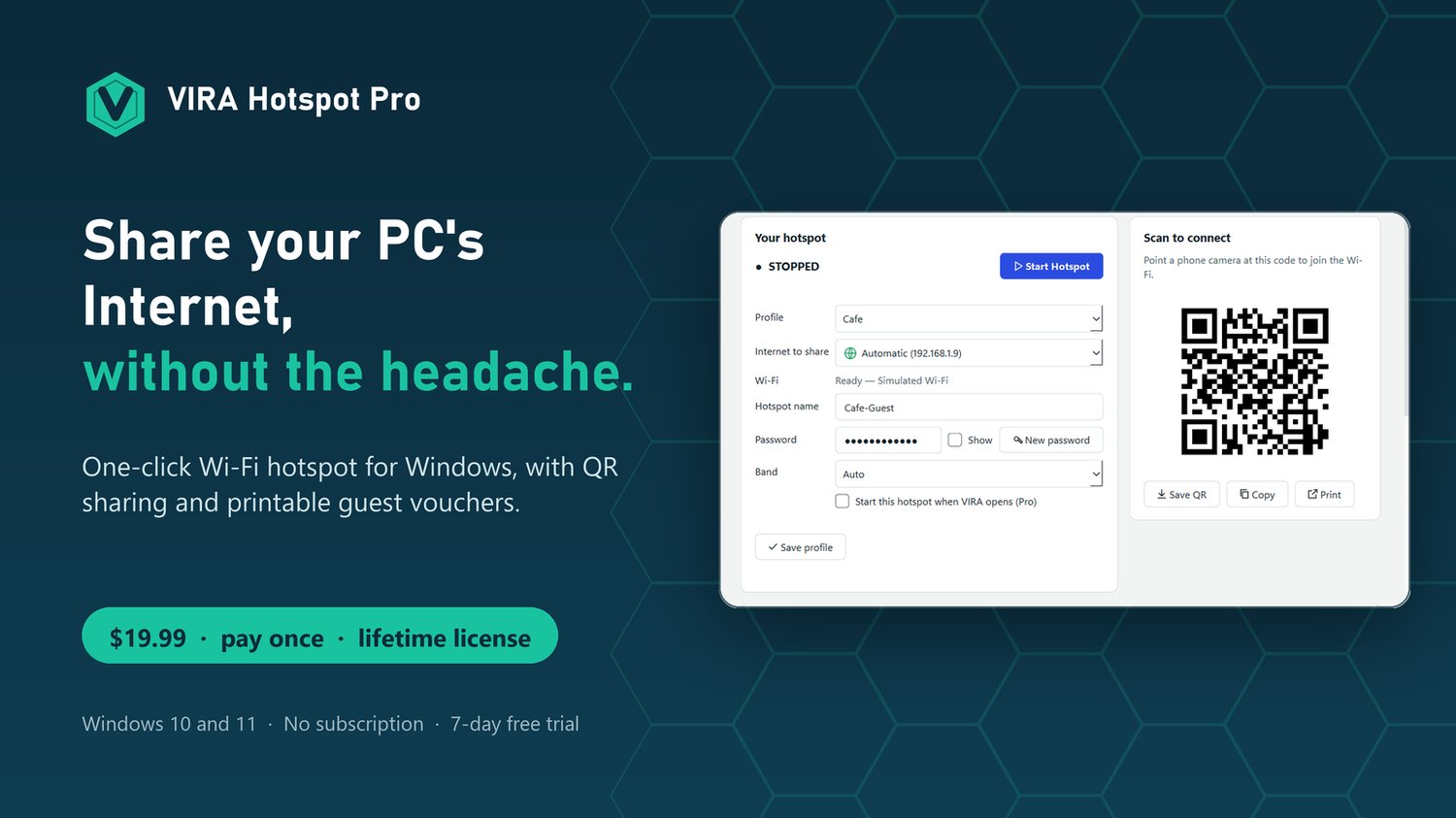
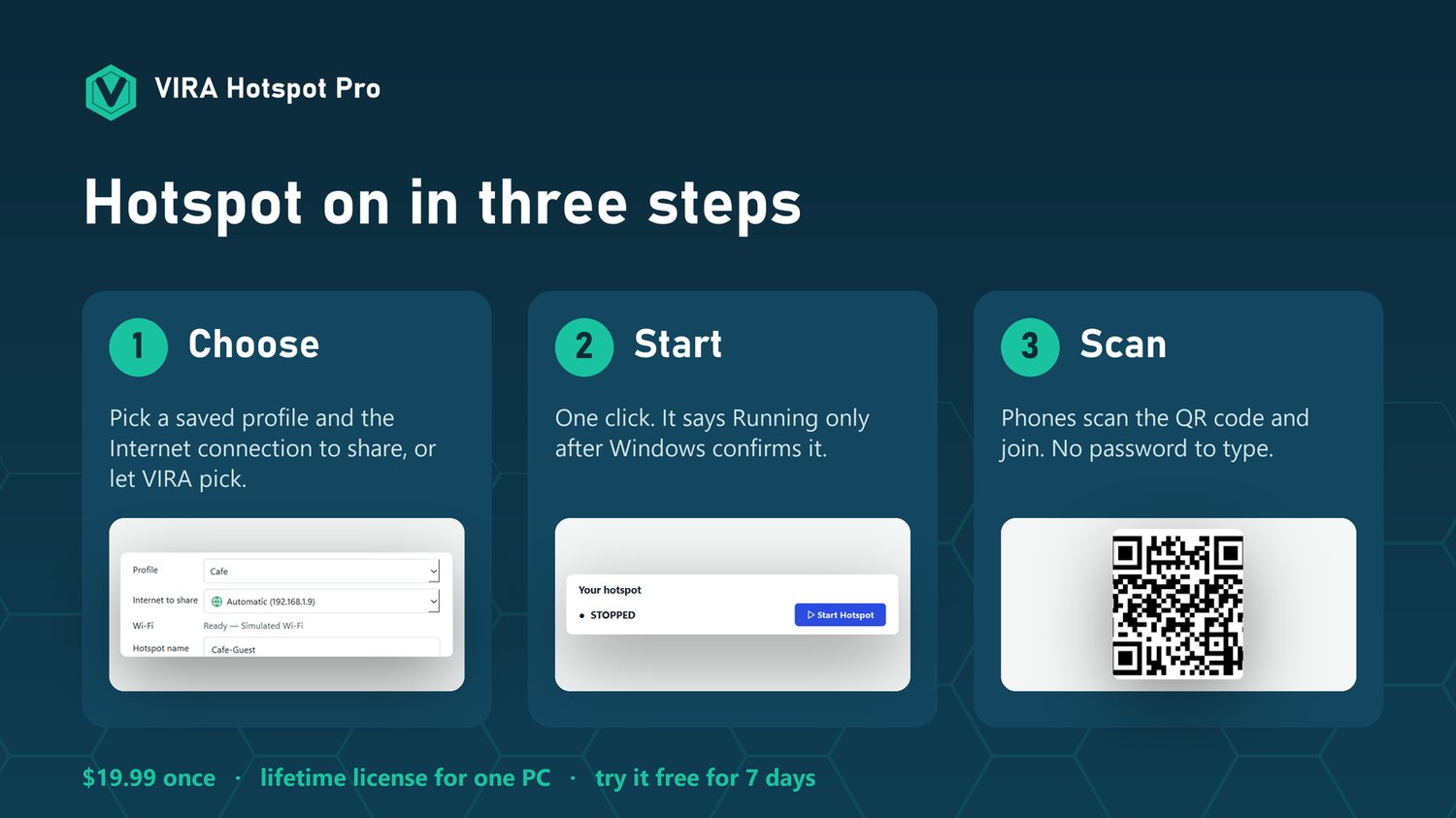
VIRA Hotspot Pro turns a Windows PC into a simple, controllable Wi-Fi hotspot. Pick a saved profile, press Start, let phones scan the QR code, see who joined, press Stop. No command line, no cloud account, no subscription.
$19.99 once. A lifetime license for one Windows PC.
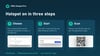
Try everything free for 7 days first: one click in the app, usually no e-mail needed.
WHY BUY IT (AND WHAT YOU ARE PAYING FOR)
Windows can share a connection, but it hides the controls, forgets your setup, and gives you little to go on when something fails. VIRA Hotspot Pro is the fix for that, for one payment.
- It saves you the clicks. Home, Office, Travel and Event profiles replace digging through Windows settings every time.
- It saves you the guessing. A clear status says Running only when Windows confirms it, and diagnostics tell you in plain words what is wrong and what to do.
- It saves you the embarrassment. Guests join by QR code, so nobody reads out or mistypes a password.
- It keeps working. If the hotspot drops, VIRA turns it back on. When you stop, your own Windows settings come back exactly as they were.
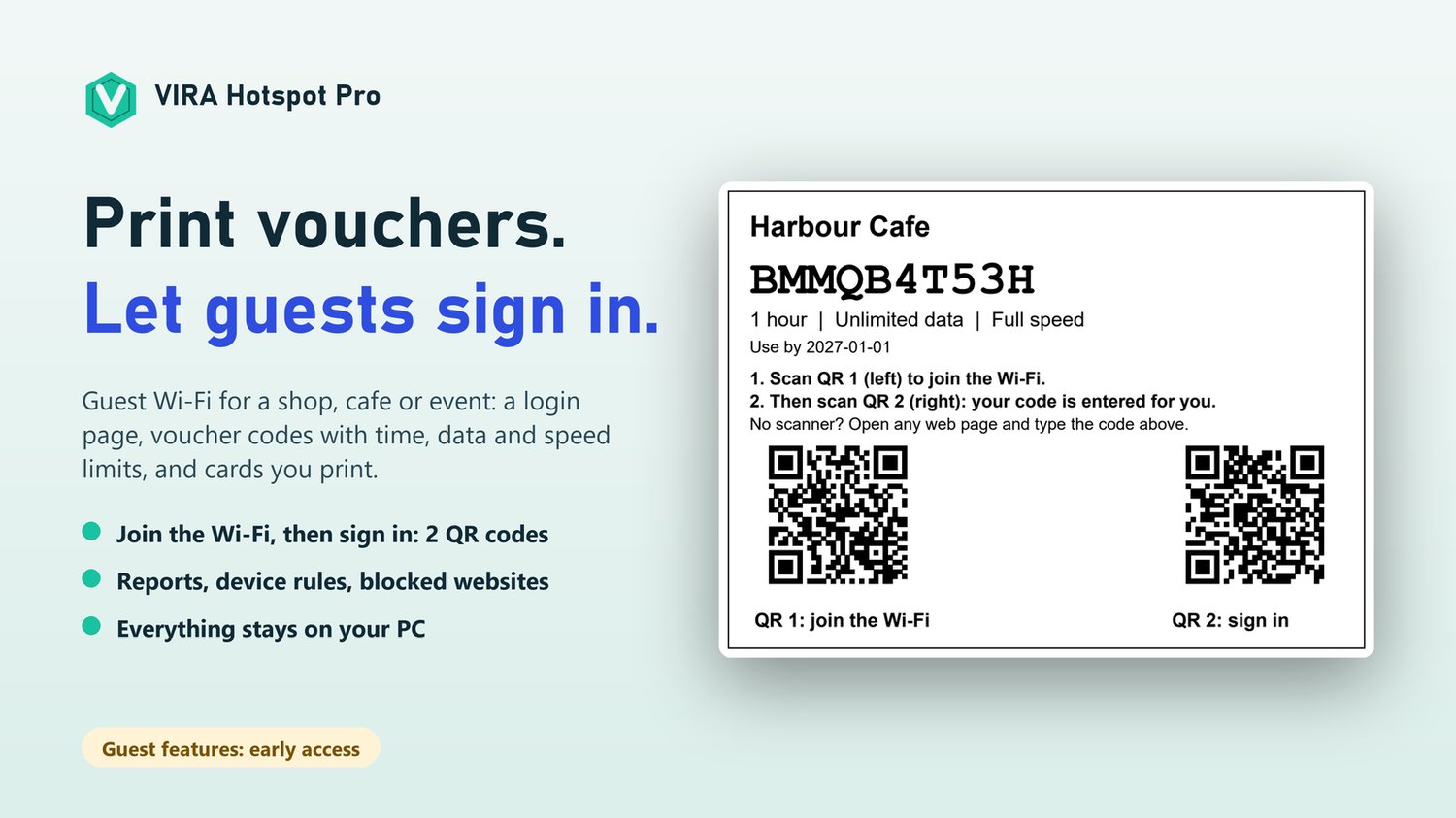
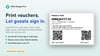
- It runs a small guest Wi-Fi without extra hardware. Print voucher cards with time, data and speed limits, on the PC you already have.
- It is yours. One payment, no subscription, no account, no usage tracking. Nothing stops working if you stop paying, because there is nothing to keep paying.
- It is safe to try. Practice mode shows every screen with a pretend hotspot, and the 7-day free trial unlocks everything before you spend anything.
BEST FOR
- People who share a PC's Internet often: travellers, remote workers, events, workshops, classrooms
- Small shops, cafes, salons and pop-up stands that want guests to sign in with a printed voucher
- Anyone tired of the Windows hotspot switch that does not say why it failed
WHY PEOPLE USE IT
- Share a wired or Wi-Fi connection with phones, laptops and guests in seconds
- Keep separate profiles for Home, Office, Travel and Events and switch with one click
- Hand out Wi-Fi without anyone typing a password: print or show the QR code
- Know what is happening, in plain language: a clear status, connected devices and built-in diagnostics
WHAT IS INCLUDED
- One-click hotspot control. It says "Running" only after Windows confirms it, and turns the hotspot back on if it drops
- Choose the Internet connection to share: Wi-Fi, Ethernet or Cellular, or let VIRA pick
- Saved profiles, QR codes you can save, copy or print, and an optional start with Windows
- Live download and upload meters that update every second
- Connected devices where Windows reports them
- Diagnostics and a support report that never contains your passwords
- Safe restore: your own Windows hotspot settings are put back when you stop
- Practice mode: try every screen with a pretend hotspot, nothing on your network changes
- A built-in guide for every screen
GUEST WI-FI FOR SHOPS, CAFES AND EVENTS (EARLY ACCESS)
- A login page guests see when they join
- Voucher codes with time, data and speed limits, printed as cards with two QR codes: join the Wi-Fi, then sign in
- Reports, device rules, speed limits, blocked ports and websites
- Alerts when too many devices join or traffic gets heavy, and an activity list you can filter by date
- A daily or weekly summary e-mailed to you at the time you choose (from your own mail account)
- Everything runs on your PC: no cloud service for your guests or sales
PRIVATE BY DESIGN
No usage tracking, no accounts, no update checks. Your hotspot names and passwords stay on your PC, protected by Windows. The only thing VIRA contacts the Internet for is the license check (trial or license key), which sends no hotspot data.
REQUIREMENTS
Windows 10 (1809 or later) or Windows 11, 64-bit, on a real PC with a Wi-Fi adapter that supports Windows Mobile Hotspot. About 400 MB free. No administrator rights to install. The guest features (login page, vouchers, rules) need you to run VIRA as administrator. Not for virtual machines.
HONEST LIMITS
- Windows' built-in hotspot allows 8 connected devices by default. VIRA works inside what Windows and your adapter allow.
- If your adapter or driver cannot host a hotspot, VIRA says so; it cannot make it work.
- The guest features are new. They are tested with a simulator, and testing on real hotspots and many phones is still in progress, so use the free trial first.
- The installer is not code-signed yet, so Windows SmartScreen shows a warning the first time you run it.
YOUR LICENSE
One license, one PC, no expiry. Updates are manual (you download the newest installer) and are not promised for the future. To move it to a new PC, contact support. After payment you receive the installer, a portable version, the guides and your license key by e-mail from Payhip.