
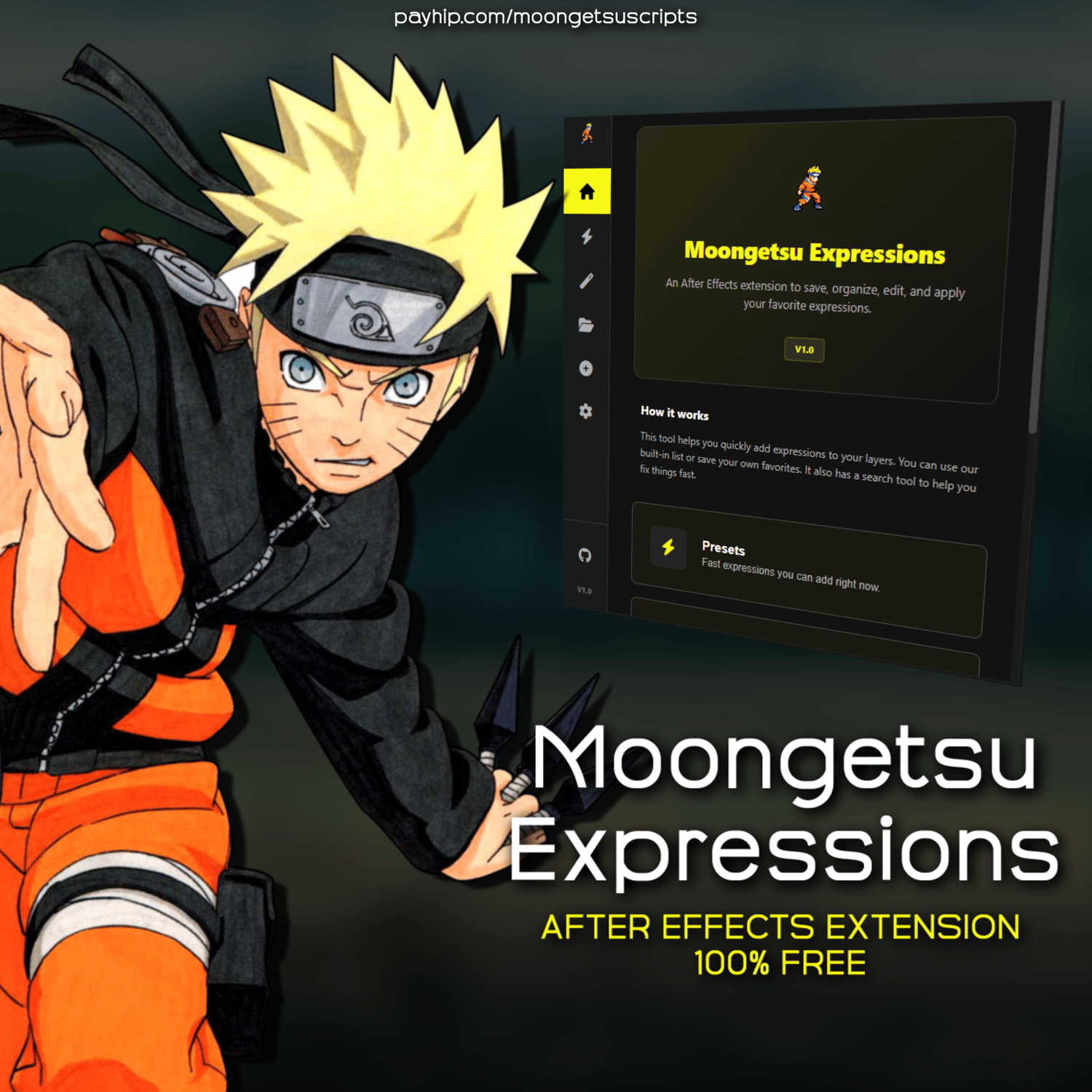
Moongetsu Expressions
Moongetsu Expressions is an extension for After Effects to save, organize, and apply expressions. It uses a folder-based library system stored on your computer.
Features:
- Folder-Based Library: Your categories are stored as folders on your disk.
- Expression Scanner: Lists properties on a layer that have expressions and shows their code.
- Tools: Search and replace text in expressions across a comp, remove expressions from layers, and reset properties.
- Direct Editing: Rename presets or update code from the panel.
- Conflict Check: Shows a comparison between old and new code when importing.
- Custom Settings: Change the expression control prefix (e.g., M_) and the storage path.
- UI Themes: Dark Mode, Light Mode, and Compact Mode.
Installation:
1. Download the extension archive.
2. Copy it to: C:\Program Files (x86)\Common Files\Adobe\CEP\extensions
3. In After Effects, go to Window > Extensions > Moongetsu Expressions.
4. Enable "Allow Scripts to Write Files" in After Effects Preferences.
Compatibility:
- After Effects CC 2017 or newer.
- Windows and macOS.