
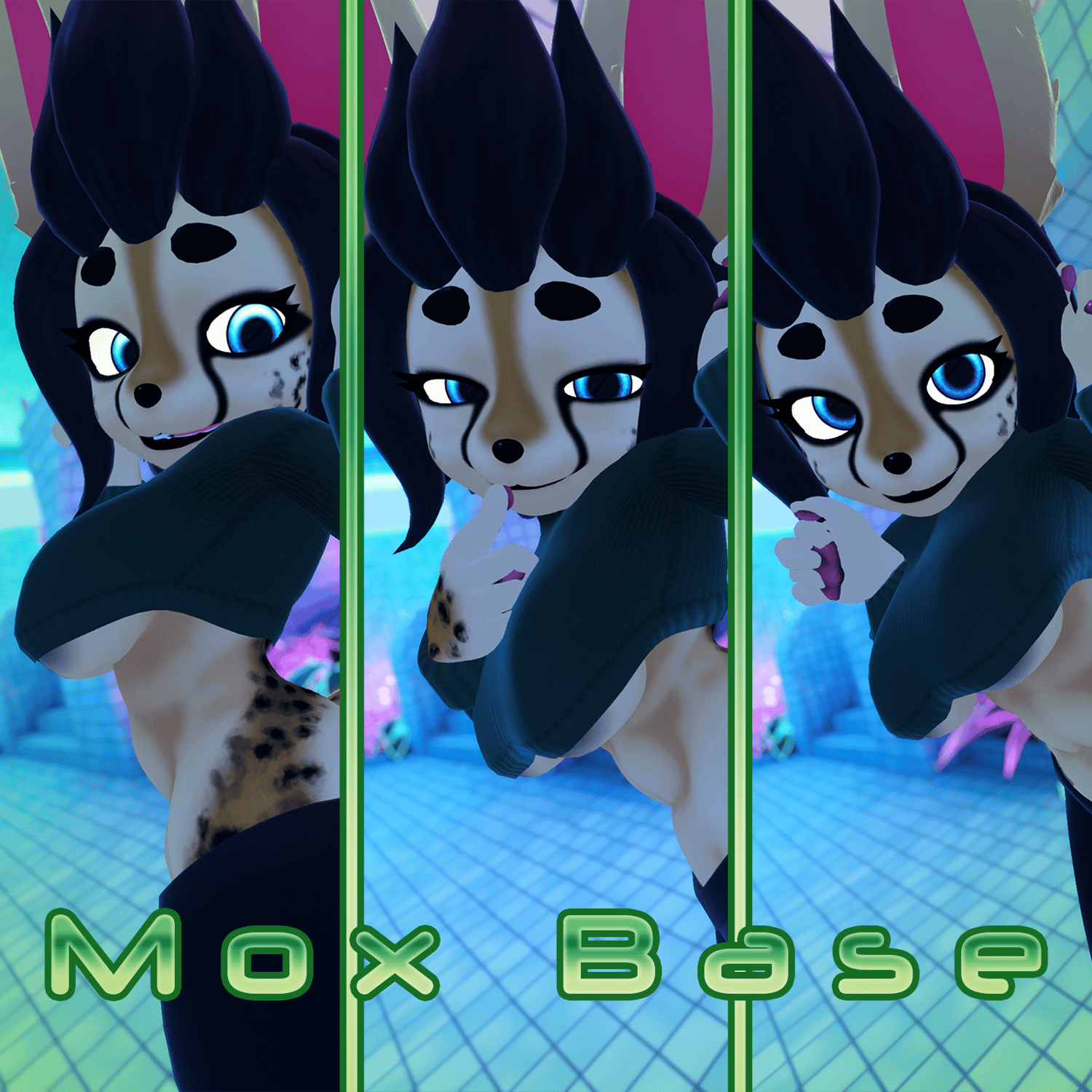
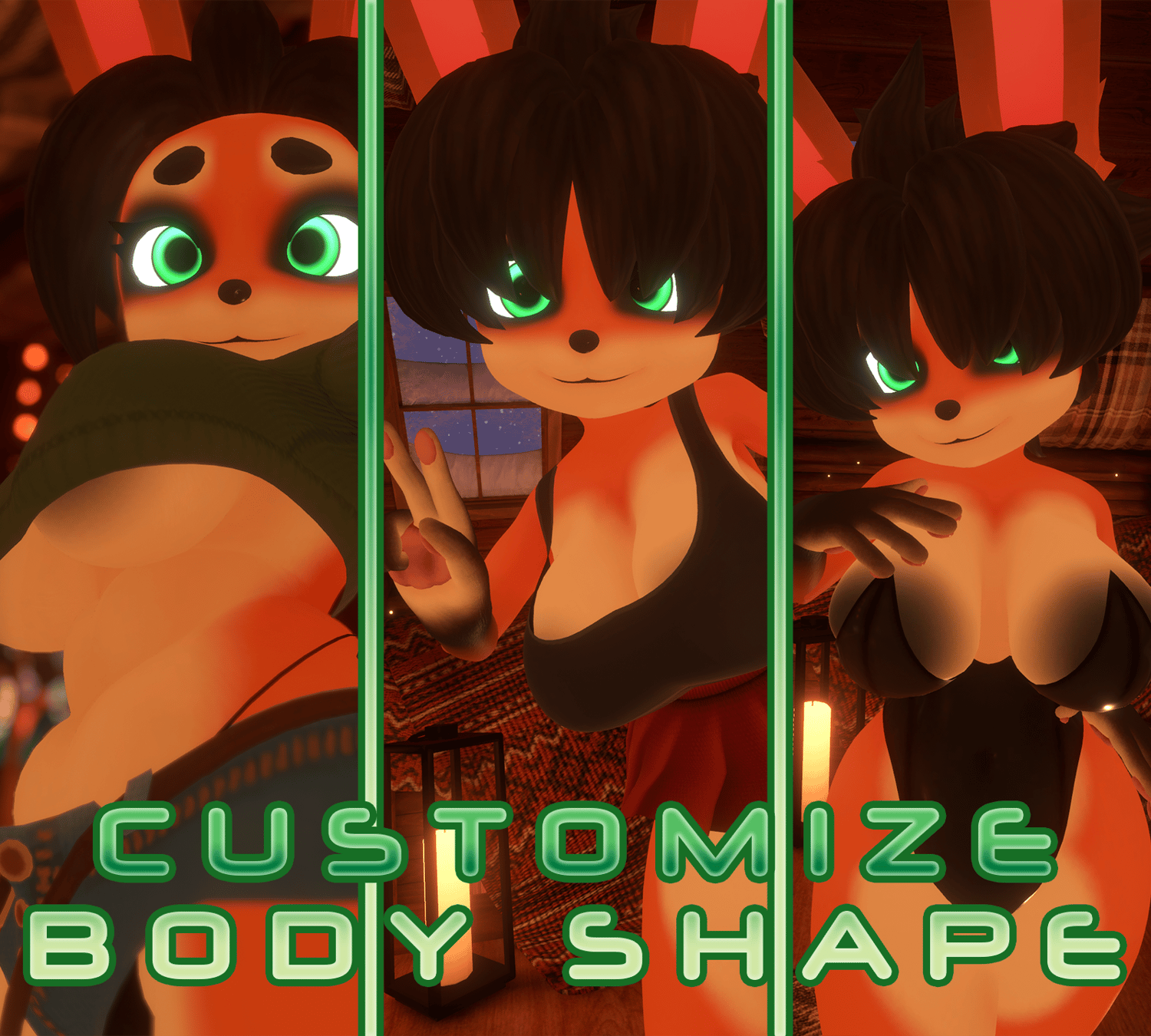
Mr Nobody's Mox Base - VRChat Avatar
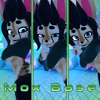
A fun sized furry base for those on the shorter side (!!QUEST AND FACE TRACKING COMPATIBLE!!)
Please be sure to report any issues to my Discord Server using the ticket system!

- !!QUEST COMPATIBLE WITH ALL FUNCTIONS!!
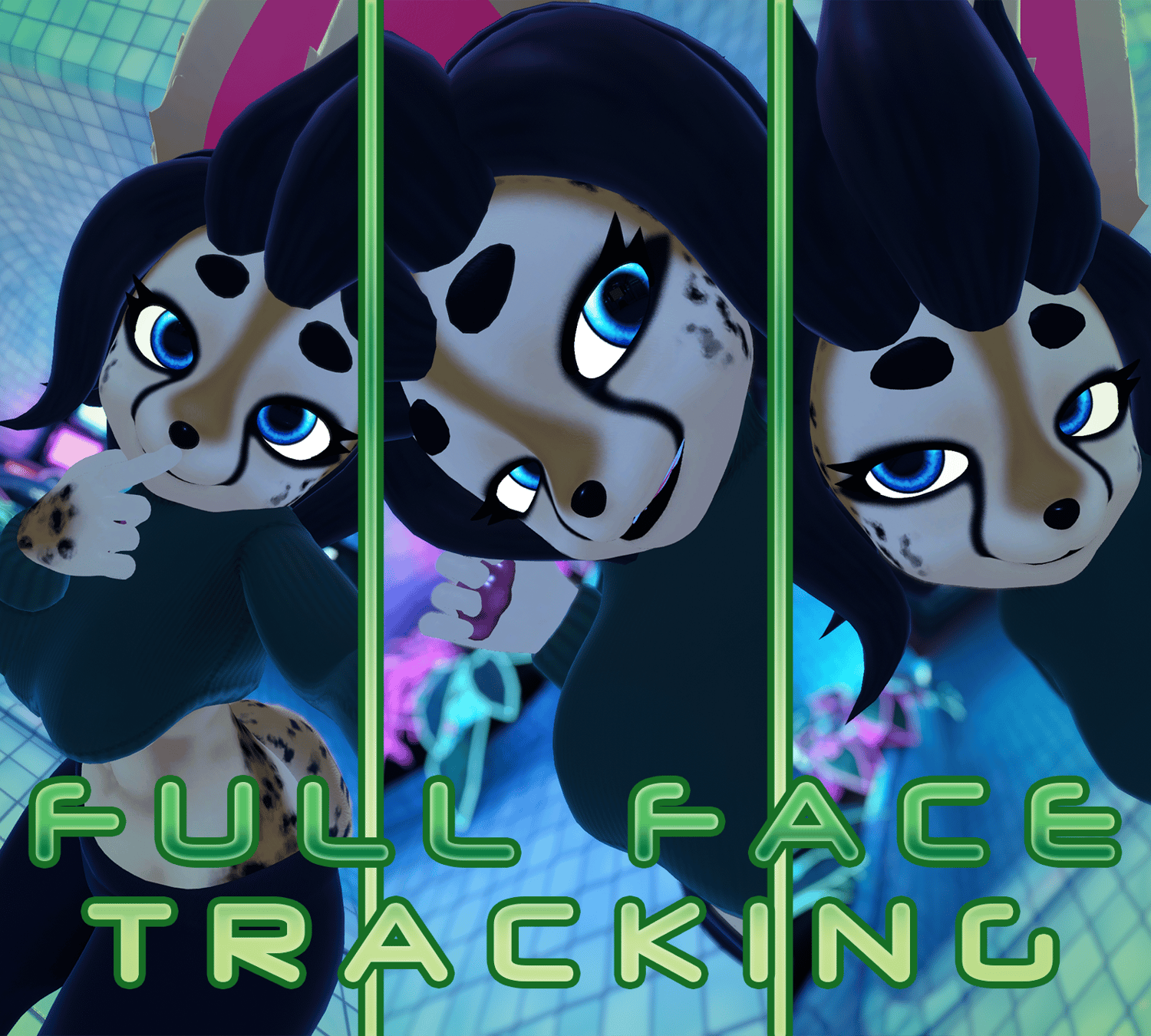
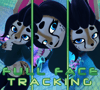
- !!FACE TRACKING COMPATIBLE!!
- PhysBone physics throughout
- Toon style textures and shading
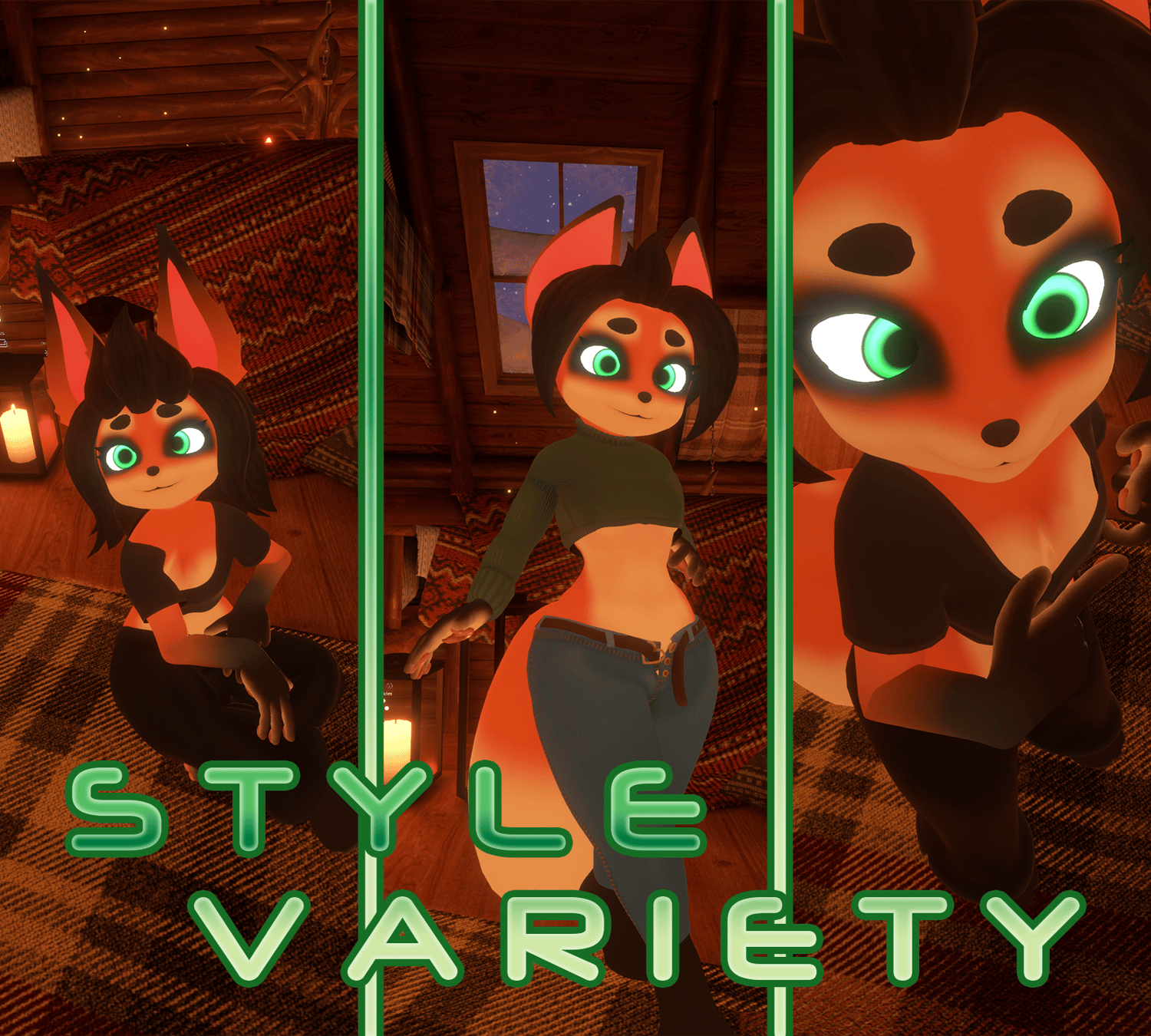
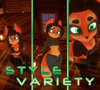
- Alternate fur patterns
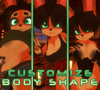
- An array of clothing options
- UV Tile Discard for toggles (Blendshapes for Quest version)
- Completely seamless head and body textures
- GoGo Locomotion configured


- Do NOT redistribute or upload publicly this Avatar under any circumstance
- Do NOT split the cost of the Avatar to upload to multiple accounts. One purchase is for one account.
- You MUST credit me as the creator of this Avatar when you are using it for posts on social media or when streaming.
- I am NOT liable for updates to the game breaking this Avatar. I will however try my best to keep it up to date.
- As a digital product there are NO REFUNDS AVAILABLE due to legitimacy reasons.
- If you wish to edit the base and resell you MUST ask before hand and credit the original base

In order to upload this Avatar you will need to use Unity 2022.3.22f1 which was the version this Avatar was created with. You will need to use VRC Creator Companion to import the required repositories before you do anything with the Avatar. Use VRC Creator Companion to add the VRC Fury repository (linked here) and the Poiyomi Toon repository (linked here) or import Poiyomi Toon from their Discord Server (linked here) to the project before hand. It is IMPERRITIVE you do these tasks before hand otherwise it will not work. The Creator Companion includes the SDK within the file, therefore you will not need to import one yourself.
Afterwards you will need to import the Avatar Package into the scene and open the folder titled "Mox Furry Base". All you need to do once this is done is to open the scene titled "SEPARATED_MoxFurryBase", "AIO_OPTI_MoxFurryBase" or "QUEST_MoxFurryBase" (Dependent on your platform and use case) and login to the VRChat SDK. Before you go ahead and upload the Avatar be sure to check that the Animation Controller and the Blueprint ID in the Inspector are clear. If this is the case, then you are free to go ahead and upload the Avatar to your account! If VRC Fury asks you to fix "Write Defaults" be sure to click auto solve!

"I don't want face tracking/dont have face tracking?"
No problem! Simply click the dropdown on the avatar in the Hierarchy, find the asset "FurryBase", click the dropdown and then delete the "VF_UE_VRCFT" object! Then proceed with your upload as usual!
"I want to edit the base but I only have the Unity version?"
Don't fret! The Unity scene titled "SEPARATED_MoxFurryBase" is all you need! Every mesh and material slot is completely separate allowing you to delete or add objects as you desire! While it is a bit more restricted than going bespoke with the Blender files, it still allows at least some amount of freedom to customise the base, just as long as you're adhering to the rules and not sharing it around!
"I want to customise the textures myself to better fit my OC?"
No problem at all! All versions come with a Substance Painter file with all the baked maps and an example texture setup! You're free to create your own textures and express yourself however you want!

- Mox Base created entirely by ME!
- GoGo Locomtion created by Franada
- Poiyomi Toon created by Poiyomi
- Face Tracking and Blendshapes are animated byAdjerry91’s Face Tracking Templates