
Vintage Film Effect for Final Cut Pro
On Sale
$5.00
$5.00
*ONLY WORKS WITH FINAL CUT PRO*
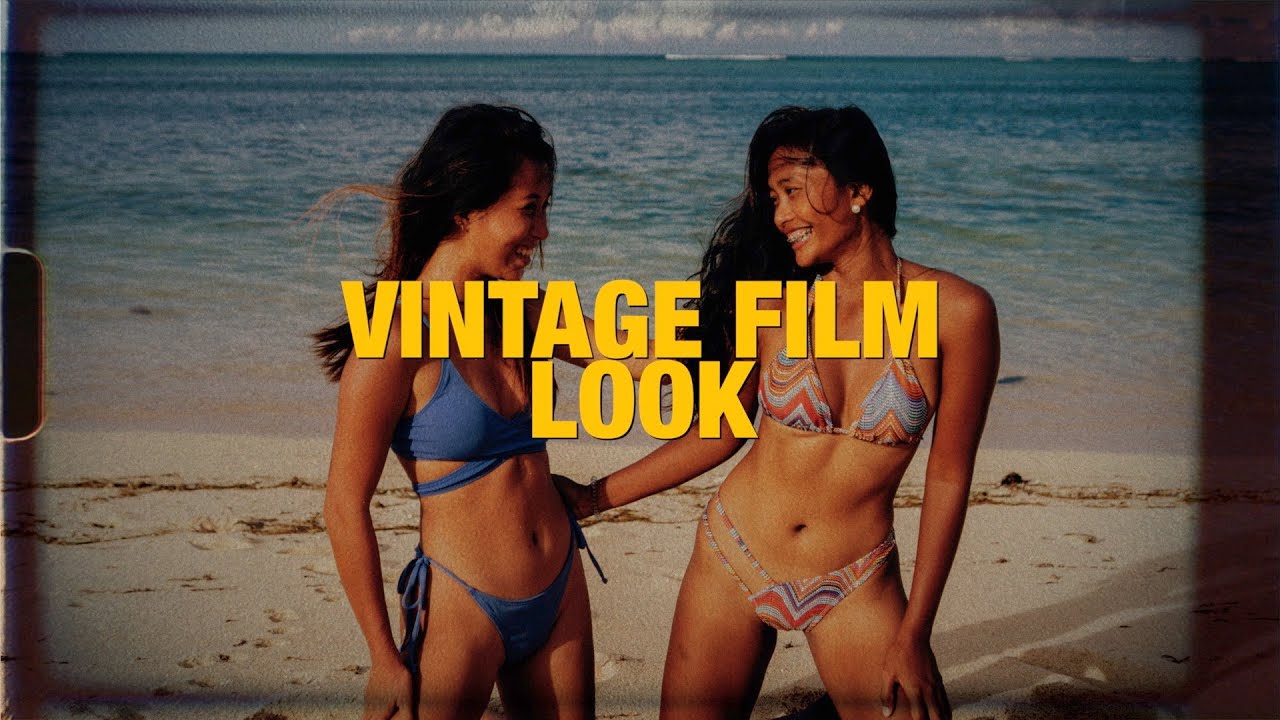
This is an effect for Final Cut Pro that will make your footage look like vintage film.
INSTRUCTIONS:
1. Double-click the .zip file to decompress it.
2. In Finder, click "Go" then hold the "opt" key and then click "Library"
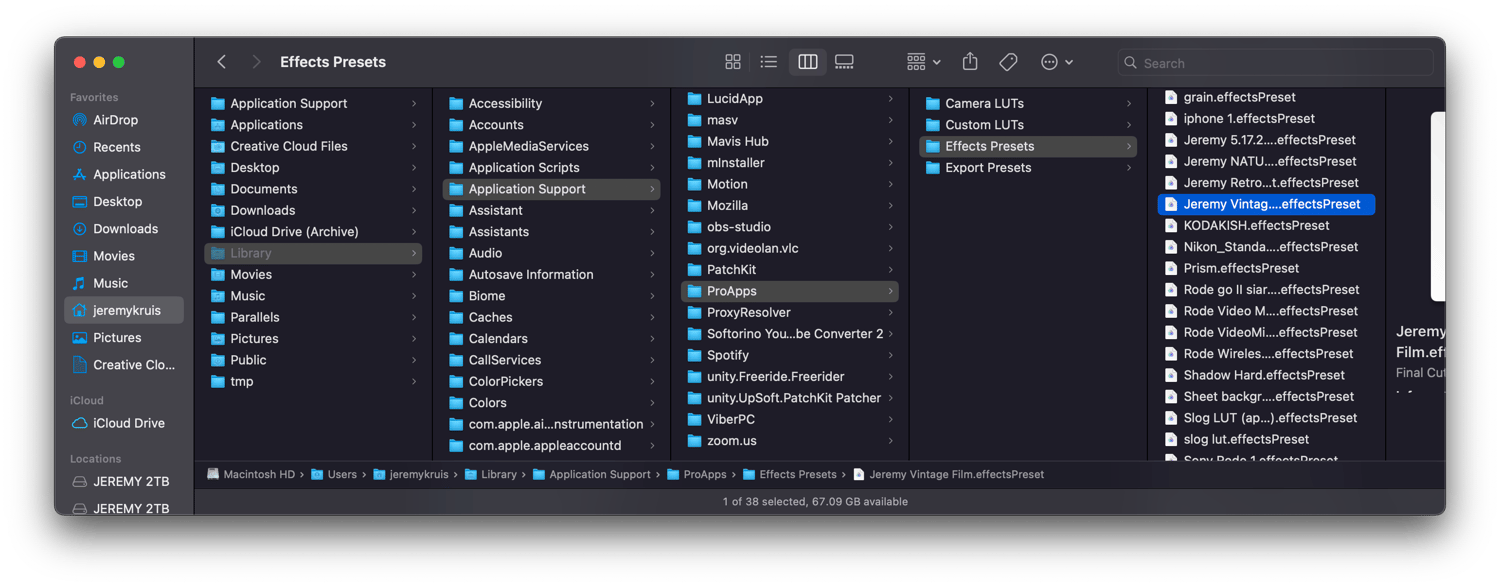
3. Drag the effects preset file to the following location in the Library folder:
/Users/username/Library/Application Support/ProApps/Effects Presets/
4. If Final Cut Pro is open, quit and reopen it.
5. The transferred video effect preset (Jeremy Vintage Film) appears in the Effects browser.
Enjoy!
It should look like this in Finder: