

Google Sheets Assignment Tracker, Homework Planner with Due Dates, Course Summaries and Monthly Calendar
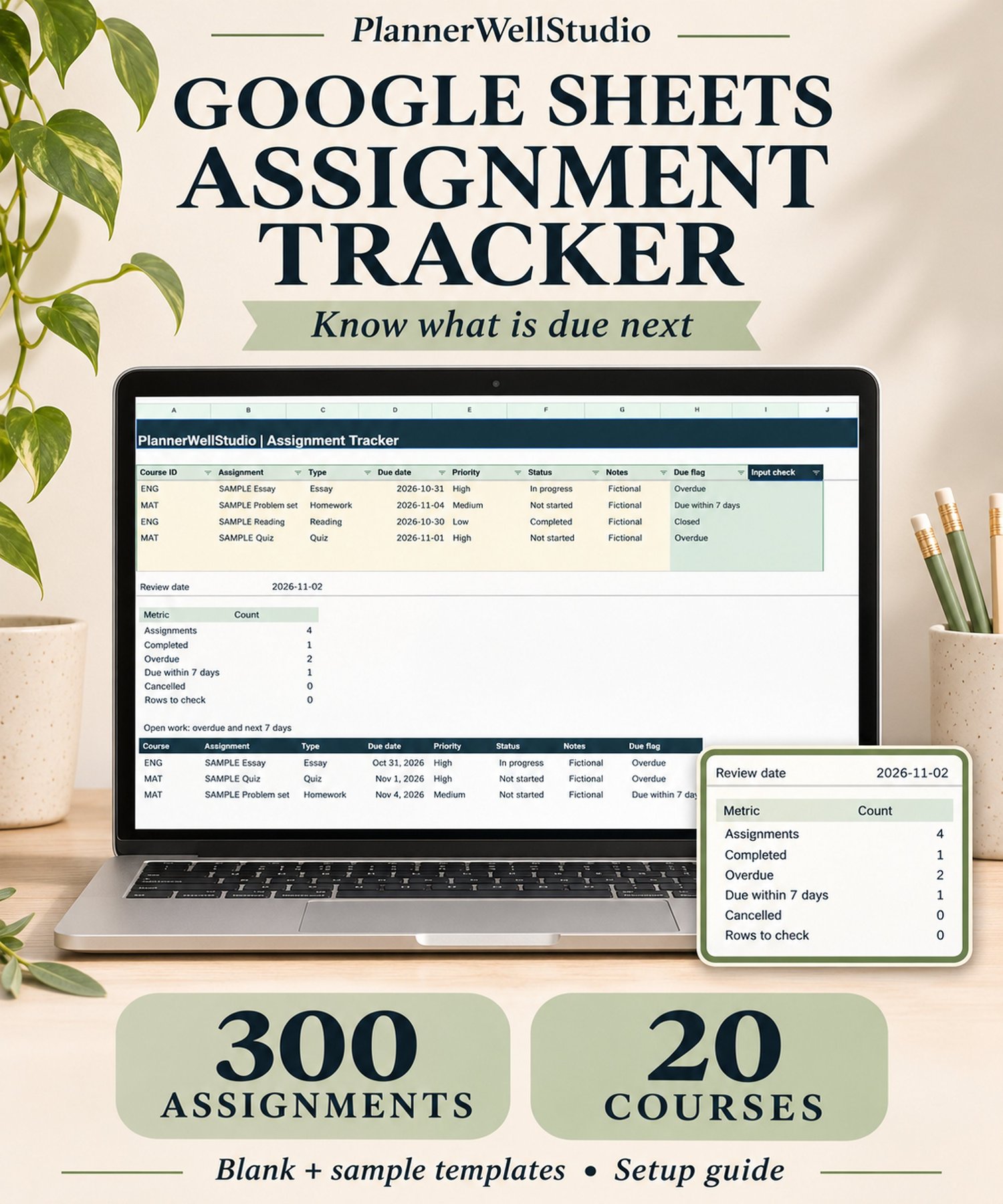
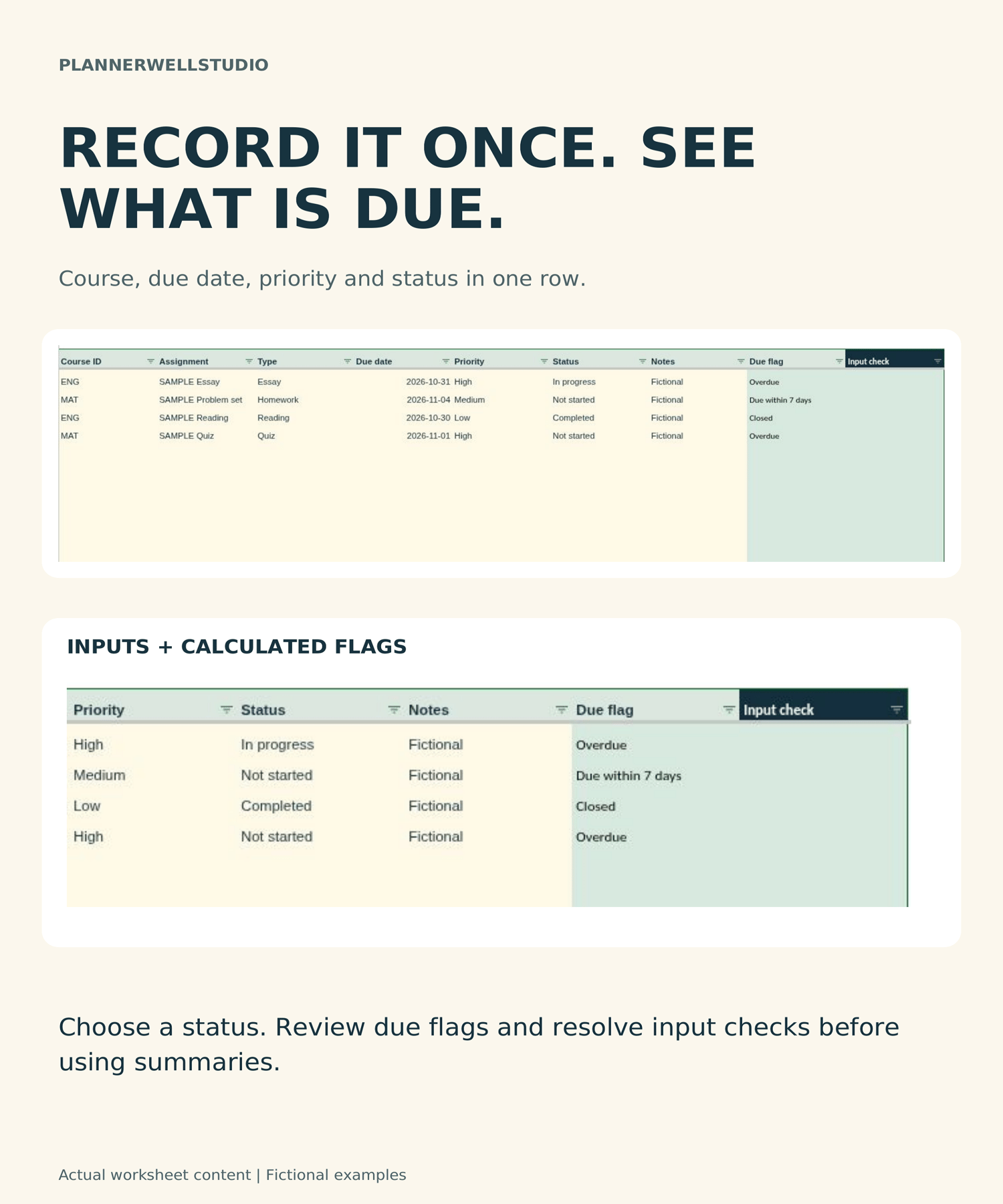
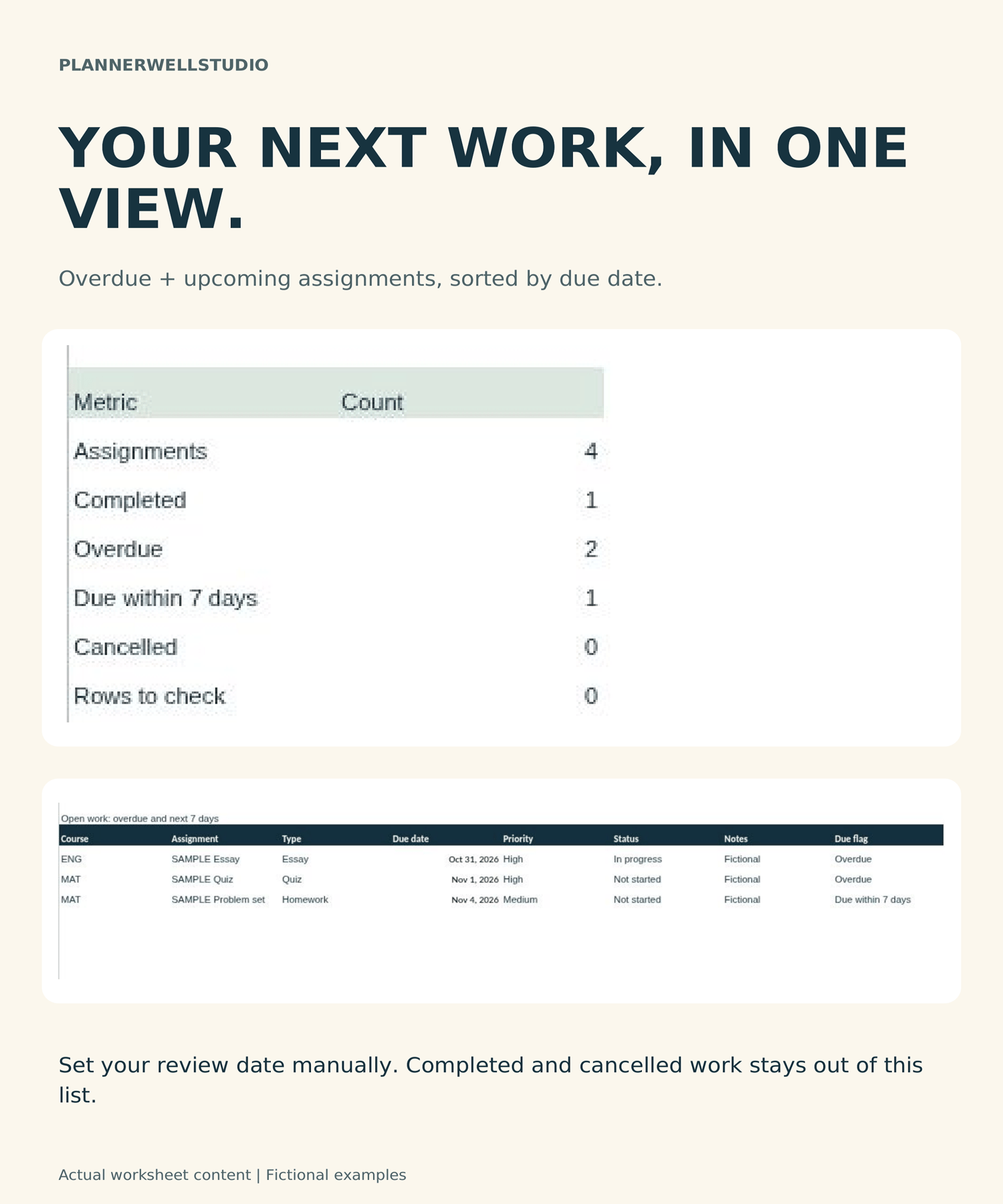
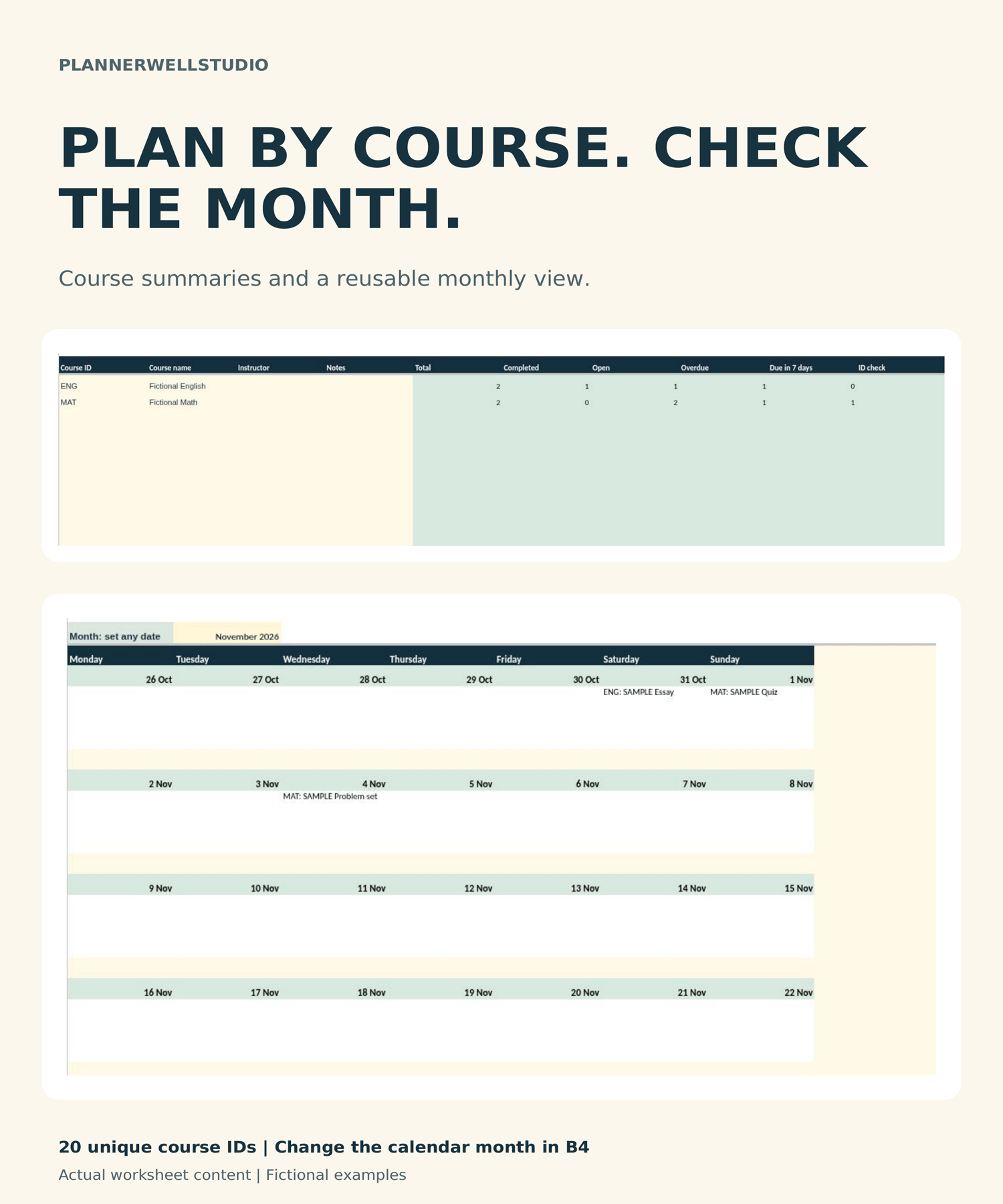
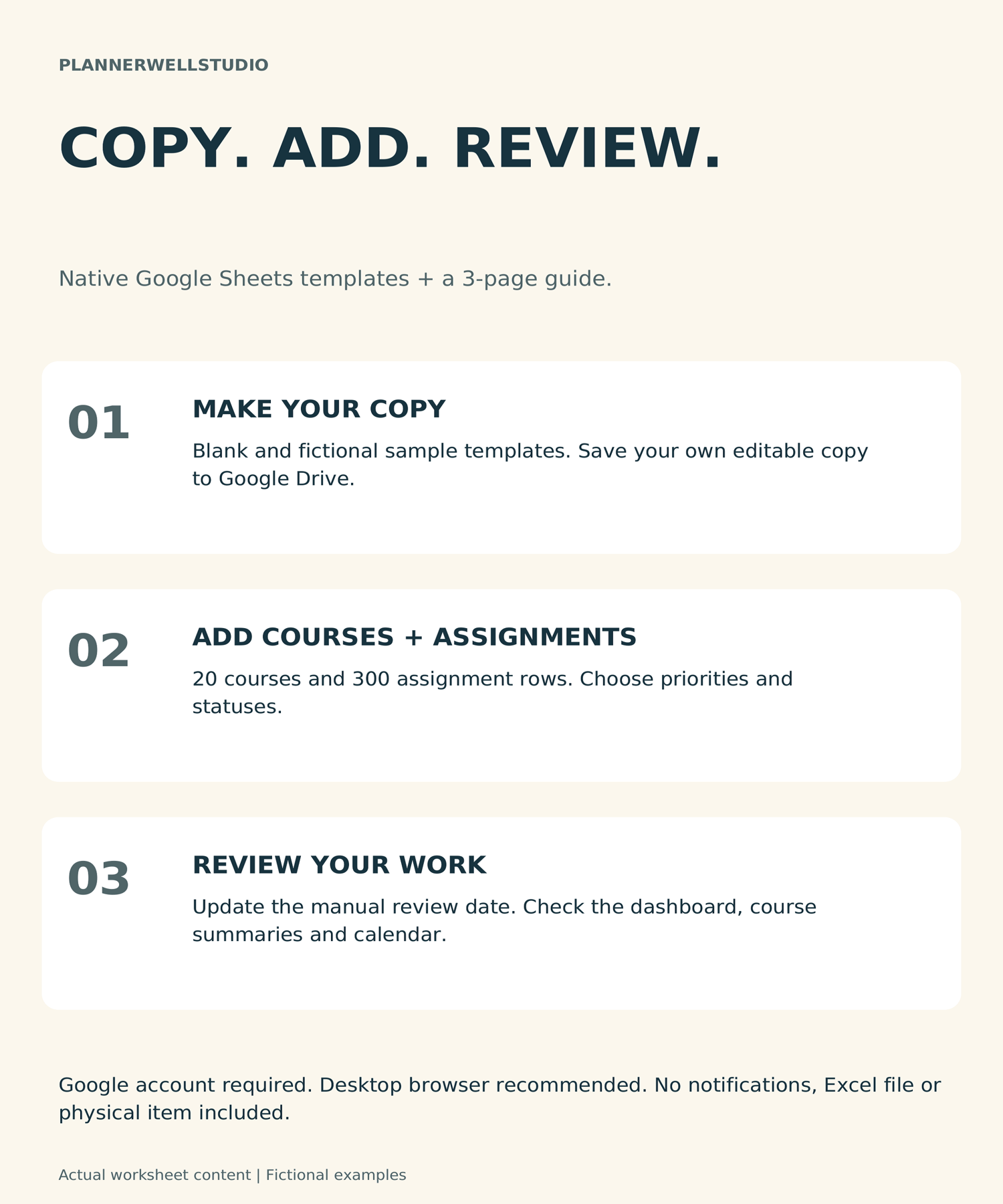
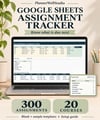
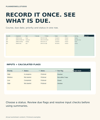
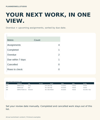
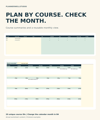
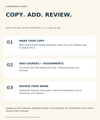
Keep assignments, course details and upcoming due dates together with this Google Sheets Assignment Tracker. Record up to 300 assignments across 20 courses, choose priorities and statuses, then review unfinished work in course summaries, a dashboard and a monthly calendar. WHAT YOU RECEIVE: One ZIP download containing: Assignment-Tracker-Start-Here.pdf - 3-page guide with clickable template links; Template-Links.txt - the same links in plain text. The links open two Google Sheets templates: one blank tracker and one separate copy with fictional examples. They contain the same six tabs and features. Sign in to your Google account and select Make a copy to save your own editable version. SIX INCLUDED TABS: Dashboard, Courses, Assignments, Calendar, Settings and Start Here. RECORD ASSIGNMENTS: Enter course ID, assignment name, type, due date, priority, status and notes. Choose High, Medium or Low priority and Not started, In progress, Completed or Cancelled status. The included formulas cover 300 assignment rows and 20 course rows. SEE WHAT NEEDS ATTENTION: The dashboard shows assignment, completed, overdue, upcoming, cancelled and input-check counts. An open-work list sorts overdue and upcoming assignments by due date. Course summaries show total, completed, open, overdue and upcoming work for each course ID. MONTHLY CALENDAR: Choose the month in Calendar B4. A Monday-first grid shows unfinished assignment names on their due dates. MANUAL REVIEW DATE: Set Dashboard B4 to your review date. It does not update automatically. No email reminders, notifications, external calendar synchronization or grade calculations are included. GETTING STARTED: 1. Download and extract the ZIP. 2. Open the Start Here guide. 3. Open a template link and select Make a copy while signed in to Google. 4. Explore the fictional sample, then start your records in a copy of the blank template. 5. Set your review date, add unique course IDs, and enter assignments. 6. Resolve input checks and review the dashboard, course totals and calendar. FORMAT AND SOFTWARE: This product uses native Google Sheets templates. A Google account and internet access are required to create and use your copy in a web browser. Desktop browser use is recommended. An Excel file, printable planner, PDF assignment worksheets, physical item and software subscription are not included. PERSONAL USE: For one purchaser's own study, courses and personal planning. You may reuse copies for your own terms or courses. Do not resell, redistribute, share blank files or template links, or upload them publicly. Team and school-wide use are not included.