
No Gatekeeping: The Edit
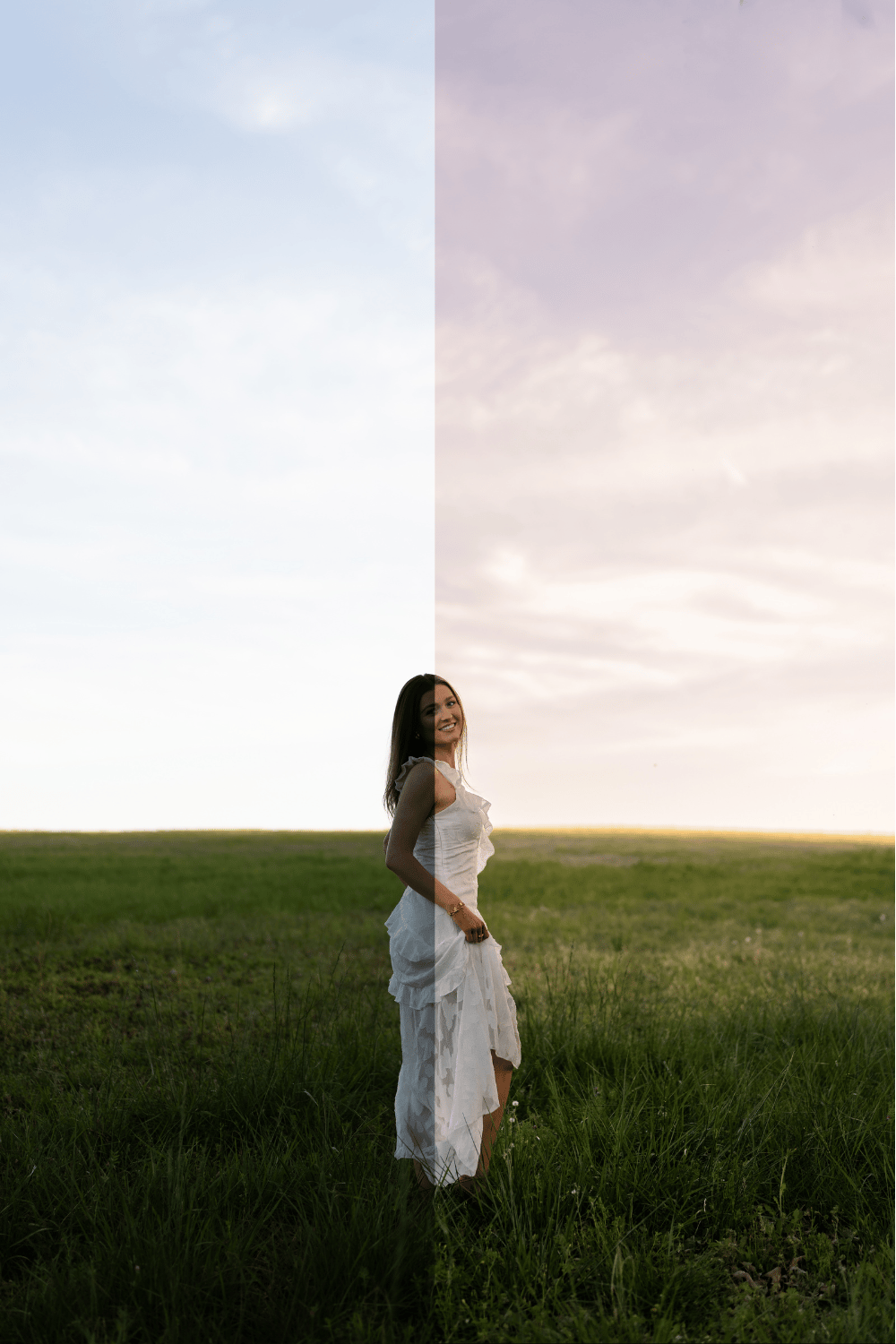
If you’ve ever brightened a photo and then just sat there like… why does this look flat now
this is for you
I used to just raise the exposure and hope for the best and yeah… it technically made the photo brighter but it also made everything look kind of… the same
skin, background, highlights, shadows
all just lifted together until nothing actually felt like light anymore
this is the edit that changed that for me
not in a dramatic, over-edited way
just in a “oh this actually looks like how it felt” way
what you’re actually getting
- the full edit guide (how I actually think through a photo)
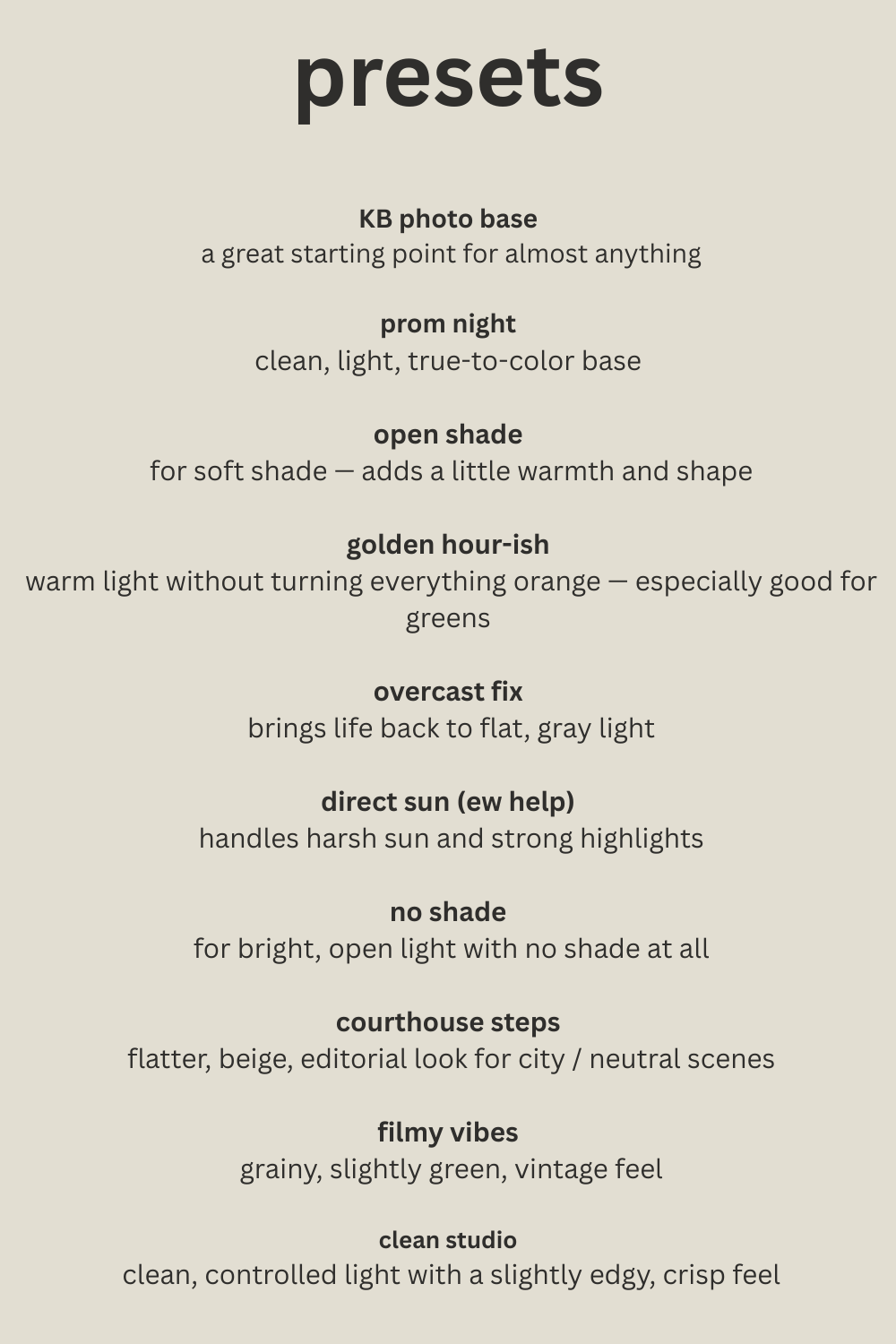
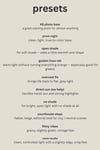
- presets that match the vibe
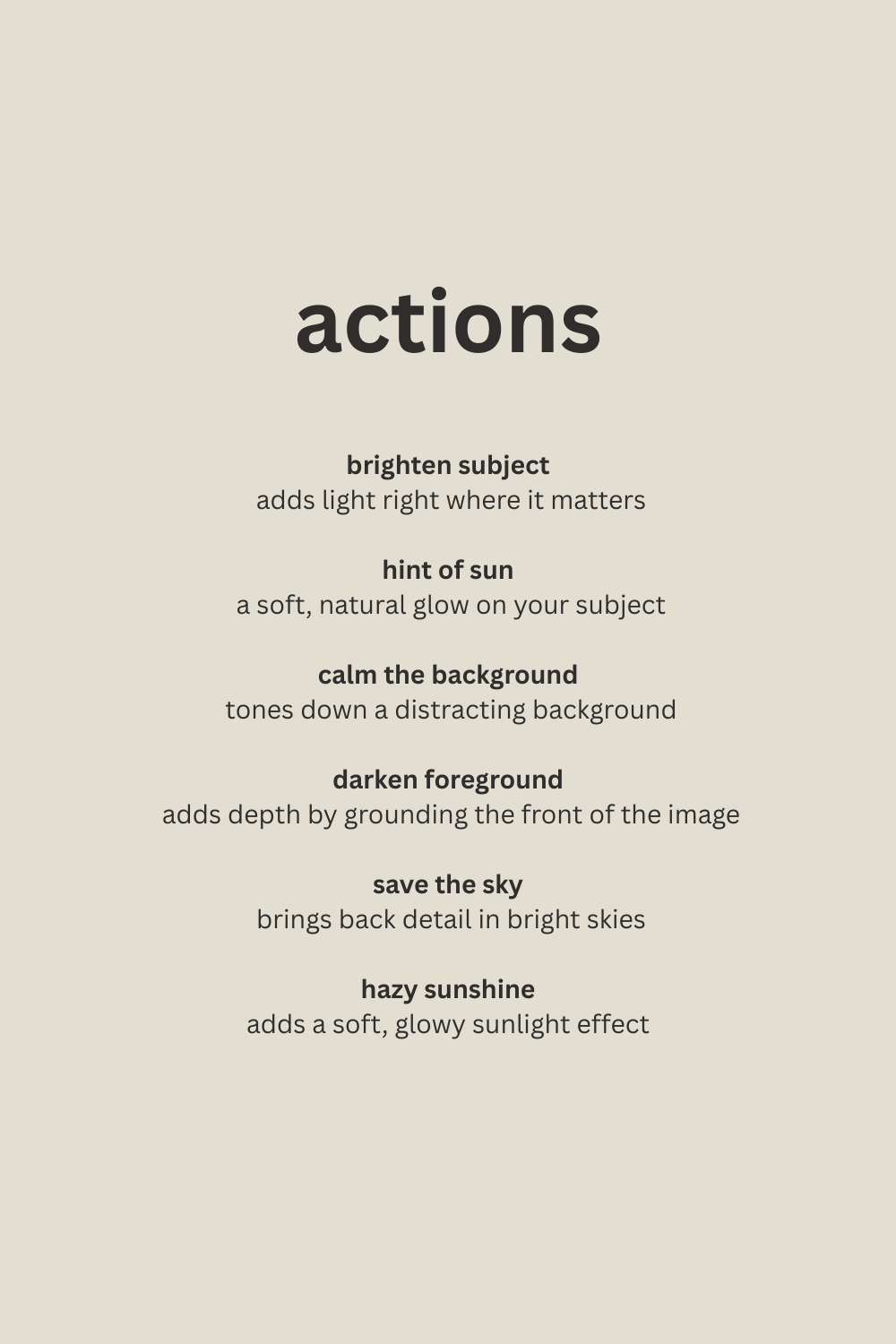
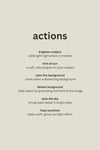
- actions to speed it up once you get it
- some of my RAW images so you can practice on the exact files
what this actually teaches you
this isn’t about making everything brighter
this is about:
- not flattening your photos with global exposure
- figuring out where the light should actually be
- editing for your subject instead of the whole image
it’s simple but it changes everything
why this is different
most presets try to fix everything at once but this doesn’t
this shows you how to control your light first and then build your edit around that so your photos don’t all look like they were taken in the same exact conditions when they very much were not
who this is for
this is for you if:
- your photos look dull after you brighten them
- you’re trying to fix flat photos and end up fighting them in editing
- you feel like your edits are missing something but you can’t tell what
this is not for you if:
- you want a one-click preset that does everything
- you don’t want to touch masking at all
this is the exact edit I’ve been using in my recent work and the one people keep asking about
take it, use it, tweak it, make it yours
that’s kind of the point
reach out with any questions!
kayseybehrensphotography@gmail.com
You will need Lightroom Classic for Desktop or a paid Adobe Creative Cloud subscription to use these masks on Lightroom Mobile. The free version does NOT work with the action masks.
A folder with the .dng files for free Lightroom mobile are included. This is ONLY for the presets. The masks will not work on free Lightroom Mobile.