
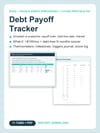
Debt Payoff Tracker | Snowball vs Avalanche Excel, Google Sheets + Printable PDF
Do you know the month you will be debt-free?
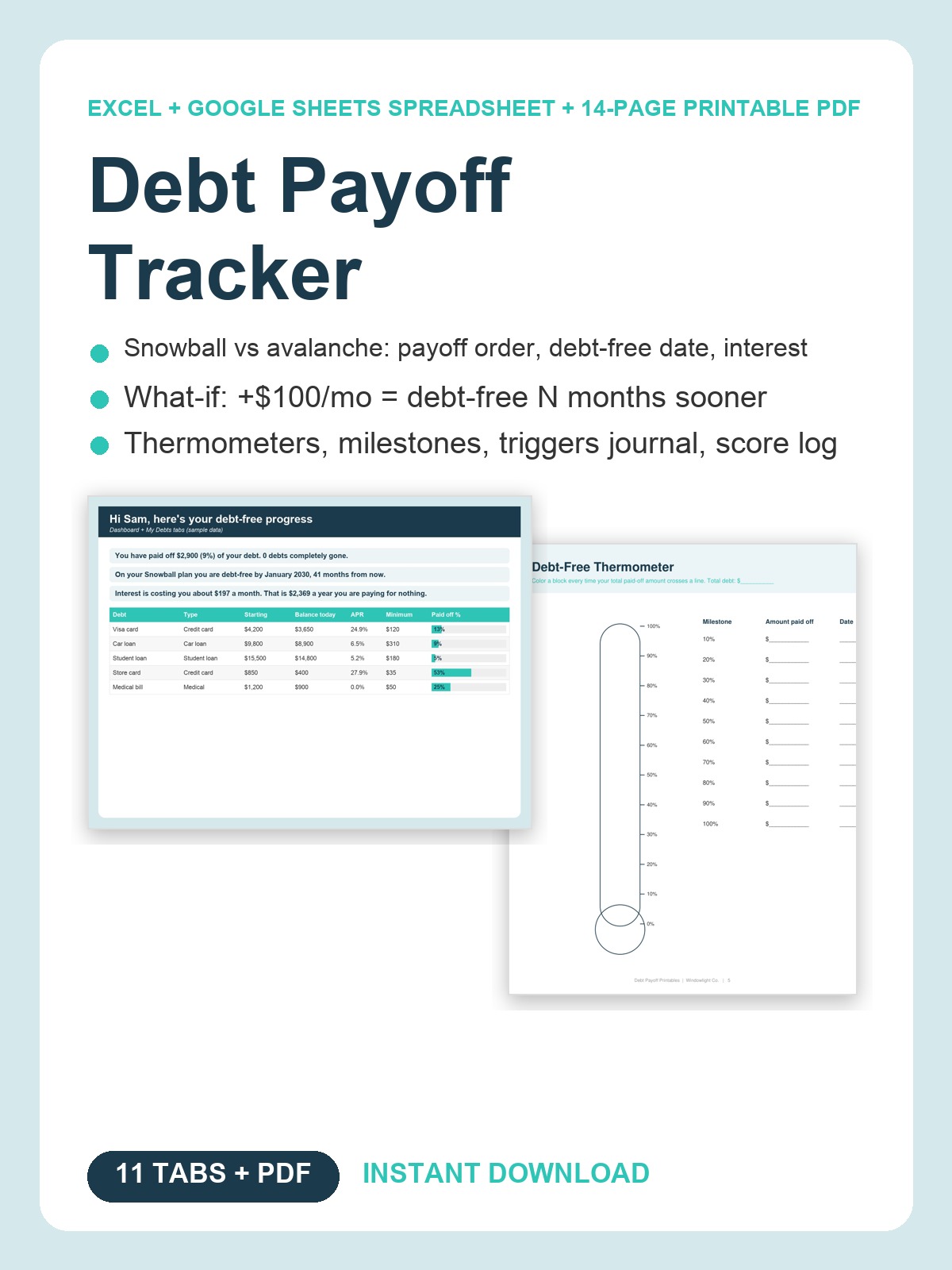
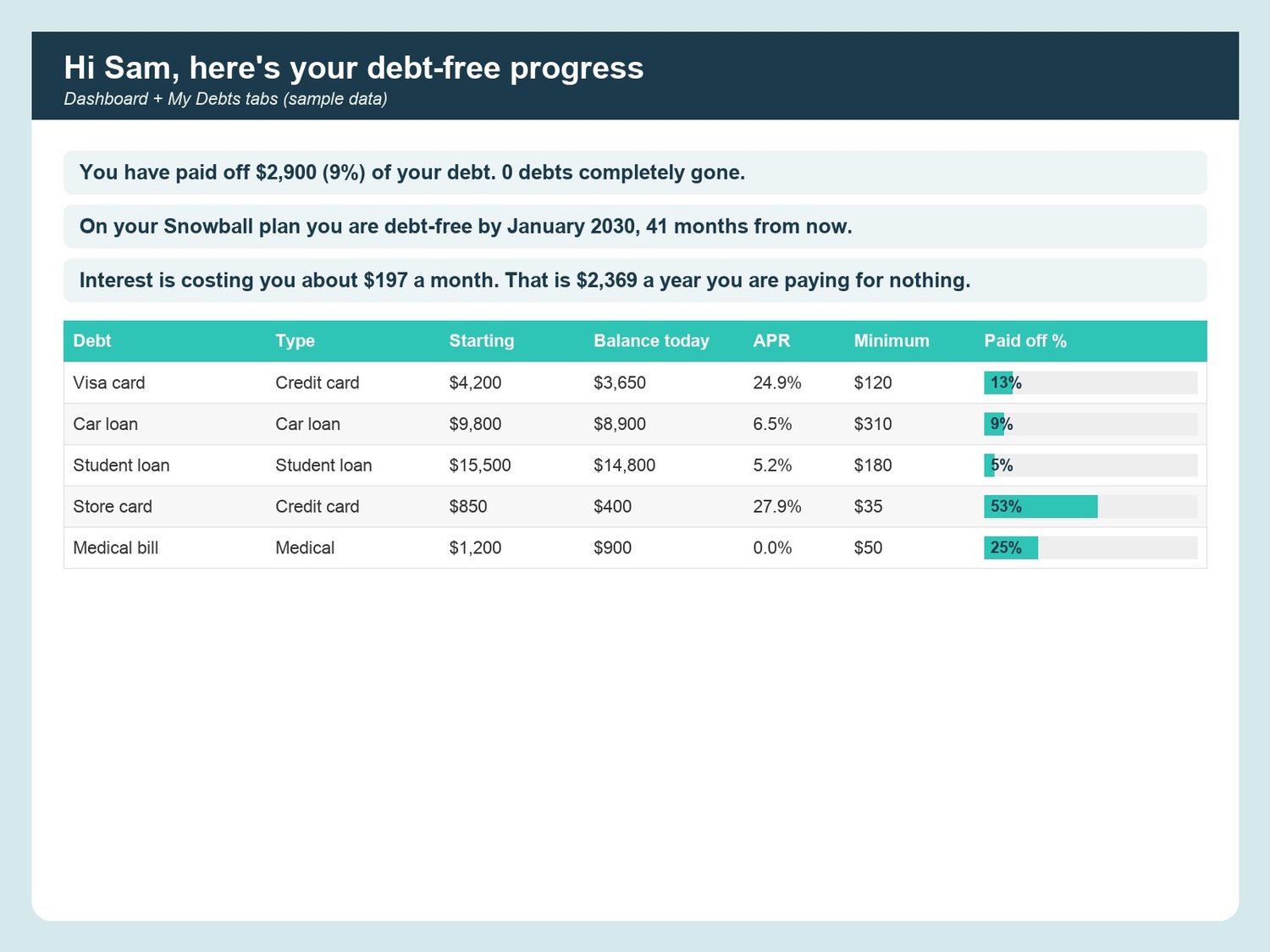
Most people with a few cards, a car loan and a student loan do not. They pay the minimums, throw a little extra at whichever bill feels loudest, and the balances barely move. The interest keeps running: on the sample debts in this file it is $197 a month, $2,369 a year, for nothing.
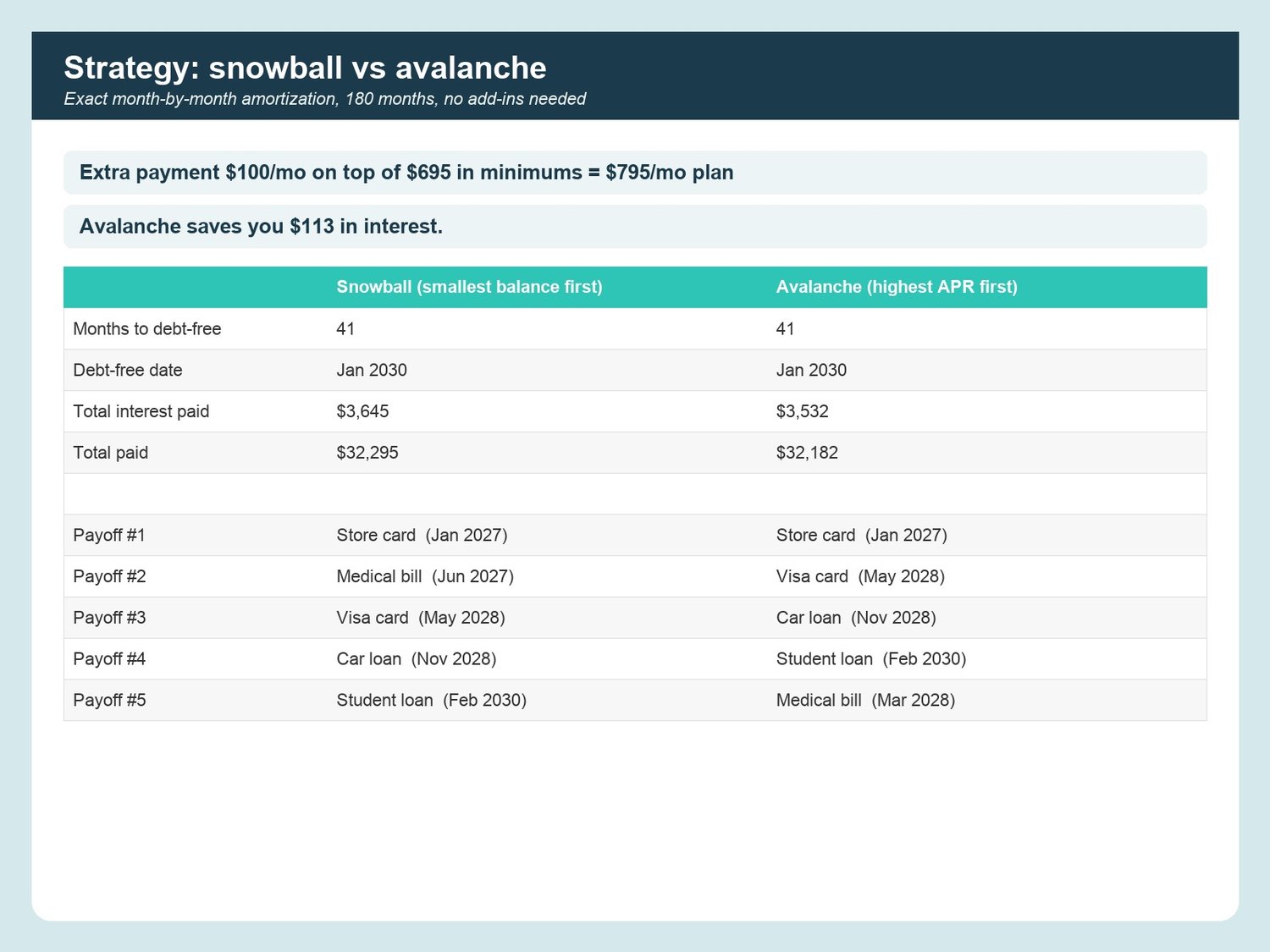
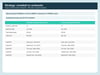
The Debt Payoff Tracker turns that into a plan with a date on it. List your debts once, type the extra you can afford, and the Strategy tab runs a real month-by-month amortization of both classic methods: snowball (smallest balance first) and avalanche (highest APR first). You see the payoff order, the debt-free month and the total interest for each, side by side, and a plain-English line tells you which one wins and by how much. Every tab greets you by name.
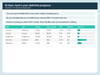
WHAT IT DOES- My Debts (10 debts): balance, APR, minimum, paid-off % bars, interest per month- Strategy: snowball vs avalanche with months to debt-free, debt-free date, interest paid, payoff order and dates; pick your plan- What-If: +$25, $50, $100, $200, $500 a month: "debt-free N months sooner, saves $X"- Payment Log (500 rows) with debt and payment-type dropdowns- Dashboard: paid-off %, debt-free date, a thermometer that fills as you go, per-debt bars, 12-month payment trend, your "why"- Milestones at 25/50/75/100% and per debt, with celebration lines that unlock when you get there- Spending Triggers journal with a top-trigger summary and money kept; Credit Score Log with change per month- Monthly Review (3 prompts + auto numbers), Settings for every dropdown, Welcome tab with a 5-step setup and FAQ
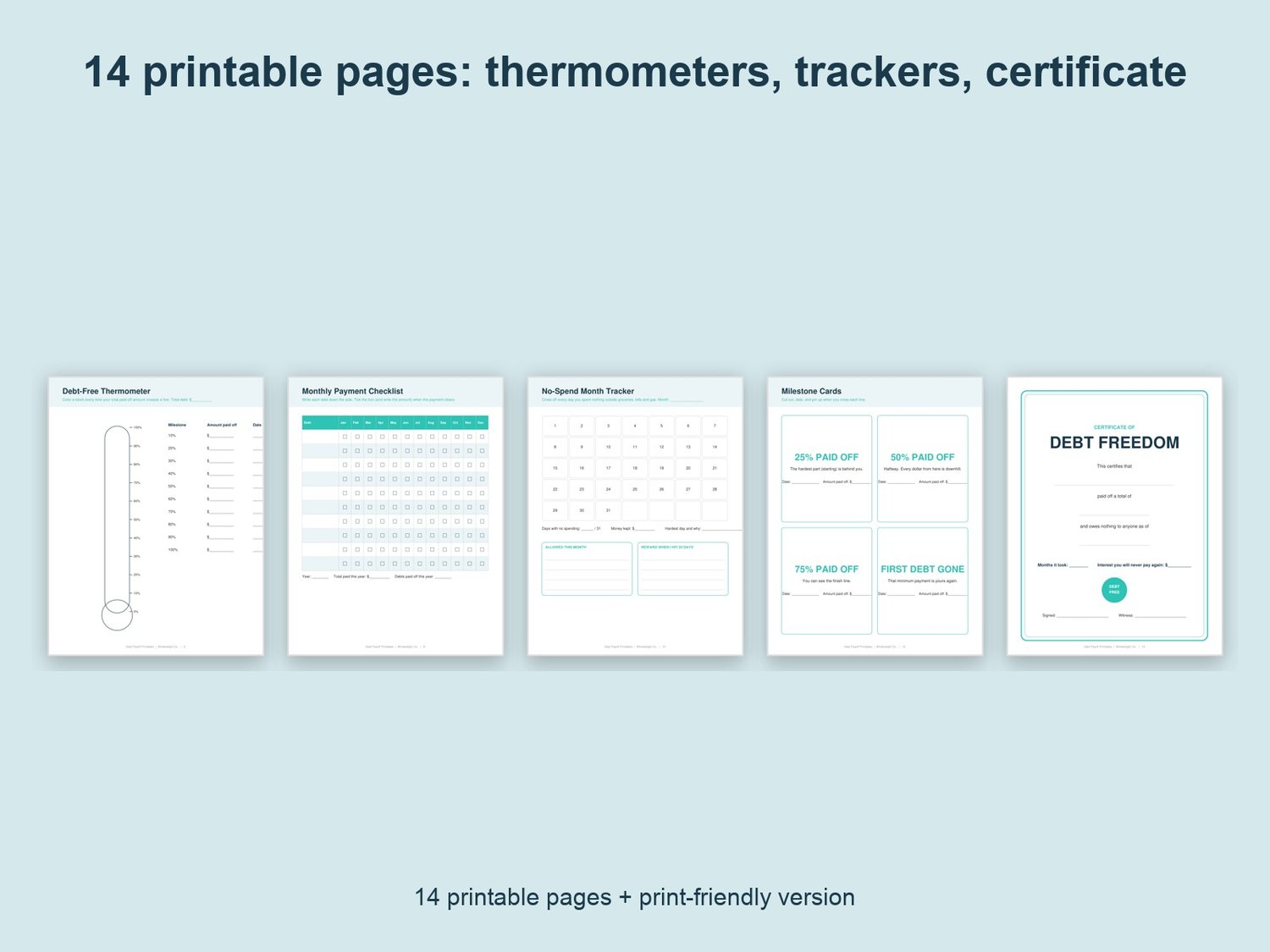
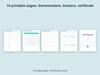
THE PRINTABLE PDF (14 pages, US Letter, plus a print-friendly black-and-white version)Debts at a glance, payoff order worksheet, one big and four small debt thermometers to color in, 12-month payment checklist, extra-payment what-if sheet, no-spend month tracker, spending trigger journal, credit score log, milestone cards and a debt-free certificate.
WORKS WITHMicrosoft Excel (desktop or free online) and Google Sheets (upload to Drive, then Open with Google Sheets). No add-ins, no macros, no formulas to write: only yellow cells to fill in. Sample rows marked "delete me" show you how. Planning tool, not financial advice.
WHAT YOU GET1 Excel file (.xlsx, 11 tabs + 2 calculation tabs) + 2 PDFs (color and print-friendly). Instant download; nothing is shipped. Personal use. If anything does not open, reply to your receipt and I will help.
Made with AI assistance and checked by a human.