


Editable Wedding Invitation Card Template | JPG & PNG Digital Download | Includes Wording Samples & Edit Guide
Editable Wedding Invitation Card Template | JPG & PNG Digital Download | Includes Wording Samples & Edit Guide
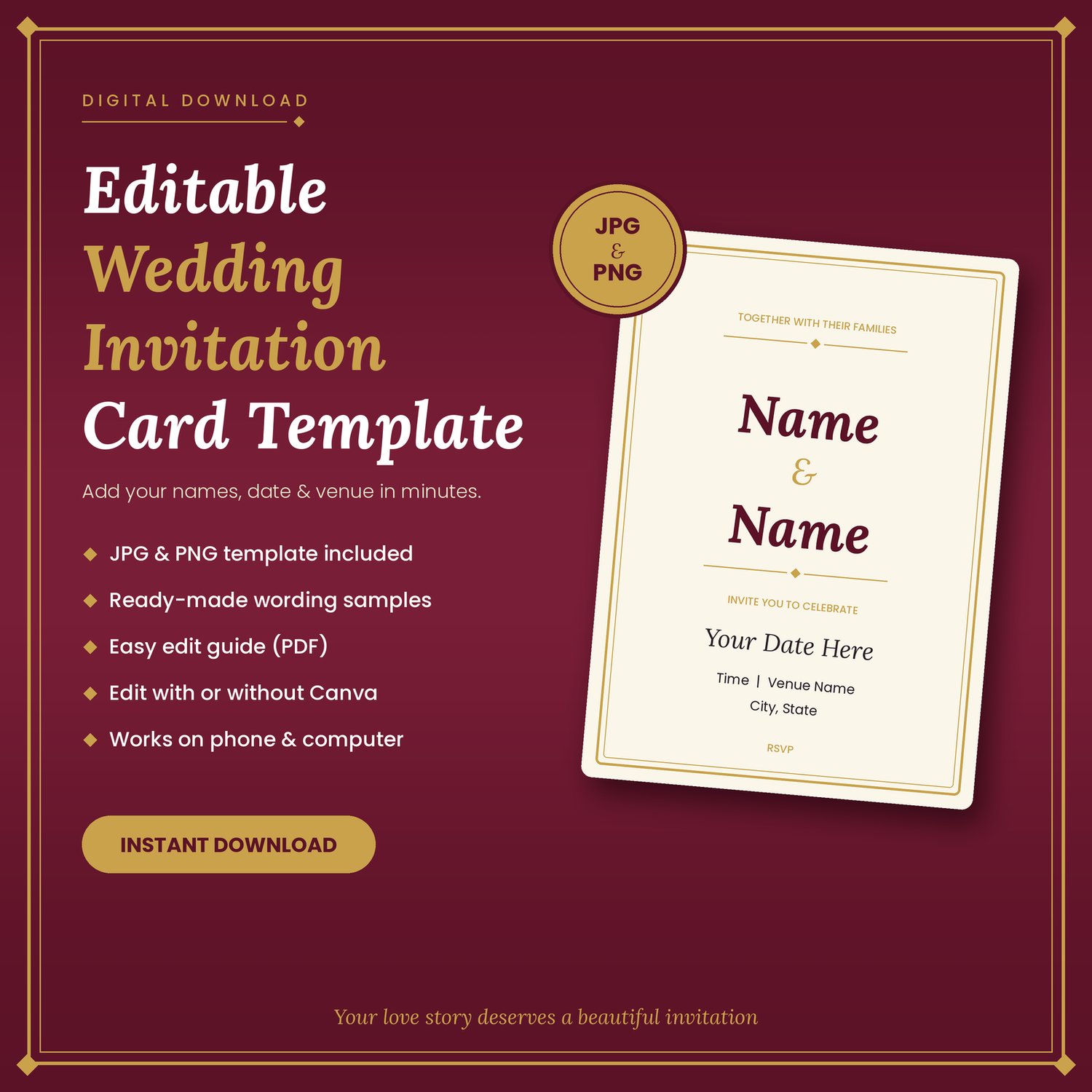
Beautiful ready-to-edit wedding invitation template in JPG & PNG. Add your names, date and venue in minutes. Includes text samples and a step-by-step guide.
Create Your Dream Wedding Invitation in Minutes
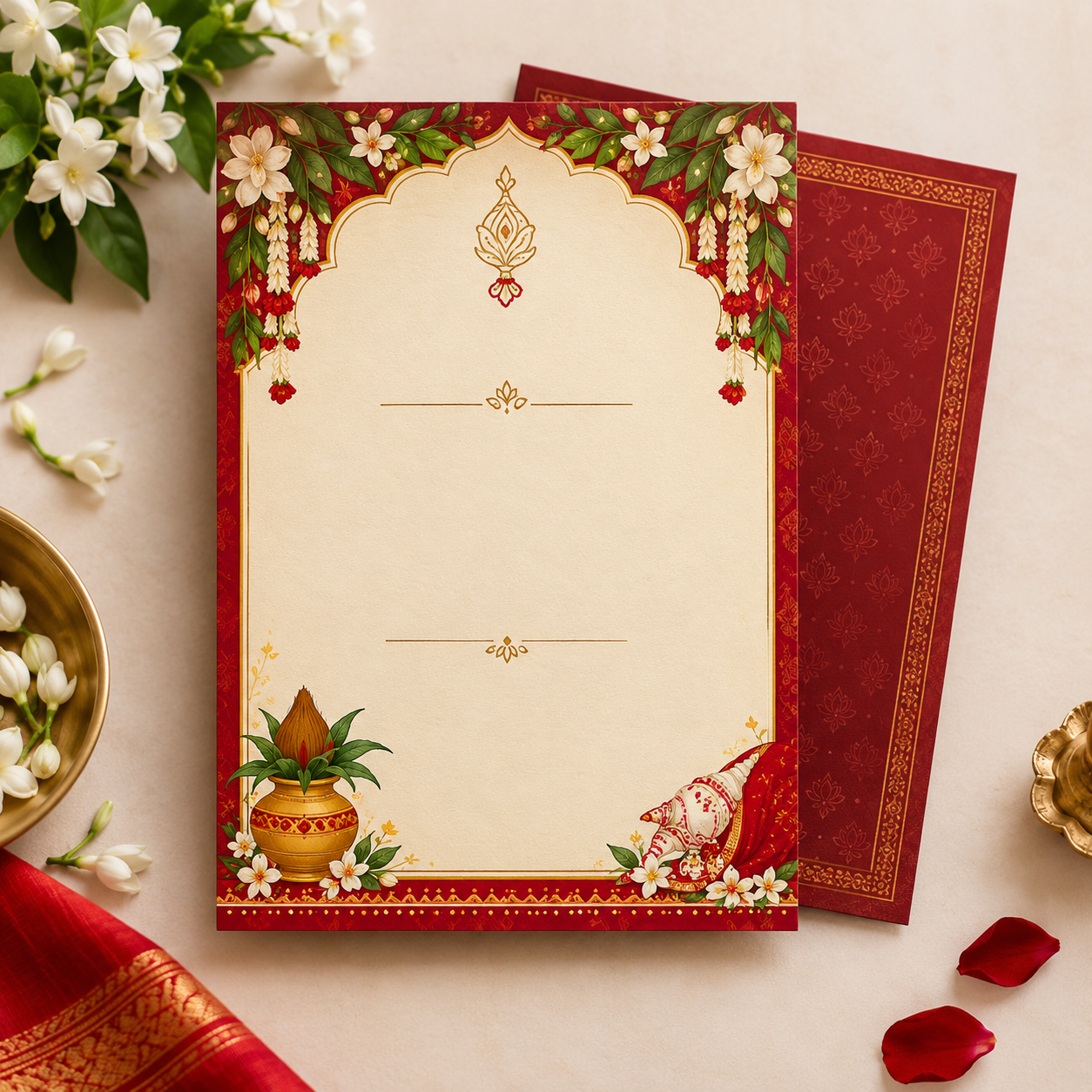
Looking for an elegant wedding invitation card template you can personalise yourself? This digital download gives you a beautifully designed invitation card in JPG and PNG format. Just add your own details and share it with your guests. No designer needed, and no waiting for delivery.
What You Will Get
- Wedding invitation card template in high-quality JPG and PNG formats
- Invitation Text Content Sample: ready-made wording for the couple's names, date, time, venue, family details and RSVP. Copy, paste and change it to suit you.
- Easy Edit Guide (PDF): a step-by-step guide to adding your text with text boxes
- Instant download right after purchase
Edit It Your Way: With or Without Canva
Our guide includes two simple methods, so you can use whichever you prefer.
Part 1: Without Canva
Edit using Microsoft PowerPoint, Google Slides, or a free phone app such as Phonto or PicsArt.
Part 2: With Canva
Upload the template to Canva (a free account works), add text boxes, paste your wording and download your finished card.
Perfect For
- Wedding invitation cards to share on WhatsApp, Instagram and Facebook
- Printing at a local print shop
- Brides, grooms and families who want a budget-friendly alternative to custom-designed cards
- Wedding planners and event decorators who need quick, personalised cards for clients
Why You Will Love This Template
- Easy to edit. No design skills needed.
- Saves time and money. Get a polished invitation without hiring a designer.
- Works on phone and computer.
- Fully personal. Choose your own fonts, colours and wording.
- Ready-made wording so you never get stuck on what to write.
- Support included. Email us if you get stuck.
How It Works
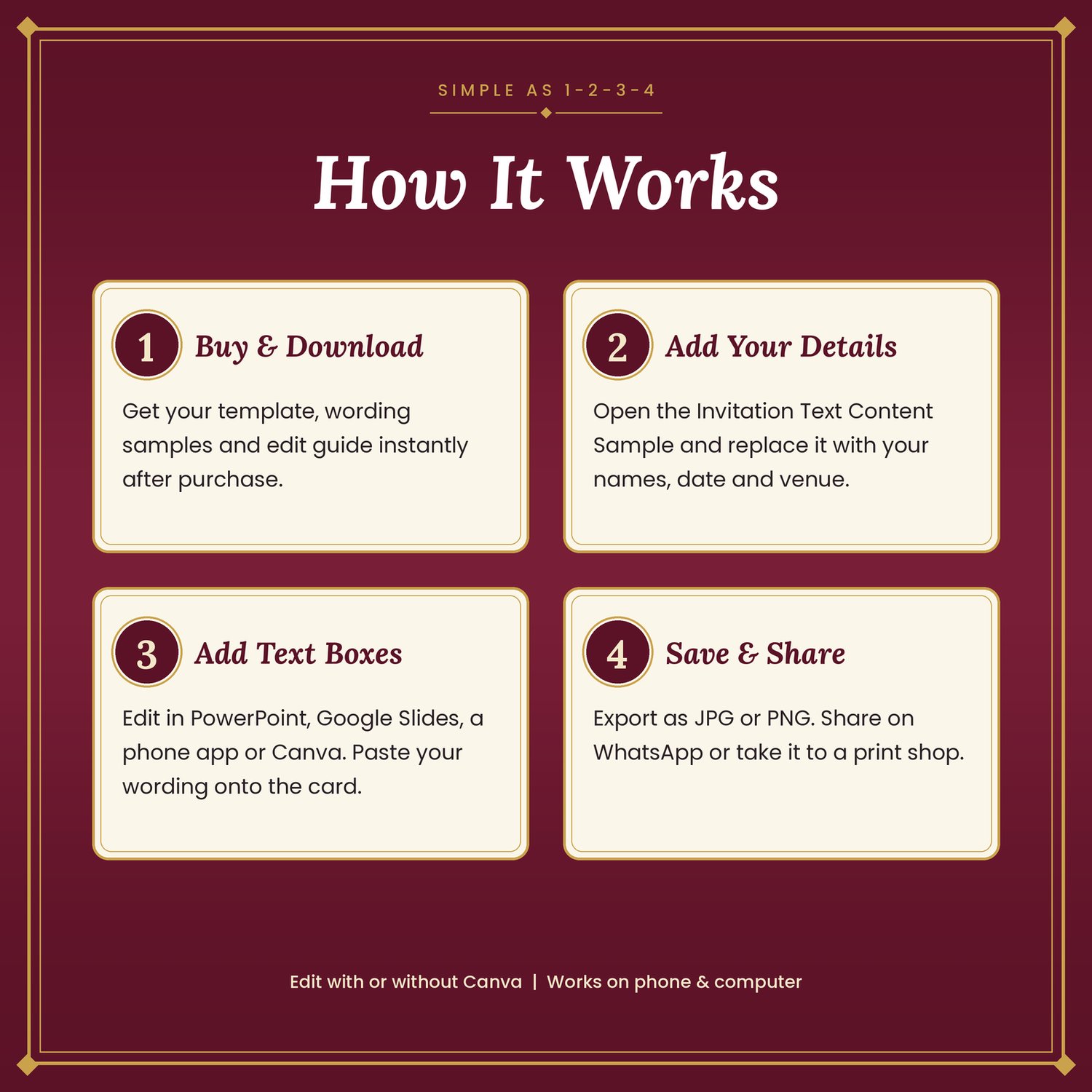
- Buy and download your files instantly.
- Open the Invitation Text Content Sample and replace the details with yours.
- Add text boxes on the template (PowerPoint, Google Slides, a phone app or Canva).
- Save as JPG or PNG, then share or print.
Frequently Asked Questions:
Do I need design skills?
No. The guide walks you through every step.
Do I need Canva to edit it?
No. You can edit with PowerPoint, Google Slides or a phone app. Canva is optional, and the guide covers both.
Is this a physical product?
No. This is a digital download. Nothing will be shipped.
Can I print the invitation?
Yes. After editing, export your card and take it to a print shop. Check the card size above to choose the right print dimensions.
Can I resell or share the template?
No. This template is for personal use only. Redistributing or reselling it is not allowed.
What if I need help?
Email us at info.sen.1981@gmail.com and we will guide you.
Please Note
- This is a digital product, so no refunds are given after download. (Change this to match your own refund policy.)
- Colours may look slightly different on different screens and printers.
- Fonts and apps used for editing are not included. Free options are suggested in the guide.