




BriefGrid — Structured Briefing Workflow Starter (Next.js 16)
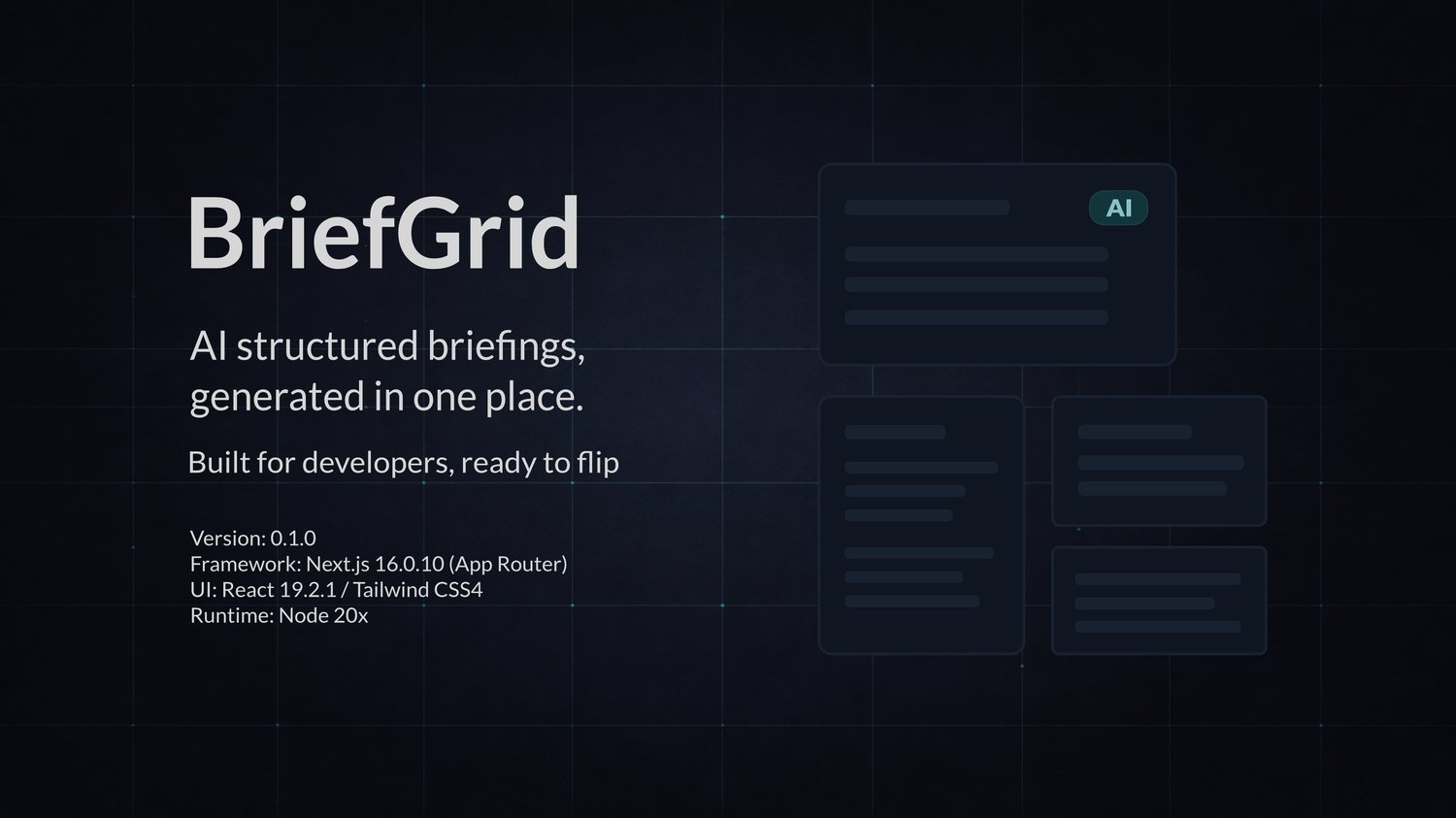
BriefGrid is a structured briefing workflow for turning messy notes into consistent, governed briefings you can rely on.
It is designed for developers and agencies who need predictable briefing output — not another chat box wrapped around an API.
The problem BriefGrid solves
Most teams create briefings like this:
• Someone pastes notes
• Someone writes a prompt
• Output quality varies wildly
• Risks, actions, and uncertainty get lost
• Nothing is structured or reusable
BriefGrid replaces that with a schema-driven workflow.
How BriefGrid works
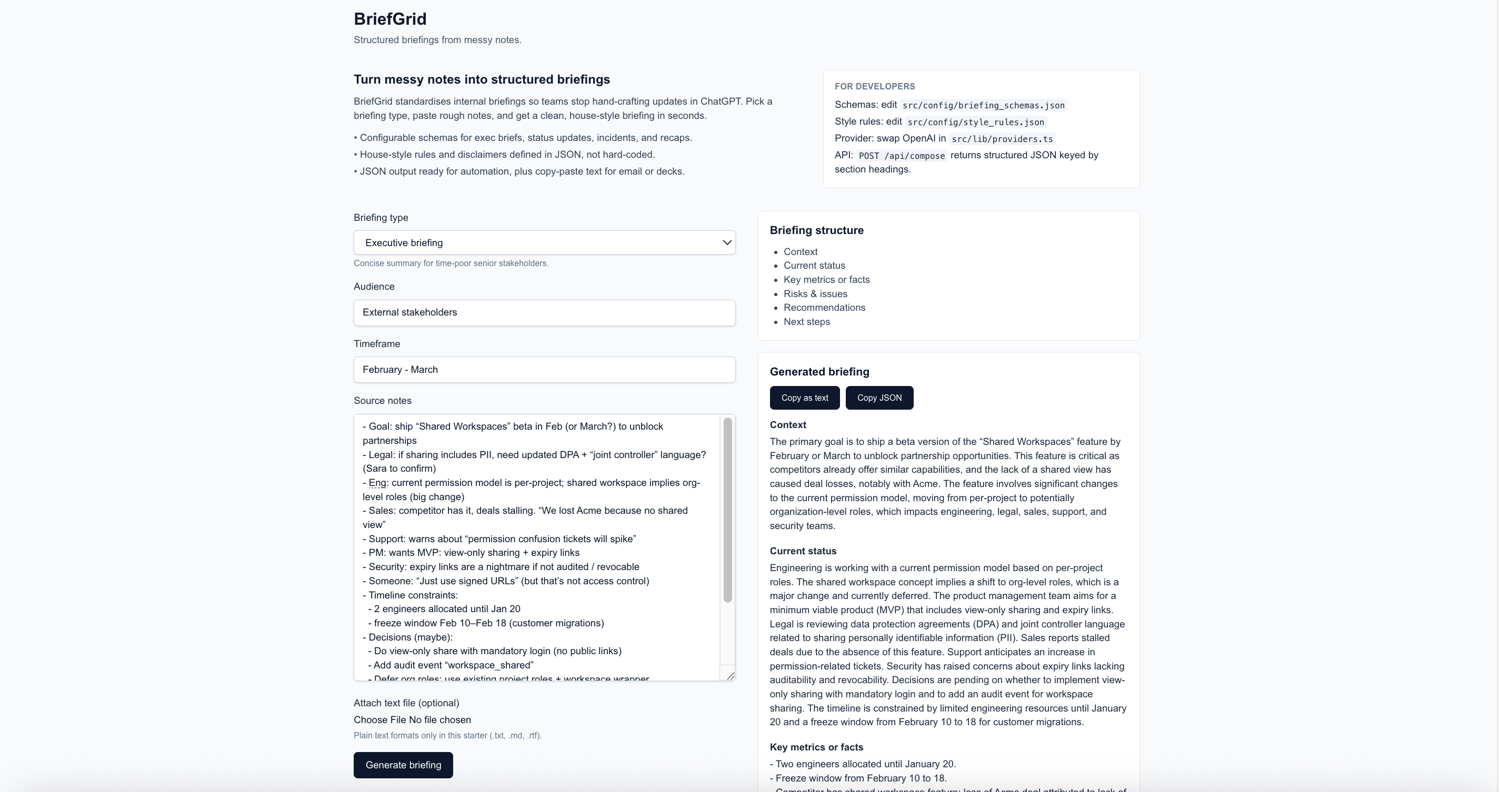
• You define briefing templates as JSON schemas
• You define house-style and governance rules once
• Users select a briefing type and paste raw notes
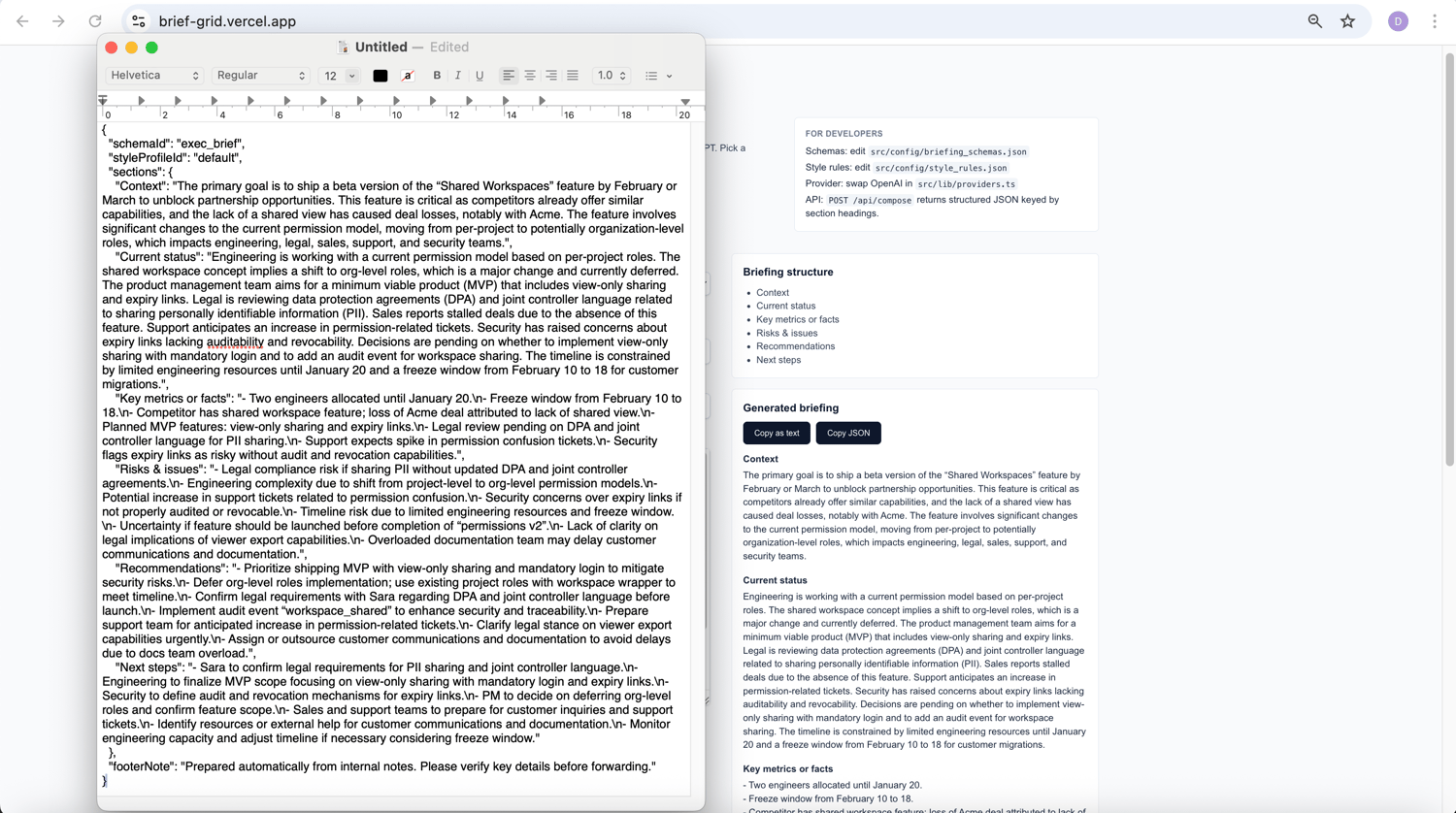
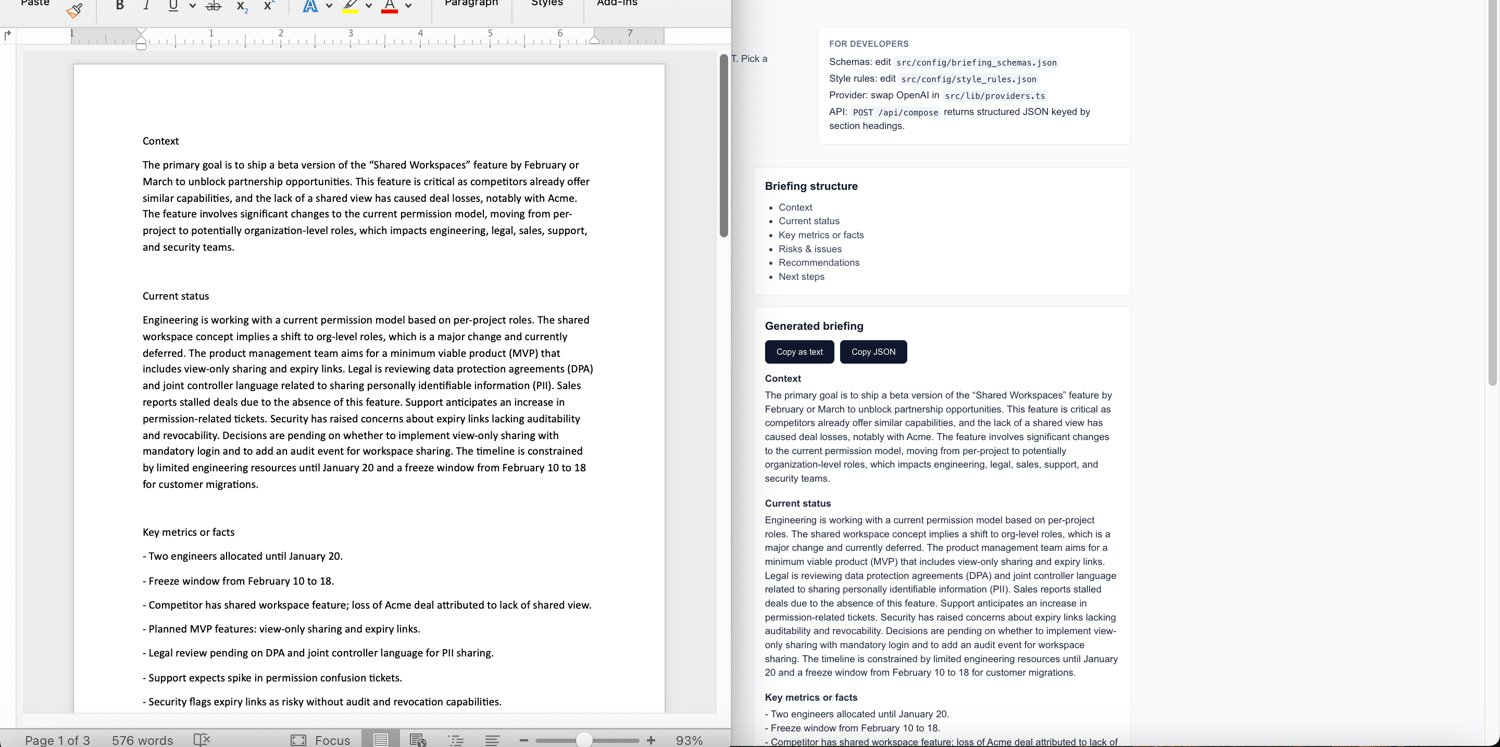
• BriefGrid returns structured output aligned to your schema
Every briefing follows the same structure, tone, and rules — regardless of who generated it.
Why this is not “just ChatGPT”
Without BriefGrid:
• Every briefing is a one-off prompt
• Structure changes per person
• JSON output doesn’t exist
• Automation is fragile or impossible
With BriefGrid:
• Schemas are enforced
• Style rules are enforced
• Output is predictable
• JSON is first-class
This is what makes it usable in real workflows.
Included briefing types (editable)
Out of the box, BriefGrid includes four schemas:
• Meeting recap
• Executive briefing
• Project status update
• Client handover briefing
All schemas live in src/config/briefing_schemas.json and can be edited or replaced without touching React components.
What’s included
• Full Next.js 16 + TypeScript project
• One-page UI with briefing composer
• Single API route: POST /api/compose
• Config-driven briefing schemas
• Config-driven style rules and disclaimers
• JSON output contract for automation
• Provider abstraction (swap OpenAI for another LLM easily)
• OG / hero images (light and dark)
• Quick Start Guide
• Comprehensive Installation & Deployment Guide
• Clear README
Prompt behaviour is tuned to:
• Preserve uncertainty (TBC, approx, unconfirmed)
• Avoid inventing dates, amounts, or stakeholders
• Use conservative language for causes and risks
• Enforce your DO / DON’T style rules
Tech stack
• Next.js 16 (App Router)
• TypeScript (strict)
• Tailwind CSS
• OpenAI Node SDK (provider abstracted)
What this is not
BriefGrid does not include:
• Authentication or roles
• Multi-tenant SaaS plumbing
• Persistent storage
• Dashboards or analytics
• File ingestion (PDF/DOCX/images)
This is a focused workflow baseline, not a finished SaaS.
Who this is for
• Agencies producing recurring briefings
• Teams standardising internal reporting
• Developers building internal tools fast
Who should not buy this
• Anyone looking for a hosted SaaS product
• Anyone looking for a general writing assistant
Licence tiers
All tiers include the full source code and documentation. Choose Solo, Agency, or Resale depending on how you plan to use and redistribute the starter.