



SARS & CIPC Compliance Tracker — South Africa | Never Miss a Filing Date Again
Every SARS, CIPC, COIDA and B-BBEE deadline calculated for your exact business. Works offline. No subscription.
You fish. We'll watch the tide.
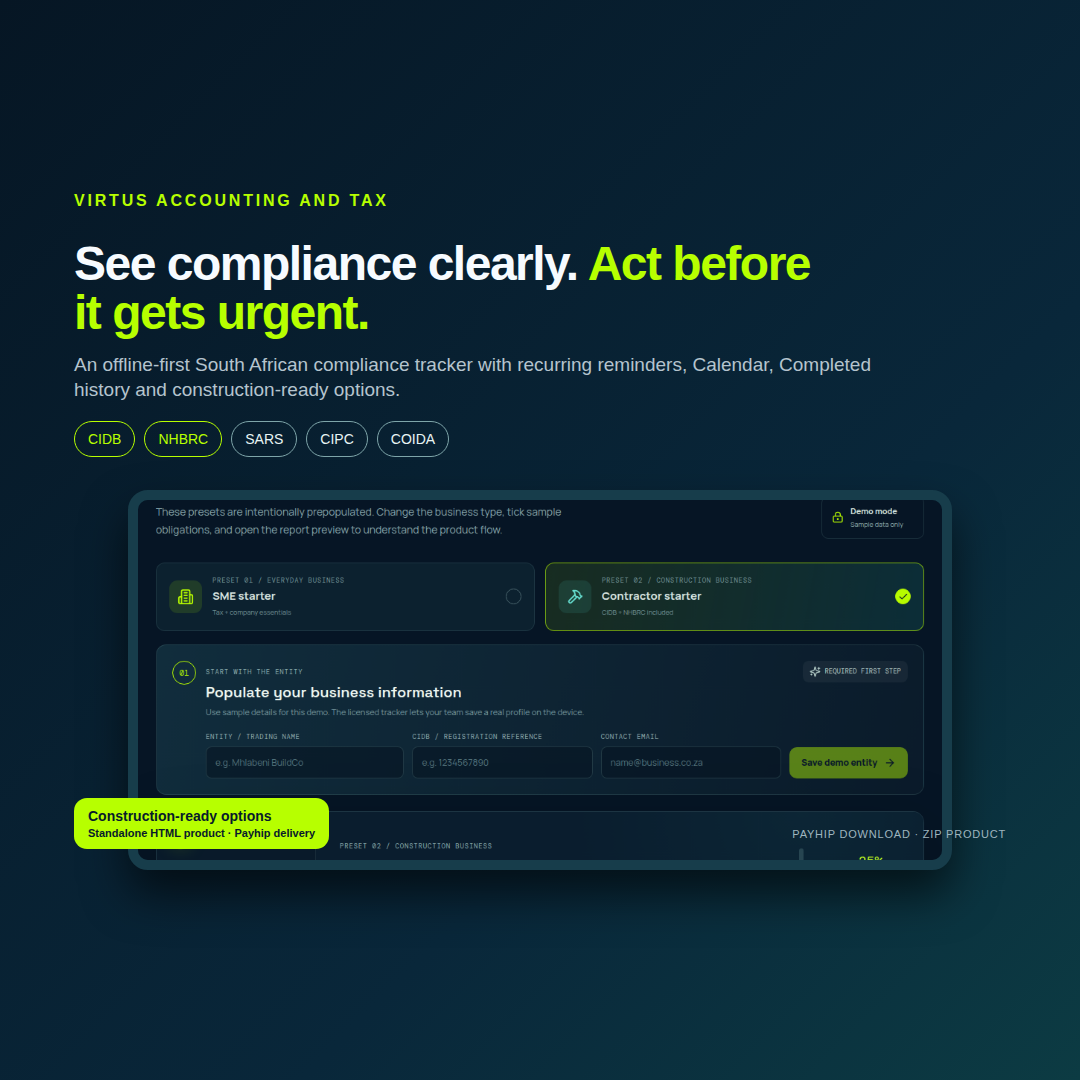
A single-file offline app — no login, no cloud, no monthly fee. Enter your business details once and it calculates every compliance deadline that applies to your exact situation.
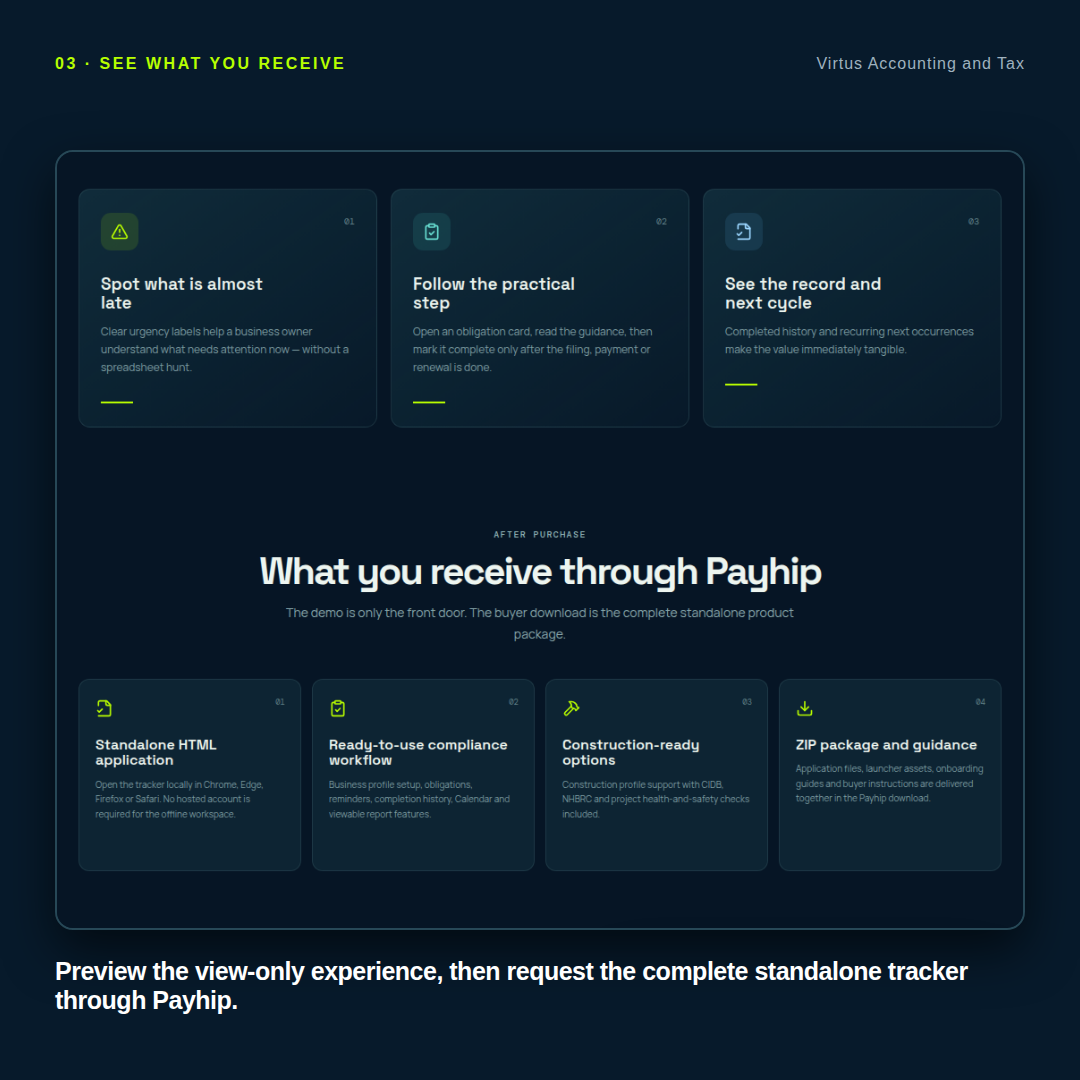
Included in your download:
- index.html — the full tracker app
- Windows launcher (.bat) and macOS launcher (.command)
- Favicon set and hero illustration
- README.txt — setup, activation, and offline use guide
- Your unique Payhip licence key (sent by email and shown on the thank-you page)
Feature Highlights
Knows your business, not a generic one.
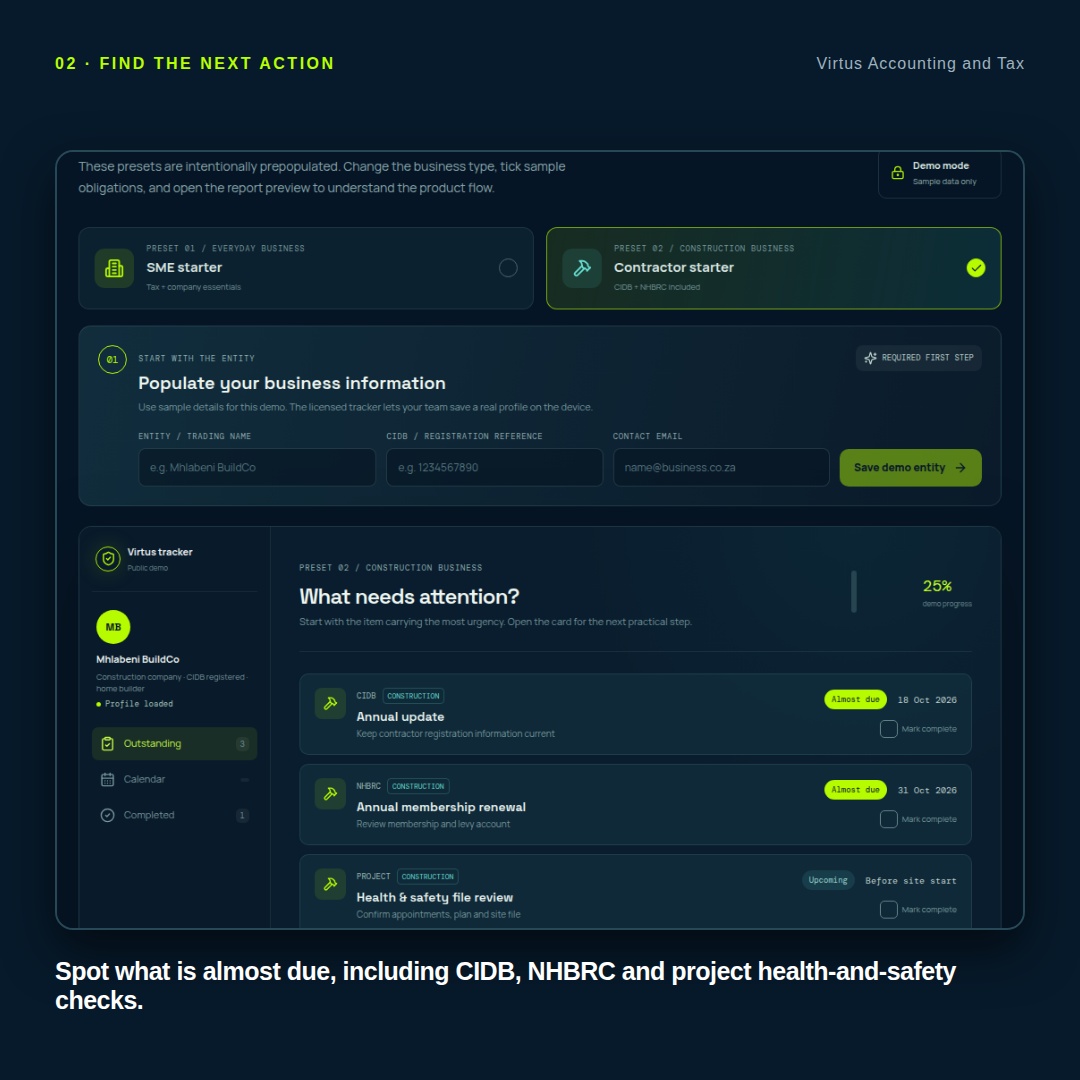
Tell it your structure (company, CC, sole prop, trust, partnership), your financial year-end, your VAT category, whether you employ staff, and whether you bid for tenders. The app builds your compliance calendar from those answers — not from a generic template.
Sixteen obligations, correctly dated.
EMP201, VAT201, IRP6 (first and second provisional), ITR14, ITR12, EMP501 annual and interim, TCS PIN, CIPC annual return, beneficial ownership declaration, COIDA Return of Earnings, Letter of Good Standing, B-BBEE certificate, and SDL.
Authority-specific rules baked in.
SARS, CIPC, and COIDA each have different interpretations of "business day." The app applies the correct one per obligation — including the CIPC 30-business-day post-anniversary window and the SARS last-business-day-on-or-before rule for provisional tax.
South African public holidays, 2025–2027.
Weekend and public-holiday shifts are applied to CIPC and SARS calculations. Outside that range, the app warns you and falls back to weekend-only logic.
Yearly calendar view.
Twelve months of every occurrence on one screen — red dots for critical, blue for standard, green for completed, red day numbers for public holidays. Tap any day to see what's due.
Leap-day safe.
Certificates and PINs issued on 29 February correctly renew to 29 February in the next leap year — not 28 February forever. This is a bug most trackers have. This one doesn't.
One-tap reminders.
Add any obligation to your phone's calendar as an .ics file with pre-set alarms (14 days, 7 days, 1 day before for critical items). Or open a pre-filled email reminder in your default mail app.
Backup that respects your data.
Export a JSON backup any time. Import shows you a full diff before replacing anything — profile changes, newly marked items, unmarked items — with sensitive VAT, PAYE, UIF, and CIPC numbers masked in the review.
Runs entirely offline.
No account. No server. No telemetry. Your business profile and progress live in your browser's local storage on your device. Nothing is transmitted anywhere, ever.
Print-ready.
One clean A4 checklist of what's due, colour-coded, with a full audit trail. Useful for handing to your accountant or keeping in the file.
How It Works
- Activate. Enter the Payhip licence key from your purchase email. This happens once and requires an internet connection.
- Fill in your business. Structure, year-end, VAT category, staff, tenders, and any issue dates you already know.
- Read your calendar. The app calculates every deadline that applies to you and colour-codes them as overdue, due soon, or future.
- Tick things off. Marked items move to your Completed view and roll forward to the next occurrence. Recurring obligations never disappear.
- Export reminders. Send any obligation to your phone's calendar or to your email as a reminder.
- Work offline forever after. Once activated, the app runs fully offline on any device you copy it to.
Who It's For
- Small and medium South African businesses juggling SARS, CIPC, and COIDA filings
- Accountants and bookkeepers managing multiple clients
- Consultants, contractors, and tradespeople who bid for tenders
- Sole proprietors who file their own personal income tax and provisional tax
- Anyone who has ever woken up at 3am remembering an EMP201
What This Is Not
This is a deadline reminder and educational reference. It is not tax, legal, or accounting advice. It does not file anything on your behalf. It does not replace your accountant or your tax practitioner. It tells you what's due and when, so you can get it filed. Every obligation should be verified against the current SARS, CIPC, and Department of Employment and Labour guidance before you rely on it.
Rules version: 2026-09e.
Frequently Asked Questions
Do I need to be online to use it?
Only for the first activation. After that, it works fully offline — on a plane, in the Karoo, on a farm with no signal.
Do I need to create an account?
No. There is no login, no user profile, no password to remember.
Where is my data stored?
In your browser's local storage, on your device, unencrypted. It never leaves your computer or phone. This also means it is not backed up automatically — use the Export backup button regularly and keep the file somewhere safe.
Can I install it on multiple devices?
Yes. Your Payhip licence key can be used to activate the app on any device you own. Copy the folder across, enter your key, and you're set.
Will it tell me when the rules change?
The rules version is printed in the app and in the README. When SARS, CIPC, or COIDA change something material, a new version is released. You'll receive an update notice by email.
Does it handle VAT categories?
Yes — Categories A, B, C, and D. The app uses the conservative 25th-of-the-following-month reminder date for VAT201. If your eFiling profile allows submission until the last business day of the month, treat the 25th as your early-warning marker.
What about my B-BBEE certificate?
Enter the issue date and the app counts forward twelve months, warning you four to six weeks before expiry — with the option to add a calendar reminder so the warning actually reaches you.
What if I'm not registered for VAT?
Select "not registered" and the app adjusts the compliance checklist accordingly. It won't ask you for a VAT number or show you VAT201 reminders.
Can I export my data?
Yes. Use Export backup to save a JSON file containing your full profile and progress. Keep it somewhere secure — it contains your VAT, PAYE, UIF, and CIPC numbers.
What happens if I get a refund?
Payhip automatically disables the licence key. If you have already activated the app, it will continue to work as designed, because it was built to run offline. We do not chase refunds with a kill switch.
Is there a subscription?
No. One-time purchase. Yours to keep. Free updates within the same rules version.
System Requirements
- Any modern browser: Chrome, Firefox, Safari, Edge
- Windows, macOS, Linux, iOS, or Android
- No installation required — just open index.html
- A valid Payhip licence key (one-time activation, internet required once)
Delivery
Your download link, licence key, and receipt are sent to your email immediately after payment. Unzip the folder, double-click the launcher for your operating system, and enter your key. You're done in under two minutes.
Money-Back Guarantee
If the tracker doesn't help you stay ahead of your deadlines within 30 days, send us a message and we'll refund you. No forms, no back-and-forth. We'd rather you be honest with us than unhappy with us.
Support
Email support is included for one year from purchase. Response time is usually within one business day. Send any question, bug report, or suggestion — we read every one.
Disclaimer
The SARS & CIPC Compliance Tracker is a compliance deadline reminder and educational reference. It is not tax, legal, or accounting advice. Deadlines and penalties change. Verify every obligation against the current SARS, CIPC, and Department of Employment and Labour guidance before relying on it.
© VirtusGroup