
PC Care Toolkit – Windows Cleanup & Maintenance Tool
PC Care Toolkit – One-Click Windows PC Maintenance Tool
🚀 One Tool. One Click. Complete PC Care.
Is your Windows PC becoming cluttered, running low on storage, or experiencing common internet and startup-related issues?
PC Care Toolkit is designed to make everyday Windows PC maintenance simple. Instead of manually going through different Windows settings or remembering commands, you can use one simple toolkit to perform essential PC care tasks in one place.
🛠️ What Does PC Care Toolkit Do?
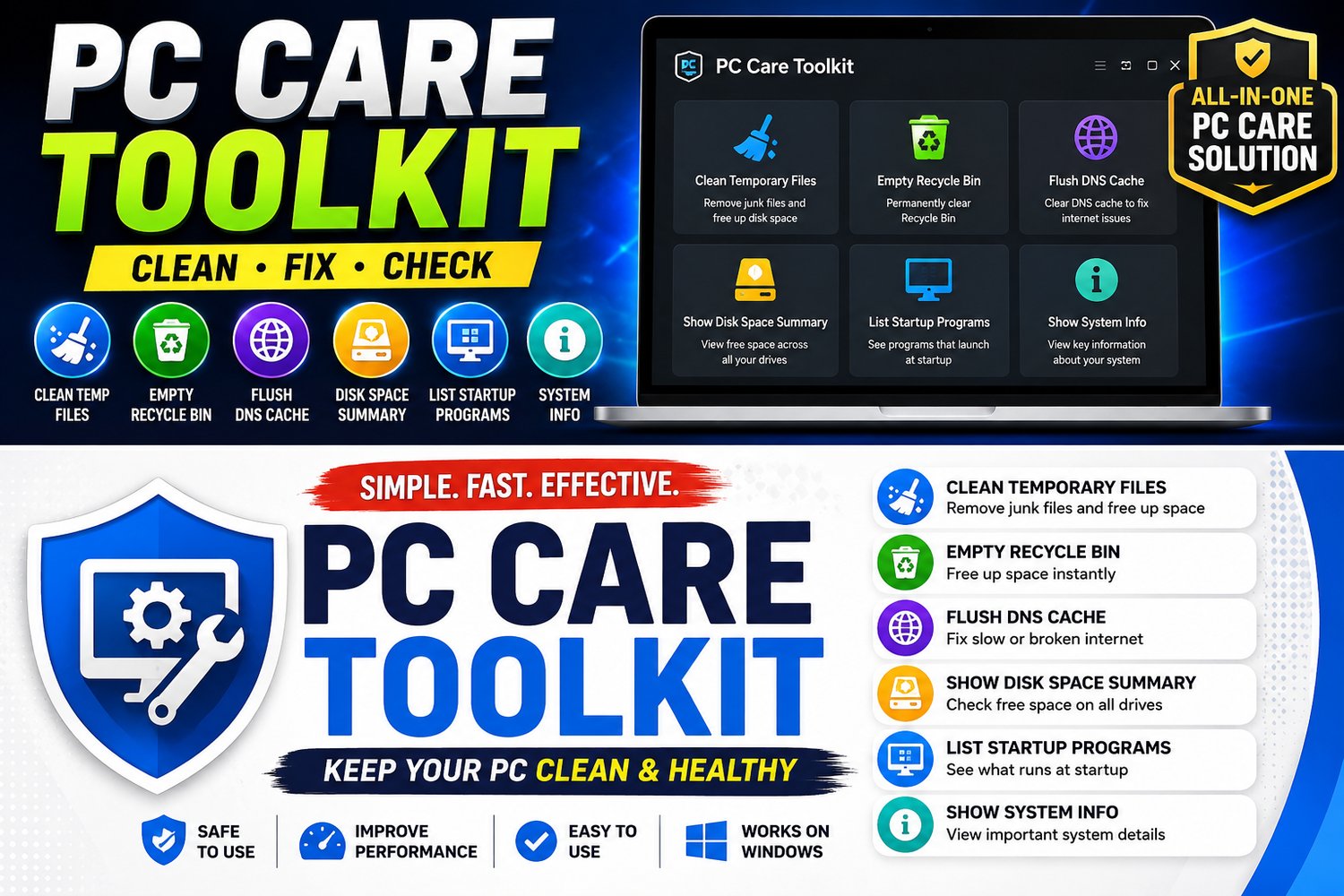
PC Care Toolkit performs a collection of useful PC maintenance and diagnostic tasks, including:
🧹 Clean Temporary Files
Removes unnecessary temporary files from your user Temp folder and Windows system Temp folder that can accumulate over time and consume disk space.
🗑️ Empty Recycle Bin
Clears files currently stored in the Recycle Bin to help reclaim available storage space.
🌐 Flush DNS Cache
Clears stored DNS records and can help troubleshoot certain website access and connectivity problems caused by outdated or cached DNS information.
💾 Show Disk Space Summary
Checks your drives and displays available disk space so you can quickly see how much storage is free.
🚀 List Startup Programs
Shows programs configured to launch automatically when Windows starts, helping you identify what is running at startup.
ℹ️ Show System Information
Displays important information about your Windows system and PC configuration in one place.
⚡ No Complicated Steps
You don't need to run each command manually.
PC Care Toolkit is designed to simplify the maintenance process by bringing the included PC-care tasks together into one easy-to-use toolkit.
Just Run → Let It Work → PC Care Done
No need to search through multiple Windows menus or remember different commands.
📘 BONUS: Step-by-Step PDF Guide Included
Every purchase also includes a PDF guide explaining how to use PC Care Toolkit and what each maintenance task does.
The guide is designed to help you understand the toolkit and use it correctly, even if you're not familiar with Windows maintenance commands.
Your Purchase Includes:
✅ PC Care Toolkit
✅ Step-by-Step PDF Guide
✅ Easy-to-follow instructions
✅ Explanation of the included maintenance functions
💻 Who Is PC Care Toolkit For?
PC Care Toolkit is useful for:
- 🏠 Home PC users
- 💼 Office users
- 🎓 Students
- 👨💻 Windows beginners
- 🛠️ PC technicians
- 🖥️ Anyone who wants a simpler way to perform basic PC maintenance
⭐ Why Use PC Care Toolkit?
Instead of manually doing this:
❌ Search through Windows settings
❌ Remember different commands
❌ Clean different folders manually
❌ Check disk space separately
❌ Search for startup programs
❌ Find system information in different Windows menus
Use this:
✅ One simple PC Care Toolkit
Clean • Check • Maintain
📦 What You Get
PC Care Toolkit
A lightweight Windows maintenance toolkit containing essential PC-care functions.
PDF User Guide
A step-by-step guide explaining the toolkit and its included functions.
🖥️ Compatibility
Designed for Windows PCs.
For the best experience, use the toolkit on a supported Windows 10 or Windows 11 system.
⚠️ Important Information
PC Care Toolkit is intended for basic Windows maintenance, cleanup, and diagnostics.
Some operations, such as cleaning temporary files and emptying the Recycle Bin, can permanently remove files. Always make sure you don't need any files before performing cleanup operations.
PC Care Toolkit is not intended to repair every possible Windows problem or replace professional technical support. Its purpose is to simplify common PC maintenance and troubleshooting tasks.
🚀 Keep Your PC Clean, Checked & Maintained
Why go through multiple Windows settings and commands when you can simplify your everyday PC maintenance?
One Tool. One Click. Essential PC Care.
Get PC Care Toolkit today and make Windows maintenance easier.
About SARABHA Tech Support
SARABHA Tech Support creates practical computer solutions, IT resources, and Windows tools designed to help users maintain and troubleshoot their systems.
Thank you for supporting independent software development.
PC Care Toolkit – Windows Cleanup & Maintenance Tool