

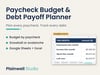
Paycheck Budget & Debt Payoff Planner (Google Sheets + Excel)
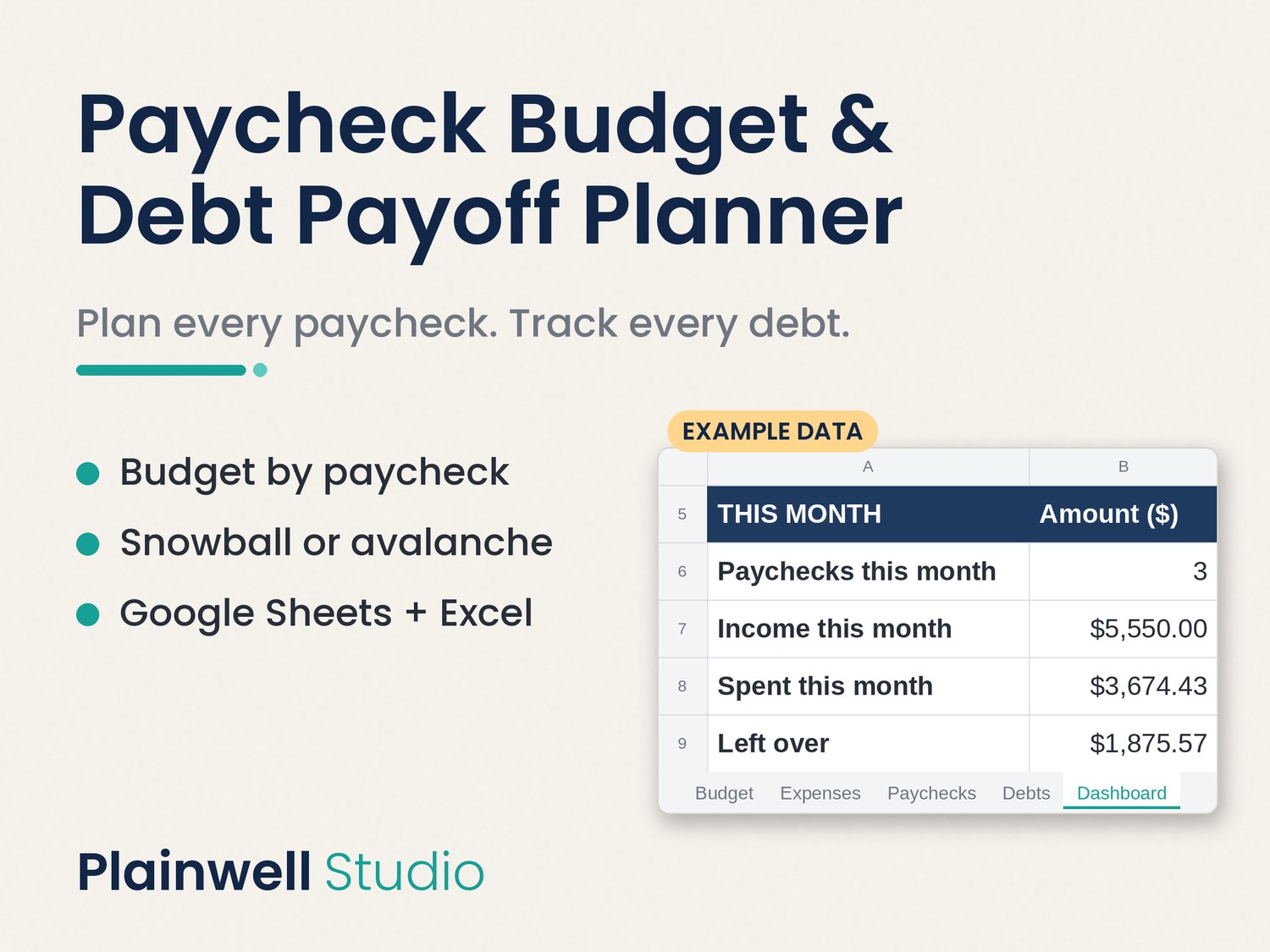
Plan every paycheck, track your spending, and see which debt your chosen strategy puts first. Works with weekly, biweekly, semi-monthly or monthly pay, in Google Sheets or Excel.
Budget one paycheck at a time, with all your debts listed in one place.
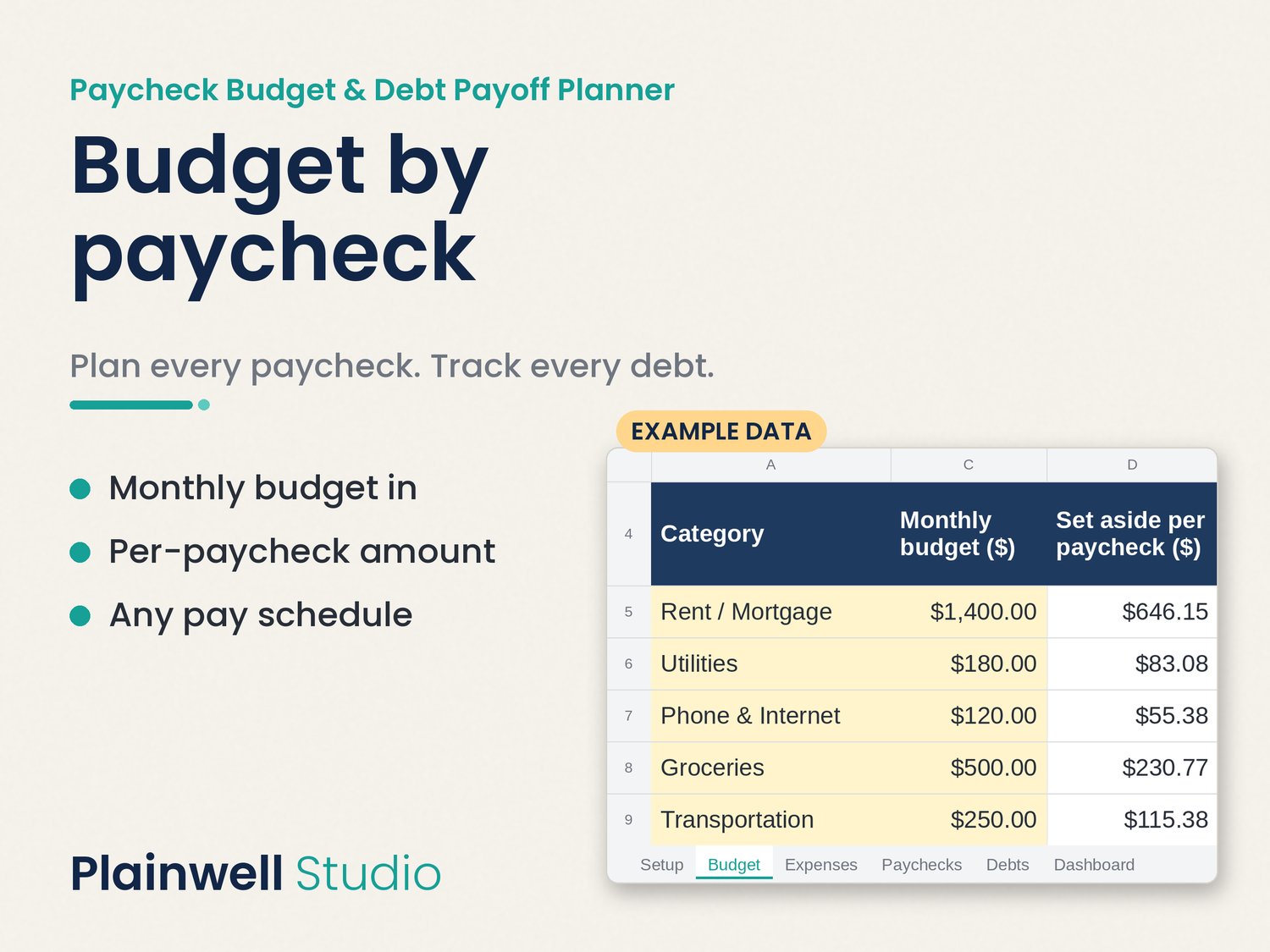
This spreadsheet is built around how you actually get paid. Enter your pay schedule once, and your pay dates fill in for you. Your monthly budget is split across each paycheck, and every expense you log lands in the right pay period and month.
Works with weekly, biweekly, semi-monthly (like the 15th and the last day) or monthly pay, in any currency.
What's inside (7 tabs, named as they appear in the file)
- Instructions: a plain-English, step-by-step guide.
- Setup: your pay frequency, first pay date, take-home pay, currency symbol, debt strategy and extra debt payment.
- Budget: a monthly budget per category, how much to set aside from each paycheck, what's left to budget, and a 50/30/20 check.
- Expenses: a 500-row expense log with category and payment-method dropdowns. Pay period and month fill in automatically.
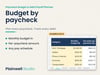
- Paychecks: up to 120 pay periods showing pay, spending, money left and % spent. Overspent periods turn red.
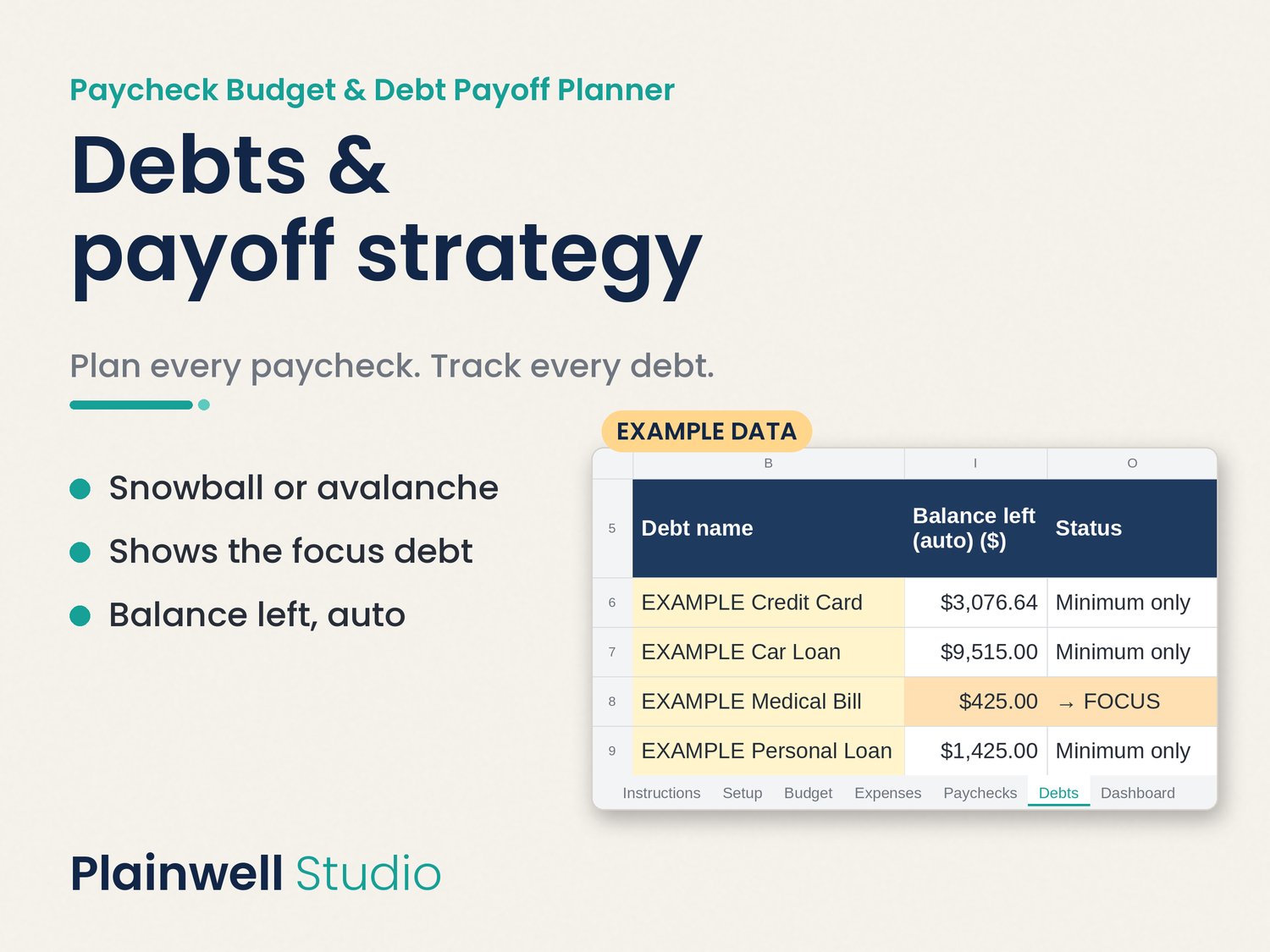
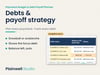
- Debts: up to 10 debts. Pick snowball (smallest balance first) or avalanche (highest interest first), and the sheet ranks your debts, marks the one to focus on, and shows what to pay on each this month, with progress bars and estimated months to payoff.
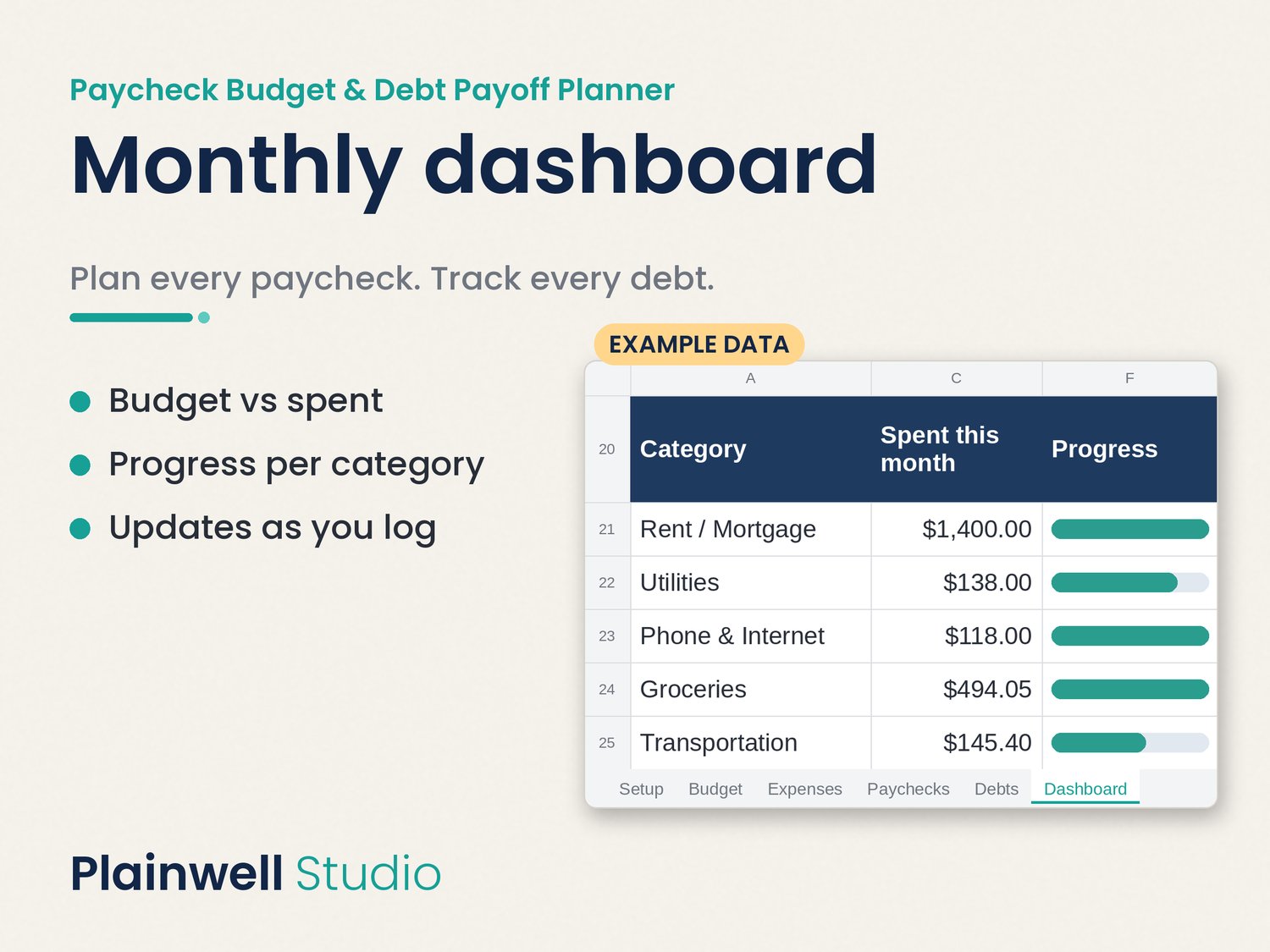
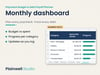
- Dashboard: a monthly view of income (it counts 3-paycheck months), spending, what's left, your next payday, spending by category and a debt summary.
What you get
- Instant download after purchase.
- 1 ZIP file with 2 files inside:
- Paycheck-Budget-Debt-Payoff-Planner.xlsx, a blank planner for Microsoft Excel.
- A 1-page START HERE PDF (US Letter) with quick-start steps and your "make a copy" link for Google Sheets.
- The planner comes blank and ready for your numbers. The preview images show example numbers so you can see how it looks once it's filled in.
- No macros or add-ons. Google Sheets needs a free Google account.
Good to know
- This is a digital download. Nothing will be shipped.
- Months to payoff is an estimate. It assumes the same payment and interest rate every month.
- This is a budgeting tool, not financial advice, and it can't promise any result. How fast you pay off debt depends on your own numbers.
- Personal use only. Please don't resell, share or redistribute the files.
FAQ
- Do I need Excel? No. Use the Google Sheets link in the PDF with a free Google account, or open the .xlsx in Excel.
- Can I use pesos, euros or pounds? Yes. Type any currency symbol in Setup.
- Does it work on my phone? You can view and edit it in the Google Sheets app, but setup is easier on a computer.
- I get paid on irregular dates. Will it work? It's built for weekly, biweekly, semi-monthly and monthly pay. Fully irregular income isn't automated, but you can still log expenses and track debts.
- Is months to payoff a guarantee? No. It's an estimate based on the numbers you enter.