


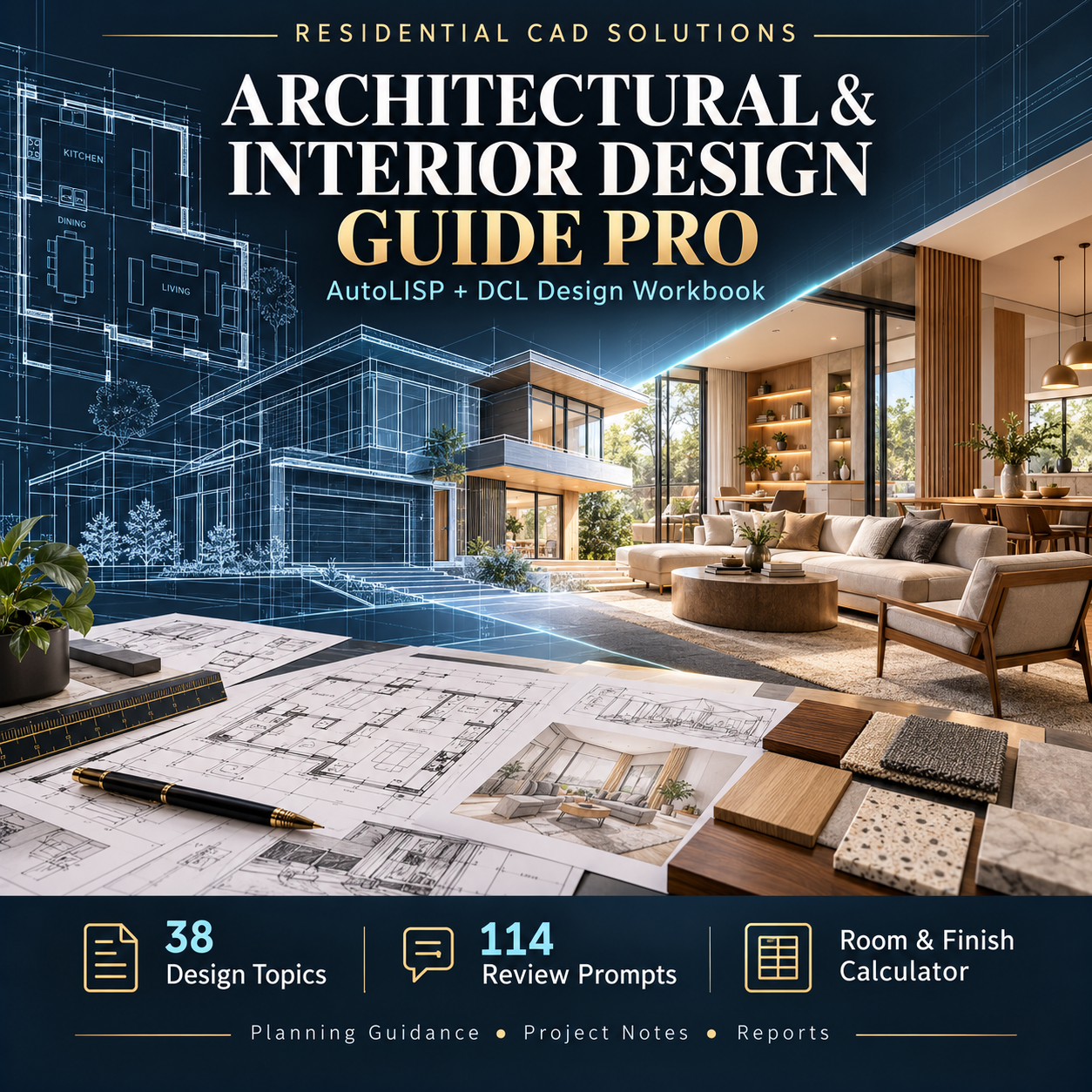

Architectural & Interior Design Guide Pro
Architectural & Interior Design Guide Pro
Bring design guidance, project organization, and practical calculations into your AutoCAD workflow.
Explore architectural and interior design principles while keeping project notes, review checklists, and preliminary finish estimates together in one AutoLISP + DCL toolkit.
Designed for architectural drafters, interior designers, students, and design enthusiasts, this workbook helps turn design questions into organized study and project-review tasks.
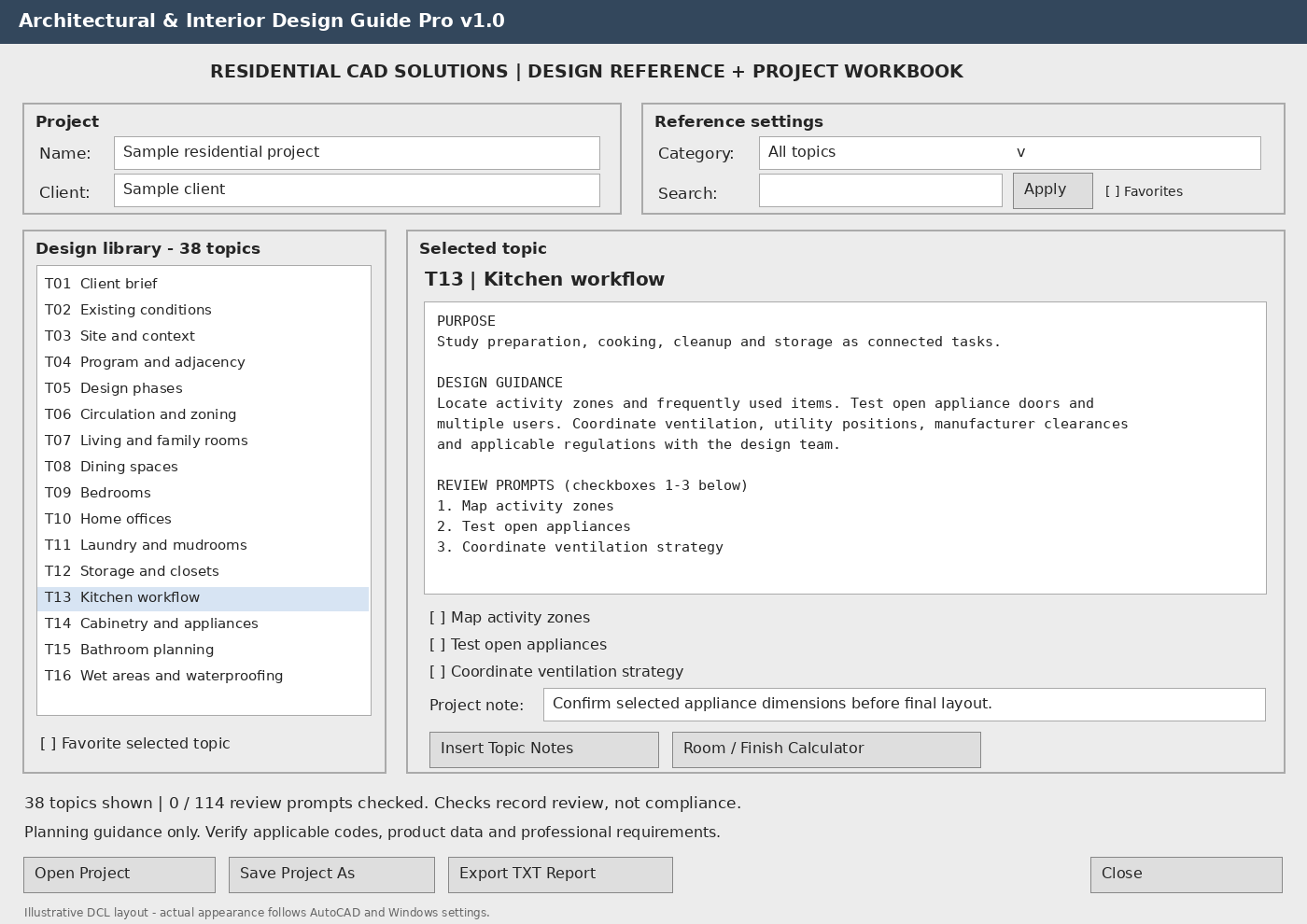
38 Searchable Design Topics
Explore client briefs, site analysis, space planning, kitchens, bathrooms, furniture layouts, color palettes, lighting, acoustics, materials, interior elevations, drawing coordination, budgeting, and project closeout.
Each topic includes design guidance, a common pitfall, a suggested deliverable, and three review prompts.
114 Review Prompts
Track your review progress, mark favorite topics, and record project-specific notes. Save and reopen your workbook as your project develops.
Room & Finish Calculator
Calculate rectangular-room floor and ceiling area, perimeter, volume, net wall area, flooring allowances, preliminary flooring material costs, and estimated wall-paint quantities.
Use decimal feet or metres with your own waste factors, unit rates, coverage assumptions, and coat counts.
Drawing Notes & Reports
Insert selected guidance and calculator results as editable text in your drawing. Export a complete project workbook or separate calculator results to plain-text reports.
Your Download Includes
- AutoLISP application, DCL dialogs, and topic library
- Installation and operating instructions
- Sample project workbook
- Main-dialog and calculator preview images
- Background reference information
AutoCAD Command: AIDGUIDEPRO
Requirements: Written for full Windows AutoCAD 2002 and newer with Visual LISP and DCL support. No Python installation or internet connection is required to run the program.
Please note: Structural checks have been completed; operation inside AutoCAD still requires verification. This is a planning and educational aid, not an automated building-design or code-compliance system. Estimates depend on your inputs and exclude items described in the included instructions.