








Working with GitHub Desktop: The Complete Beginner-to-Pro Guide | 🇮🇳 ₹499 | 🇺🇸 ~$5 USD
On Sale
₹499.00
₹499.00
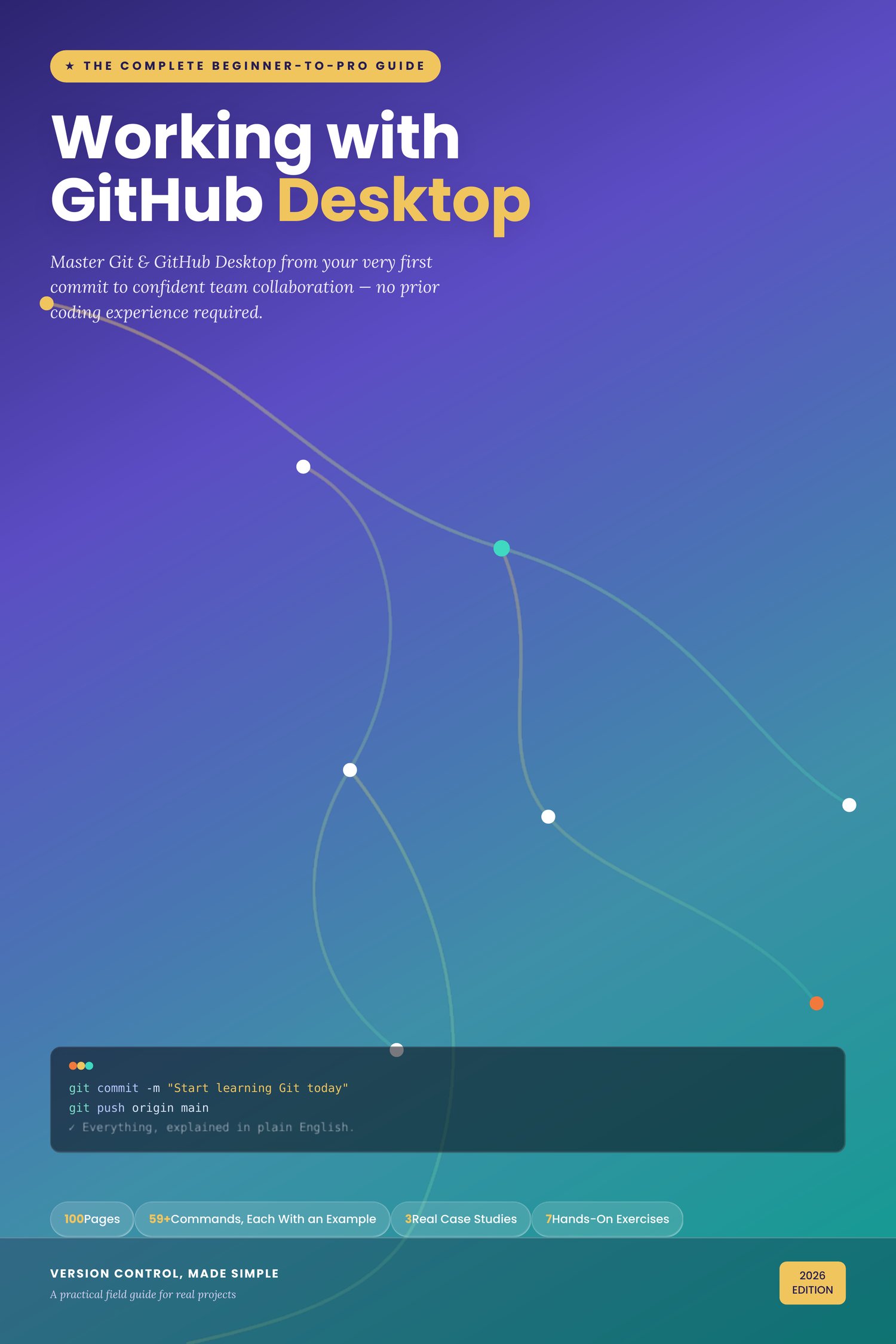
Working with GitHub Desktop
The Complete Beginner-to-Pro Guide
You don't need to be a programmer to use version control — you just need someone to explain it in plain English. This is that book.
Whether you're a student, a designer, a solo founder, or a total beginner who's never touched a terminal, this guide takes you from "what even is a commit?" to confidently collaborating on real team projects — using GitHub Desktop's simple, visual interface.
What makes this guide different:
- 🧩 Every concept explained with an everyday analogy first — no jargon dumped on page one
- 💻 59+ Git commands, each with its own runnable example — a genuine command reference, not just a cheat sheet
- 📘 100 pages, 58 chapters, organized into a clear learning path from setup to team workflows
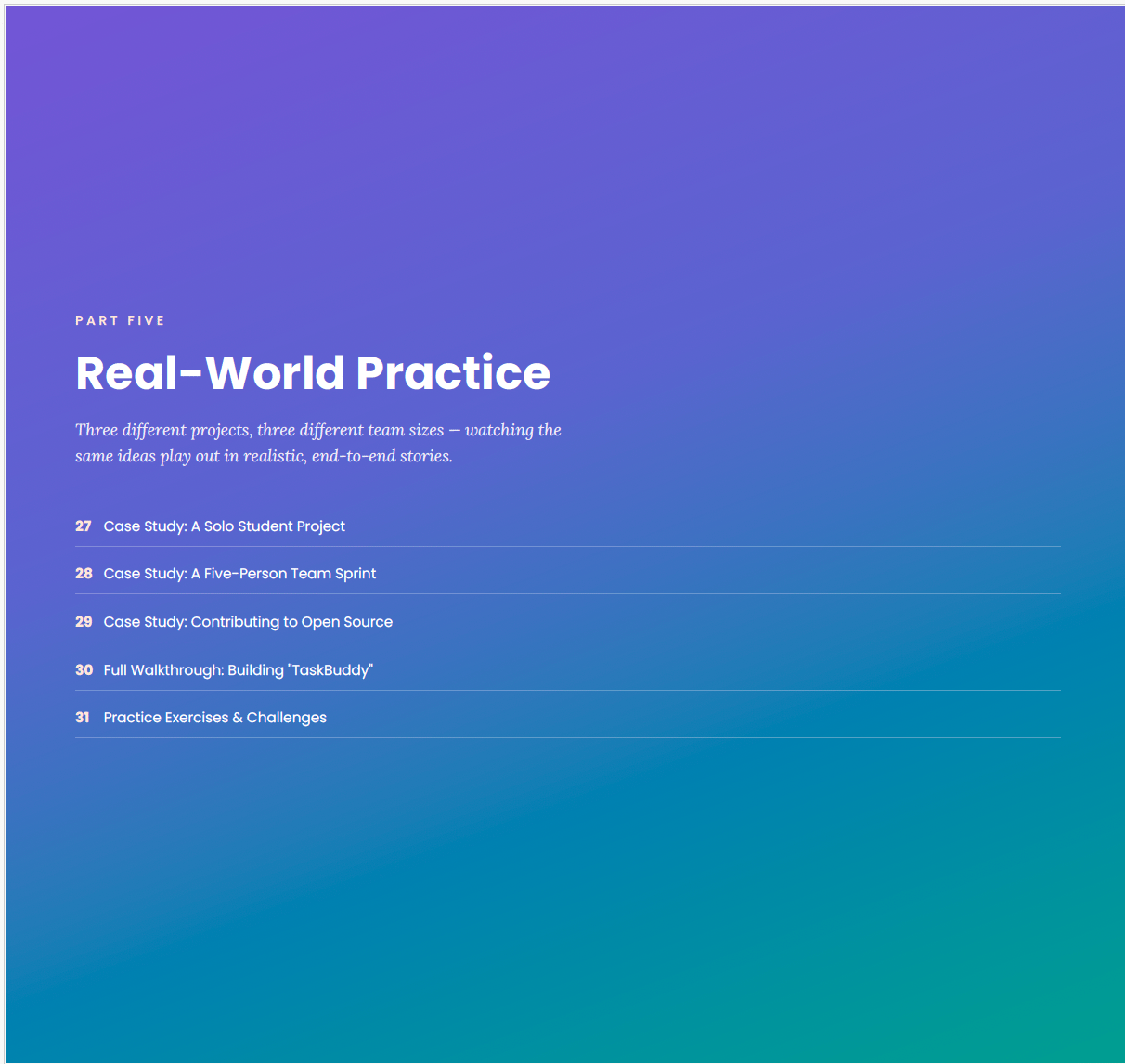
- 🧪 3 real-world case studies — a solo student project, a 5-person team sprint, and an open-source contribution
- ✍️ 7 hands-on exercises with self-check answers, so you actually practice, not just read
- 🎨 Designed to be read, not endured — full color, clean layout, easy-on-the-eyes typography
What's inside:
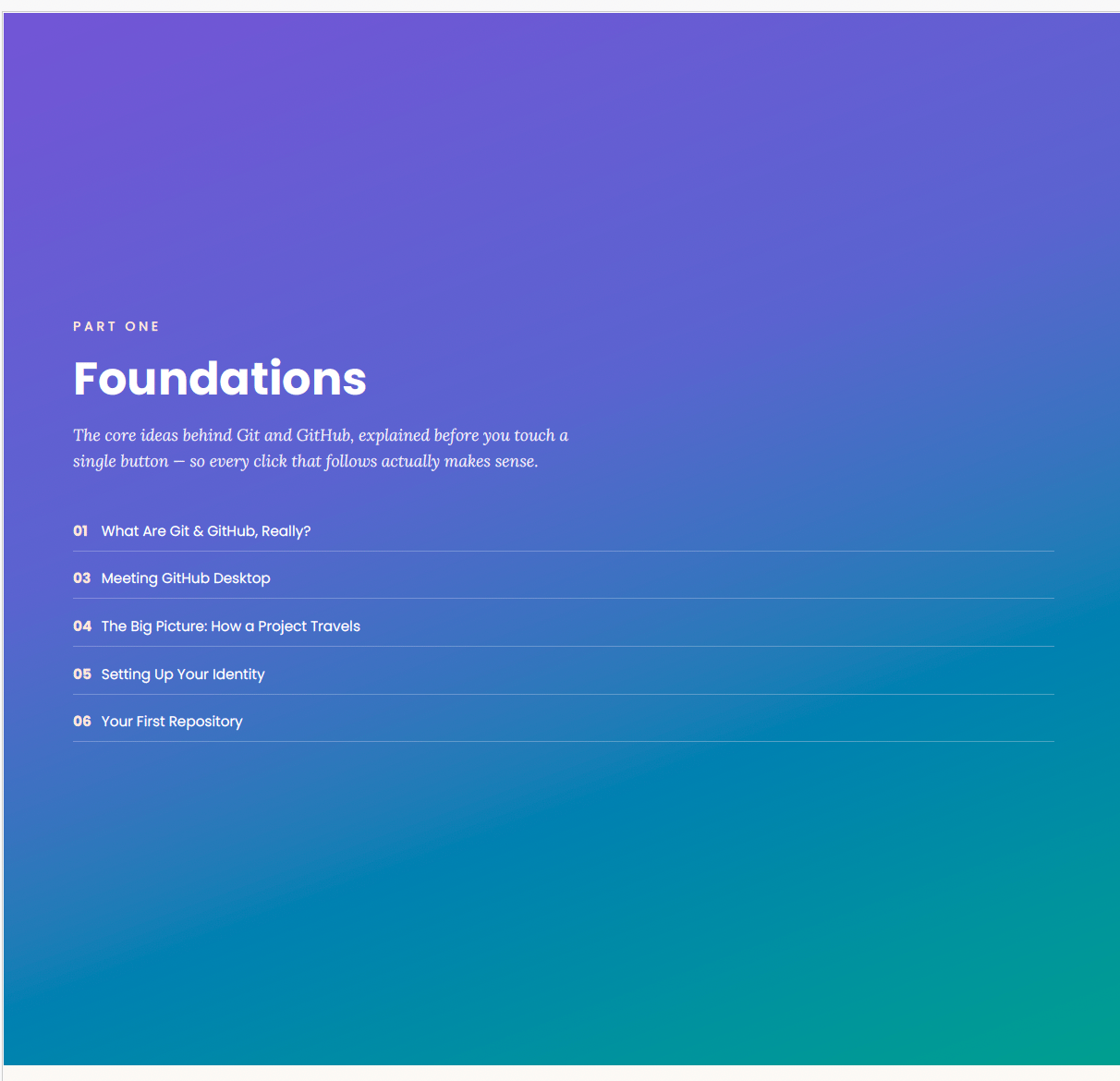
- Part 1: Foundations — What Git & GitHub actually are, installing GitHub Desktop, your first repository
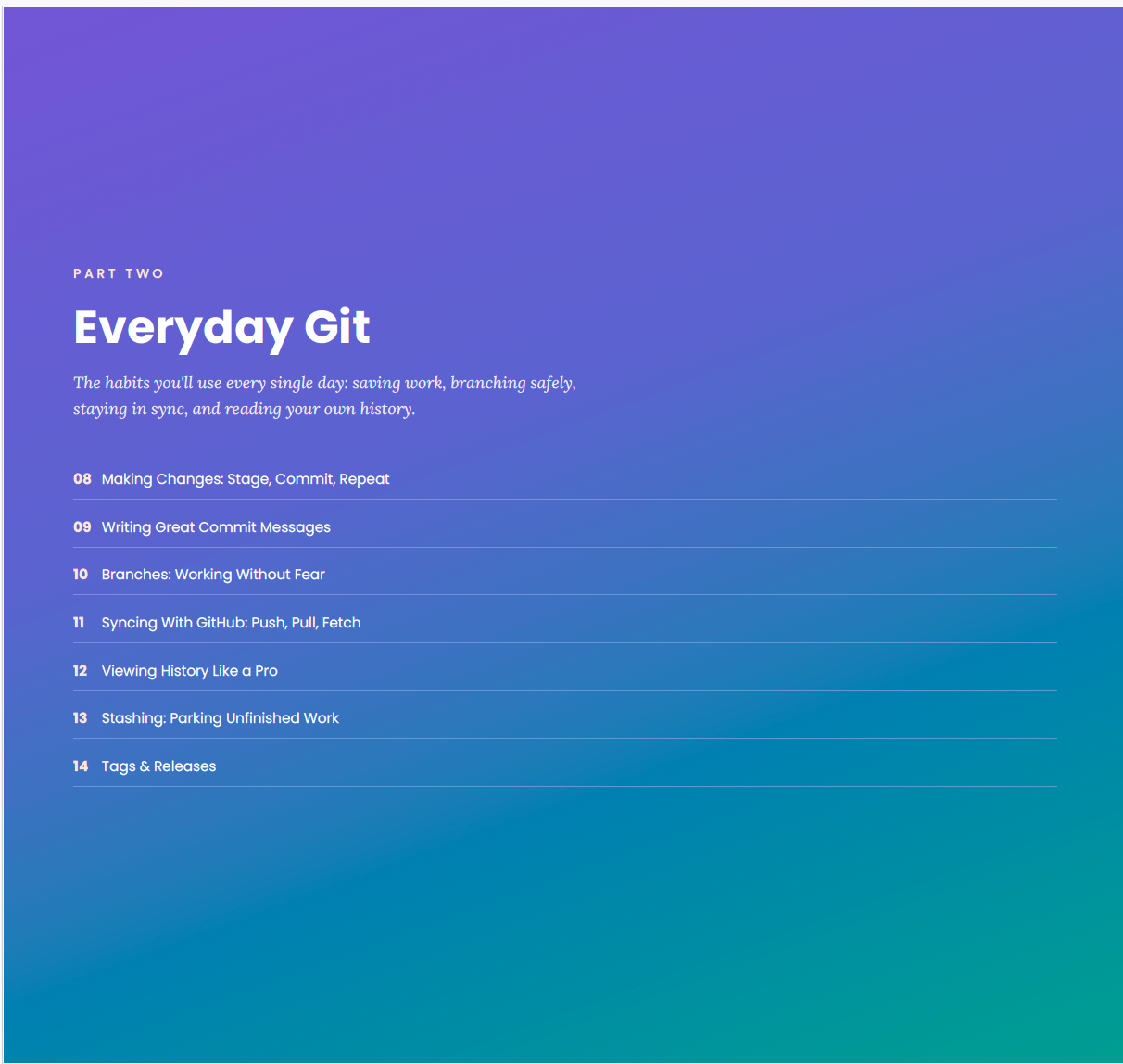
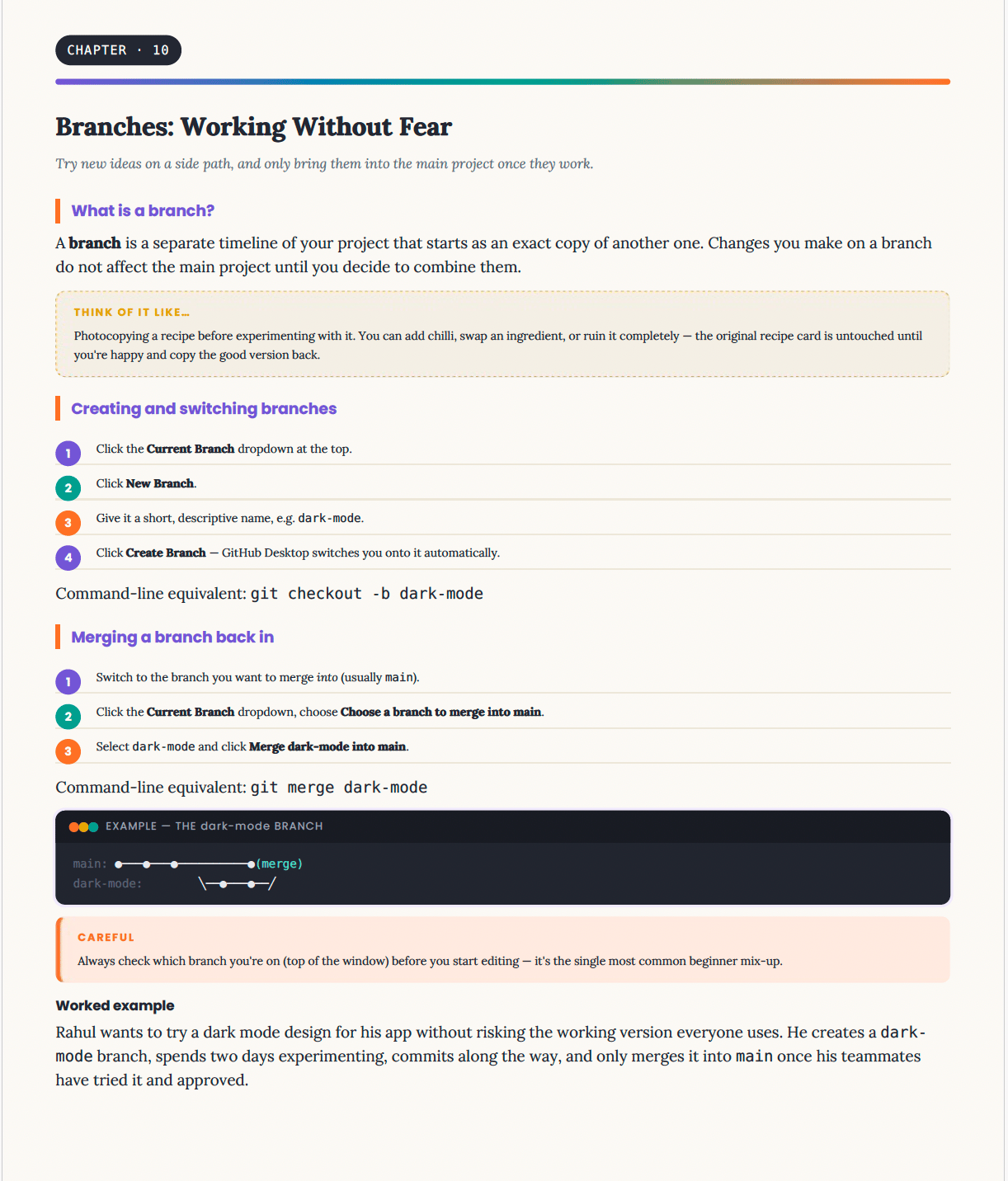
- Part 2: Everyday Git — Commits, branches, syncing, history, stashing, tags
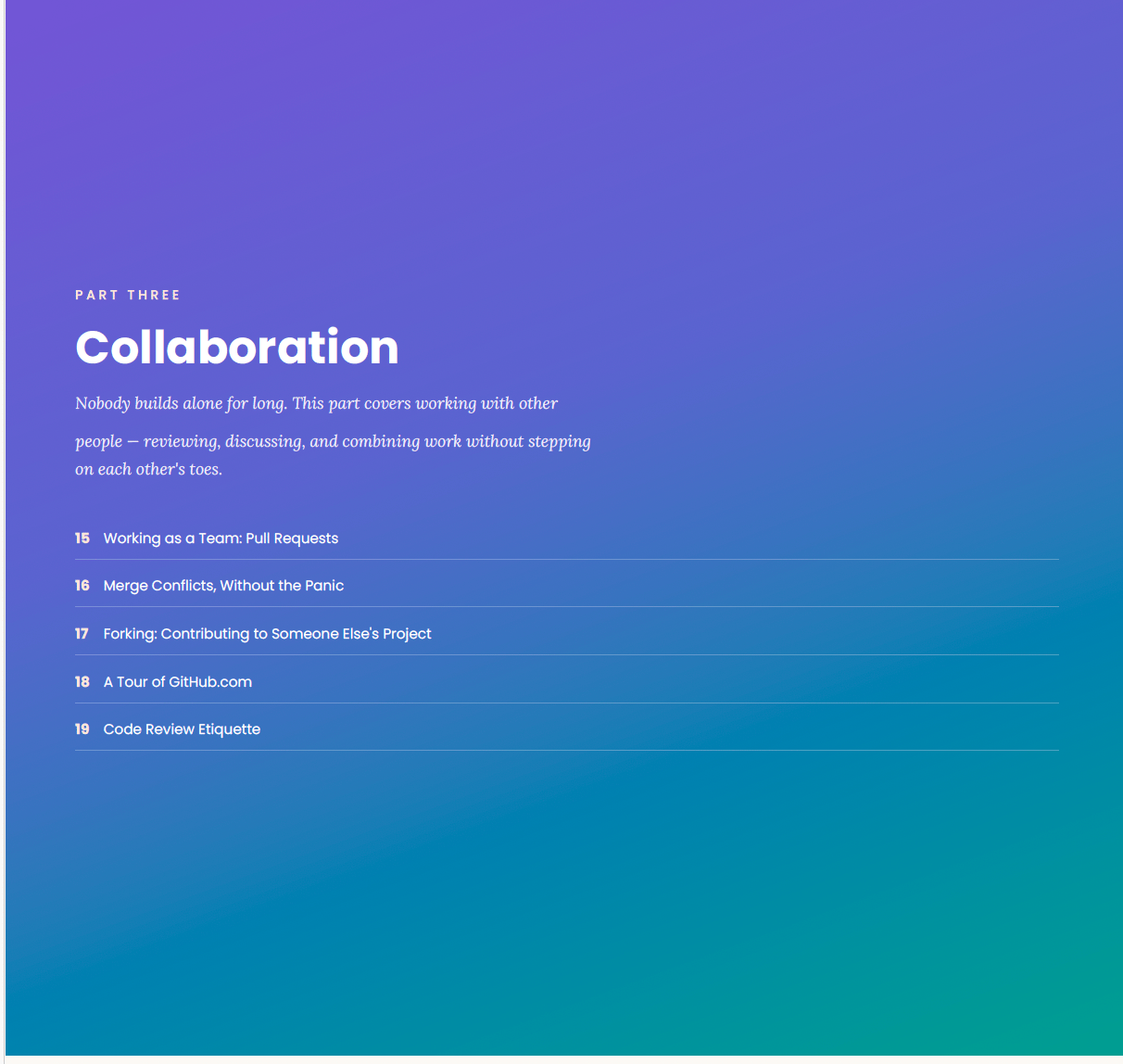
- Part 3: Collaboration — Pull requests, merge conflicts, forking, code review
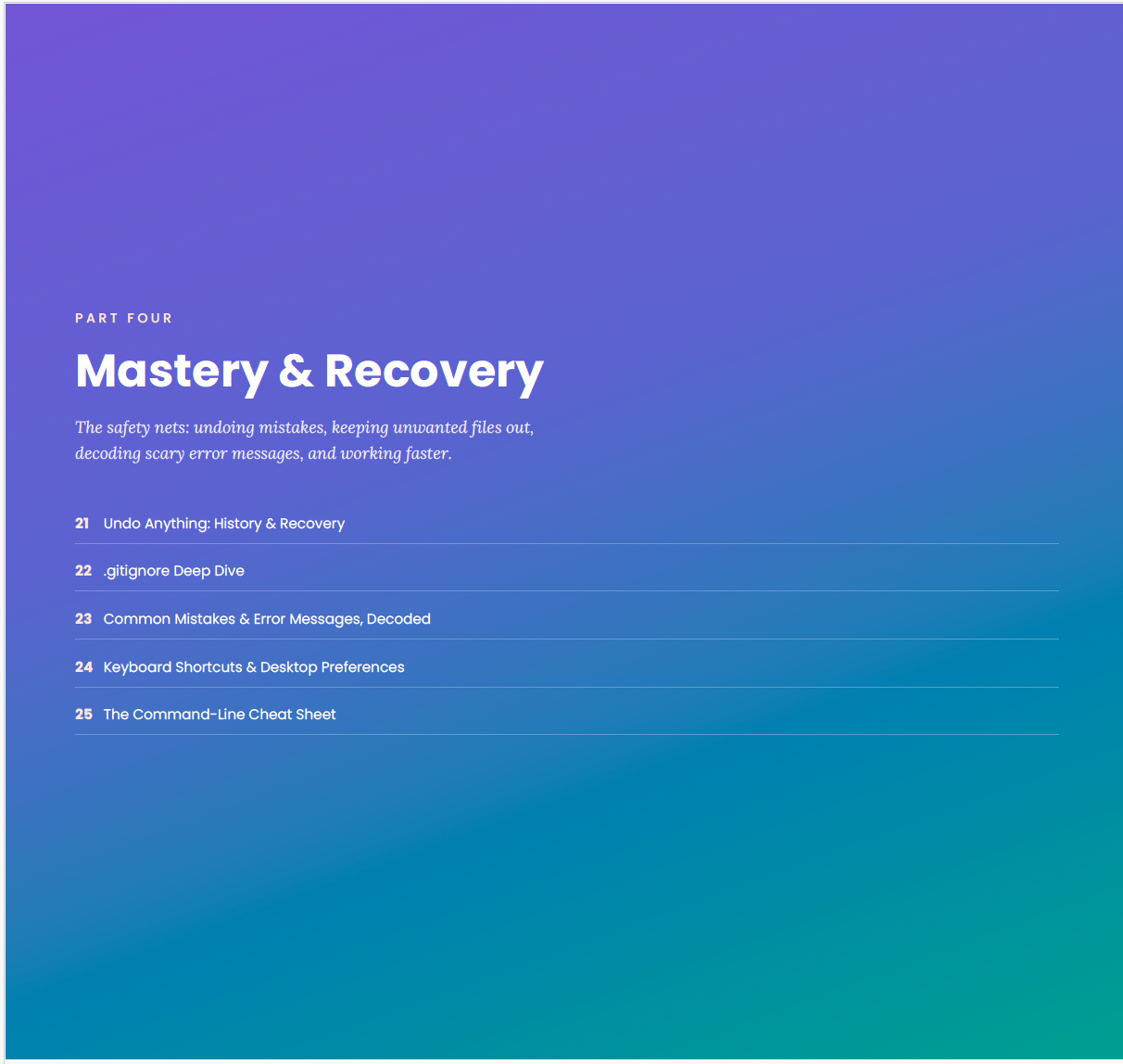
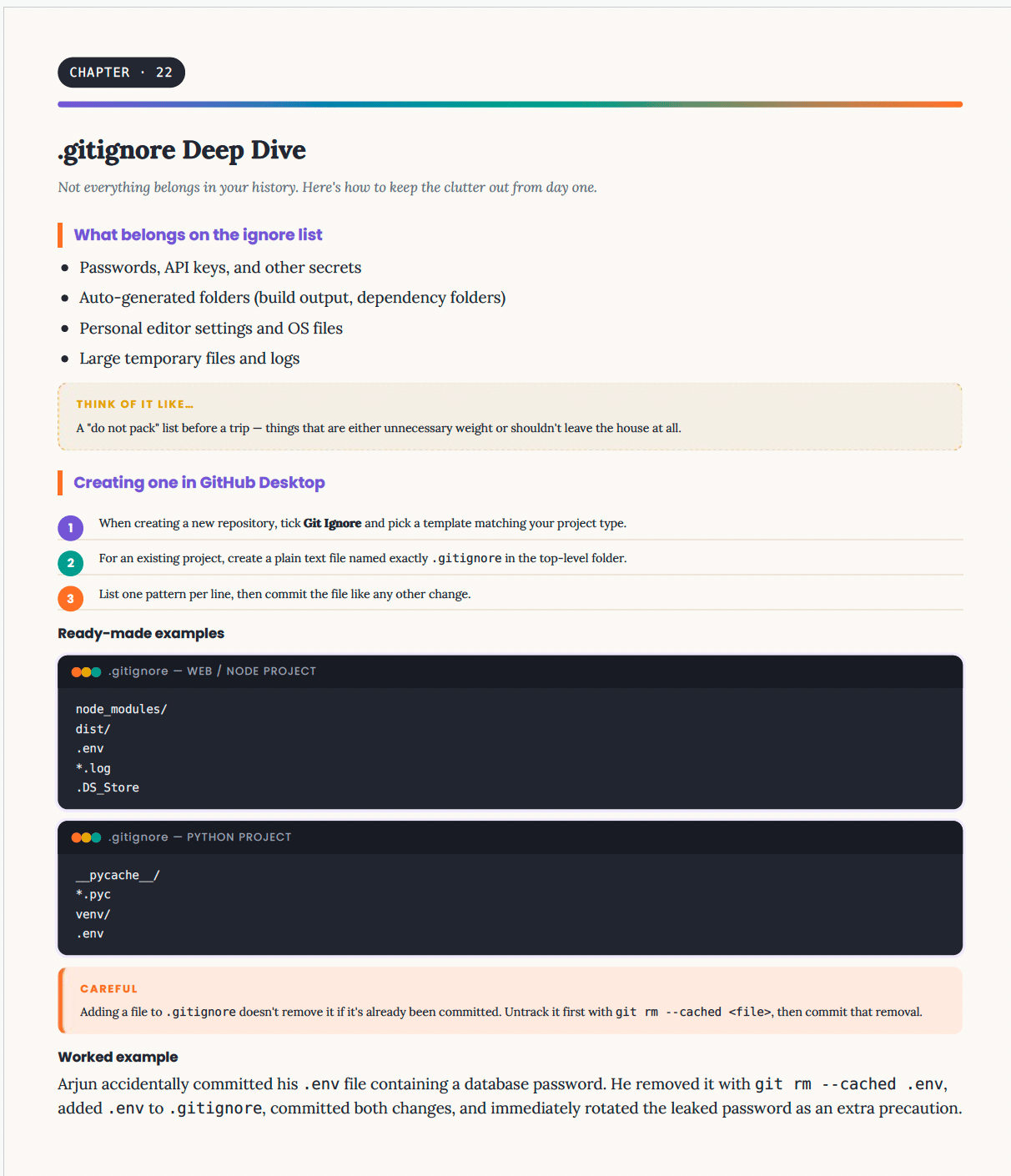
- Part 4: Mastery & Recovery — Undoing mistakes, .gitignore, troubleshooting, shortcuts
- Part 5: Real-World Practice — Case studies, a full project walkthrough, exercises
- Part 6: Going Further — Branching strategies, GitHub Actions, security, team setup
- Part 7: Reference — The complete command reference, templates, FAQ, glossary, index
Who this is for:
- Complete beginners who've never used Git or GitHub before
- Students and self-taught developers building their first real projects
- Teams who want a shared, simple reference for how they work together
- Anyone who's tried a tutorial before and got lost in terminal commands
Format: Instant PDF download. Read on any device, keep it forever.