
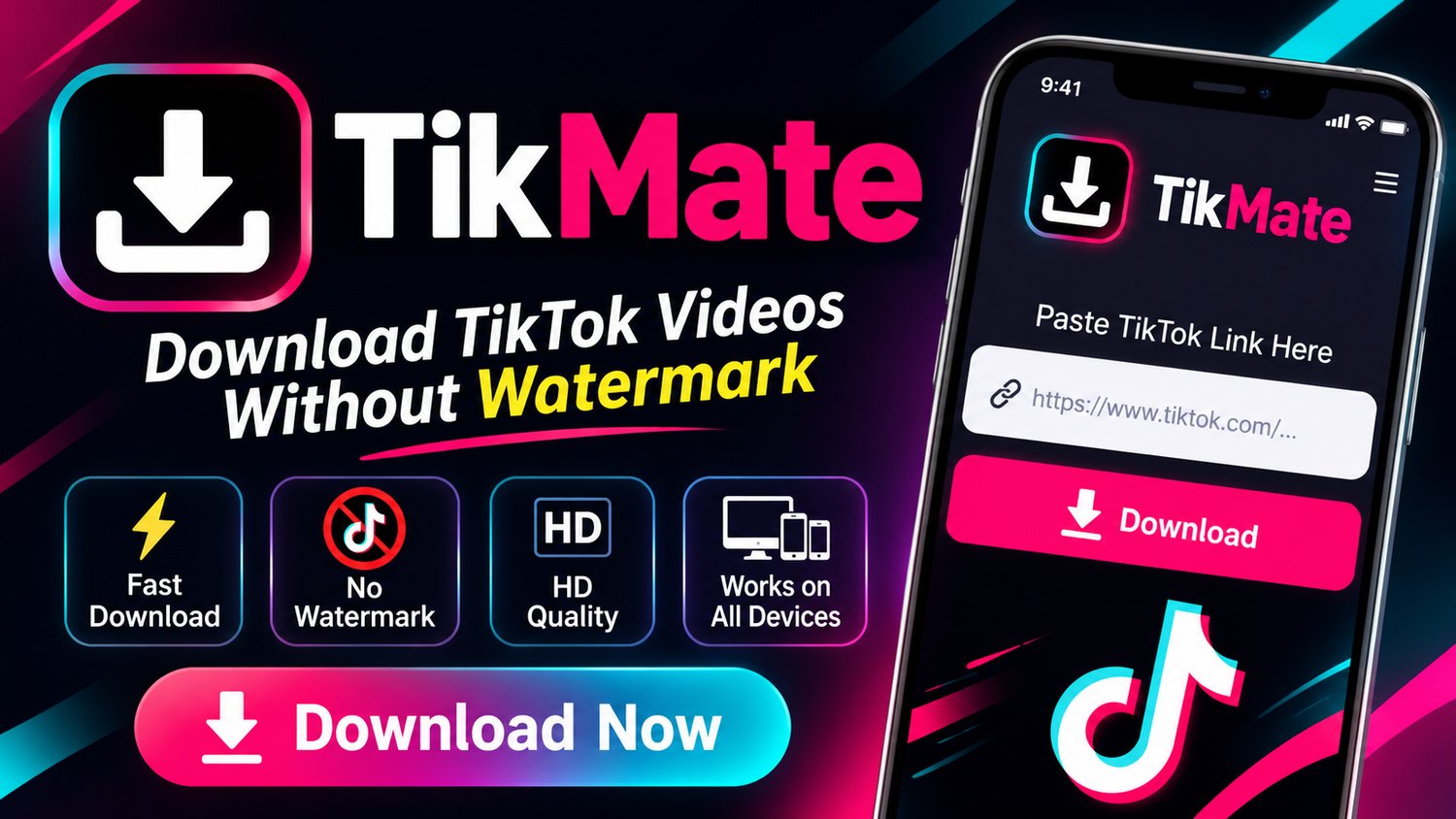
TikMate Downloader – Download TikTok Videos Without Watermark in HD Quality
TikMate Downloader – Download TikTok Videos Without Watermark in HD Quality
TikTok has become one of the most popular social media platforms worldwide. Millions of people watch and share short videos every day, including funny clips, educational content, entertainment videos, cooking tutorials, travel experiences, and creative edits. Sometimes, users want to save their favorite videos to their devices so they can watch them later without an internet connection.
This is where TikMate Downloader becomes relevant. TikMateDownloader.net is an online TikTok video downloader designed to help visitors save publicly available TikTok videos using a copied video link. It offers a simple interface where users can paste a TikTok URL and explore available download options.
Whether you want to save an interesting tutorial, keep a personal reference video, or watch a favorite public clip offline, TikMate provides a straightforward browsing experience.
In this guide, we will explore TikMate Downloader, its features, how to download TikTok videos, HD video quality, watermark-free downloads, mobile compatibility, and useful tips for a better experience.
What Is TikMate Downloader?
TikMate Downloader is an online tool designed for downloading publicly available TikTok videos. Instead of requiring visitors to install dedicated video-downloading software, the website provides a browser-based interface.
Users can copy a TikTok video link, visit TikMateDownloader.net, paste the URL into the downloader field, and follow the available download options.
One of the main purposes of TikMate is to provide an easy way to save TikTok videos for offline viewing.
The website describes several features, including high-quality video downloads, watermark-free video options, free access, and no account registration requirement.
TikMate is particularly relevant to people searching for a TikTok video downloader without watermark, an online TikTok downloader, or a simple way to save public TikTok videos.
Why Do People Use TikTok Video Downloaders?
TikTok contains millions of interesting videos covering different subjects. Users frequently discover helpful information, entertainment clips, recipes, educational tutorials, and creative content.
Sometimes, keeping a video available offline is more convenient than searching for it again.
An online TikTok downloader can help users save eligible videos to their devices when they have permission to do so.
Some common reasons include:
- Keeping personal videos for offline viewing.
- Saving educational tutorials for reference.
- Organizing useful public video links and content.
- Watching saved videos without an internet connection.
- Keeping copies of their own uploaded videos.
- Accessing permitted video content on different devices.
Downloading should always respect the original creator's copyright, privacy, and permissions.
How to Download TikTok Videos Using TikMate
TikMate provides a simple link-based downloading process. You do not need complicated technical knowledge to understand the basic steps.
Step 1: Find Your TikTok Video
Open the TikTok application or website and find the public video you want to save.
Make sure you have permission to download the content.
Step 2: Copy the Video Link
Open the selected TikTok video and tap the Share button.
Choose the Copy Link option. The video address will be copied to your device's clipboard.
Step 3: Visit TikMateDownloader.net
Open your preferred browser and visit TikMateDownloader.net.
You will find the website's video downloader interface.
Step 4: Paste the TikTok URL
Paste the copied video link into the downloader input field.
Check that the address is correct before continuing.
Step 5: Start the Download Process
Select the available download option and wait for the website to process the video.
Processing time can depend on your internet connection and the availability of the original video.
Step 6: Save Your Video
When an available download option appears, follow the instructions to save the file.
Check your device's Downloads folder or video gallery to locate the saved video.
This simple process makes TikMate accessible to visitors who prefer browser-based tools.
Download TikTok Videos Without Watermark
One feature highlighted by TikMate is its watermark-free video download option.
TikTok watermarks can include the platform logo and creator username. These elements may appear over the video when using the platform's built-in saving feature.
Some users prefer clean video files for personal viewing and organizing content.
TikMate describes an option for downloading public TikTok videos without the visible watermark when an appropriate version is available.
However, removing a watermark does not remove the creator's ownership or copyright. Always obtain permission before editing, reposting, or commercially using someone else's content.
Enjoy High-Quality TikTok Video Downloads
Video quality is another important consideration when saving online content.
TikMate highlights high-quality video downloads as one of its main features. The available quality depends on the original TikTok video and the options provided during processing.
High-definition video can make details, colors, and visual elements easier to see.
Before downloading, consider the following:
- Check the available video resolution.
- Consider your device's storage capacity.
- Use a stable internet connection.
- Avoid assuming every original video is available in HD.
- Choose the available quality that suits your needs.
Remember that a downloader cannot create original visual details that were not present in the source video.
TikMate Downloader for Android Devices
Android users frequently watch TikTok videos using smartphones. A browser-based downloader can provide an alternative way to access available download options.
To use TikMate on Android, open TikTok, copy the link of a public video, and visit TikMateDownloader.net through a supported browser.
Paste the link into the input field and follow the available instructions.
After a successful download, check your device's Downloads folder or gallery.
The exact file location may depend on your browser and Android settings.
How to Use TikMate on iPhone
iPhone users can also access browser-based video download websites.
Open TikTok and copy the link of a public video that you are authorized to save.
Next, open Safari or another supported browser and visit TikMateDownloader.net.
Paste the copied address and follow the available download instructions.
On compatible iPhones, downloaded files can usually be found through the Files application, depending on browser settings.
If you want to organize saved videos, check your device's available file-management options.
TikTok Video Downloader for PC and Laptop
TikMate can also be explored through desktop browsers.
Using a computer can be convenient when users want to manage video files, organize folders, or review downloaded content on a larger screen.
The general process remains simple:
- Open TikTok in your browser.
- Find a public video you are allowed to save.
- Copy its URL.
- Visit TikMateDownloader.net.
- Paste the link into the downloader.
- Follow the available download instructions.
After saving a video, you can locate it in your computer's Downloads folder.
Key Features of TikMate Downloader
TikMate highlights several features designed to make TikTok video downloading easier.
1. Simple User Interface
The website provides a straightforward link-based interface. Visitors can enter a video address without navigating complicated menus.
2. Watermark-Free Video Options
TikMate describes an option for saving public TikTok videos without a visible watermark when a clean version is available.
3. High-Quality Video
The website highlights high-quality video downloads. The actual quality depends on the source video and available download options.
4. Free Access
TikMate describes its downloader as free to use, allowing visitors to explore its basic functionality without a subscription.
5. No Account Required
According to the website, users do not need to create an account or provide personal registration details to use the downloader.
6. Multiple Device Compatibility
Visitors can access the website through supported browsers on smartphones and computers.
These features make TikMate relevant to users searching for a convenient online TikTok video downloader.
Why Choose an Online TikTok Downloader?
Online video downloaders can be convenient because they work through web browsers.
Users do not necessarily need to install additional desktop applications or extensions to access the website's interface.
A browser-based tool can also be useful when switching between different devices.
For example, someone might browse TikTok on a smartphone but prefer organizing saved videos on a computer.
However, visitors should always check website security, avoid suspicious advertisements, and never provide their TikTok passwords to an unknown third-party service.
Common TikMate Download Problems and Solutions
Sometimes, an online downloader may not process a video successfully.
Here are some common issues and possible solutions.
Invalid Video Link: Copy the link again directly from TikTok's Share menu.
Private Video: TikMate states that it supports public videos rather than private content.
Video Not Available: The original video may have been removed or restricted.
Slow Processing: Check your internet connection and try again later.
Download Not Starting: Refresh the page and repeat the process if the service is available.
Poor Video Quality: The final quality may depend on the original upload and available download options.
Understanding these limitations can help users avoid unnecessary repeated attempts.
Tips for Safe TikTok Video Downloads
Online safety is important whenever you use third-party websites.
Follow these practical recommendations:
- Use the intended website address.
- Avoid entering your TikTok login information.
- Do not install unexpected software.
- Check downloaded file extensions.
- Avoid suspicious advertisements and pop-ups.
- Respect video creators and their copyright.
- Download only content you own or have permission to save.
- Do not repost other people's content without permission.
Responsible downloading helps protect both users and original content creators.
Frequently Asked Questions About TikMate Downloader
1. What is TikMate Downloader?
TikMate Downloader is an online tool designed to help visitors save publicly available TikTok videos using a copied video link.
2. Is TikMate free to use?
The website describes its downloader as free to use. Available features and service conditions may change.
3. Can I download TikTok videos without watermark?
TikMate advertises watermark-free downloads when a clean version is available for the public video link.
4. Does TikMate support HD video downloads?
The website highlights high-quality video downloads. Actual resolution depends on the original upload and available options.
5. Can I use TikMate on Android?
Yes, you can open the website through a compatible Android browser and explore its available download options.
6. Does TikMate work on iPhone?
The website can be accessed through a compatible iPhone browser. Downloaded files may be available through the Files application.
7. Can I download private TikTok videos?
No. TikMate states that its service supports publicly available videos rather than private videos.
8. Do I need to create an account?
According to the website, users can access its downloader without creating an account.
9. Can I use TikMate on a computer?
You can visit the website using a compatible desktop browser and follow the available download process.
10. Is TikMate affiliated with TikTok?
TikMateDownloader.net is a third-party website and should not be confused with the official TikTok platform or ByteDance.
Final Thoughts
TikTok has become an important source of entertainment, education, creativity, and online trends. People discover interesting videos every day and sometimes want to keep permitted content available for offline viewing.
TikMate Downloader provides a browser-based approach to saving publicly available TikTok videos through copied video links. Its website highlights features such as watermark-free video options, high-quality downloads, free access, and a simple interface.
Whether you use Android, iPhone, or a computer, exploring an online TikTok video downloader can be convenient when you understand the available options and limitations.
Always respect the original creator's rights, protect your personal information, and use downloaded videos responsibly.
Visit TikMateDownloader.net to explore its TikTok video downloader and learn more about the available features.