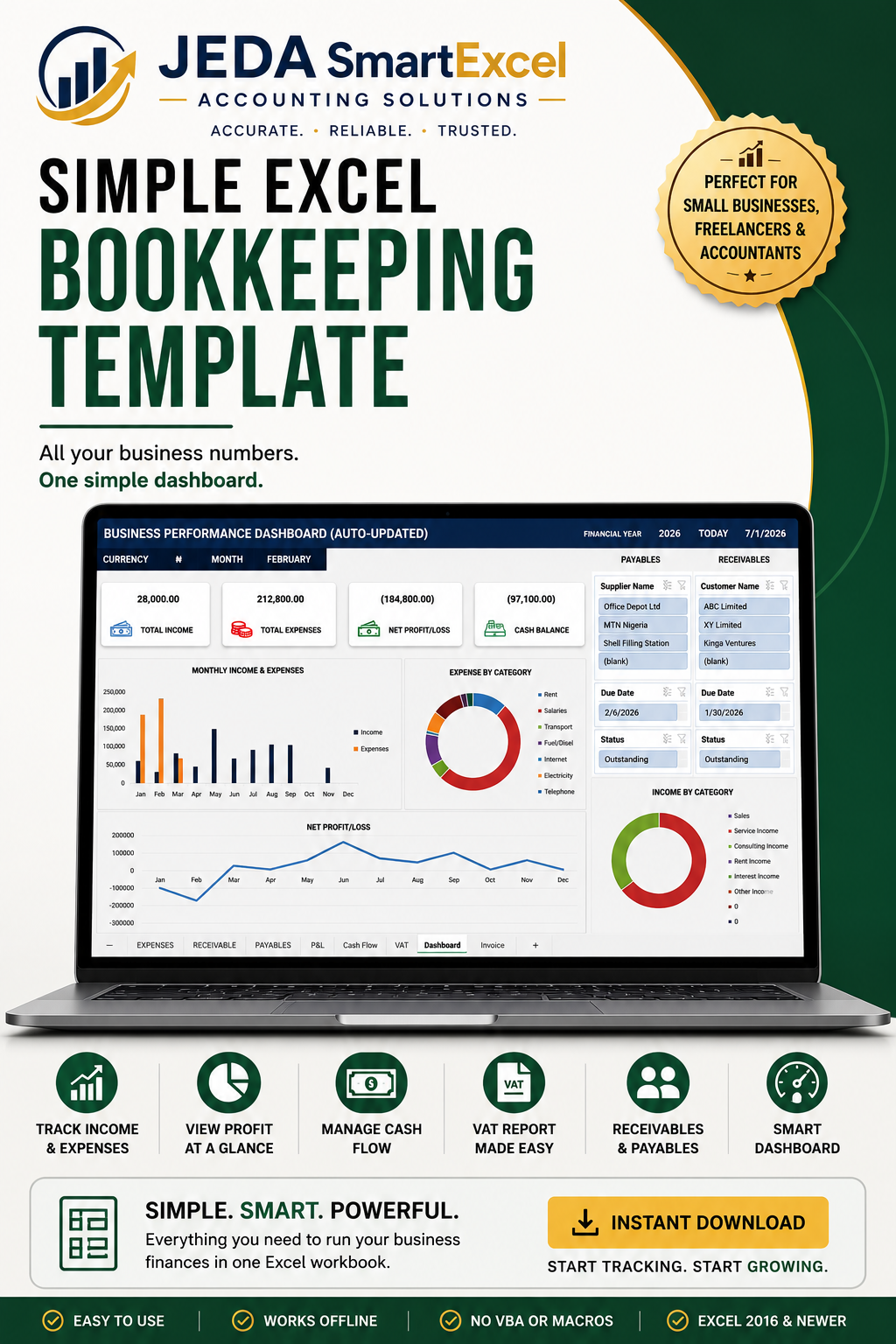
Stop Sending Your Accountant 50+ Page Bank Statements.
Keep accurate business records with one simple Excel workbook.
Most small business owners across Africa are running on guesswork. They know roughly how much came in last month but they cannot tell you their net profit, how much a client still owes, how much VAT they have collected, or whether their cash balance actually matches their records.
This template fixes all of that. In one Excel file.
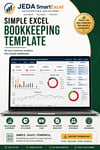
The JEDA Simple Bookkeeping Template is a complete bookkeeping system built for small and medium businesses across Africa. You do not need an accountant or accounting software. You just need Excel or Google Sheets and this file.
Here is exactly what is inside:
Income Sheet — Record every payment you receive. Date, description, category, reference, amount, VAT, payment method, and bank. Transaction IDs generate automatically.
Expense Sheet — Record every expense the same way. 18 built-in expense categories including rent, salaries, transport, marketing, repairs, bank charges, and more. All fully customisable.
Accounts Receivable — Track every client who owes you money. Enter the invoice amount and how much has been received, the balance, days outstanding, and status (Paid, Outstanding, or Overdue) update automatically.
Accounts Payable — Track every supplier you owe. Same automatic status system. Never forget a bill again.
P&L Statement — Fully automatic. Shows total income by category, total expenses by category, gross profit, net profit, and profit margin — broken down by month across the full year.
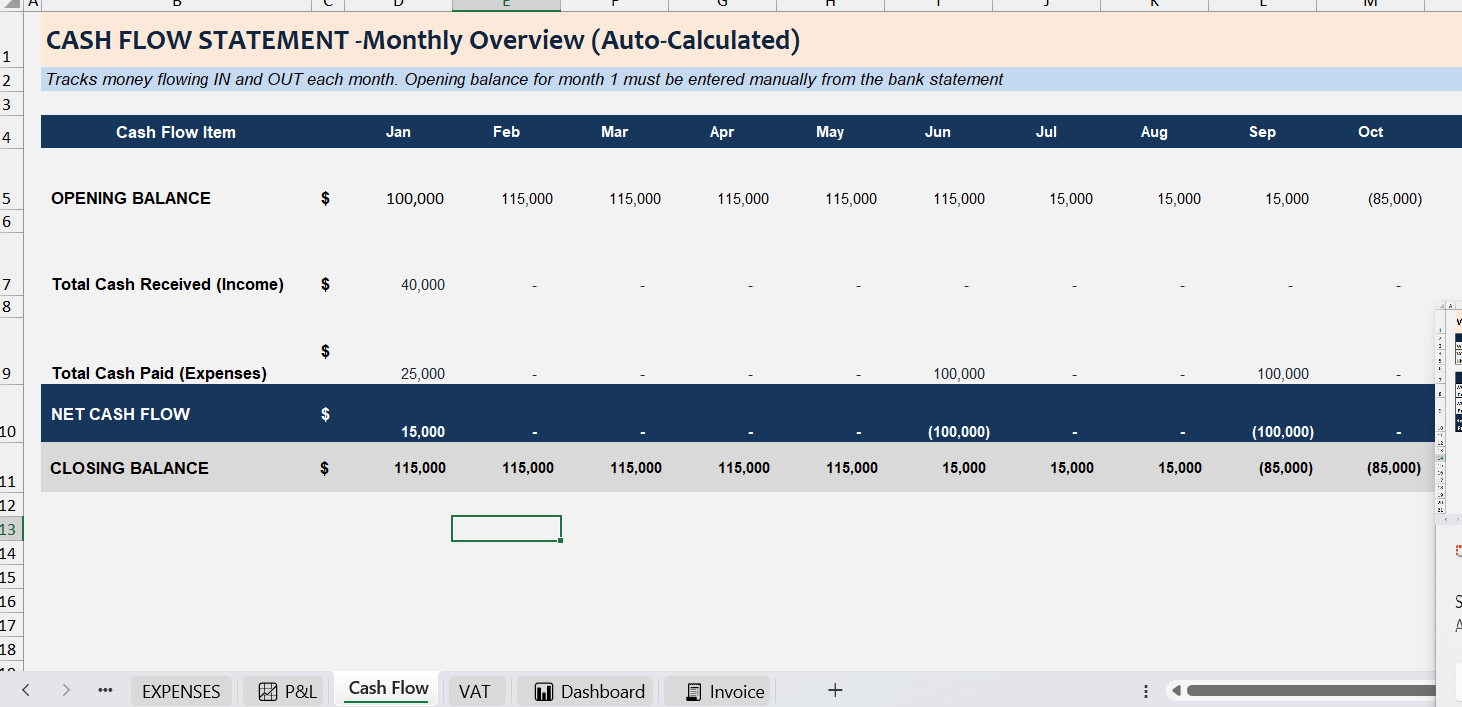
Cash Flow Statement — Monthly opening balance, total cash in, total cash out, net cash flow, and closing balance. Enter your opening balance once and it chains through all 12 months automatically.
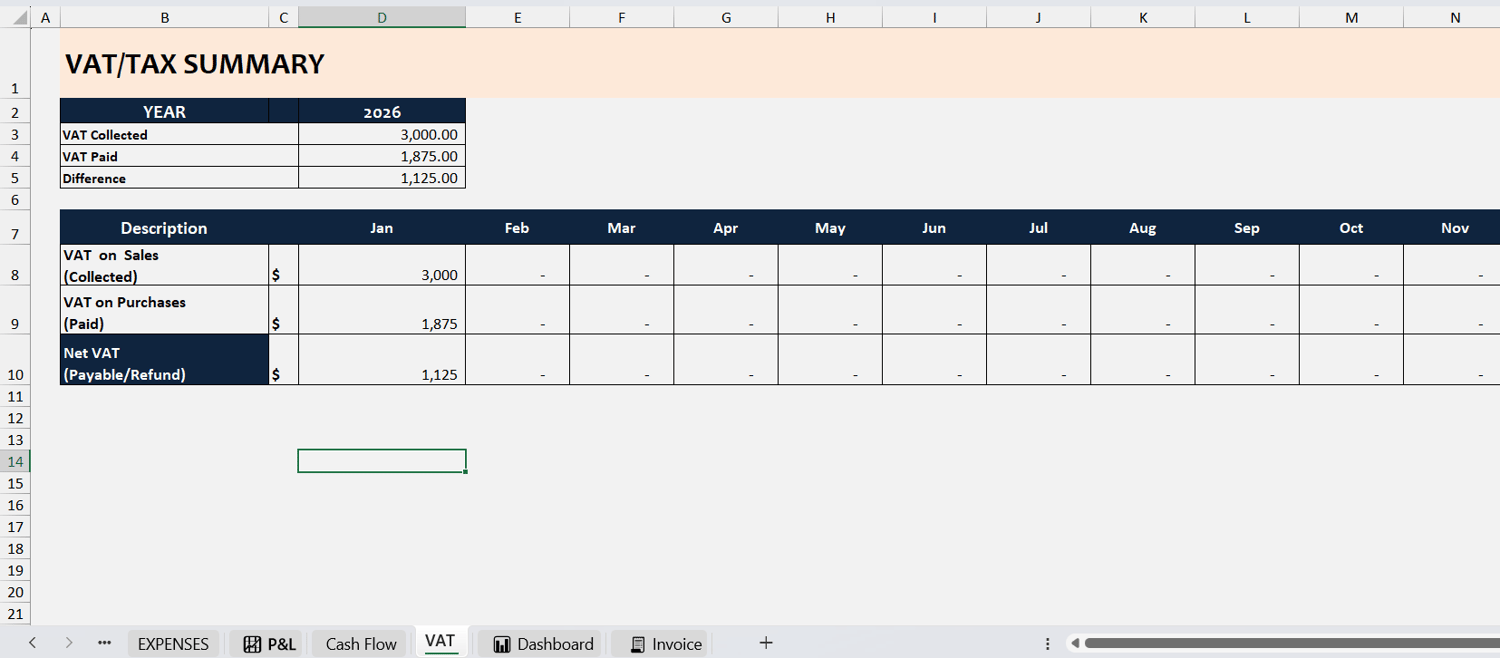
VAT Summary — Tracks VAT collected on sales and VAT paid on purchases each month. Shows your net VAT position so you always know what you owe or are owed.
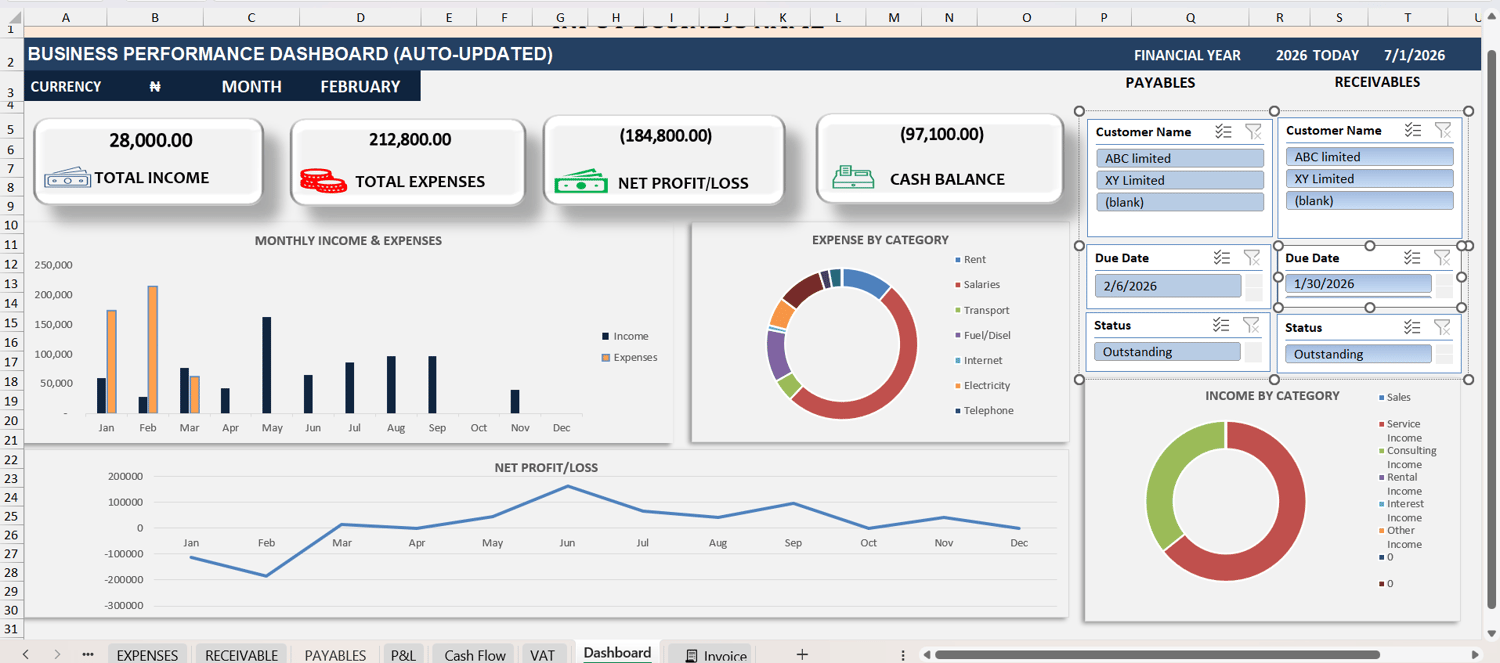
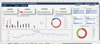
Dashboard — Live KPIs for the selected month: income, expenses, net profit, and cash balance. Monthly income and expense charts update automatically as you enter data.
Invoice Creator — Fill in your business details and client details, add line items with quantities and prices, apply discounts and VAT, and press Ctrl+P to export as PDF. No macro needed.
Multi-Currency Support — Choose from Nigerian Naira (₦), US Dollar ($), British Pound (£), Euro (€), Ghanaian Cedi (GH₵), Kenyan Shilling (KSh), or South African Rand (R). Built for African businesses operating in any currency.
Works on Microsoft Excel and Google Sheets. No macros required.
WHAT YOU GET :
- Excel file
- Google Sheet file
- A free PDF guide on how to keep proper bookkeeping record
- A user guide
Who this is for: Freelancers, consultants, retailers, service businesses, and SME owners across Nigeria, Ghana, Kenya, South Africa, and beyond anyone who wants proper financial records without paying for accounting software every month.
Frequently Asked Questions (FAQ)
JEDA SmartExcel Bookkeeping System
1. Who is this template designed for?
This template is ideal for:
Small Business Owners
Startups
Freelancers
Consultants
Traders
Retail Stores
Service-Based Businesses
Bookkeepers
Accountants
No accounting experience is required.
2. Do I need accounting knowledge to use this template?
No.
The template is designed to be simple and user-friendly. Simply record your daily income and expenses, and the reports update automatically.
3. Is this template compatible with Mac?
Yes.
The Excel version works on Microsoft Excel for Windows and Mac (Excel 2016 or later).
4. Does it work on Google Sheets?
Yes.
A Google Sheets version is included with your purchase.
Simply make your own copy before using it.
5. Can I use this template on my phone?
Yes, but for the best experience we recommend using a laptop or desktop computer.
6. Can I use this template for multiple businesses?
No.
Each template is designed for one business.
For multiple businesses, simply make a new copy of the workbook.
7. Can I customize the template?
Yes.
You can customize:
Company Name
Logo (if applicable)
Categories
Chart of Accounts
Expense Heads
Income Categories
However, avoid editing formula cells.
8. What happens if I accidentally delete a formula?
We recommend keeping a backup copy of the original template.
If a formula is accidentally deleted, replace it from your backup copy.
9. Can I add more rows?
Yes.
The template is designed to allow you to add additional transaction rows as your business grows.
10. Does the Dashboard update automatically?
Yes.
Once transactions are entered correctly, the Dashboard updates automatically.
11. Can I print reports?
Yes.
You can print:
Profit & Loss Statement
Cash Flow Report
Invoice
Receivables
Payables
12. Can I issue invoices with this template?
Yes.
Use the Invoice sheet to prepare professional invoices for your customers.
13. Can I track customers who owe me money?
Yes.
The Receivables sheet tracks:
Amount Due
Amount Received
Outstanding Balance
Days Outstanding
Payment Status
14. Can I track bills I owe suppliers?
Yes.
The Payables sheet tracks:
Amount Payable
Amount Paid
Outstanding Balance
Days Outstanding
Payment Status
15. Will the template calculate my Profit automatically?
Yes.
The Profit & Loss report updates automatically based on the Income and Expenses you enter.
16. Can I use this template for any type of business?
Yes.
It is suitable for most small businesses, including:
Retail Stores
Boutiques
Restaurants
Cafés
Bakeries
Freelancers
Consultants
Agencies
Service Businesses
Schools
Clinics
Salons
Logistics Businesses
17. Does this template calculate taxes automatically?
The template summarizes your financial information but does not automatically calculate or file taxes. You can use the reports to assist with tax preparation.
18. Will I receive future updates?
If updates are included with your purchase, you'll receive instructions on how to access the latest version.
Please refer to your Selar purchase details for your update eligibility.
19. I found an issue. What should I do?
Please contact us on Whatsapp
A description of the issue
A screenshot (if possible)
The sheet where the issue occurred
We'll be happy to assist you.
20. How do I contact support?
Email:
Please include your purchase details and a brief description of your question.
Need More Help?
Watch the included video tutorial for a complete walkthrough of the template.
Thank you for choosing JEDA SmartExcel Bookkeeping System.