

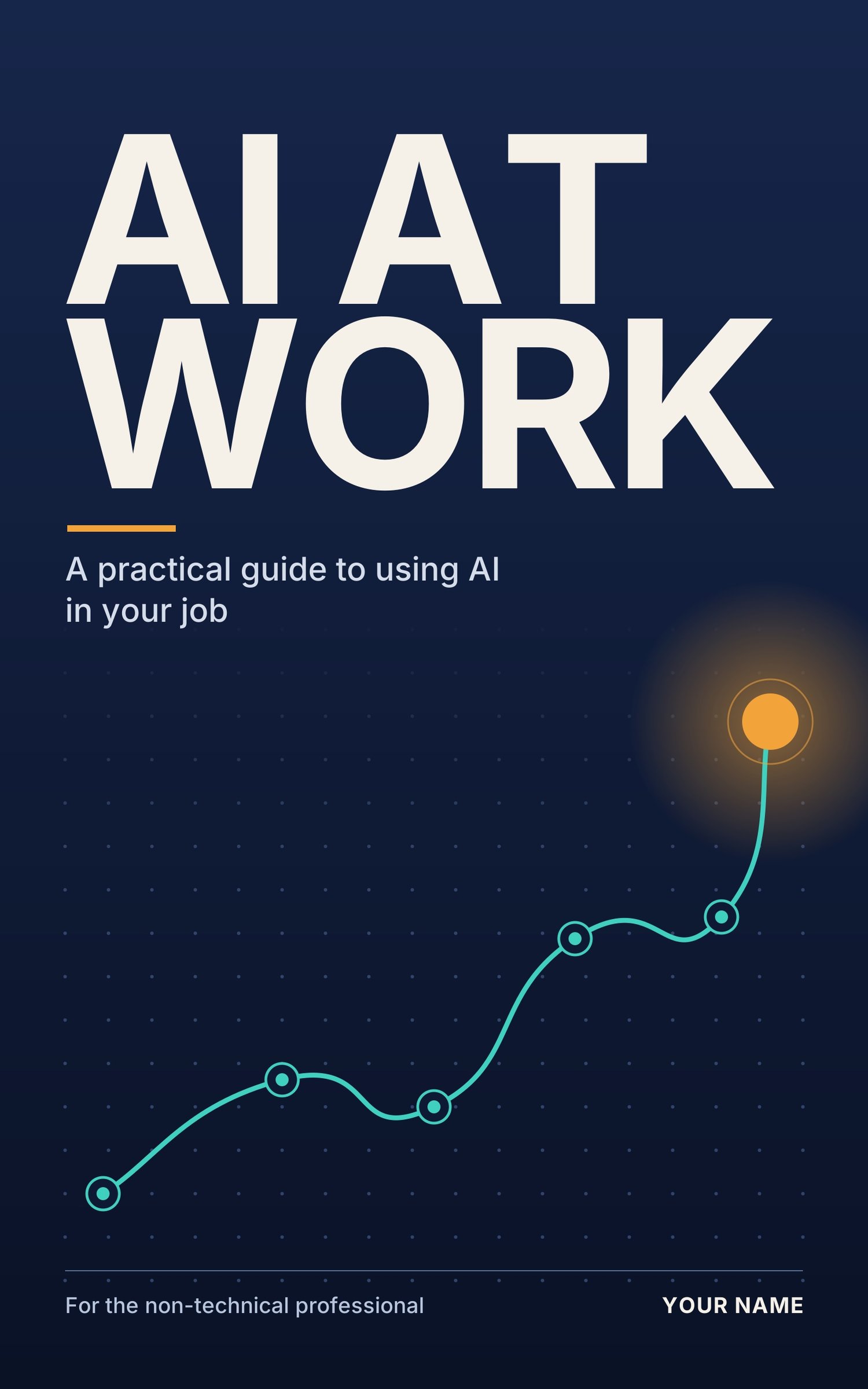
AI at Work: A Practical Guide for Non-Technical Professionals
Most AI advice is written for programmers or full of hype. AI at Work is written for everyone else: teachers, administrators, shop owners, sales staff, managers, freelancers, and anyone who reads, writes, or plans for a living. This 37-page practical guide teaches you a simple way to ask AI tools for what you need, check the answers, and turn your best prompts into a personal library of time-saving workflows. It includes 40+ ready-to-use prompts, playbooks for 11 types of work, checklists, and a day-by-day 30-day plan
.
What this book is about
Many people have tried an AI chatbot once, asked something vague, got a mediocre answer, and decided it was not useful. The problem is usually not the tool. It is that nobody showed them how to ask.
AI at Work fixes that. It assumes no technical background. You learn a few skills that apply to almost any job, then use ready-made prompts and playbooks for your own field. You also learn where AI falls short, so you use it safely and responsibly.
What is inside
Before you begin: who it is for and how to use it
A table that matches your job to what you will get, a short time audit to find your best starting tasks, and a clear statement of what the book will and will not do.
Chapter 1: Why this matters now
Why the gap is knowledge, not access. It includes a careful look at what the evidence does and does not show about productivity, and honest answers to common worries.
Chapter 2: How AI actually works (no jargon)
A plain-language mental model: why AI is a prediction engine and not a database, why context matters, why it sometimes makes things up, and what it tends to do well and badly. Includes a 15-minute first experiment.
Chapter 3: The five skills every professional needs
Give role and goal, provide real context, set the format, verify anything factual, and iterate in small steps. Includes before-and-after examples and an easy memory aid for writing better prompts.
Chapter 4: AI for writing and communication
Six writing workflows you can use today, including meeting notes to follow-up email, replying to a difficult message, simplifying text for a new audience, and proofreading. Includes a method for keeping your own voice and a pre-send checklist.
Chapter 5: AI for research and decision-making
How to summarize long documents, compare options, stress-test a plan, prepare for a meeting or negotiation, and make sense of feedback. Includes a guide to verifying facts against the right kind of source.
Chapter 6: AI for organizing your work
Turn a brain dump into a prioritized list, plan your week, break down a big goal, summarize long threads, build checklists, and create agendas and minutes. Includes a 10-minute Monday routine.
Chapter 7: Playbooks by field
Common tasks, a ready prompt, and a caution for 11 types of work: educators, healthcare and administrative staff, small business and retail, sales and client-facing roles, office managers, team leads, HR and recruitment, freelancers and consultants, finance and accounts staff, nonprofit and community workers, and students and job seekers.
Chapter 8: Building your own workflow
A step-by-step method for turning a task you have solved once into a reusable template, a worked weekly-report example, and a workflow card to fill in for each prompt you save.
Chapter 9: Mistakes, limits, and ethics
Common mistakes, what not to paste into an AI tool, how to anonymize details, five questions to ask your employer, honesty and credit, fairness and bias, and a 3-check rule for high-stakes tasks.
Chapter 10: Your 30-day action plan
A day-by-day plan of 15 to 30 minutes a day, plus a time log so you can measure what you really save.
Bonus tools
- A prompt library with ready-to-copy prompts for writing, research, organizing, meetings, and career tasks
- Three quick checklists: before you prompt, after the first answer, and before you share
- A plain-language glossary
- A one-page cheat sheet
How you will benefit
- Save time on repetitive writing. Turn rough notes into emails, reports, and notices faster, then spend your effort on the decisions only you can make.
- Get better answers from the start. You learn a simple structure for asking, so you stop getting vague, generic results.
- Read and organize faster. Summarize long documents and email threads, and turn a messy to-do list into a clear plan.
- Prepare with more confidence. Use AI to generate questions, spot risks, and rehearse before meetings, negotiations, and interviews.
- Build a personal prompt library. Your best prompts become reusable templates, so the time savings add up week after week.
- Avoid costly mistakes. You learn how to check facts, protect confidential information, and keep AI in an assistant role for high-stakes work.
- Measure real results. The time log shows you what is actually saving you time, so you keep what works and drop what does not.
- Stay relevant at work. You build a practical skill that many employers and clients are starting to expect.
Who it is for
- Teachers, trainers, and tutors
- Healthcare administrators and clinic staff
- Small business owners and retail staff
- Sales and client-facing professionals
- Office managers and administrators
- Managers and team leads
- HR and recruitment professionals
- Freelancers and consultants
- Finance and accounts staff
- Nonprofit and community workers
- Students and job seekers
- Anyone who wants to use AI at work without learning to code
Who it is not for
This is not a technical guide to building or programming AI. It does not promise that AI will do your job for you, and it is not professional, legal, medical, or financial advice. Results depend on your tasks, the tools you use, and how carefully you check the output.
What you get
- 1 digital PDF guide (37 pages)
- Instant download after purchase
- Works on phone, tablet, and computer
- Printable checklists, workflow card, time log, and cheat sheet
- Works with any AI chat tool, so you are not tied to one product
Common questions
Do I need technical skills? No. If you can write a clear email, you can use this guide.
Which AI tool do I need? Any general-purpose AI chat tool will work. The guide teaches skills, not one product, so it stays useful as tools change.
Will it tell me exactly how many hours I will save? No. Savings vary by person and task. The guide includes a time log so you can measure your own.
Is it safe to use at work? The guide shows you what not to paste, how to anonymize details, and what to ask your employer. Always follow your workplace's rules.
Will it replace my judgment? No. The guide teaches you to use AI for first drafts, summaries, and organizing, while you stay responsible for decisions and facts.
How long does it take to read? About 1 to 1.5 hours. The 30-day plan takes 15 to 30 minutes a day.
Closing line
Treat AI as a fast, tireless assistant. You supply the judgment, the context, and the responsibility.