

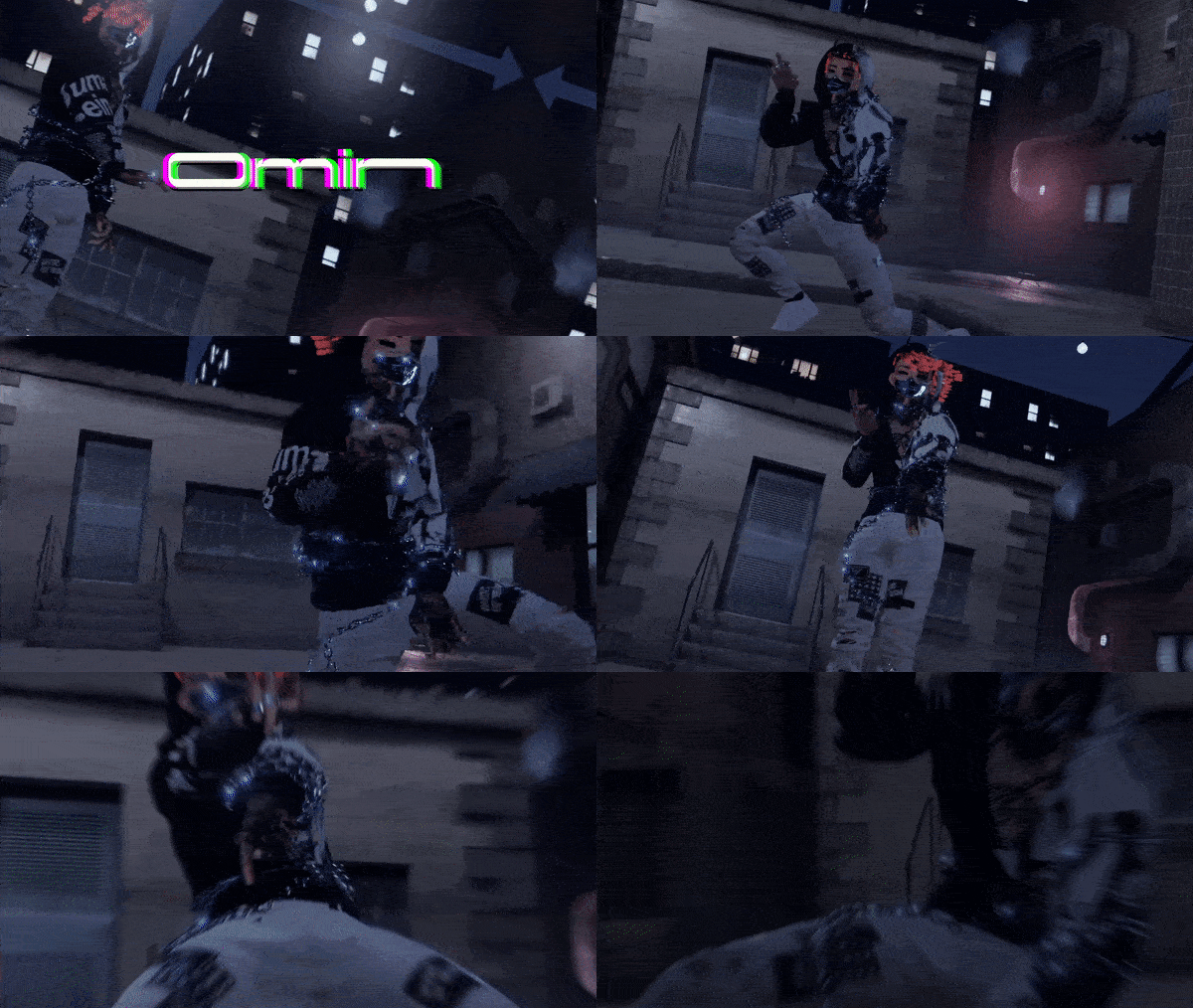
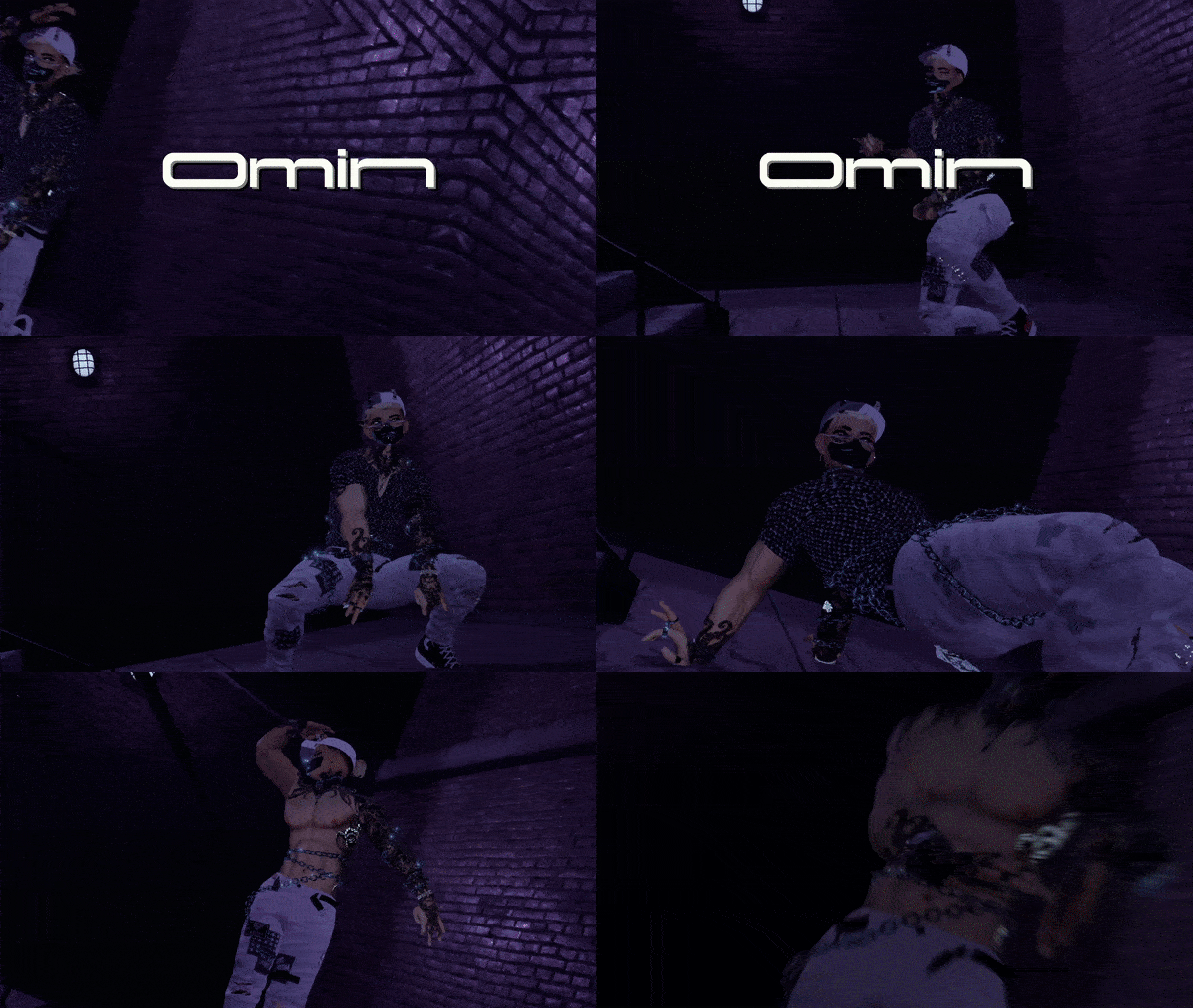

Omin

How to Upload
💀 Import latest VRCSDK3/ Or Use Creator Companion
💀 Import Poiyomi's Shader
💀 Import Dynamic Penetration (Sold Separately) When importing DPS Please go to the Ralivpentration folder>plugins>then click on the
💀Then Import the Avatar package
💀Upload like normal
💀To use the avatar scaling system you will need to adjust your height using the Radial menu given. Then you going to head to find someway to reset the avi. The quickest way is going to options, OSC menu, then click the on and off button on the OSC till you see your avatar reset with the new height.

Special Systems------- DPS With special Penis hard and Soft sytem Avatar scaling system Real Time Working watch system
Poiyomi Dissovles Toggles------ Backpacks- with over 10+ Material swaps Jordans-10+ Material Swaps Converse- 7+ Material Swaps Hoodie- 16+ Materials Swaps Hair- Male Bun Hair, Slick back delor Hair, Jay Mullet Hair, Dreads Hair Hair Materials Swaps- Blonde,Brown,White,Black with Frosted Tips Louis vuitton Shirt- 4 Material Swaps Fishnet-Black and white material swaps Tattoo and Clean skin material Swap Ripped Jeans- 4 Material Swaps Joggers- 10+ Material Swaps Calvin Klein Boxers
Full Body Chain
Nike Socks Bandana on back of pants Metal swap between Gold and Silver Demon Mask and Face Chain

Credits
Pants
Joggers
Face Chain
Tattoo Face-Me(DO NOT REUSE)
Body-My Heavy Sculpt(DO NOT REUSE)
Head-My heavy Edit(DO NO REUSE)
Body Chain
Watch
Socks
DPS-https://scarlettkat.gumroad.com(DO NOT REUSE)
Scaling System
I know some credits may be missing. If there is any assets on this model that are not credited please feel free to DM and will be added as soon as possible
Special Credits
Videographer and Editor-nemesis
#0069
Dancer in video-NegativeTM
#9068