
Pro Bradford Factor Absence Tracker
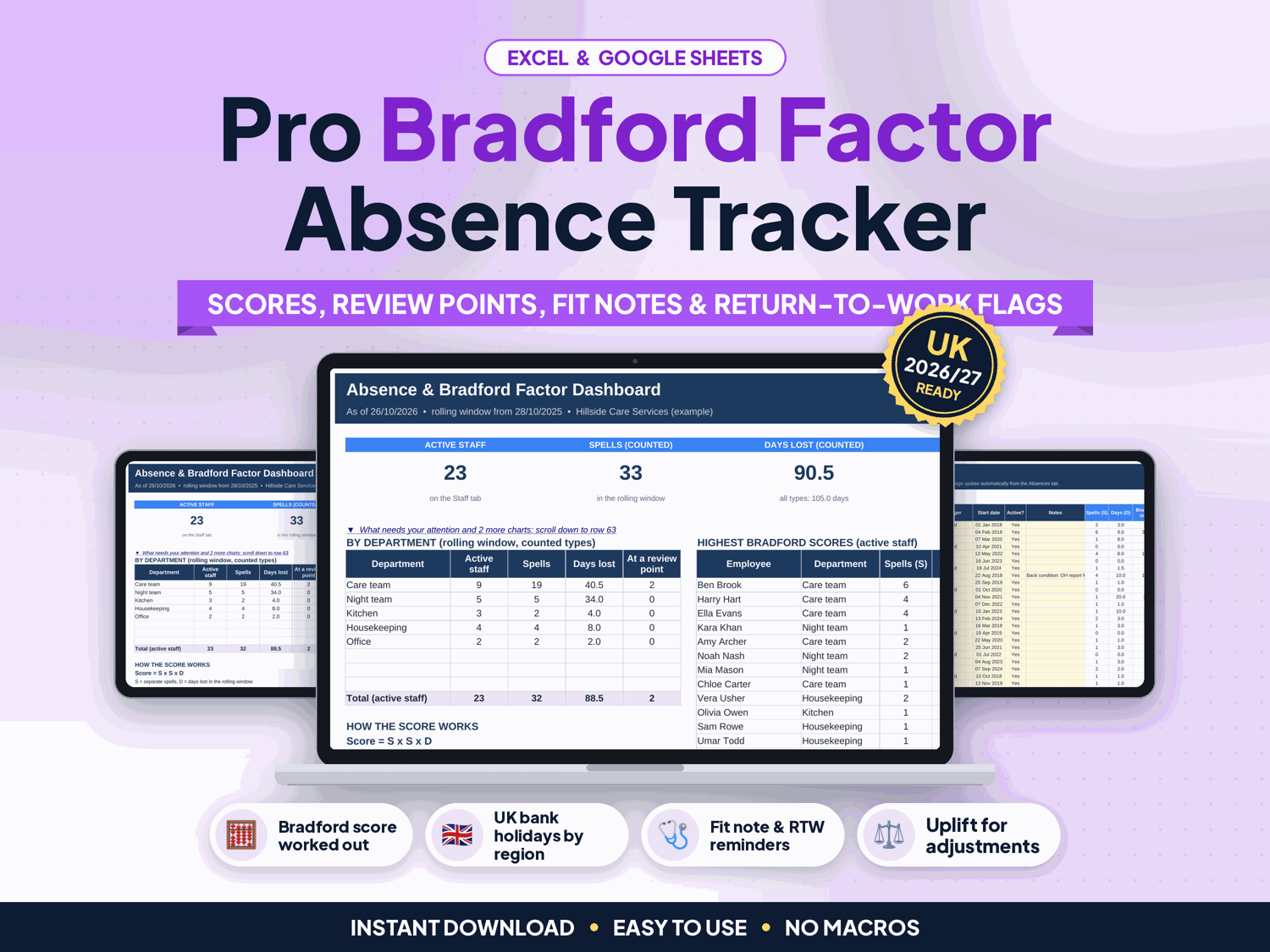
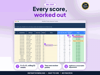
See every employee's Bradford score over a rolling 52 weeks, who has reached a review point, and which fit notes and return-to-work interviews are outstanding, without HR software or a monthly fee.
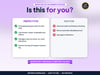
Made for UK small businesses, care providers, shops, hospitality and HR teams. List your staff once, record each spell of absence with dropdowns, and the tracker counts the working days lost (skipping weekends and the bank holidays for your region), works out each Bradford score and shows the stage against your own review points.
▶ Easy Start Here guide included – video tutorial coming to our YouTube channel
Works in Microsoft Excel and Google Sheets, with no macros.
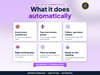
What it does for you
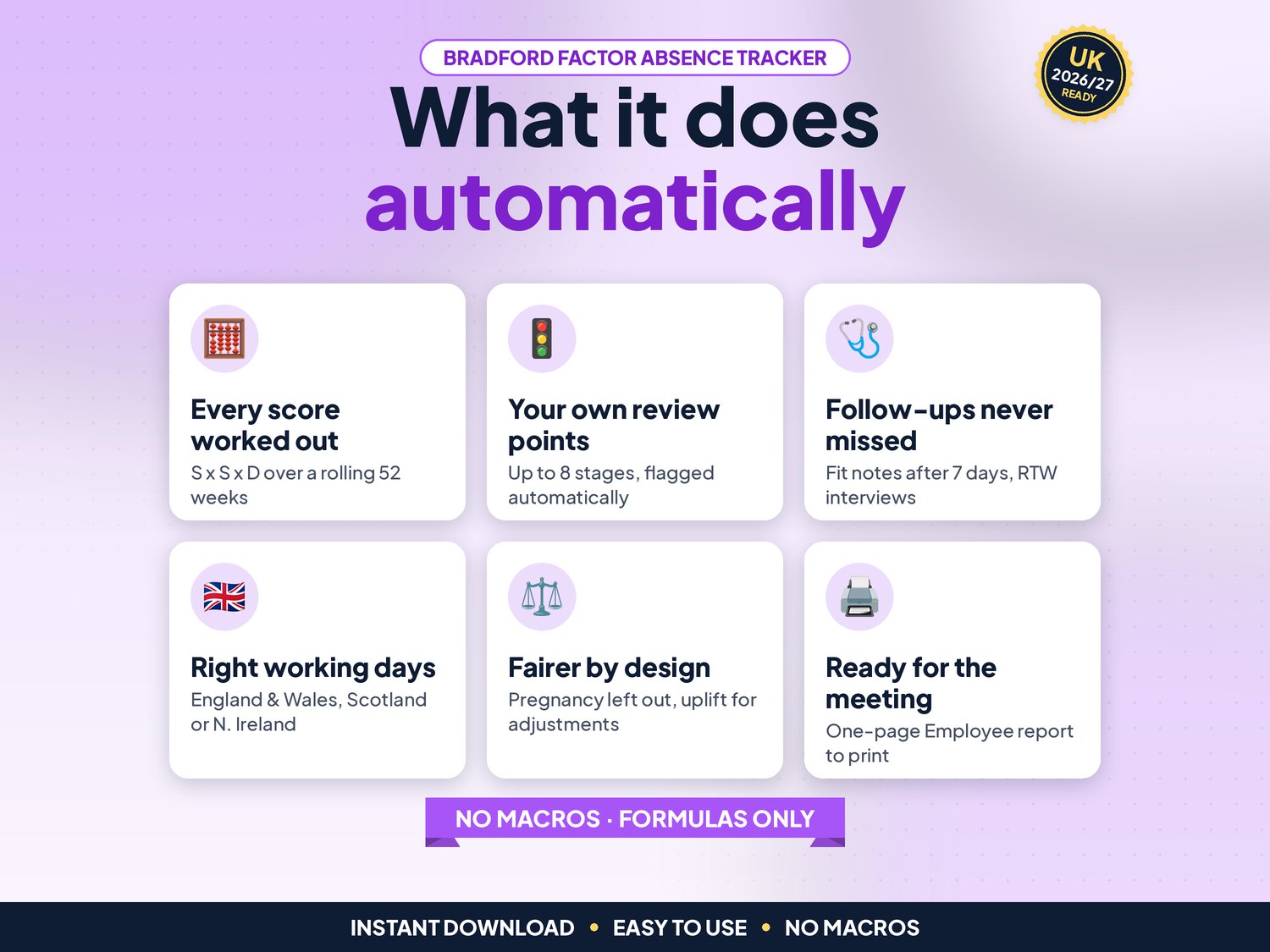
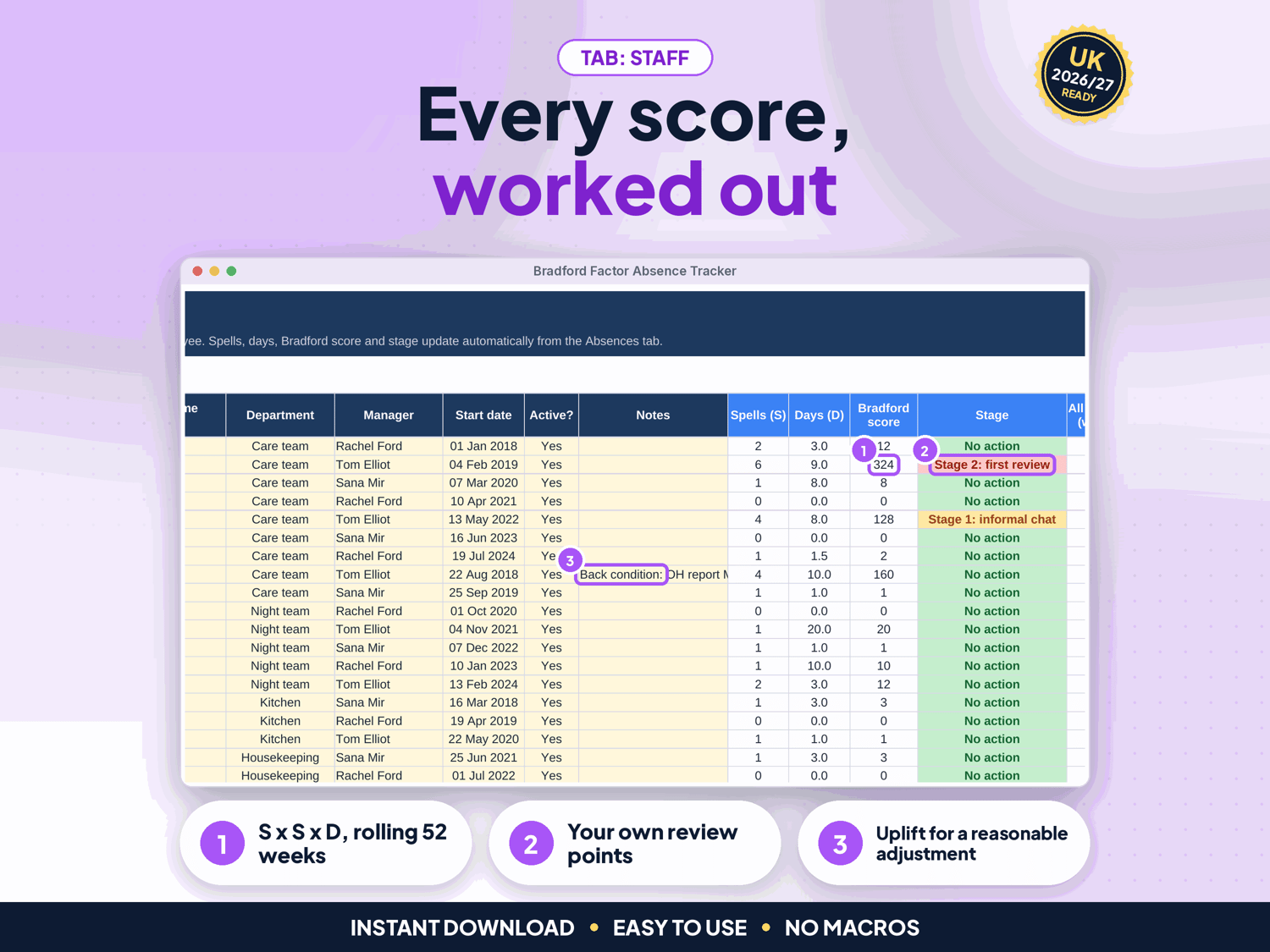
- Bradford score for every employee: spells x spells x working days lost (S x S x D) over a rolling window you set (364 days = 52 weeks by default)
- Working days counted for you: weekends, UK bank holidays 2025 to 2028 for England & Wales, Scotland or Northern Ireland (gov.uk) and your own closure days are left out, with an override for half days
- Your own review points: up to 8 stages (e.g. Stage 1 informal chat at 51), and a Dashboard count of staff at the stage you choose
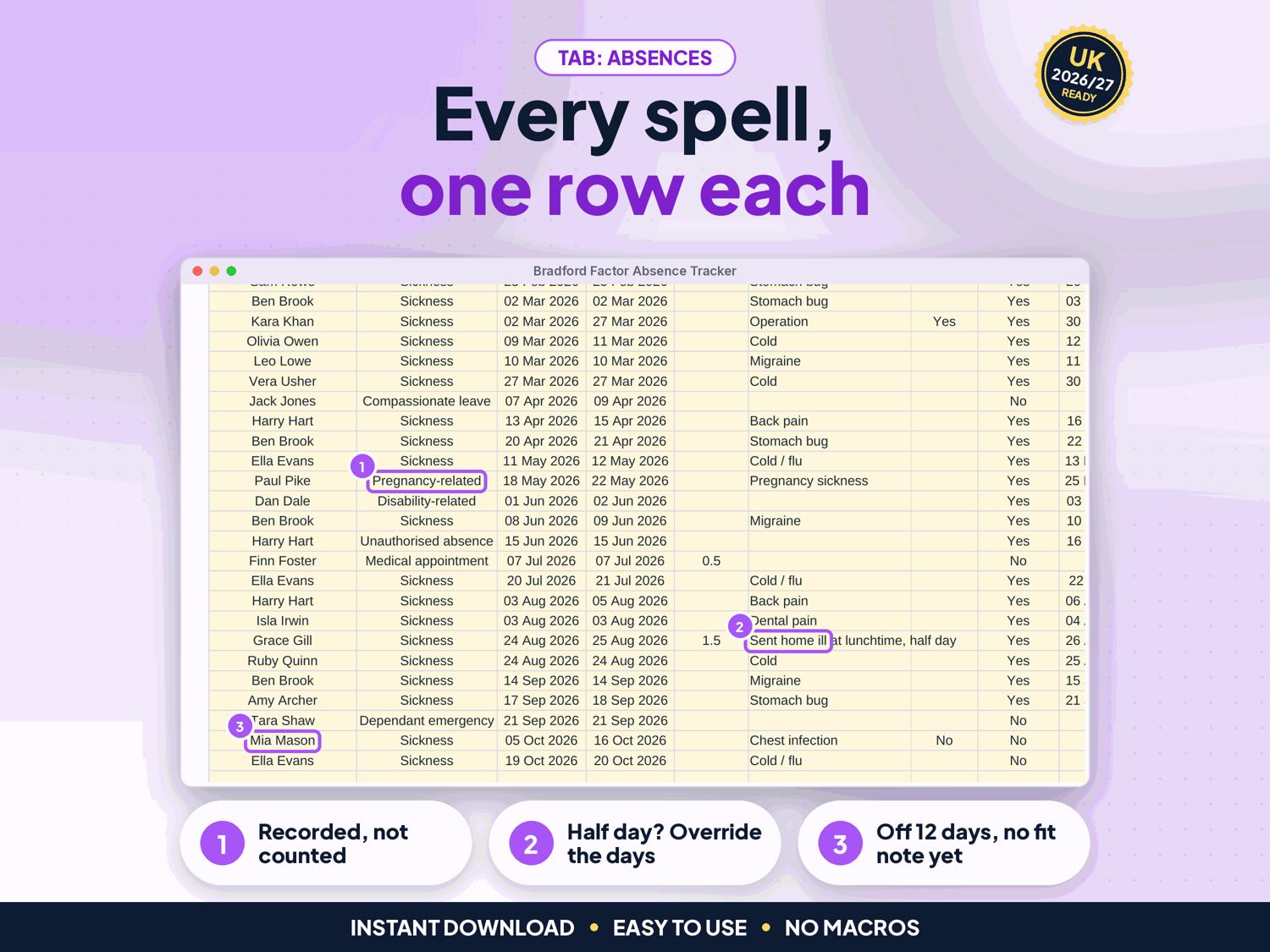
- Choose which absence types count: pregnancy-related, disability-related, medical appointments, compassionate leave and dependant emergencies are recorded but not counted by default
- Review point uplift per employee: raise one person's review points as a reasonable adjustment (ACAS), and their stage updates
- Follow-up flags: fit note needed (sickness of more than 7 days in a row with no fit note) and return-to-work interview due
- Checks on every row: unknown names or types, text in dates, last day before first day, future dates, overlapping spells and odd day overrides are flagged and kept out of the score
- Dashboard: key numbers, "What needs your attention", highest scores, by department, by absence type, follow-ups, a month table and 3 charts
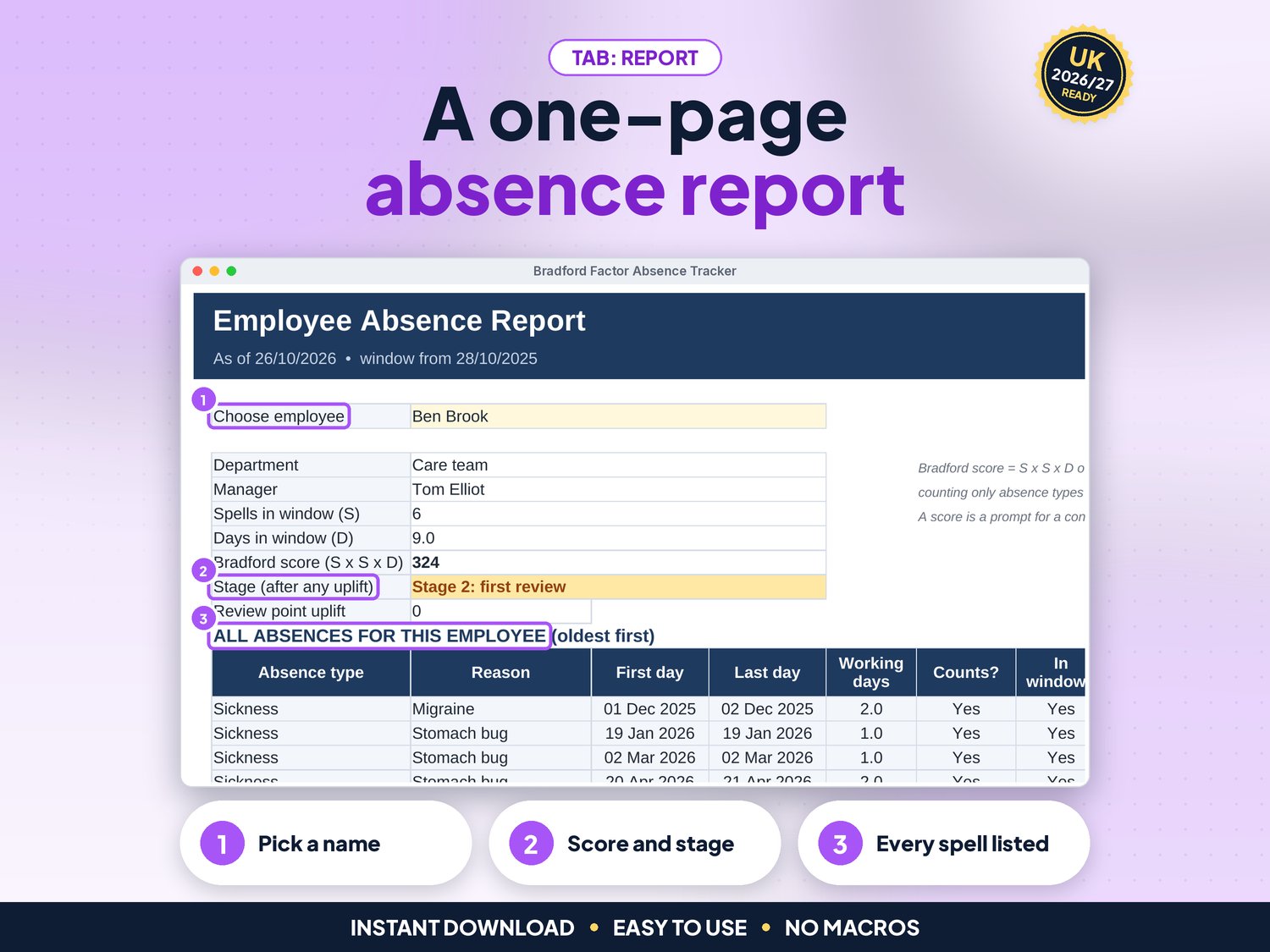
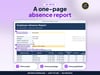
- Employee report: pick a name for a one-page summary of score, stage, uplift and every absence, ready to print for a review meeting
- Up to 200 staff and 3,000 absence spells
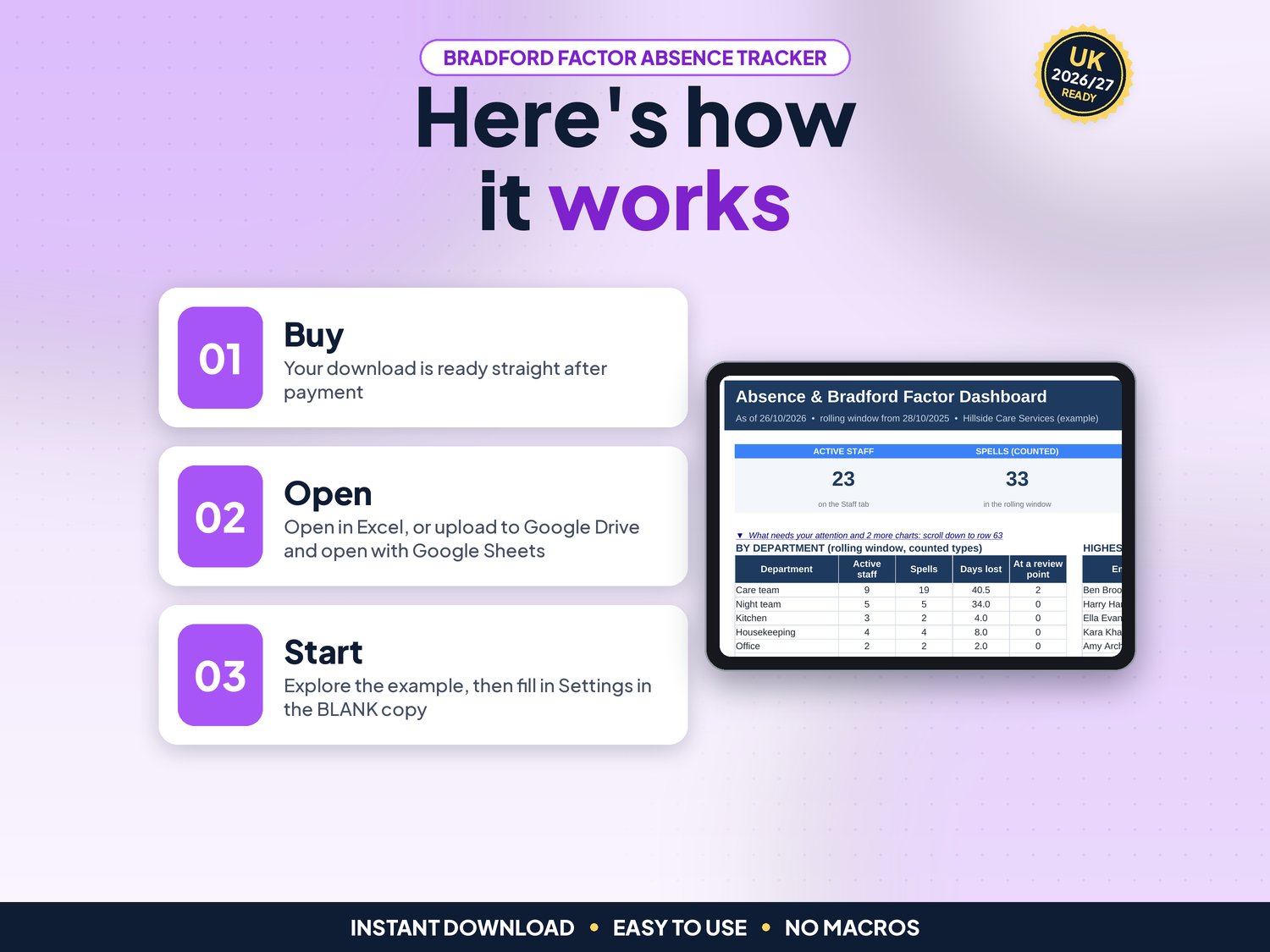
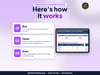
How it works (3 steps)
- Set up once: organisation, bank holiday region, review points, absence types and departments on Settings, then list your staff on Staff (about 5 minutes)
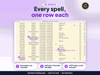
- Record every absence: one row per spell on Absences, with the fit note and return-to-work interview
- Review and act: check the Dashboard weekly and print the Employee report for a review conversation
What's included
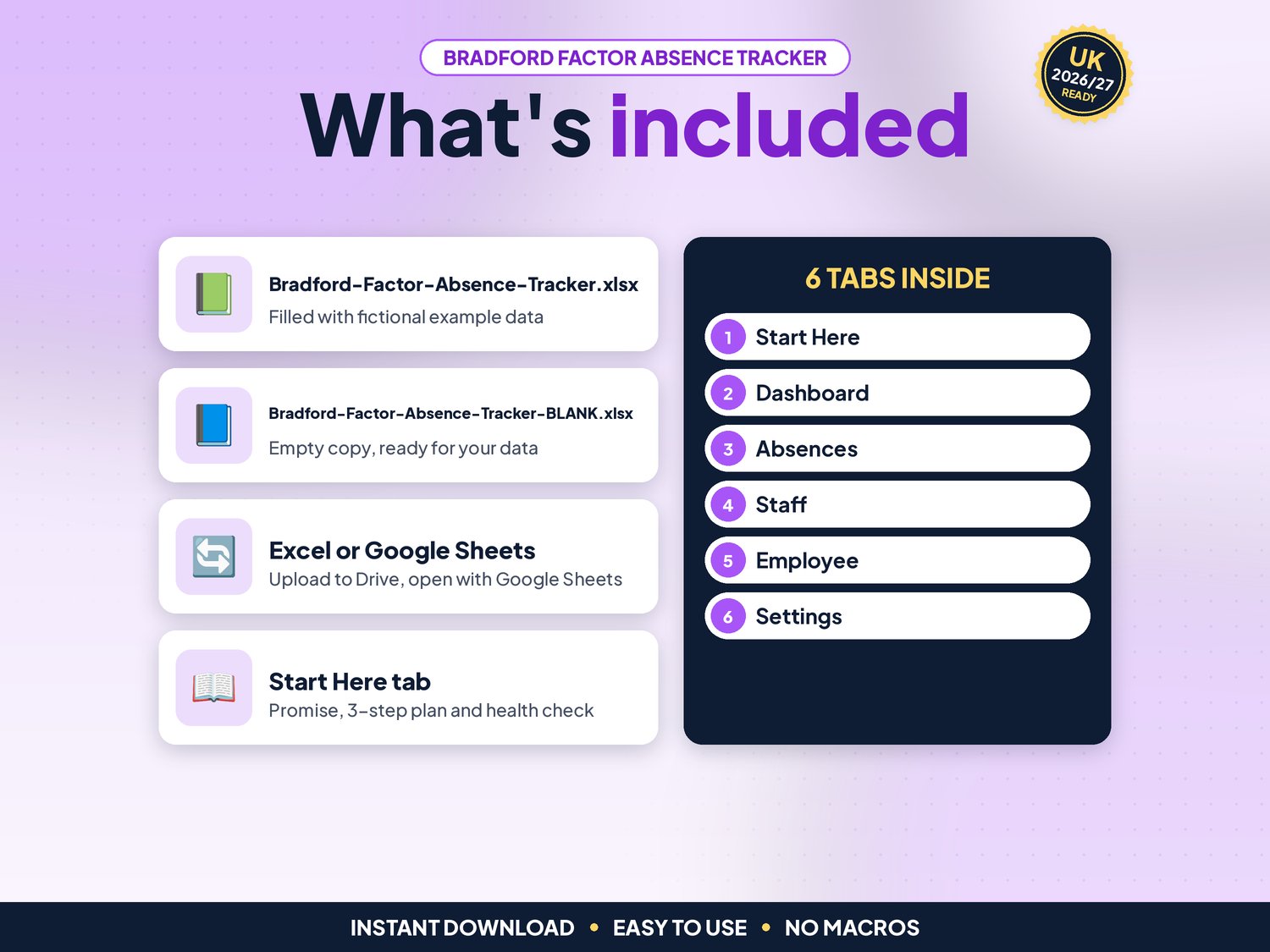
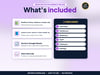
- Bradford-Factor-Absence-Tracker.xlsx: filled with fictional example data (a care provider with 24 staff and 41 spells) so you can see how it works
- Bradford-Factor-Absence-Tracker-BLANK.xlsx: an empty copy, ready for your own team
- Works in Google Sheets: upload the .xlsx to Google Drive, right-click > Open with > Google Sheets, then File > Save as Google Sheets (tested: formulas and charts kept)
- Start-here.pdf: one-page quick-start guide, including how to open it in Google Sheets
Compatibility
- Microsoft Excel 2010 or newer (Windows & Mac) and Microsoft 365
- Google Sheets (free Google account). Set File > Settings > Locale to United Kingdom for £ and UK dates
- Not designed for Apple Numbers or mobile-only editing. A computer is recommended
- No macros, add-ons or subscriptions
Instant download
This is a digital product. Nothing physical will be shipped. Your download link appears straight after checkout and is also emailed to you. Stuck or have a question? Email info@phkmedia.co.uk and I'll gladly help you set it up.
Good to know
- Cream (pale yellow) cells are for your input. White and grey cells are worked out for you, and the sheets are protected (no password) so formulas are not overwritten by mistake
- A Health check on the Start Here tab and a Check/Status column on every log flag missing or odd entries
- Review points: the Bradford score is a trigger tool that tells you when to review someone's absence, not an automatic disciplinary rule. The 51 / 201 / 401 / 651 points are a common example only. ACAS says there are no legal rules about how or when absence should be reviewed, and review points should not automatically lead to disciplinary action; a review should start with a conversation about wellbeing (acas.org.uk/absence-trigger-points, checked 02/11/2026)
- Pregnancy: ACAS advises recording pregnancy-related absence separately and not counting it towards review or trigger points (acas.org.uk/pregnancy-at-work/sickness-and-difficult-pregnancies). The tracker records it but leaves it out of the score, and the health check warns if that is switched on
- Disability: pregnancy and disability are protected under the Equality Act 2010, so treat this absence carefully. A reasonable adjustment can mean not counting some absence or raising the review points for that person (acas.org.uk/supporting-disabled-people/disability-related-absence). Take HR advice on individual cases
- Fit notes: an employee must give a fit note if they are off sick for more than 7 days in a row, including non-working days (gov.uk/taking-sick-leave)
- Personal data: absence records hold health information (special category data under UK GDPR). Keep the file private
- Dates show as DD/MM/YYYY. Outside the UK? Pick any region and type your own public holidays as closure days
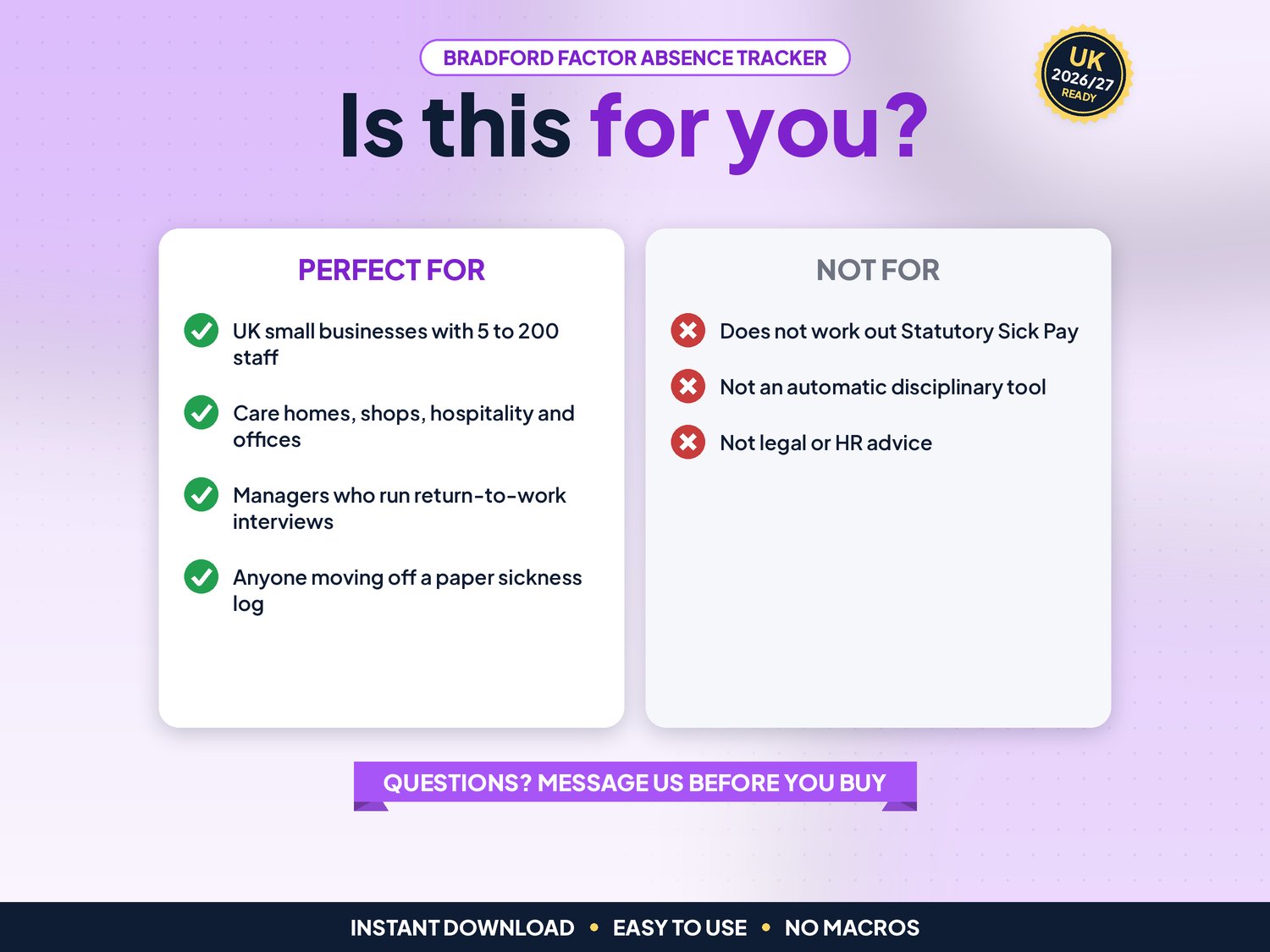
- FAQ: Does it work out sick pay? No. It tracks absence and scores; use the gov.uk SSP guidance or your payroll for pay
DISCLAIMER
This tracker is a record-keeping aid, not legal or HR advice. A Bradford score is a prompt for a supportive conversation, never a decision on its own. Your policies decide your review points. It does not work out Statutory Sick Pay. All names and figures in the example file are fictional.
Licence: Licensed for use within one business. Please do not resell, share or redistribute the files.
AI disclosure: This template and its listing images were designed by PHK MEDIA LTD with the help of AI tools. All formulas were tested and the files were reviewed and finalised by the seller.
© PHK MEDIA LTD
Licence: Licensed for use within one business or household. You may edit and print the files for that business. You may not resell, share or upload them for others.