
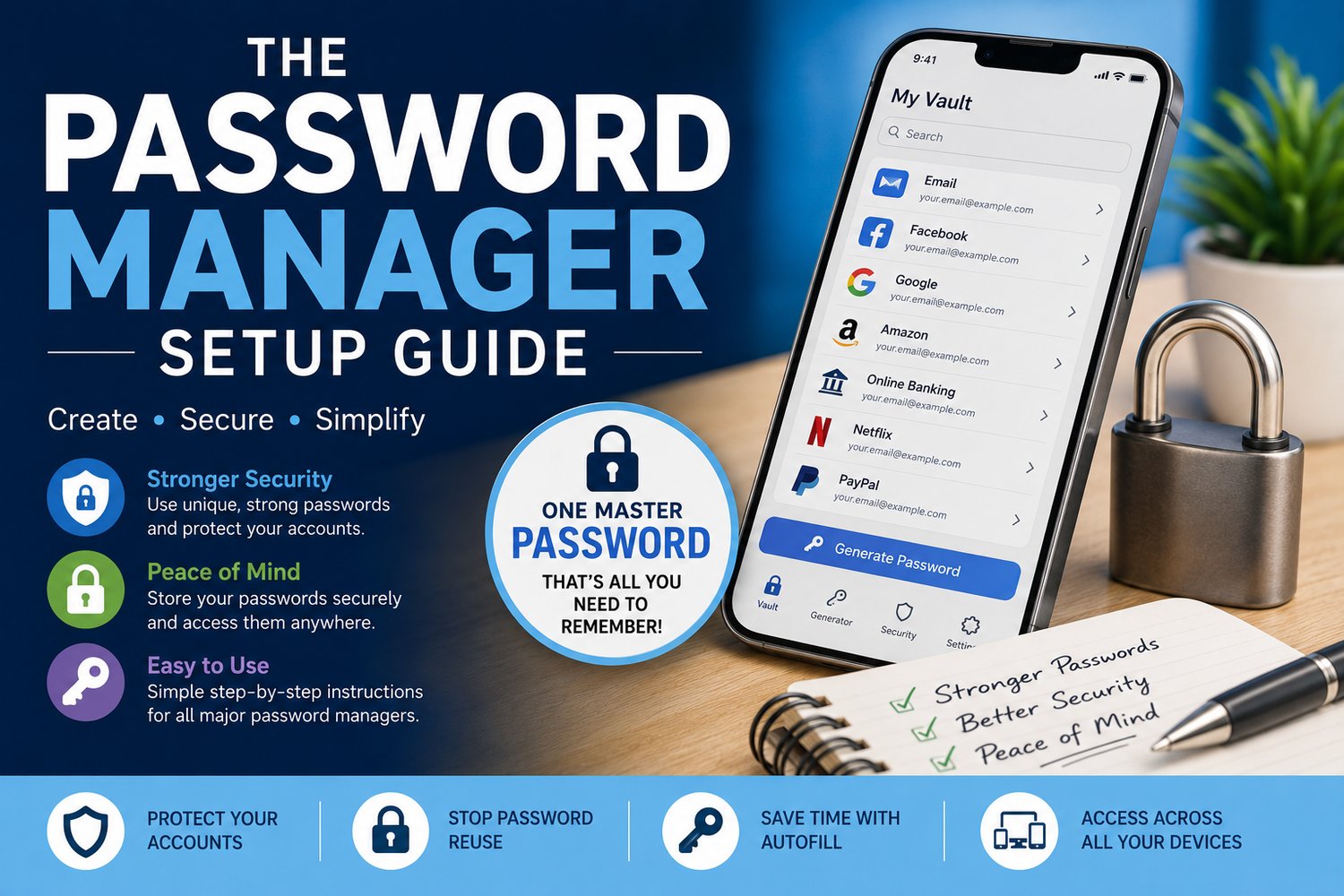
Password manager Setup Guide
Still using the same password for more than one account?
You're not alone—but it could put your email, social media, shopping accounts and even online banking at risk.
This easy-to-follow guide shows you how to set up and use a password manager so you can create strong, unique passwords for every account without having to remember them all.
Written in plain English with step-by-step instructions, you'll discover how a password manager can make your online life both safer and easier.
Inside you'll learn how to:
✅ Choose the right password manager for you
✅ Create one strong master password to protect everything
✅ Set up two-factor authentication (2FA) for extra security
✅ Install your password manager across all your devices
✅ Import your existing passwords quickly and safely
✅ Enable autofill to make signing in effortless
✅ Generate strong, unique passwords for every website and app
✅ Identify weak or compromised passwords and replace them
By the end of this guide, you'll have one of the most powerful security tools available protecting your online accounts—without the frustration of remembering dozens of different passwords.
Perfect for beginners and anyone who wants to improve their online security without the technical jargon.
Format: Instant digital download (PDF)
One password to remember. Strong protection for every account.