



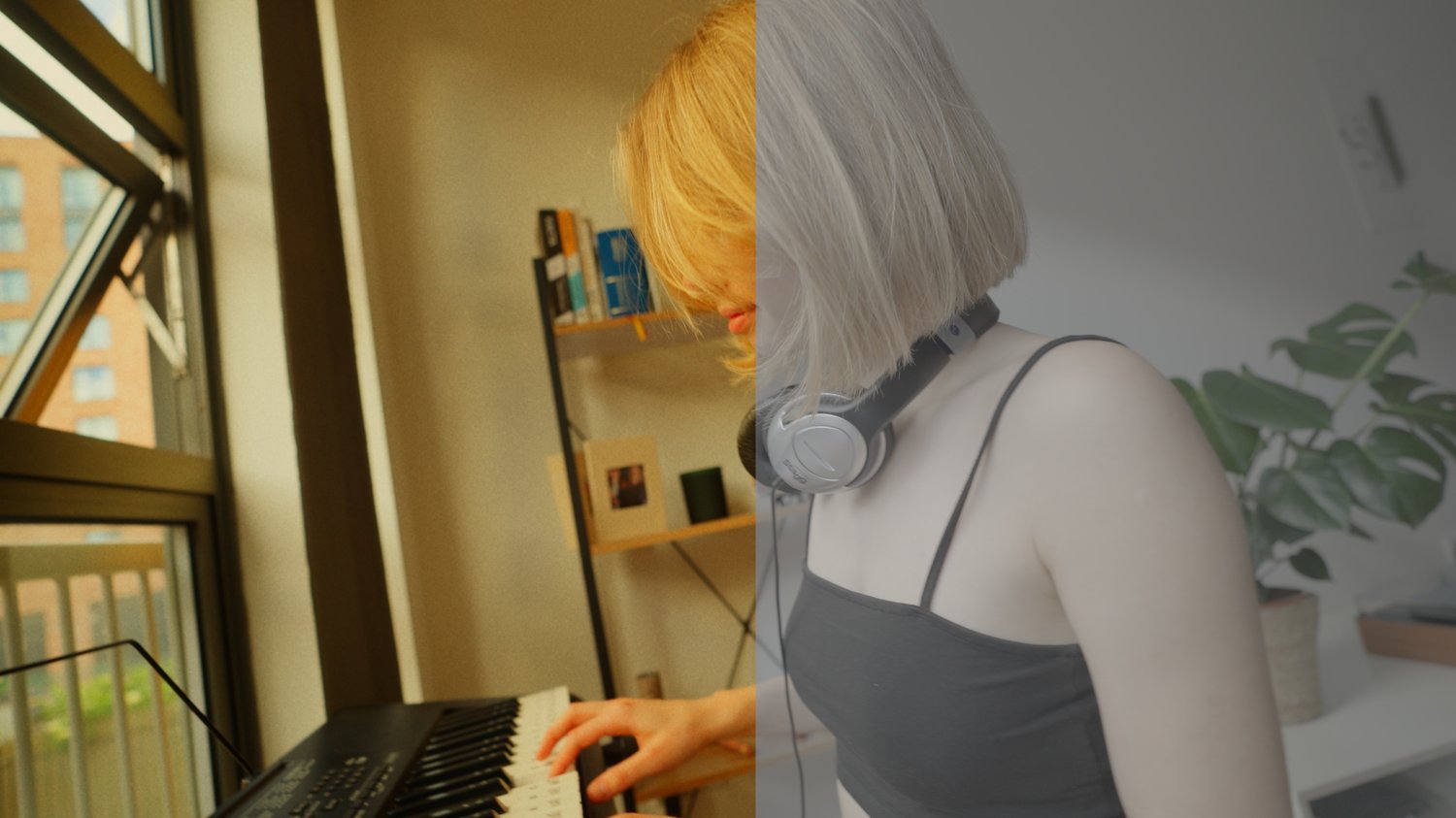






FEYDAN POWER GRADE
On Sale
£16.00
£16.00
INCLUDES LOG FILES!
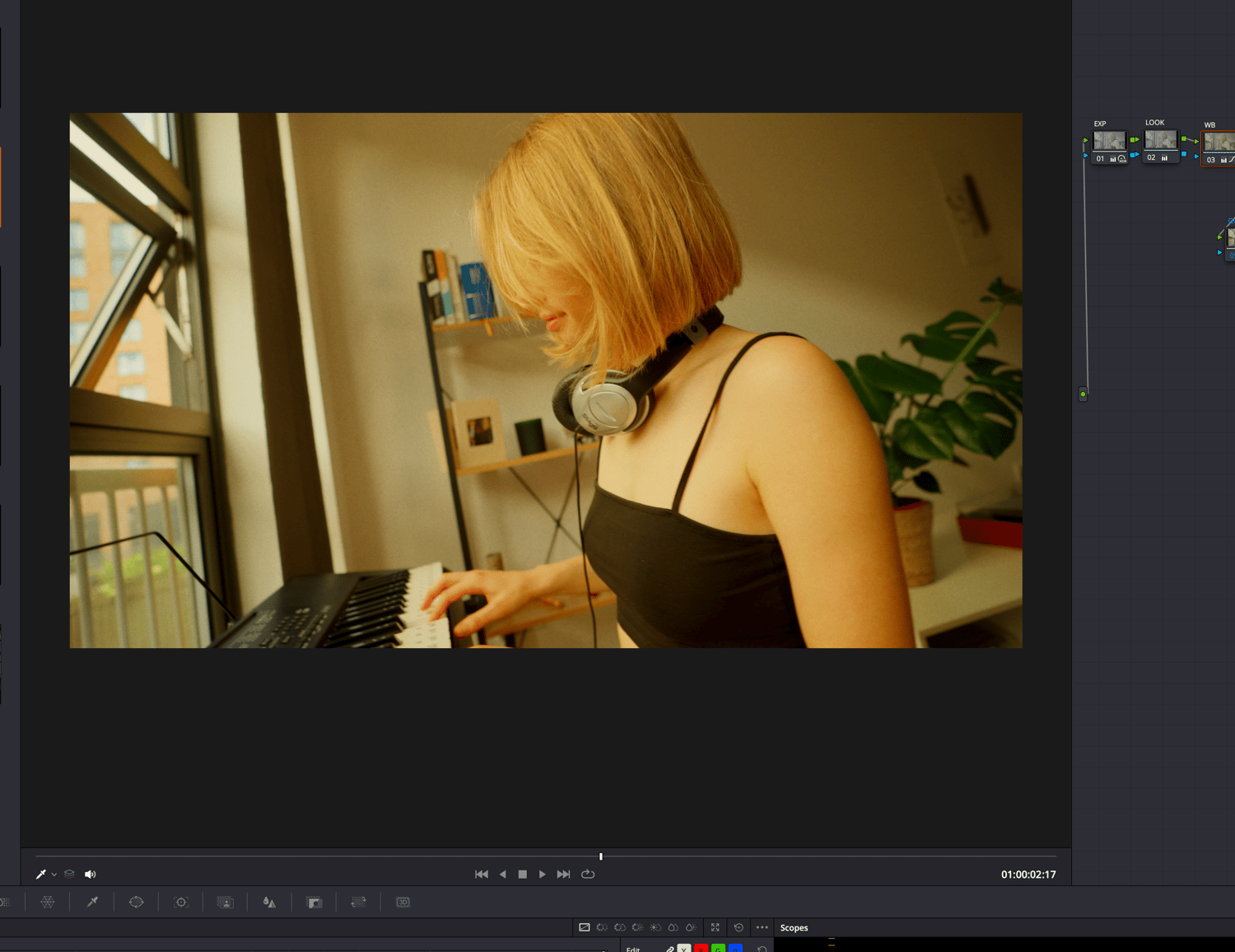
Unlock your potential with Power Grade, designed to enhance your productivity and efficiency. Tailored for professionals, students, and anyone looking to optimize their workflow, Power Grade makes it a lot easier to grade with pre-made nodes and structure.
To install Power Grades in DaVinci Resolve, follow these steps:
- Download Power Grades:
- Obtain the Power Grades files from a reliable source. This may come in the form of a .drx file or a .zip containing multiple grades.
- Open DaVinci Resolve:
- Launch DaVinci Resolve on your computer.
- Access the Color Page:
- Switch to the Color workspace by clicking on the "Color" tab at the bottom of the interface.
- Open the Gallery:
- In the Color page, locate the "Gallery" panel. You can find it on the left side of the interface.
- Import Power Grades:
- Right-click in the Gallery panel and select "Import."
- Navigate to the location where you downloaded the Power Grades files and select the .drx file or the folder containing the grades.
- Apply Power Grades:
- Once imported, you will see the Power Grades in the Gallery.
- To apply a grade, simply drag it onto the desired clip in the timeline or double-click it to apply it to the currently selected clip.
- Adjust as Needed:
- After applying the grade, you can make any necessary adjustments using the color correction tools available in DaVinci Resolve.
By following these steps, you can easily install and use Power Grades in DaVinci Resolve to enhance your video projects.