





CRM Setup Checklist — Set Up HubSpot or Pipedrive Properly, First Time
Most small businesses set up a CRM twice.
The first attempt gets abandoned within six months — because nobody decided what the CRM was actually for, the fields were invented on the fly, and the import was rushed.
This is the order of operations that prevents that.
WHAT YOU GET
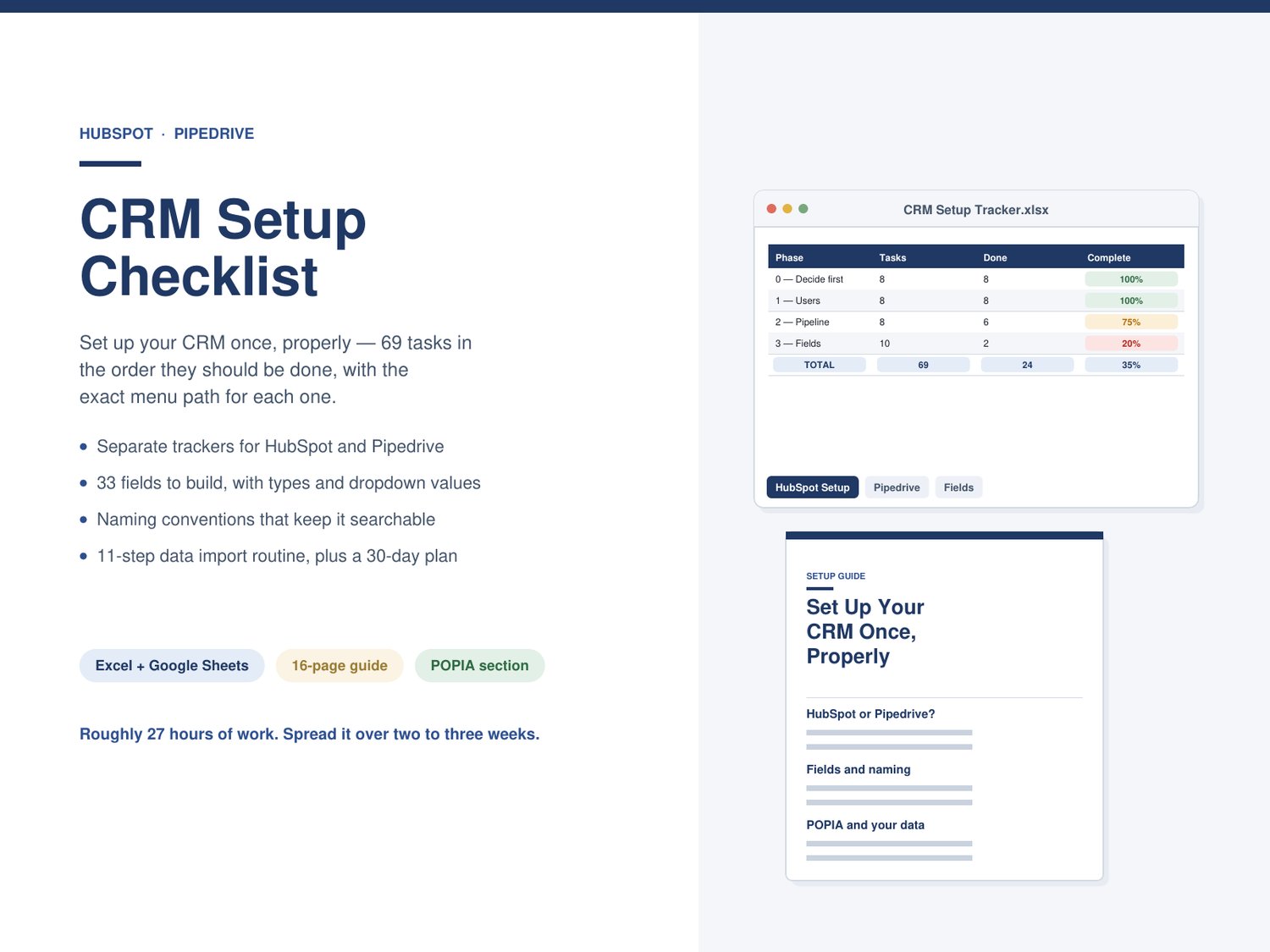
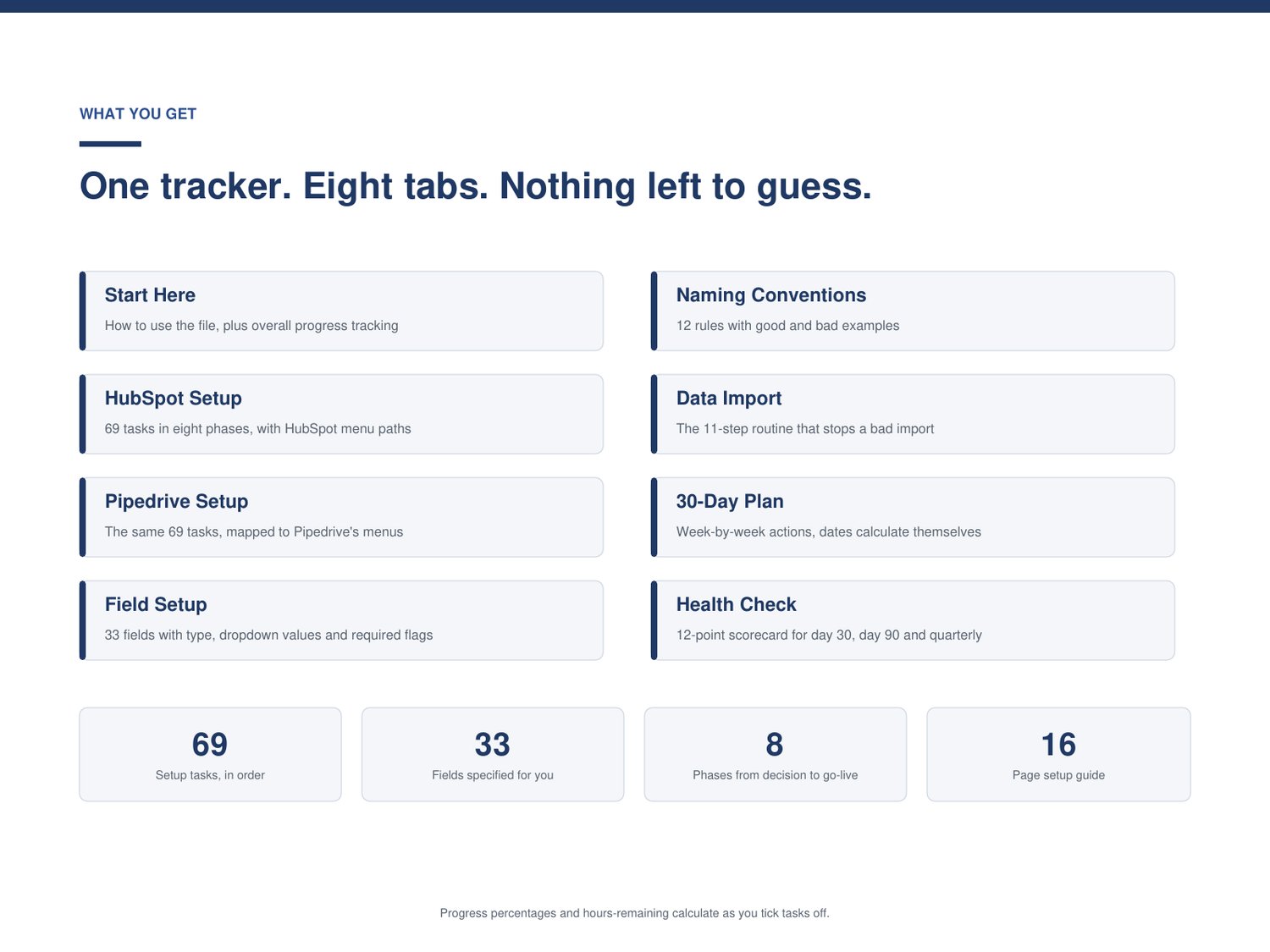
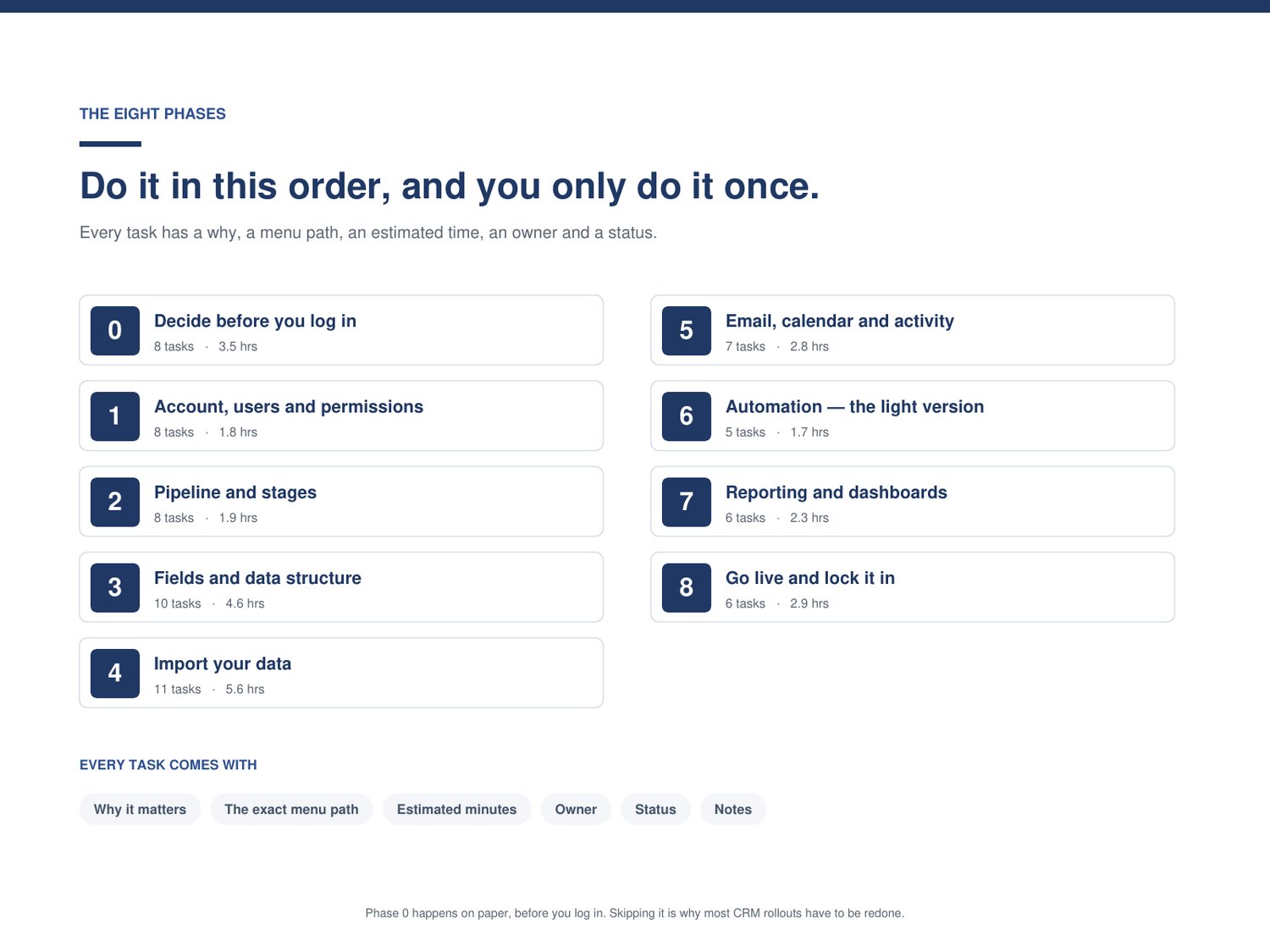
A 69-task setup tracker, in the order the work should be done. Eight phases, from the decisions you make before you log in through to go-live. Every task comes with why it matters, the exact menu path, an estimated time, an owner, and a status. Tick tasks off, and the progress percentage and hours remaining update themselves — overall and per phase.
Separate trackers for HubSpot and Pipedrive. Same 69 tasks, mapped to each system's own menus. Delete the one you're not using so nobody works off the wrong list.
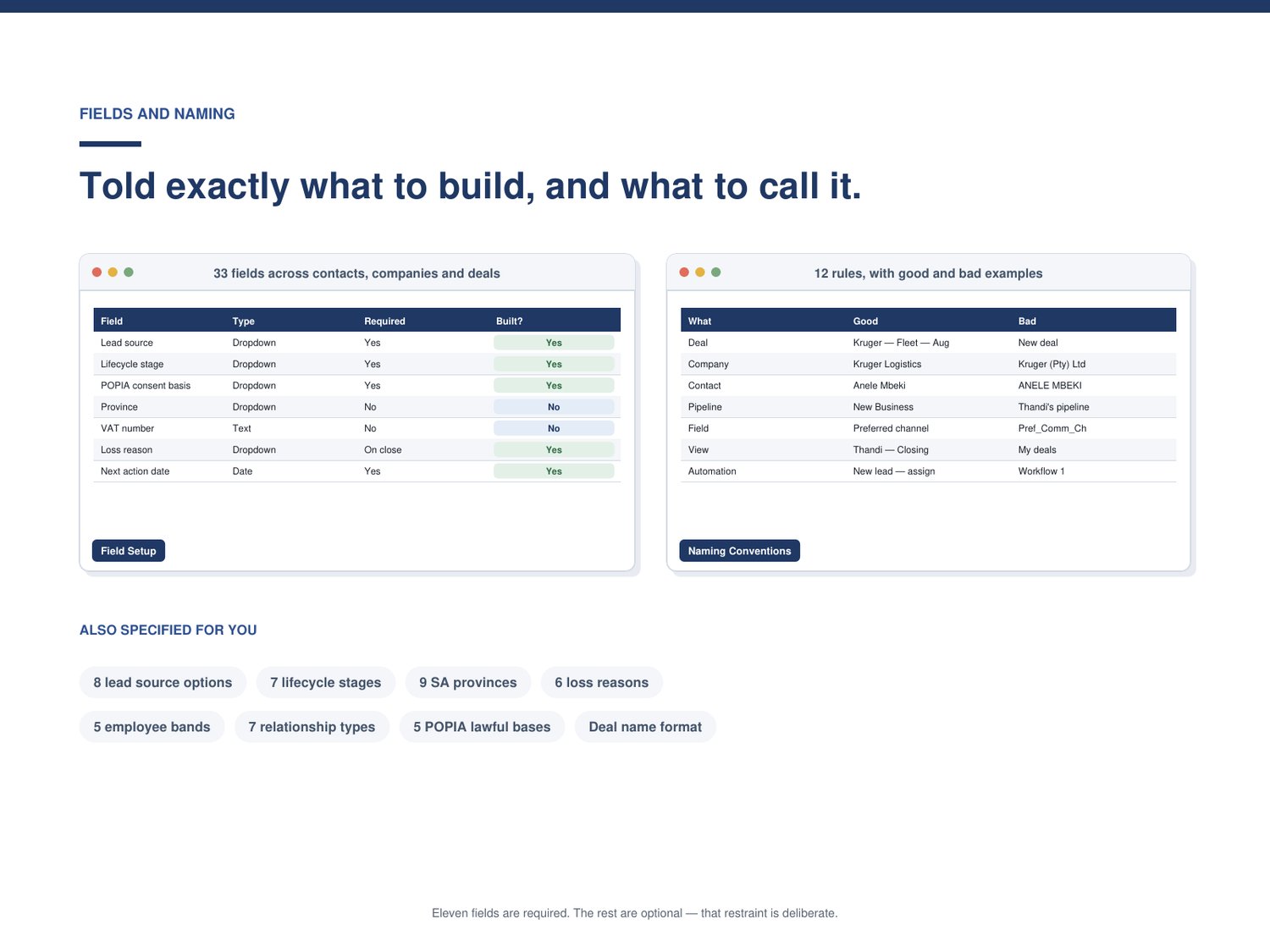
A field setup reference — 33 fields, fully specified. Every field to create on contacts, companies and deals: the field name, the type, the exact dropdown values to use, and whether it should be required. Including the two most South African businesses forget — VAT number and Province as a proper dropdown — plus POPIA consent fields.
Naming conventions: Twelve rules with good and bad examples. Boring, unglamorous, and the difference between a CRM you can search in year two and one you can't.
An 11-step data import routine: The order that matters (companies, then contacts, then deals), the four mistakes that cost weeks, and the reason you import ten rows before you import four thousand.
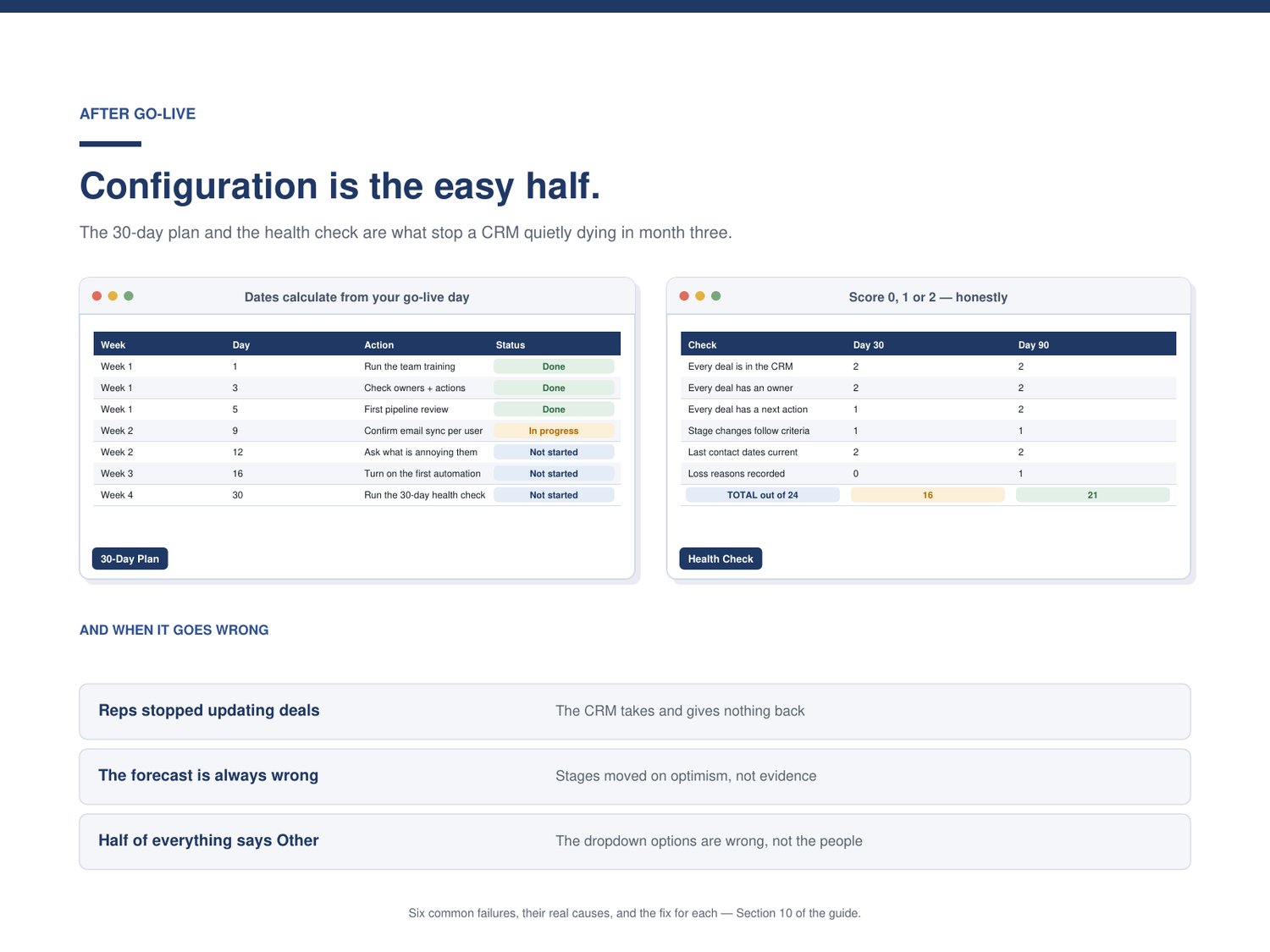
A 30-day plan with dates that calculate themselves. Enter your go-live date and every action gets a due date. Week one is training and cutover. Week two is data quality and removing friction. Weeks three and four are automation and the first health check.
A 12-point health check. Score each item 0, 1, or 2 at day 30, day 90, and every quarter after that. A total out of 24, with a clear verdict and a specific instruction for each score band.
A 16-page setup guide. An honest HubSpot vs Pipedrive comparison for a team of two to ten. Pipeline and field design. Naming. Importing. A full section on POPIA and your contact data. The three automations and four reports worth building — and why you should stop there. Plus a troubleshooting section covering the six common failures and what actually causes them.
HUBSPOT OR PIPEDRIVE?
Section 1 answers it in ten minutes with two questions. Short version: if your website generates enquiries you want to nurture automatically, lean HubSpot. If your reps will resist software, lean Pipedrive — adoption beats capability every time.
BUILT FOR
South African small businesses setting up a CRM for the first time. Two to ten users, of whom one to six sell. Nobody on the team is a systems administrator, and nobody wants to become one.
Roughly 27 hours of work in total, best spread over two to three weeks.
FORMAT
- One Excel workbook (.xlsx), 8 tabs
- One PDF guide, 16 pages
- Opens in Microsoft Excel and in Google Sheets
- Instant download
TWO THINGS I'D RATHER TELL YOU UPFRONT
Menu paths. These reflect HubSpot and Pipedrive layouts as at September 2026. Both vendors move settings from time to time. If a path has changed, search the setting name in the product's own search bar — the task itself still applies. Corrected versions go out free to everyone who has bought the checklist.
POPIA. The guide's POPIA section describes commonly accepted good practice under the Protection of Personal Information Act. It's general information, not legal advice, and it doesn't cover every situation. If you process personal information at scale or in a regulated sector, have an attorney review your position.
Licence: single-business use. CRM consultant and implementation-partner licences available on request.