
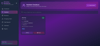
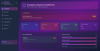
PRODUCTION READY (Community Emergency Management System)
# 🚨 Community Emergency & Resource Management System (CERMS)
A modern, web-based local management system designed to help communities prepare for and respond to emergencies effectively. Built for neighborhoods, apartment complexes, campuses, villages, and small towns to coordinate resources, volunteers, and assistance during critical situations.


## 📋 Table of Contents
- [Overview](#overview)
- [Why CERMS?](#why-cerms)
- [Features](#features)
- [Technology Stack](#technology-stack)
- [Installation](#installation)
- [Usage](#usage)
- [System Architecture](#system-architecture)
- [How It Helps](#how-it-helps)
- [Target Users](#target-users)
- [Contributing](#contributing)
- [License](#license)
## 🌟 Overview
CERMS is a comprehensive emergency management platform that bridges the gap between large-scale government emergency systems and individual household needs. It focuses on hyperlocal community-level coordination, enabling rapid response and resource allocation during emergencies such as floods, fires, heatwaves, power outages, water shortages, and medical emergencies.
## 🤔 Why CERMS?
### The Problem
In today's world, we face:
- **Increasing climate-related disasters** - More frequent floods, heatwaves, and extreme weather events
- **Urban density challenges** - High-rise living with hundreds of families in close proximity
- **Aging populations** - More elderly people living alone who need special attention
- **Infrastructure dependencies** - Critical reliance on electricity, internet, and delivery systems
- **Communication gaps** - Lack of coordination between residents during emergencies
### The Gap
While we have:
- ✅ Government emergency systems (focused on city/state level)
- ✅ Weather apps (provide warnings but no action plans)
- ✅ Alert apps (broadcast information but don't coordinate response)
**We lack:** A proper local system for small communities to manage who needs help, what resources are available, and who can respond quickly.
## ✨ Features
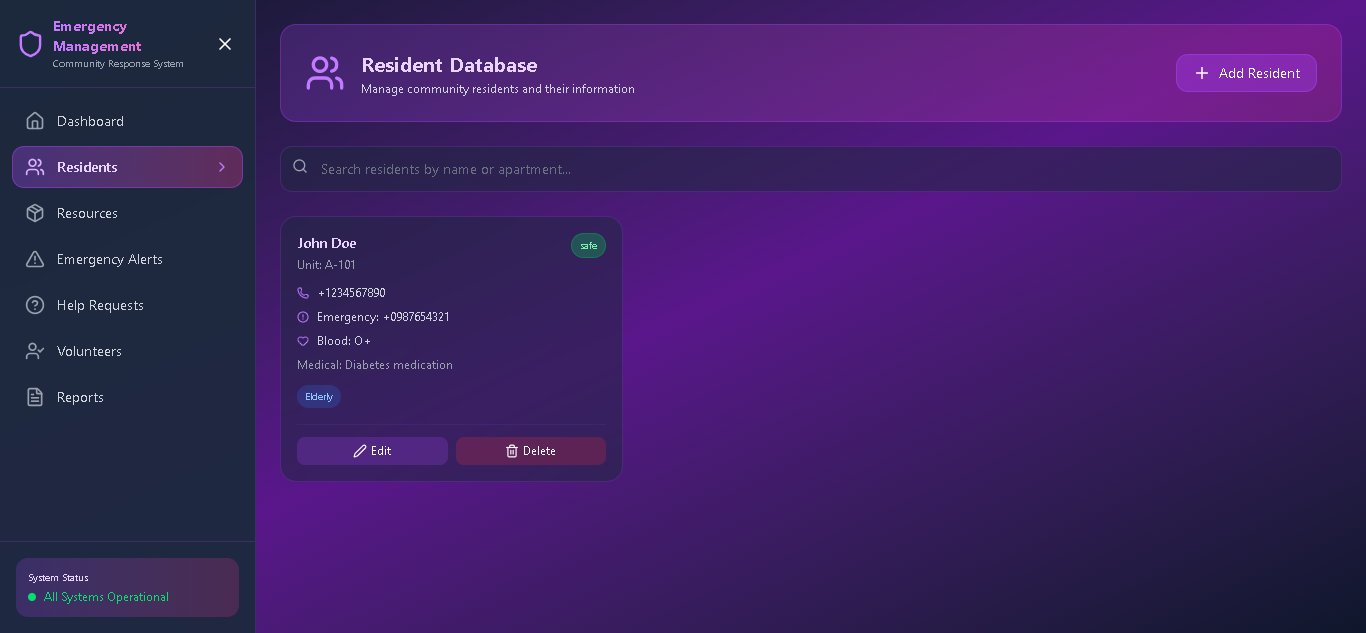
### 1. 👥 **Resident Database**
- Complete resident profiles with emergency contacts
- Medical information tracking (blood groups, medications, conditions)
- Special needs identification (elderly, disabled, children)
- Real-time status monitoring during emergencies
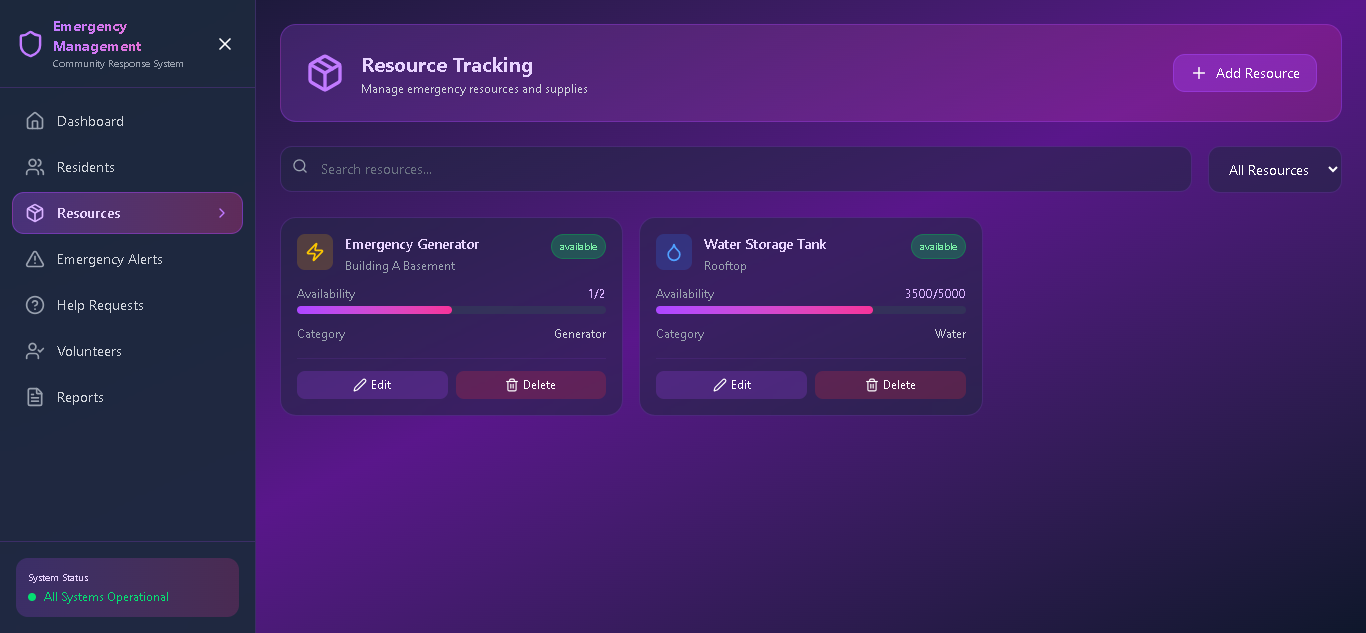
### 2. 📦 **Resource Tracking**
- Inventory management for critical supplies:
- Generators and power backups
- Water tanks and purification systems
- Food and medical supplies
- First aid kits and emergency equipment
- Available vehicles and shelters
- Location-based resource mapping
- Availability status tracking
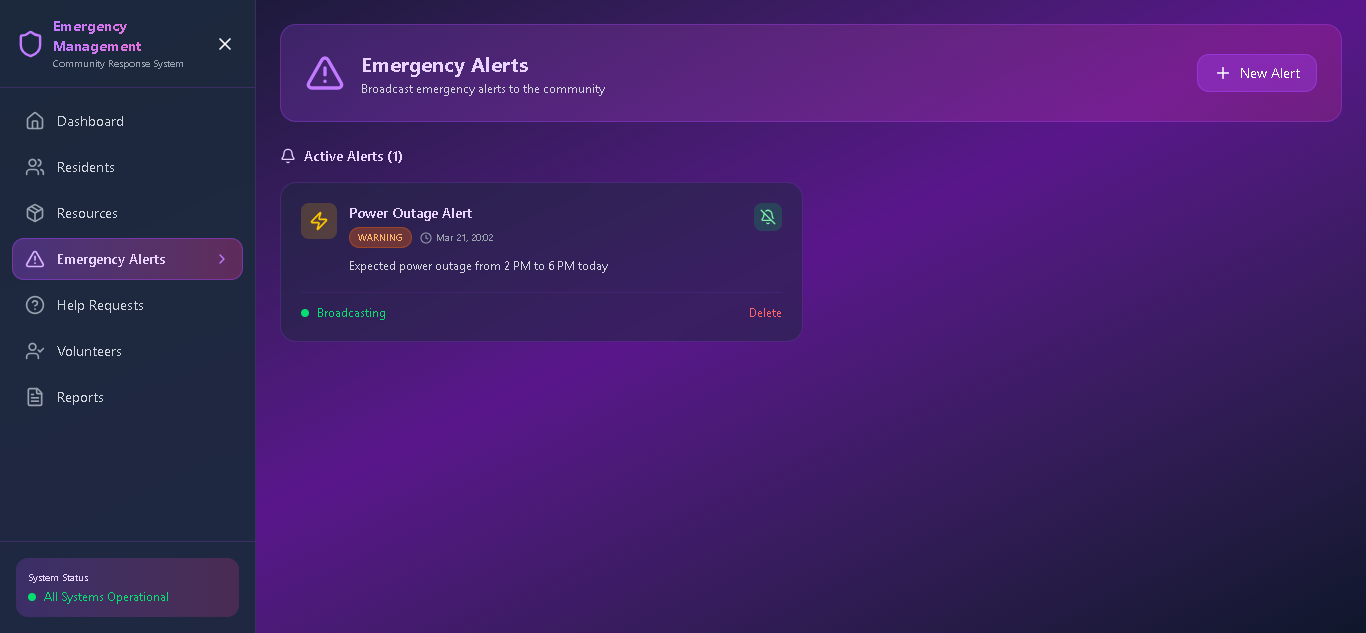
### 3. 🚨 **Emergency Alert System**
- Multi-channel alerts (in-app notifications, SMS ready)
- Severity-based categorization (Critical, Warning, Info)
- Targeted alerts for specific areas or groups
- Alert history and acknowledgment tracking
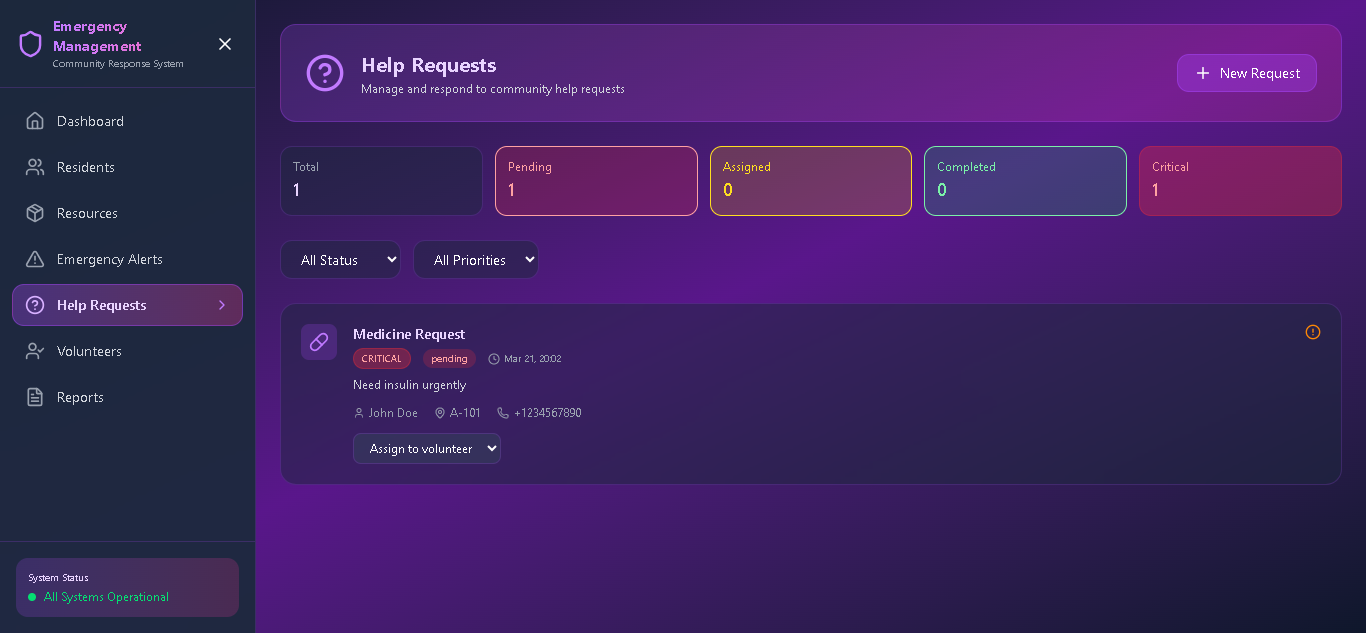
### 4. 🆘 **Help Request Module**
- Easy request submission for:
- Medical assistance
- Evacuation support
- Food and water
- Transportation
- General assistance
- Priority-based queue management
- Real-time status updates
- Volunteer assignment system
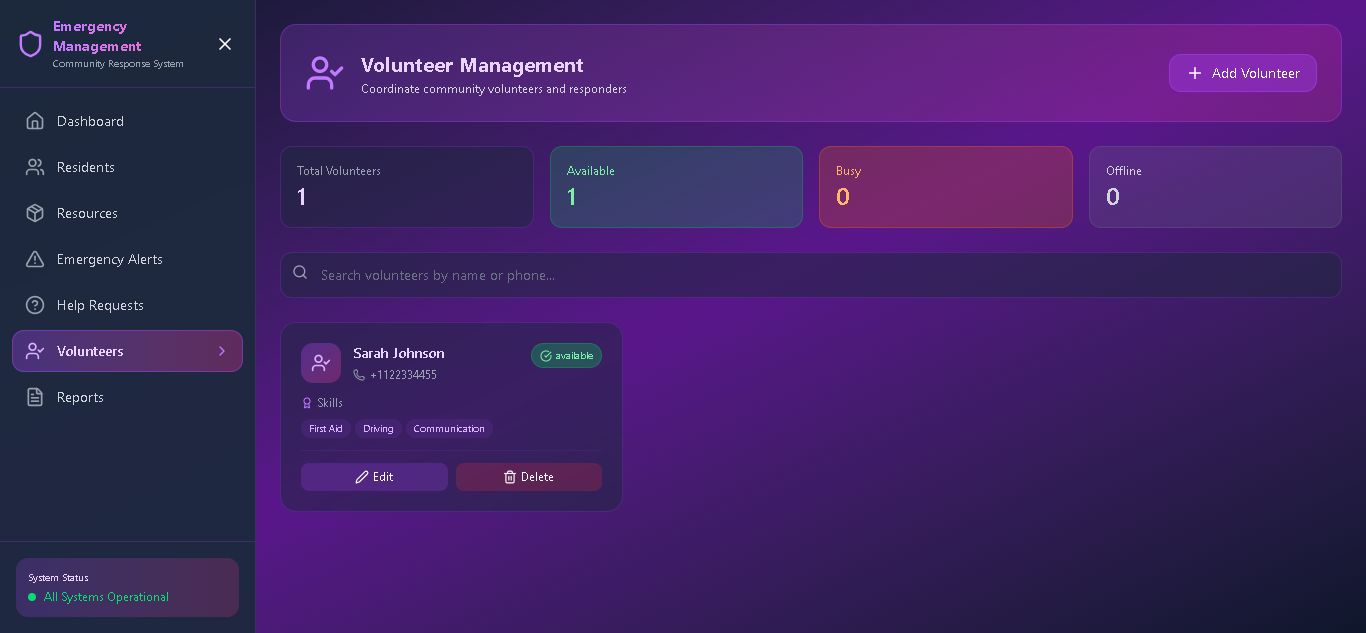
### 5. 🤝 **Volunteer Management**
- Volunteer registration and skill tracking
- Task assignment and coordination
- Availability management
- Performance tracking and recognition
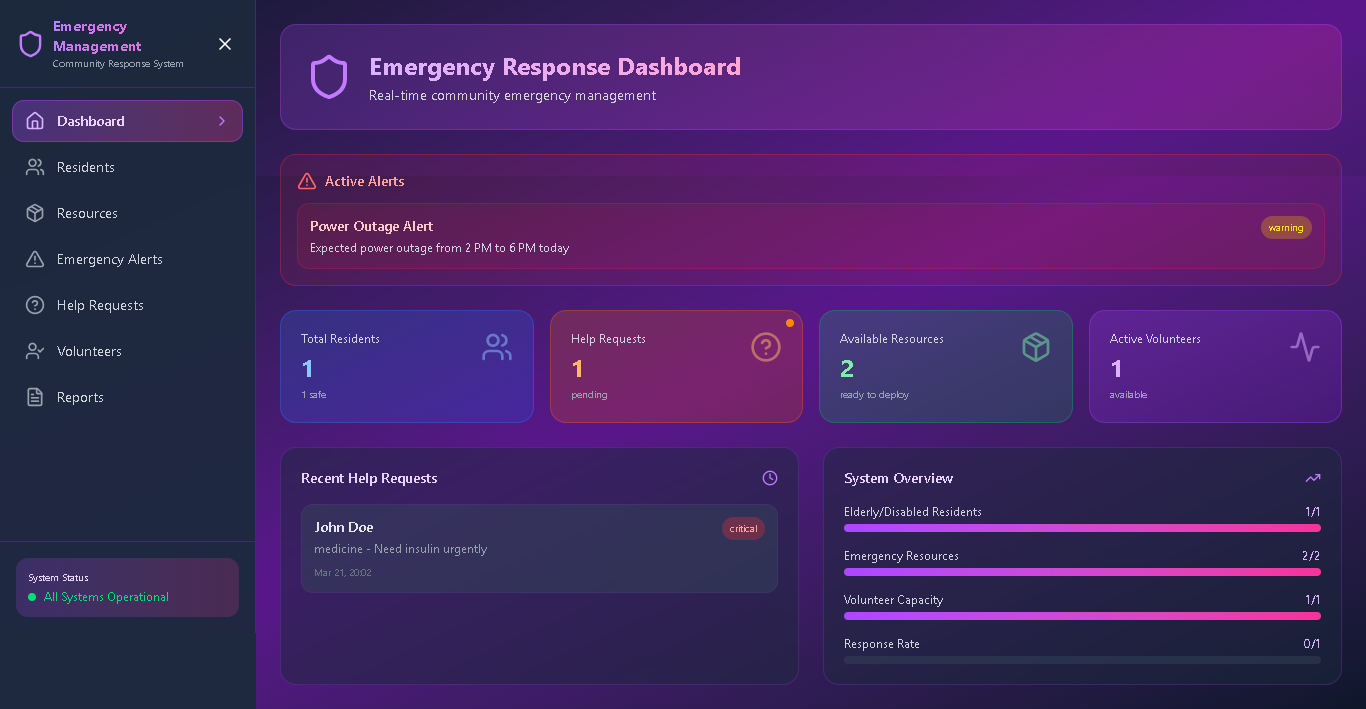
### 6. 📊 **Live Status Dashboard**
- Real-time emergency overview
- Resource availability metrics
- Active request tracking
- Volunteer deployment status
- Response rate analytics
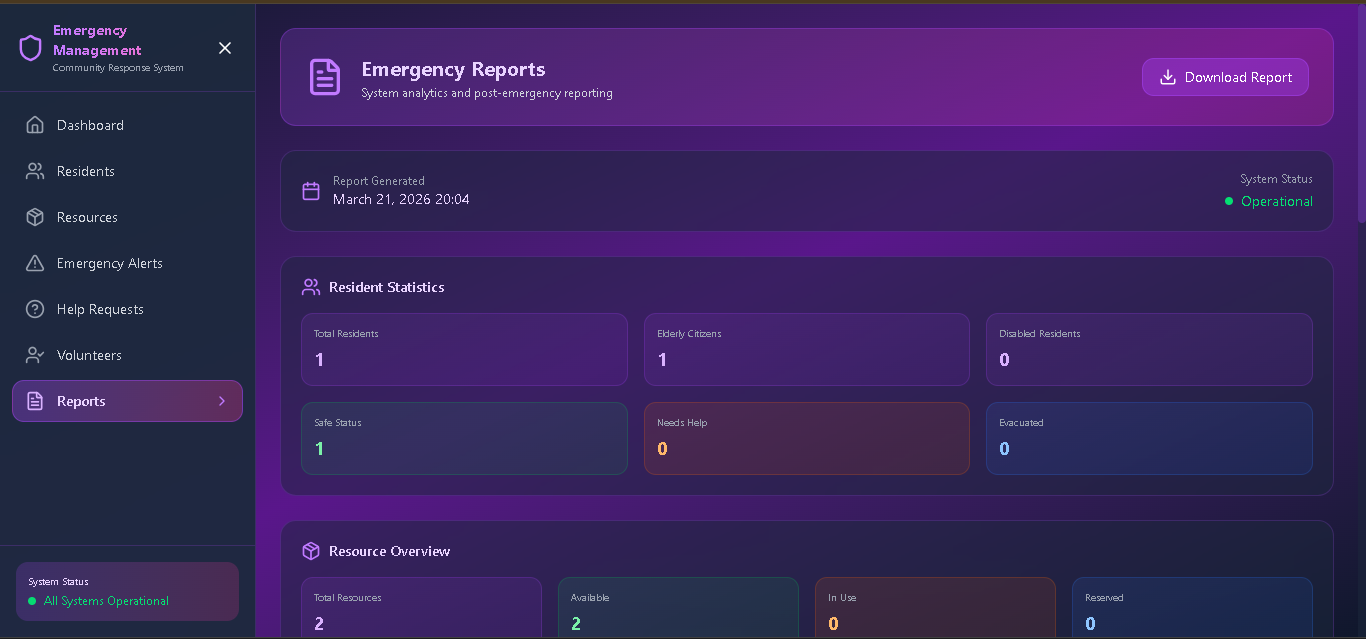
### 7. 📈 **Post-Emergency Reporting**
- Comprehensive incident reports
- Response effectiveness analysis
- Resource utilization metrics
- Recommendations for future preparedness
- Exportable data for planning
## 💻 Technology Stack
### **Frontend Framework**
- **React 18** - Modern UI library for building interactive interfaces
- **TypeScript** - Type-safe JavaScript for robust code
- **Vite** - Lightning-fast build tool and development server
### **Styling & UI**
- **Tailwind CSS** - Utility-first CSS framework for rapid UI development
- **Lucide React** - Beautiful, consistent icon library
- **Custom CSS** - Glassmorphism effects and custom animations
### **State Management**
- **Zustand** - Lightweight state management solution
- **React Hooks** - Modern state and effect management
### **Design Features**
- Dark mode with gradient backgrounds
- Responsive design (mobile, tablet, desktop)
- Glassmorphism UI with backdrop blur effects
- Smooth animations and transitions
- Accessibility-compliant components
## 🚀 Installation
### Prerequisites
- Node.js (v16 or higher)
- npm (v7 or higher)
- Modern web browser (Chrome, Firefox, Safari, Edge)
### Step-by-Step Installation
1. **Clone the repository**
```bash
git clone https://github.com/yourusername/cerms.git
cd cerms
```
2. **Install dependencies**
```bash
npm install
```
3. **Start the development server**
```bash
npm run dev
```
4. **Open in browser**
Navigate to `http://localhost:5173` in your web browser
### Production Build
To create a production-ready build:
```bash
npm run build
```
The built files will be in the `dist/` directory, ready for deployment.
### Deployment Options
Deploy to any static hosting service:
- **Vercel**: `npm i -g vercel && vercel`
- **Netlify**: Drag and drop the `dist` folder
- **GitHub Pages**: Use GitHub Actions for automatic deployment
- **AWS S3**: Upload to S3 bucket with CloudFront
- **Traditional Server**: Serve the `dist` folder with nginx/Apache
## 📱 Usage
### Getting Started
1. **Initial Setup**
- Access the system through your web browser
- Navigate through the sidebar menu
- Start by adding residents in the Resident Database
2. **Daily Operations**
- Monitor the dashboard for system status
- Keep resource inventory updated
- Manage volunteer availability
3. **During Emergencies**
- Create emergency alerts immediately
- Monitor help requests in real-time
- Assign volunteers to tasks
- Track resource deployment
- Generate reports post-emergency
### Key Workflows
**Emergency Response Flow:**
1. Alert creation → 2. Resident notification → 3. Help requests submission → 4. Volunteer assignment → 5. Resource allocation → 6. Status monitoring → 7. Post-emergency reporting
## 🏗️ System Architecture
```
CERMS/
├── Frontend (React + TypeScript)
│ ├── Components/
│ │ ├── Dashboard
│ │ ├── ResidentDatabase
│ │ ├── ResourceTracking
│ │ ├── EmergencyAlerts
│ │ ├── HelpRequests
│ │ ├── VolunteerManagement
│ │ └── Reports
│ ├── Store/ (Zustand state management)
│ └── Styles/ (Tailwind CSS)
├── Future Backend Integration/
│ ├── API Services
│ ├── Database (PostgreSQL/MongoDB)
│ ├── SMS Gateway
│ └── Push Notifications
└── Deployment/
└── Static hosting or cloud services
```
## 💡 How It Helps
### **Before Emergency (Preparedness)**
- **Risk Assessment**: Identify vulnerable residents (elderly, disabled, children)
- **Resource Planning**: Know exactly what resources are available and where
- **Volunteer Network**: Pre-registered volunteers ready to respond
- **Communication Channels**: Established contact lists and alert systems
### **During Emergency (Response)**
- **Rapid Alert Distribution**: Instant notification to all residents
- **Coordinated Response**: Organized volunteer deployment
- **Resource Optimization**: Efficient allocation of limited resources
- **Priority Management**: Critical cases handled first
- **Real-time Tracking**: Live status of all activities
### **After Emergency (Recovery)**
- **Impact Assessment**: Comprehensive damage and response reports
- **Learning & Improvement**: Identify gaps in response
- **Resource Replenishment**: Track what needs to be restocked
- **Community Resilience**: Build stronger preparedness for future events
### **Real-World Impact Examples**
1. **Flood Scenario**
- Alert residents in low-lying areas first
- Coordinate evacuation vehicles
- Track temporary shelter availability
- Manage food and water distribution
2. **Heatwave Response**
- Identify elderly residents without AC
- Coordinate cooling center transportation
- Distribute water and electrolytes
- Monitor health check visits
3. **Power Outage Management**
- Deploy generators to critical needs
- Coordinate phone charging stations
- Manage perishable food distribution
- Ensure medical equipment backup power
## 🎯 Target Users
### Primary Users
- **Gated Communities** - Residential complexes with 100-1000 families
- **Apartment Societies** - High-rise buildings and housing societies
- **Villages & Small Towns** - Rural communities with limited resources
- **Educational Institutions** - Schools, colleges, and university campuses
- **NGOs** - Disaster response and community service organizations
- **Local Government** - Municipal offices and panchayats
### Secondary Users
- Corporate campuses
- Industrial townships
- Hostels and dormitories
- Senior living communities
- Healthcare facilities
## 🤝 Contributing
We welcome contributions! Here's how you can help:
1. **Report Bugs**: Open an issue with bug details
2. **Suggest Features**: Share your ideas for improvements
3. **Submit PRs**: Fork the repo and create pull requests
4. **Improve Documentation**: Help us improve guides and docs
5. **Share Feedback**: Let us know how you're using CERMS
### Development Guidelines
- Follow the existing code style
- Write meaningful commit messages
- Add comments for complex logic
- Update documentation for new features
- Test thoroughly before submitting PRs
## 📄 License
This project is licensed under the MIT License - see the [LICENSE](LICENSE) file for details.
## 🙏 Acknowledgments
- Built with ❤️ for community safety and resilience
- Inspired by real-world emergency management challenges
- Designed for maximum social impact with minimal technical barriers
## 📞 Contact & Support
- **Email**: support@cerms.example.com
- **Documentation**: [https://docs.cerms.example.com](https://docs.cerms.example.com)
- **Community Forum**: [https://community.cerms.example.com](https://community.cerms.example.com)
---
**Remember**: In emergencies, always contact official emergency services (911, 112, etc.) first. CERMS is designed to complement, not replace, official emergency response systems.
---
*"Building resilient communities, one neighborhood at a time."* 🏘️
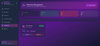
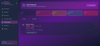
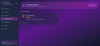
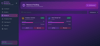
Four User Types with Specific Features:
- Admin (admin@cerms.com / admin123) - Full system control
- Coordinator (coordinator@cerms.com / coord123) - Operational management
- Volunteer (volunteer@cerms.com / vol123) - Field operations
- Resident (resident@cerms.com / res123) - Basic access