
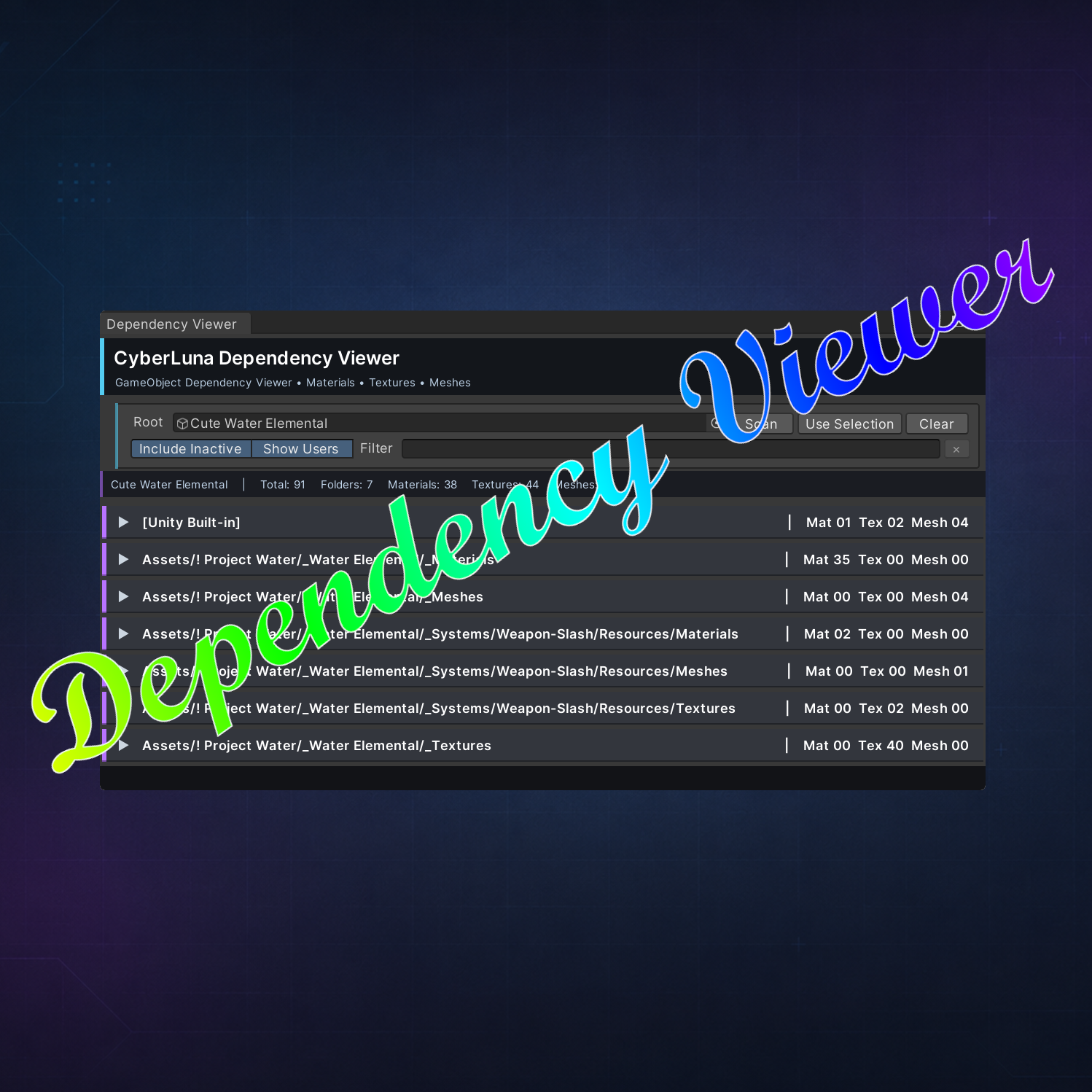



🔍 GameObject Dependency Viewer
On Sale
€5.00
Pay what you want:
(minimum €5.00)
€
🔍 Quickly find every material, texture, and mesh used by a Unity GameObject.
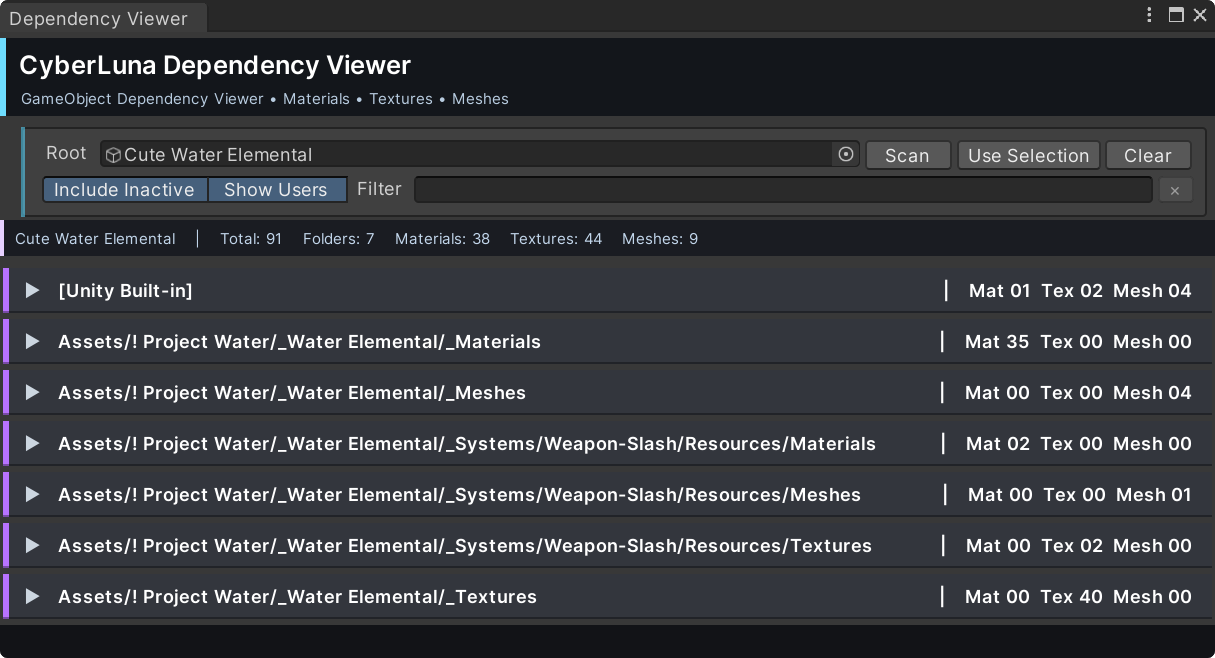
The CyberLuna GameObject Dependency Viewer scans a selected GameObject and its children, then organizes all discovered dependencies by project folder.
Perfect for avatars, prefabs, props, effects, and Unity package preparation.
✨ Features
- 🎨 Finds used Materials
- 🖼️ Finds textures referenced by those materials
- 🧊 Finds meshes from Mesh Filters, Skinned Mesh Renderers, and Particle Systems
- 📁 Groups results by project folder
- 🔎 Filters by asset name, type, path, folder, or user
- 👁️ Shows which GameObjects or materials use each asset
- 📌 Ping or select assets and their users
- 📋 Copy folder paths
- 💤 Optional scanning of inactive children
- ⚡ Automatically scans when a new Root GameObject is assigned
🛠️ Ideal For
- Preparing Unity packages
- Checking avatar and prefab dependencies
- Finding scattered project assets
- Cleaning and organizing folders
- Confirming which assets are safe to remove
- Tracking down where a material, texture, or mesh is used
🧭 Easy to Use
- Open CyberLuna → GameObject Dependency Viewer
- Assign a Root GameObject or click Use Selection
- Browse the organized dependency results
- Ping, select, filter, or inspect each asset
✅ Non-Destructive
The tool only scans and displays information. It does not move, delete, rename, or modify your assets.
📁 Requirements
- Unity Editor
📋 License
- Personal use only
- Sharing in any form not allowed