
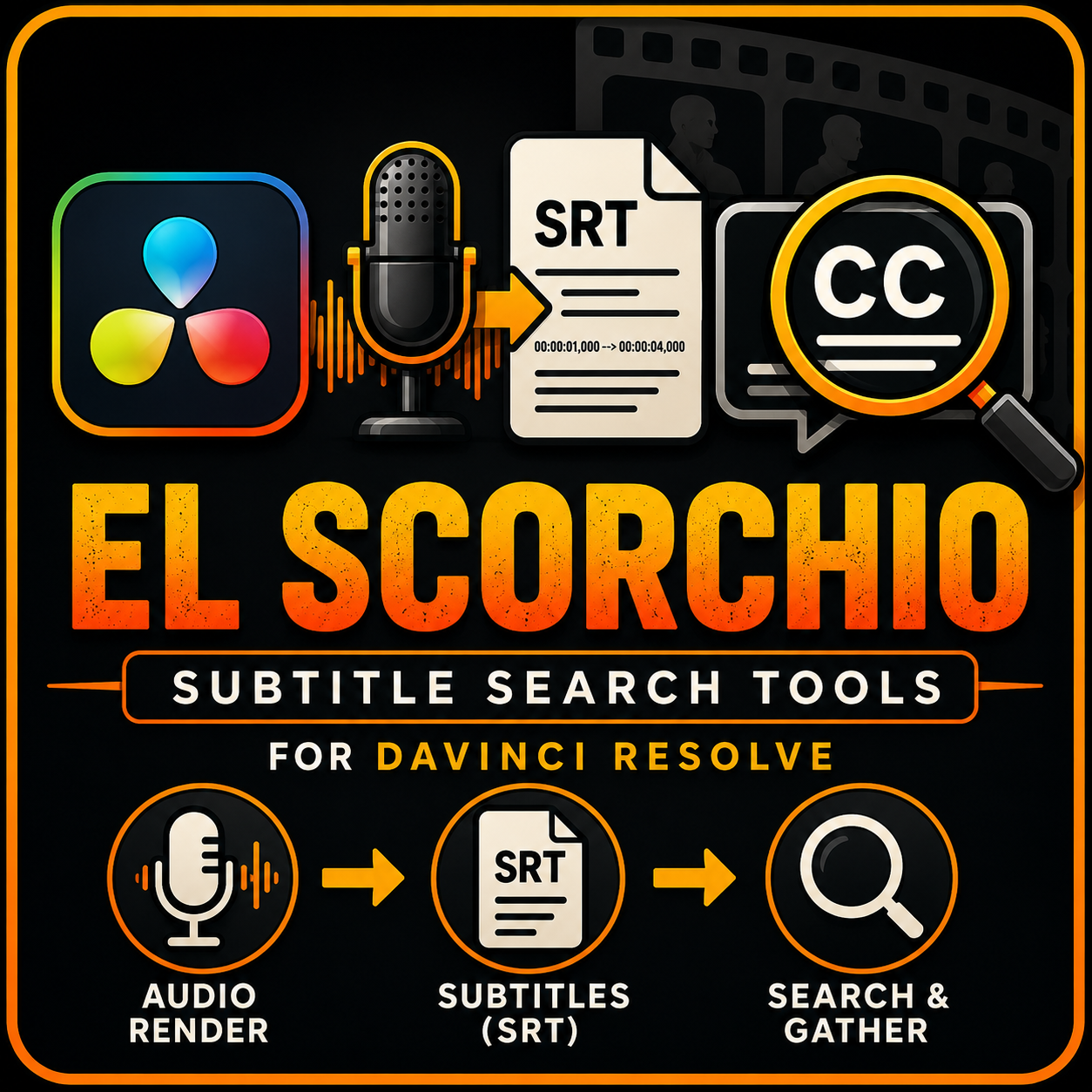

DV Resolve subtitle search system, works in free and studio
Working with long interviews in DaVinci Resolve can quickly become frustrating.
Tested in DaVinci Resolve 21
Converting subtitles into thousands of markers often slows timelines down, while the built-in transcript tools can make it difficult to find partial words or phrases.
Subtitle Search was created specifically to solve those problems.
Instead of relying on massive numbers of timeline markers, Subtitle Search works directly with existing subtitle tracks. Search results are generated instantly and displayed in a simple list, allowing editors to jump directly to the relevant subtitle clip.
Need to find every mention of "work"? A search for "work" will also locate words such as "workspace", "working", and any subtitle containing that text sequence. No exact word matching required.
For editors who prefer visual references, Subtitle Search can optionally place markers only at matching locations, avoiding the performance impact caused by thousands of permanent markers spread across multiple timelines.
Whether you're editing podcasts, documentaries, interviews, or other long-form projects, Subtitle Search turns your subtitle track into a fast, searchable index without cluttering your timeline or sacrificing performance.
Spend less time hunting for quotes and more time editing.
https://youtu.be/4KMRYyCbbLk