

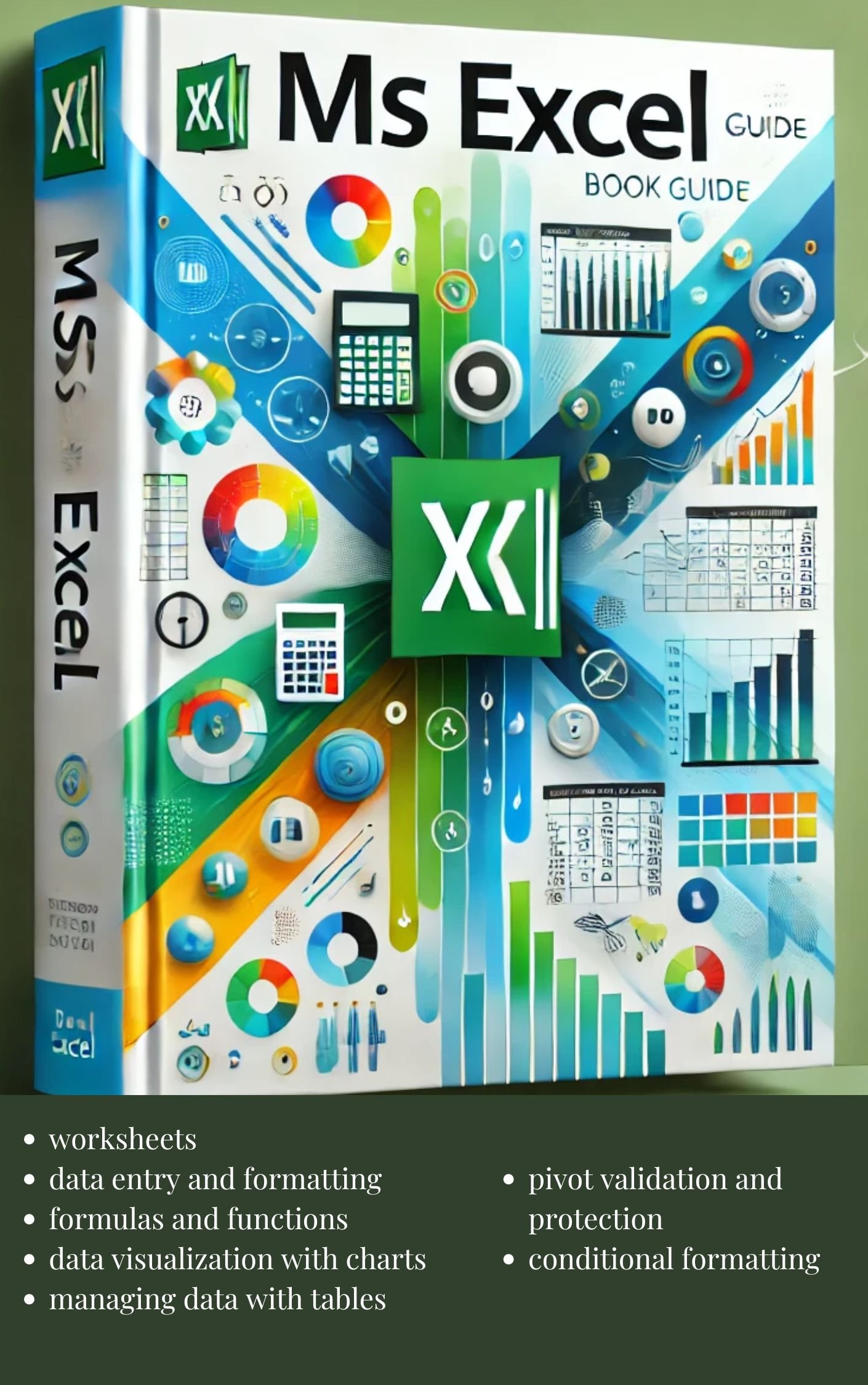
Microsoft Excel
On Sale
$2.99
$2.99
Microsoft Excel Course Description
This course provides comprehensive training in Microsoft Excel, one of the most widely used spreadsheet applications in the world. Designed to meet the needs of beginners, intermediates, or advanced users, the course covers essential skills for creating, managing, and analyzing data. Participants will learn to efficiently use Excel to solve real-world problems, streamline workflows, and produce professional-quality documents.
Key Topics Covered:
- For Beginners:
- Introduction to the Excel interface
- Basic navigation and data entry
- Formatting cells, rows, and columns
- Basic formulas and functions (e.g., SUM, AVERAGE)
- Creating simple charts and graphs
- For Intermediate Users:
- Advanced formulas (e.g., VLOOKUP, INDEX/MATCH)
- Conditional formatting
- Data validation and drop-down lists
- PivotTables and PivotCharts
- Sorting and filtering data
- Collaboration tools in Excel
- For Advanced Users:
- Macros and VBA (Visual Basic for Applications)
- Complex data analysis (e.g., Solver, Scenario Manager)
- Advanced PivotTable techniques
- Custom formatting with formulas
- Data visualization techniques and dashboard creation
- Integration with other tools (Power Query, Power BI)
Course Benefits:
- Enhance productivity and data management skills.
- Learn to automate repetitive tasks using macros.
- Gain the ability to create visually appealing and insightful reports.
- Boost your employability with in-demand Excel expertise.
Who Should Attend: This course is ideal for students, professionals, and anyone who wants to improve their Excel skills for personal or professional purposes. No prior experience is required for beginner levels, while intermediate and advanced levels assume basic Excel knowledge.