
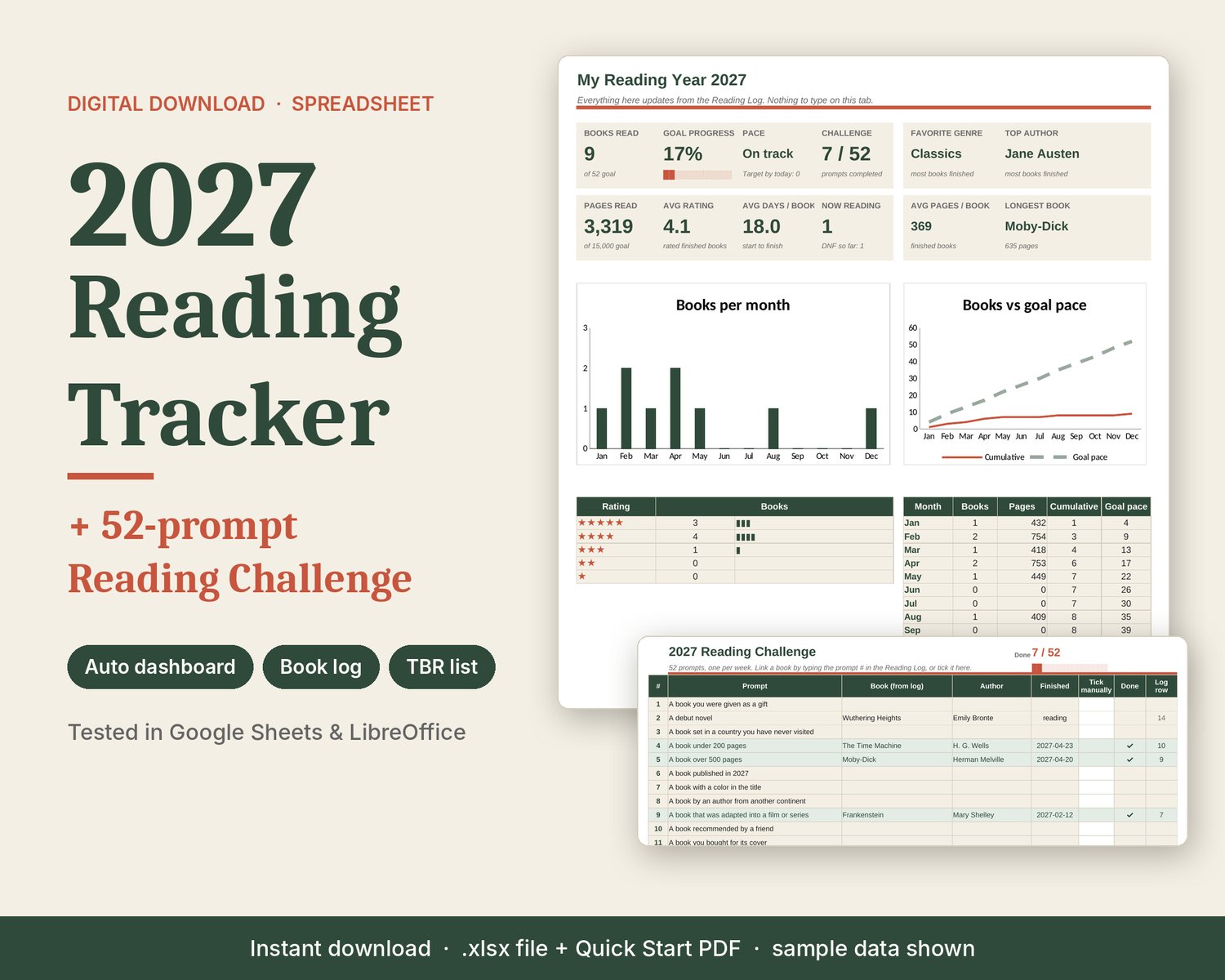
2027 Reading Tracker Spreadsheet + 52-Prompt Reading Challenge
A 2027 reading tracker spreadsheet with a built-in 52-prompt reading challenge. Log each book once, and the dashboard, charts and challenge fill in by themselves: books and pages vs your goal, reading pace, favorite genre, top authors and a TBR list. Standard .xlsx file, tested in Google Sheets and LibreOffice Calc (more under Works in). Made with an AI tool and tested by us on sample data (details below).
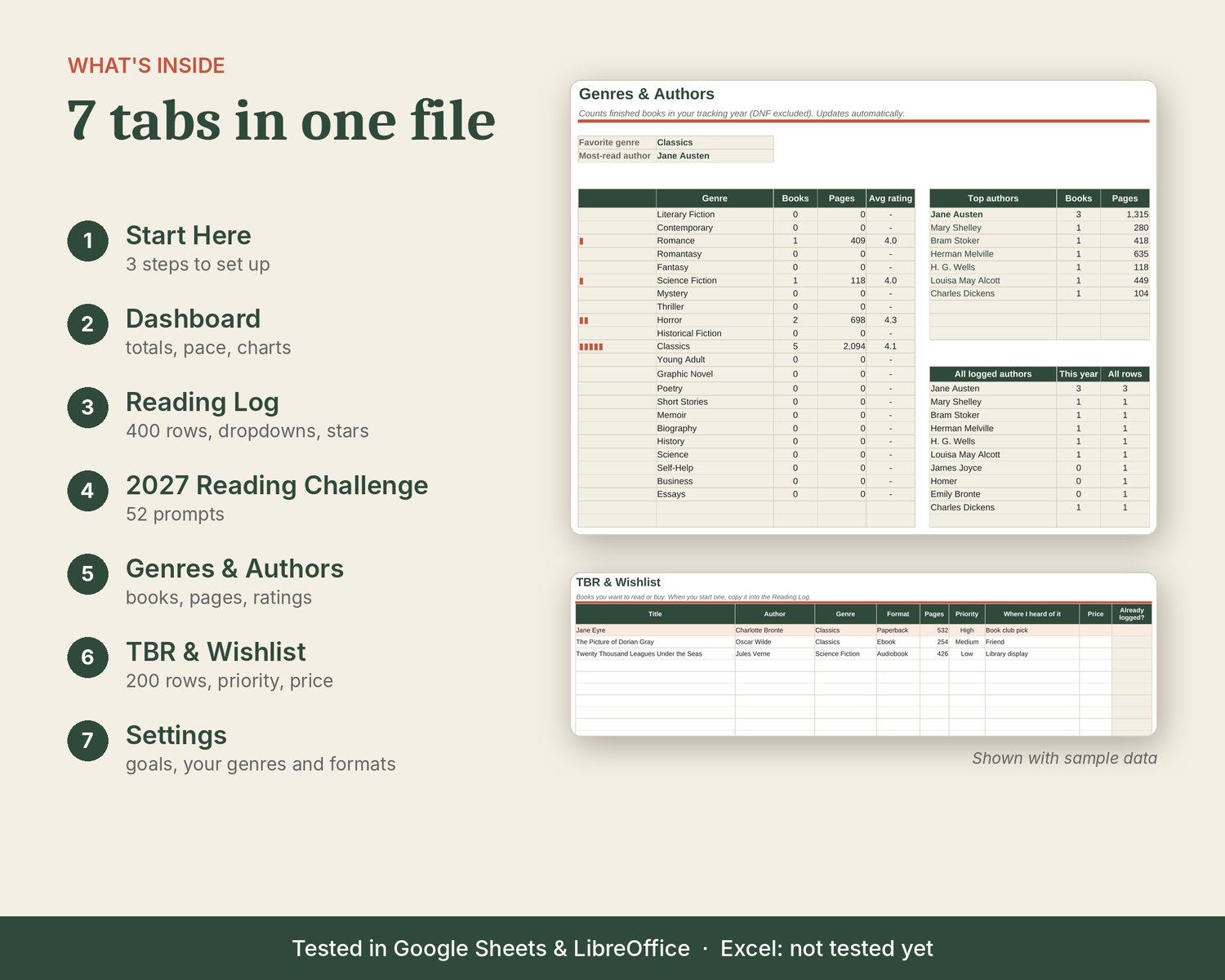
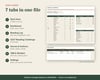
WHAT'S INSIDE (7 TABS)
- Start Here: 3 setup steps and what the cell colors mean
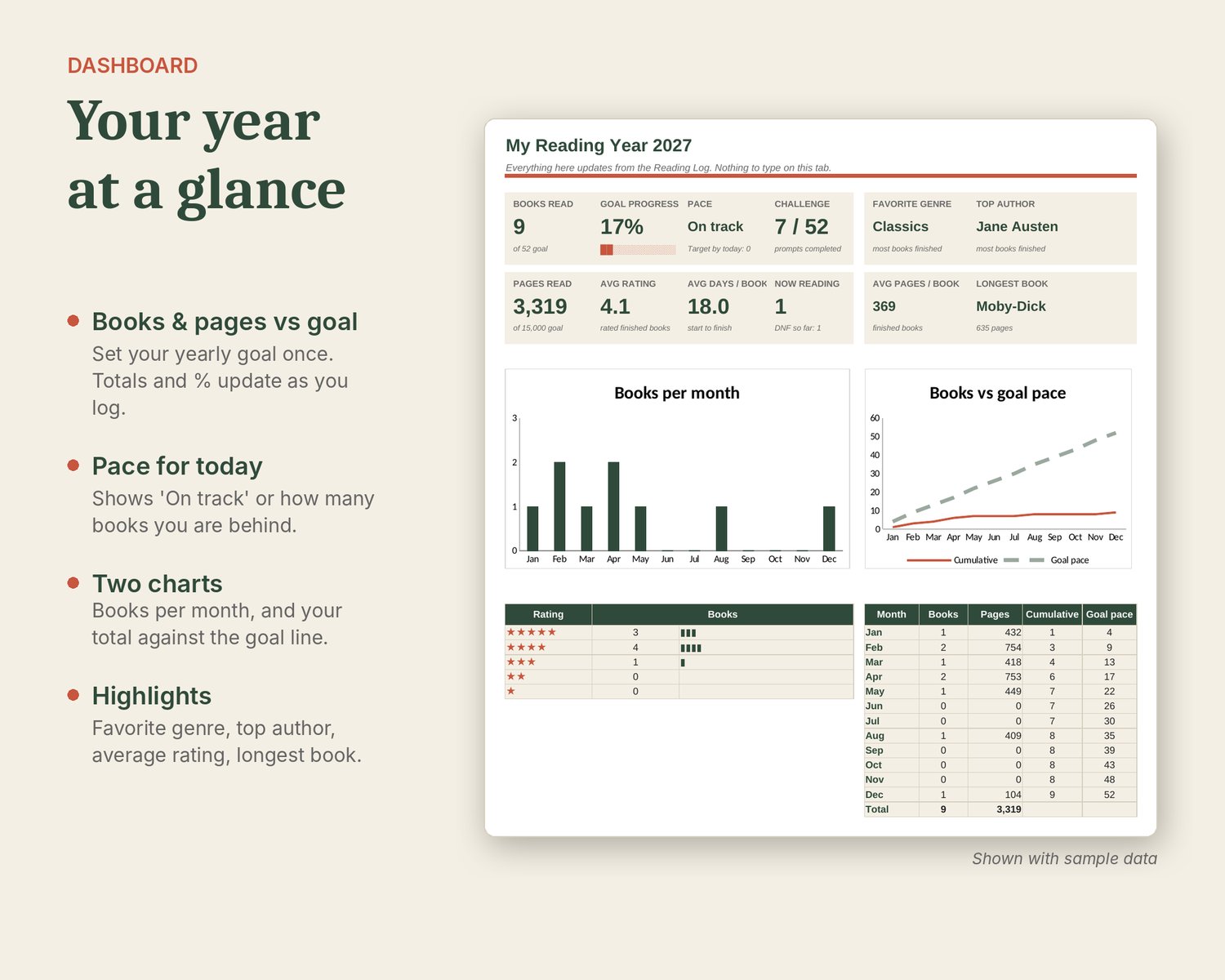
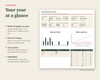
- Dashboard: books and pages vs your yearly goal, pace for today ("On track" or how many books behind), challenge progress, average rating, average days per book, favorite genre, top author, longest book, a books-per-month chart, your running total vs the goal line, and a rating breakdown
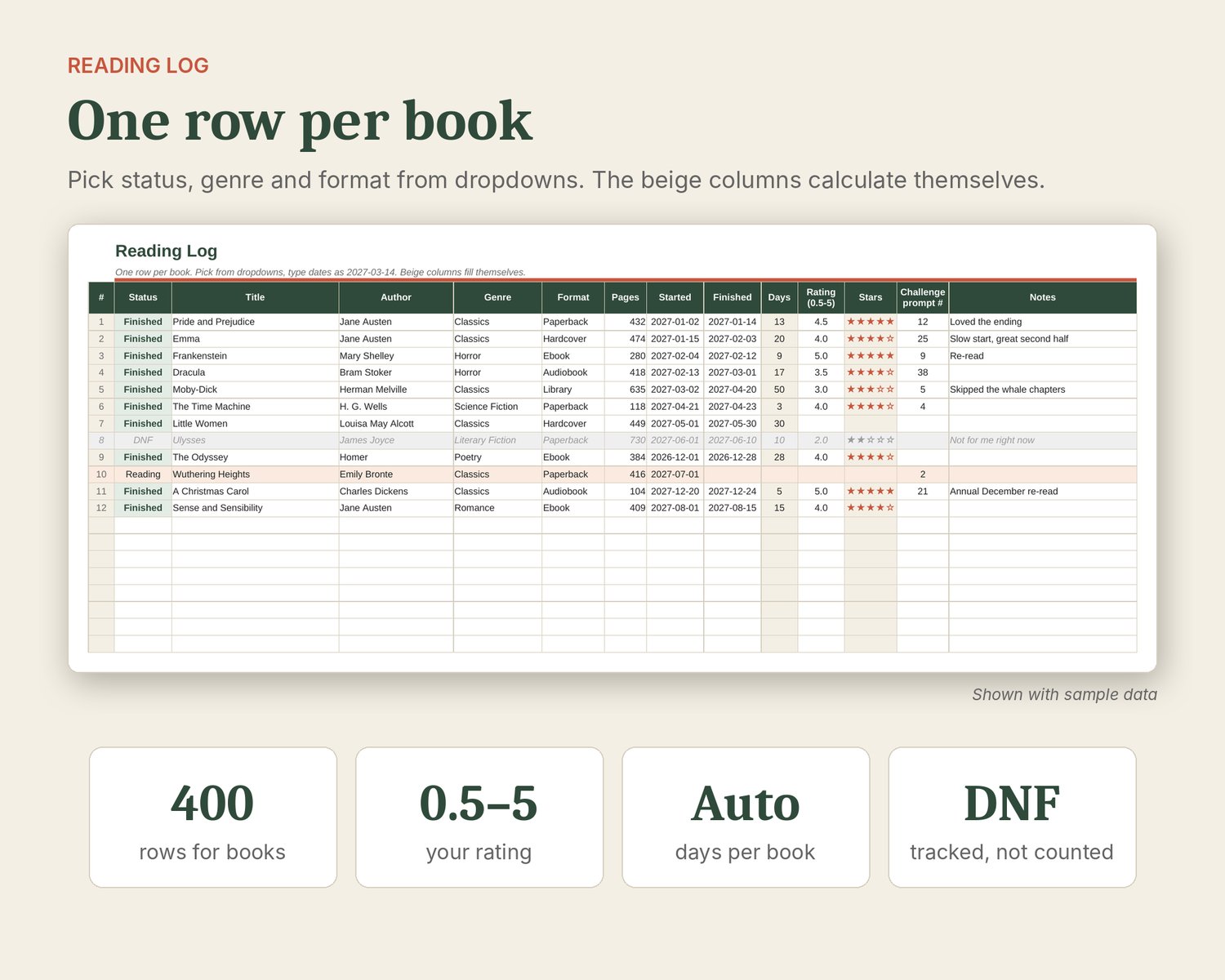
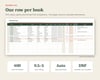
- Reading Log: 400 rows. Status (Reading / Finished / DNF), title, author, genre, format, pages, start and finish dates, days to finish (automatic), challenge prompt number and notes. Type a rating 0.5–5 and the stars fill in.
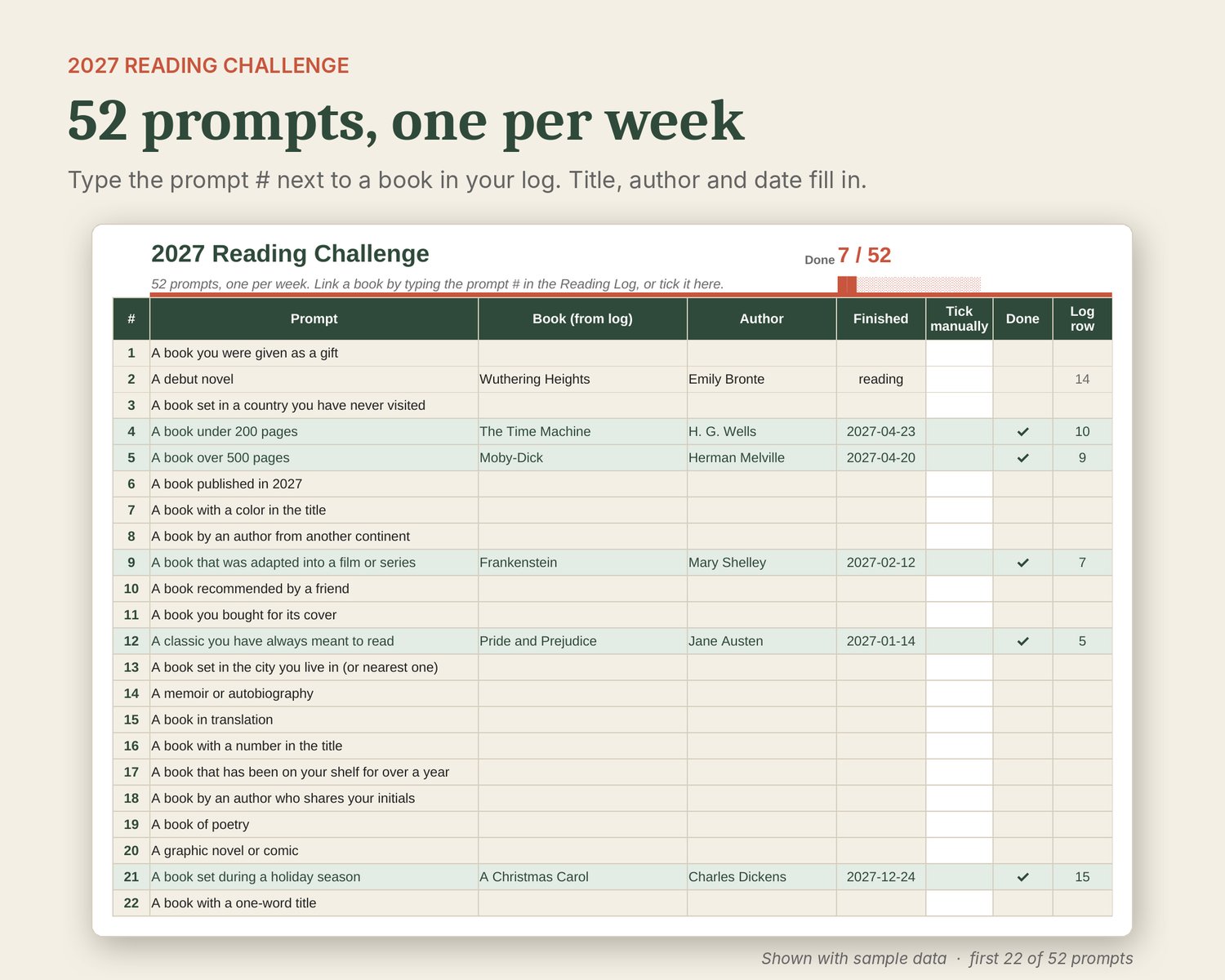
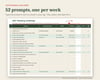
- 2027 Reading Challenge: 52 prompts, one per week. Type the prompt number next to a book in your log and its title, author and finish date appear on this tab. You can also tick a prompt by hand.
- Genres & Authors: books, pages and average rating for each genre and format, your top 10 authors and a list of every author you logged
- TBR & Wishlist: 200 rows with priority, where you heard of the book, price, and a mark that appears once the book is in your log
- Settings: your name, tracking year, goals, and your own genre and format lists (the dropdowns follow them)
YOU GET
- Reading-Tracker-2027.xlsx
- Quick Start PDF (setup in about 5 minutes)
You get a download link right after purchase. Nothing will be shipped.
WORKS IN
- Google Sheets (free), on a computer: upload the .xlsx to Google Drive and open it with Google Sheets, then File > Save as Google Sheets.
- LibreOffice Calc (free)
- Microsoft Excel: it is a standard .xlsx file, but we have not tested it in Excel yet.
Tested in Google Sheets and LibreOffice Calc. Not tested yet in Microsoft Excel or Apple Numbers.
GOOD TO KNOW
- Formula cells are locked in the file without a password, so you can't break them by accident. Google Sheets may not keep this lock after upload.
- Three example rows show how it works. Clear them before you start.
- A book counts toward your goal when it has a finish date in your tracking year and is not marked DNF.
- The tracking year is a setting, so you can keep using the log and dashboard later. The challenge prompts are written for 2027.
- English only.
- Personal use only. Please don't resell or share the file.
HOW IT WAS MADE
Designed by our small studio with AI assistance: the layout, formulas, written instructions and the 52 challenge prompts were created with the help of an AI tool, then tested by us on sample data before release. We recalculated the file in LibreOffice and opened and tested it in Google Sheets. Product images are real screenshots of the spreadsheet with sample data (public-domain classics).
FAQ
Do I need to buy Excel?
No. Free Google Sheets works. Upload the file to Google Drive and open it with Google Sheets.
Is it a printable?
No. It is a spreadsheet that does the counting for you. Nothing to print.
Can I use it on my phone or tablet?
We have tested it on a computer only (Google Sheets and LibreOffice). Phone and tablet apps have not been tested, so please use a computer.
My goal isn't 52 books. Can I change it?
Yes. Set any book and page goal on the Settings tab. The challenge goal can be 52 or fewer prompts.
Can I add my own genres?
Yes. Edit the genre and format lists on Settings and the dropdowns update.
Something doesn't work or looks wrong?
Reply to your receipt email with a screenshot and we'll help you fix it.