
Remodel Budget & Schedule Kit: Contractor Bid & Budget Spreadsheet
Remodel quotes don't go over budget all at once. They go over line by line: the permit nobody priced, the "allowance" that buys half a faucet, the change order sent by text.
Homeowners say it best:
"Why is it so hard to compare renovation quotes when everyone formats them differently?"
"We were told it would take two months. It took about 5 months."
The Remodel Budget & Schedule Kit is the spreadsheet I wish every homeowner opened before signing.
What's inside (12 tabs, all connected):
- Dashboard: forecast final cost, contingency left, open risks and projected finish date, in one view. Pick your state for a deposit check (Florida's 10% permit/start rule built in; amber/red guide elsewhere, since rules vary by state). Red means "look at this".
- Quote Leveler: put up to 3 bids on the same scope lines. Anything a bid excludes gets your own cost added back, so you compare real totals, not headline prices.
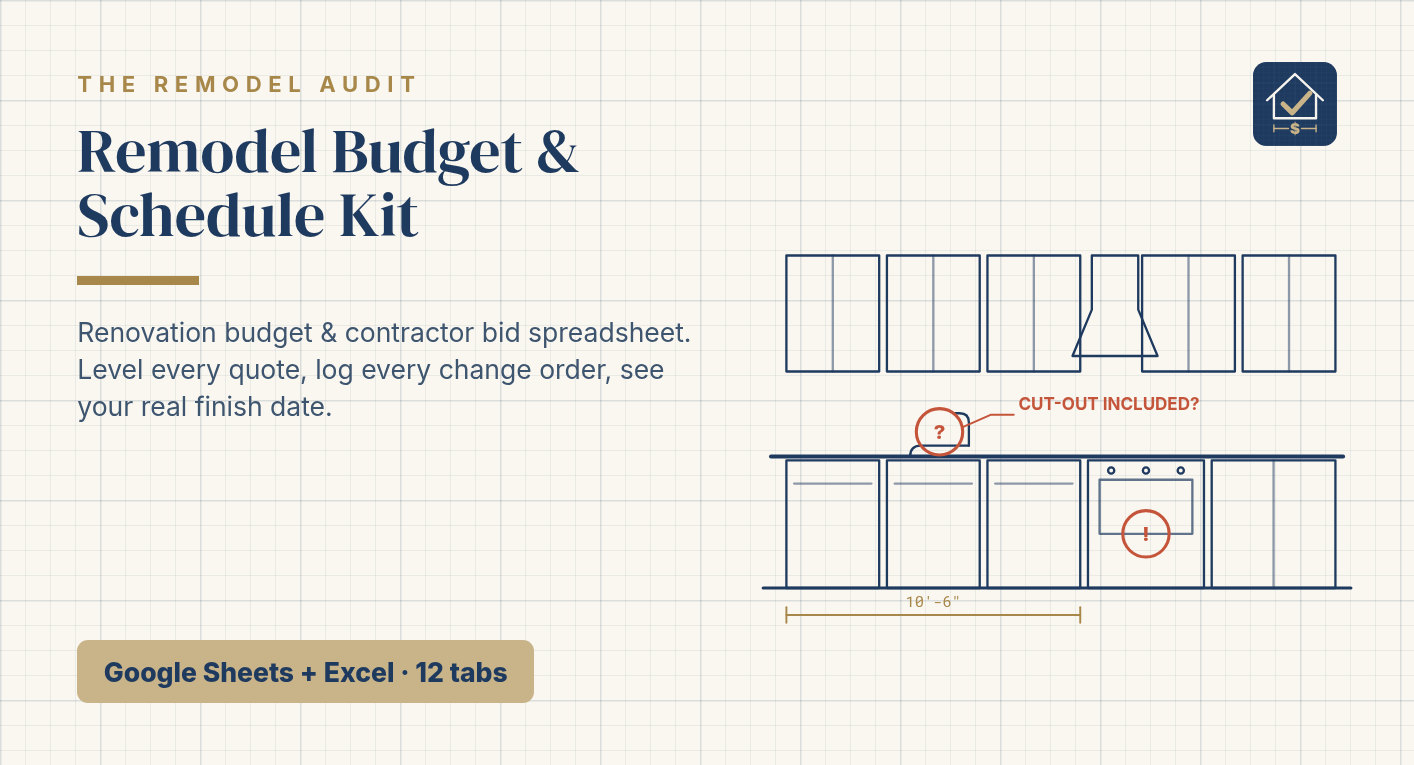
- Cost-Leak Checklist: the line items quotes most often leave out (permits, disposal, patching, trim-out, countertop cut-outs...).
- Budget by Room & Trade: Estimate vs Contracted vs Paid, with contingency built in.
- Realistic Timeline: real sequence and lead times (yes, countertops are templated after cabinets go in). Change one duration and every date moves.
- Change Order Log: every change priced and approved in writing before it's built. Verbal-only changes turn red.
- Payment Schedule: pay for verified milestones, not dates, with a lien-release column.
- Contractor Questions: 20 questions to ask before you sign, with space for each bidder's answer.
- Punch List: hold the final payment until every item is closed.
- Recommended Tools: widely reviewed tools for each stage, from measuring to move-in.
- Start Here + Setup: 10-minute setup, example data included so you can see how it works.
Who it's for: homeowners (Florida notes built in) planning a kitchen, bathroom or whole-home remodel who have quotes (or are about to get them) and want to stay in control of money and schedule.
Who it's not for: contractors looking for estimating software, or anyone needing a local price quote.
About me: I'm Mayra. I have a degree in architecture, and I've stood on the slab checking the work, and I've sat with the budgets, crews and schedules as the person running the job. I've seen remodels from both sides of the quote. The surprises are almost always the same, and almost all of them were already on the paper. The Remodel Audit is the second set of eyes I would want before I signed. I don't visit your site. I don't hold a Florida inspector's license. I don't invent local prices. I read what you were handed. This kit is how I'd organize my own remodel.
What you get: instant download (PDF with your Google Sheets copy link + Excel .xlsx file). Works in Google Sheets (free) and Excel 2016+ / Microsoft 365. Not tested in Apple Numbers.
FAQ
- Do I need to know spreadsheets? No. Yellow cells are the only ones you type in. Everything else calculates.
- Does it include prices for my area? No. The example numbers are illustrative only. You enter your real quotes.
- Kitchen only? No. Rooms and trades are editable, so it works for baths, flooring and whole-home projects.
- Refunds? Because it's a digital file, all sales are final, but email me if something doesn't work and I'll fix it.
Disclaimer (bottom of listing):
Education and organization tool only. It is not a price quote, an inspection, or legal, financial, engineering or professional design advice. Costs are ranges; verify with local licensed contractors and your building department. Some links in the Recommended Tools tab may be affiliate links.