




Etsy Seller Bookkeeping
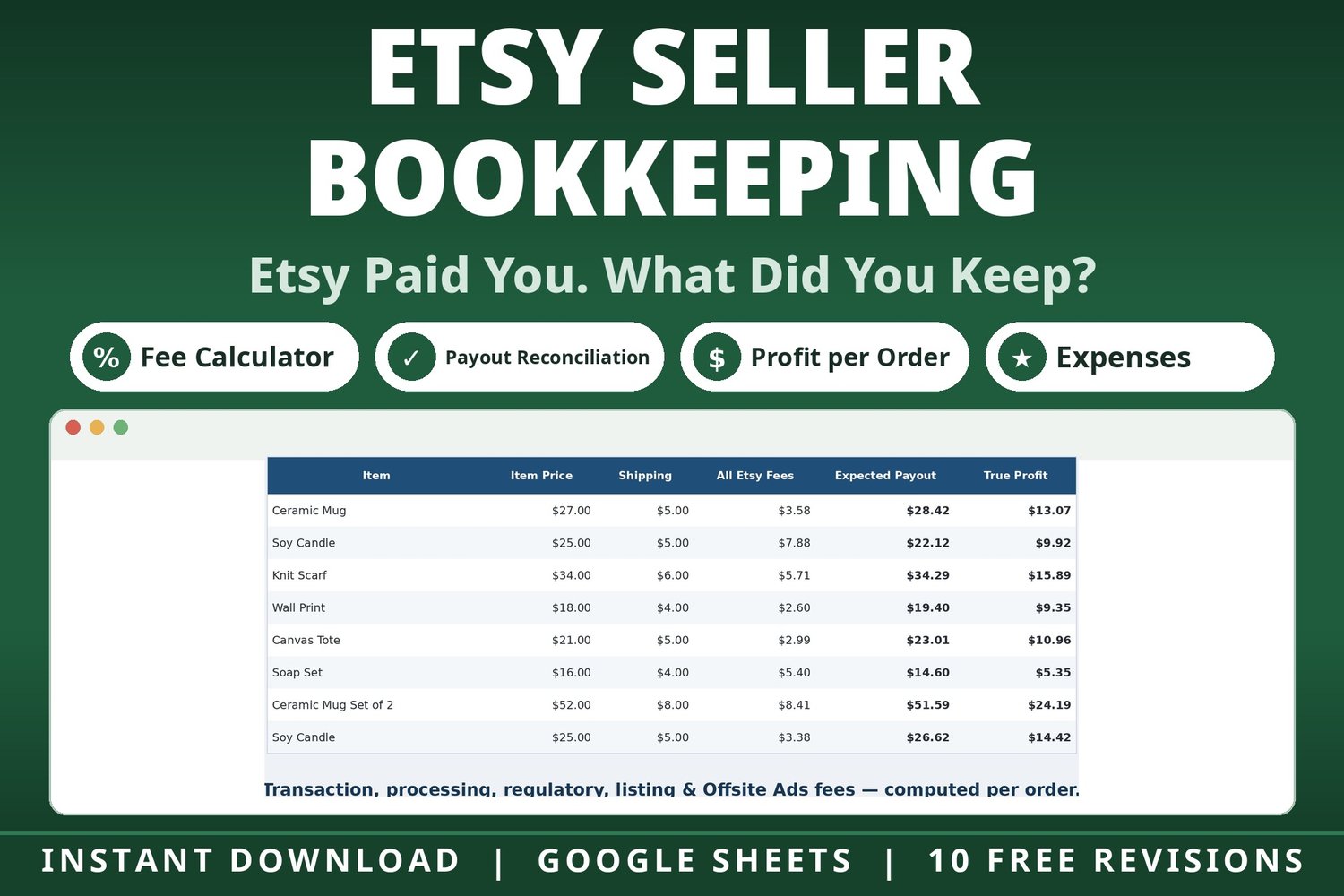
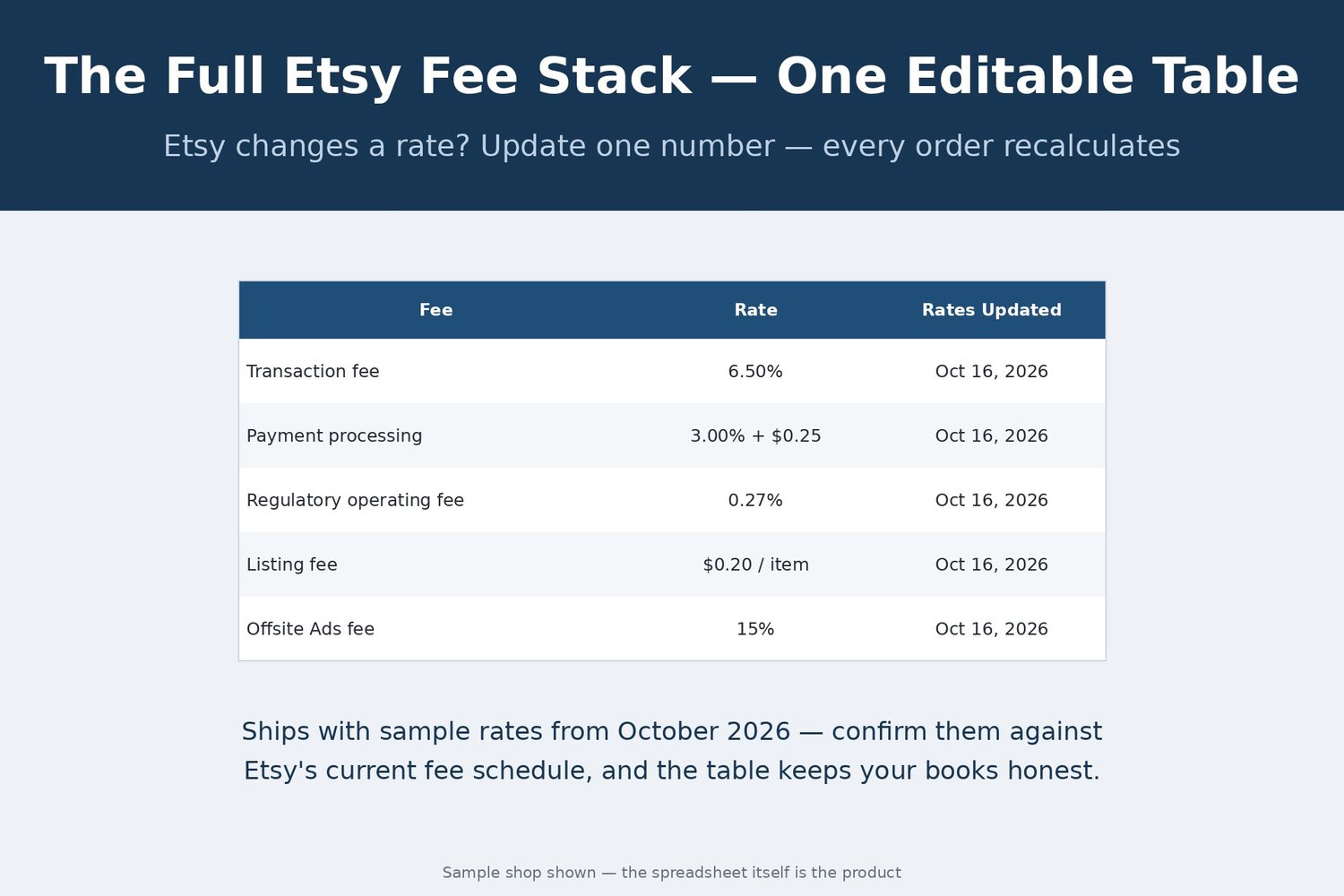
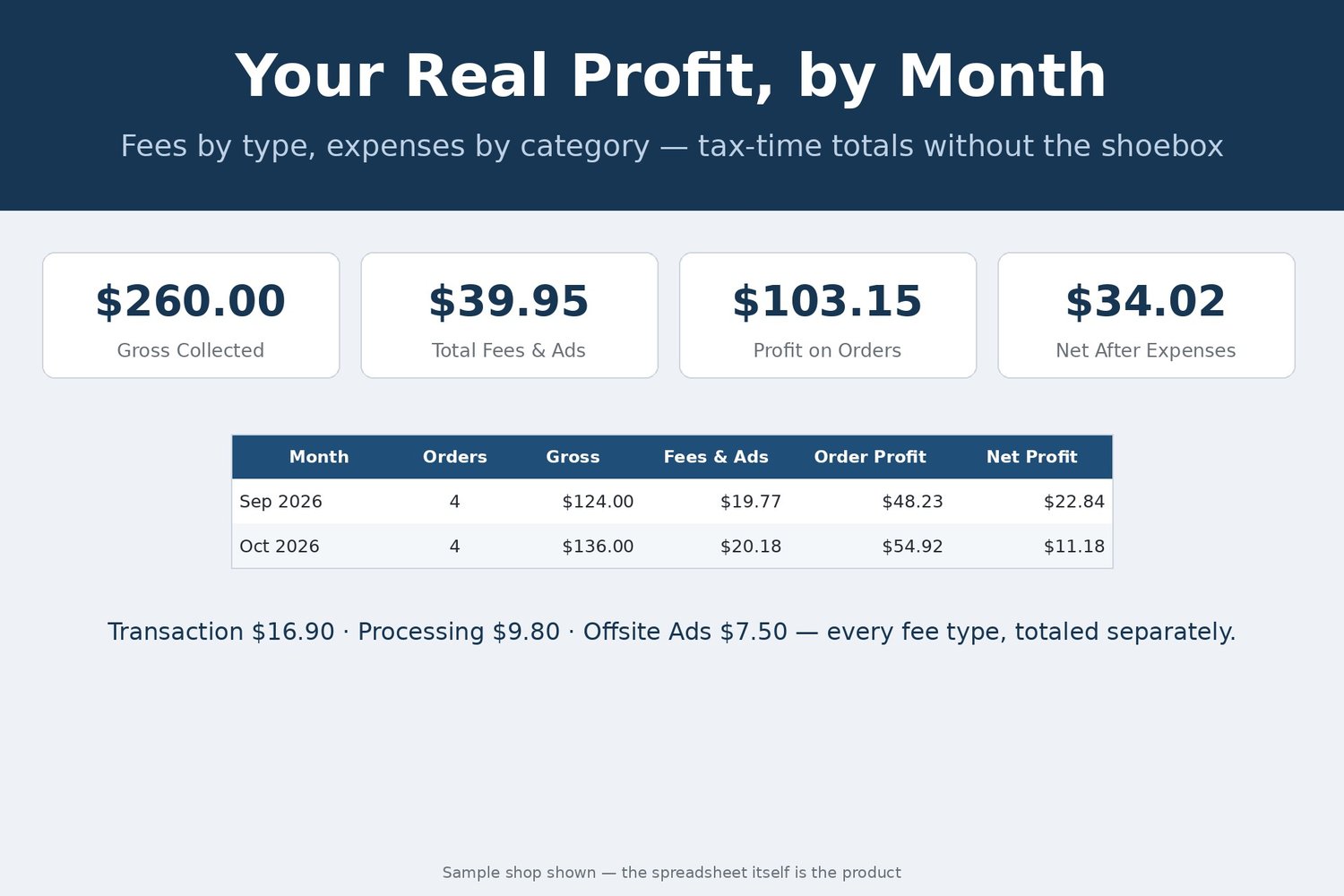
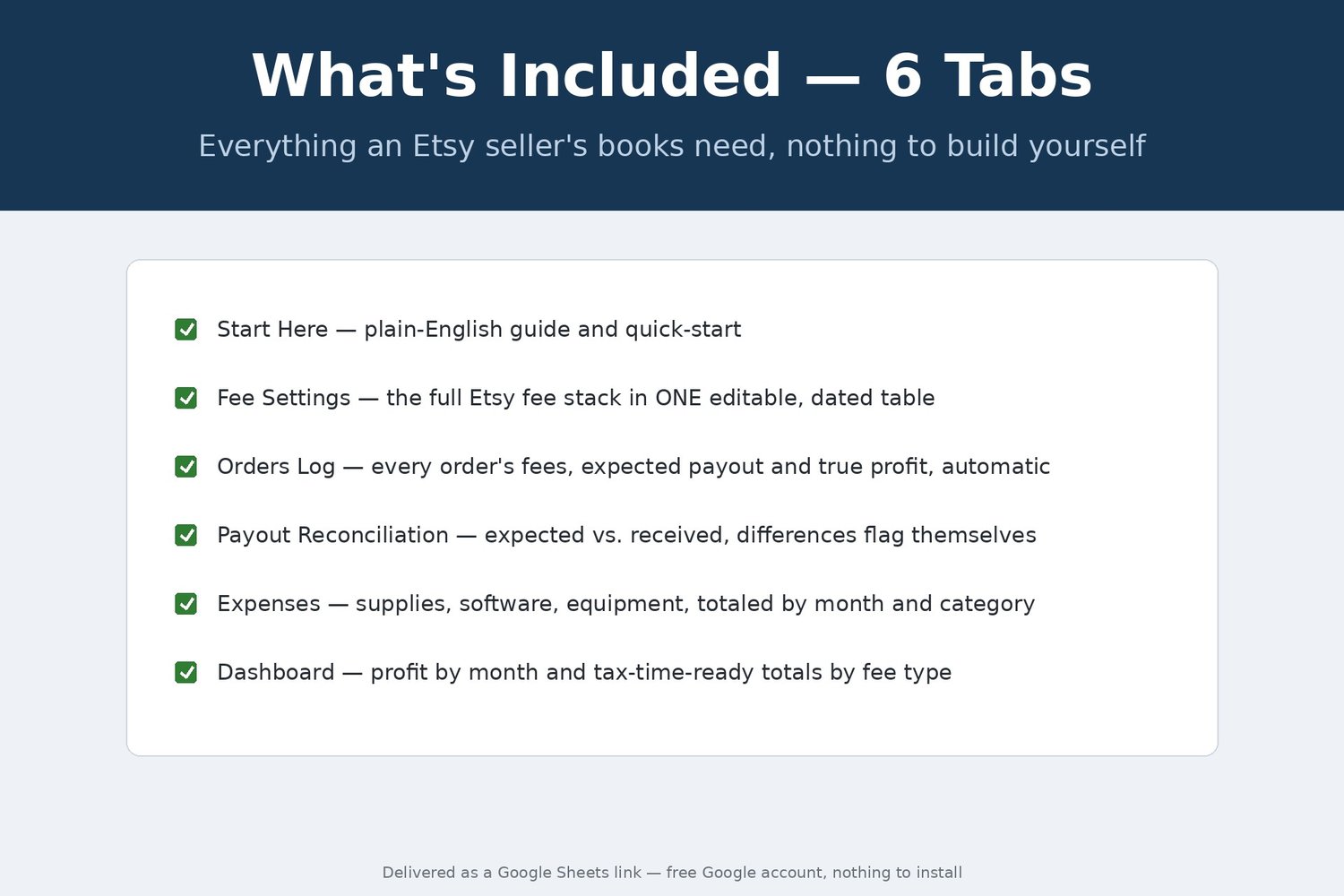
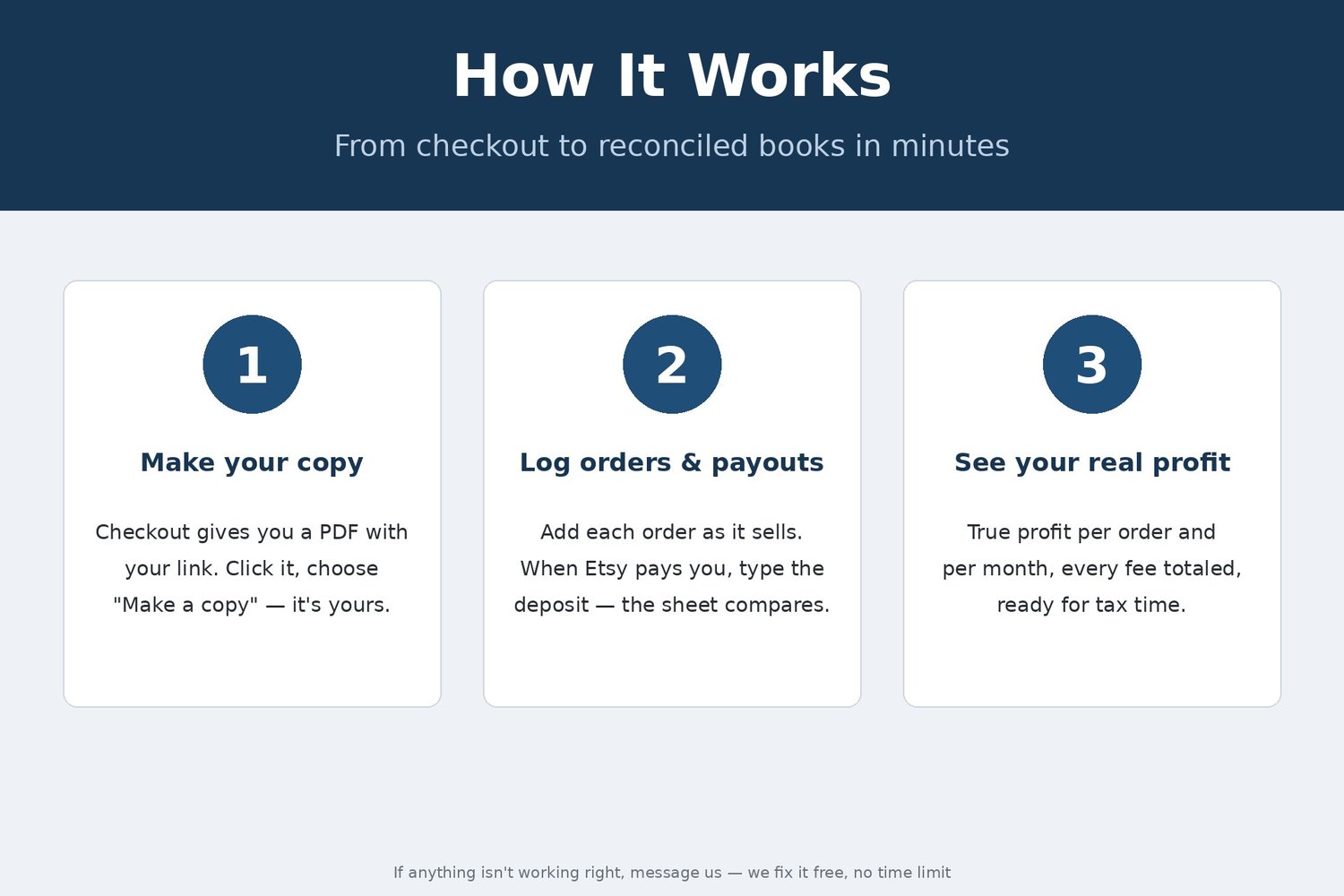
Etsy paid you. But how much did you actually make? Between transaction, processing and regulatory fees, listing fees, ad clicks and the Offsite Ads fee that hits only some orders, the number in your bank and the profit you think you made are two different numbers. This tracker does the whole fee stack on every order, in one Google Sheets file, 6 tabs. Log an order once and every fee computes from one editable Fee Settings table; then you see your expected payout and your true profit after materials and shipping.
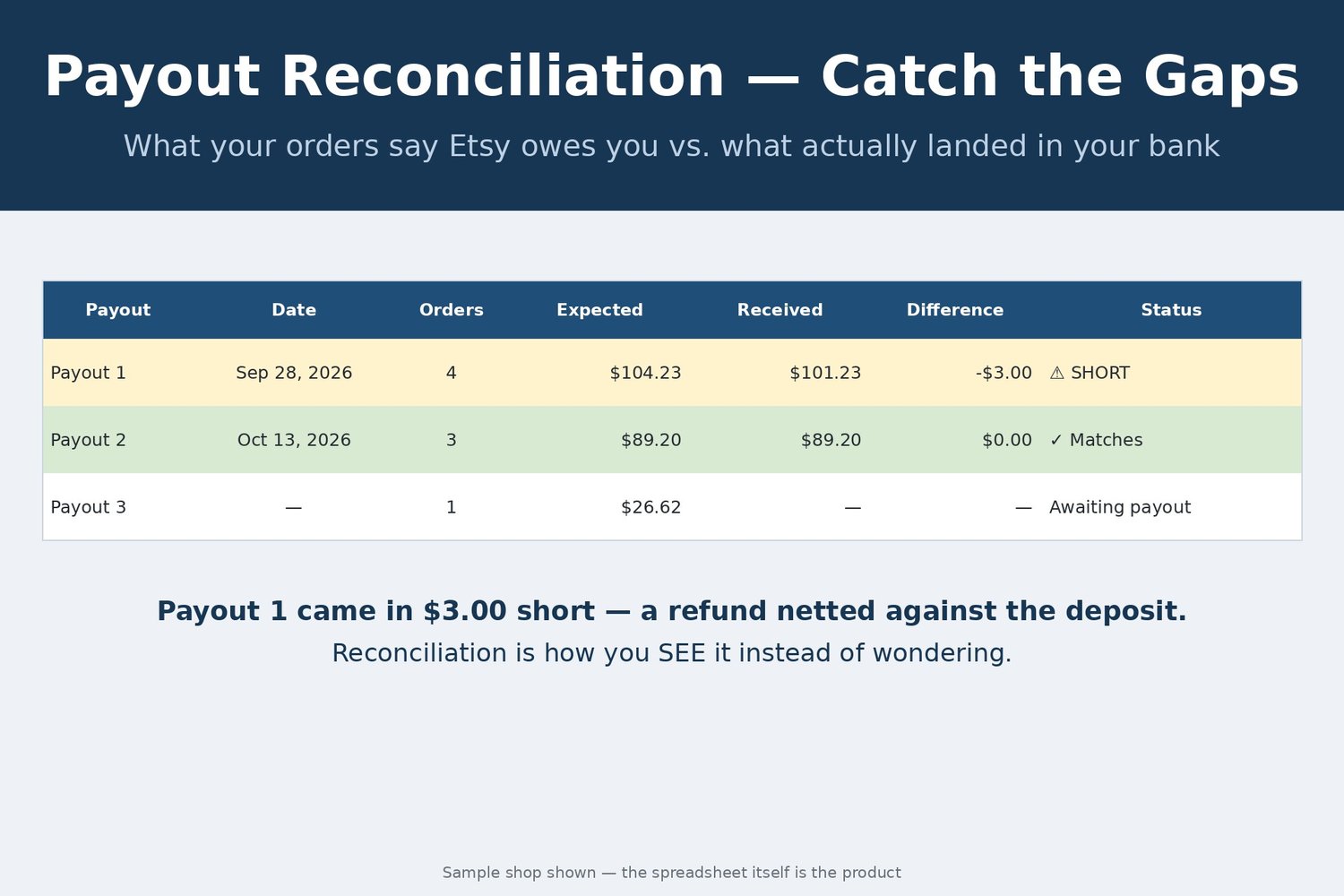
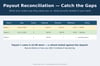
Then the part almost no template does: payout reconciliation. Number each payout, type what Etsy deposited, and any difference flags itself — short, over, or matched to the penny. The samples run a mug-and-candle shop: eight orders, one with the 15% Offsite Ads fee and one without, and a payout $3.00 short — expected $104.23, received $101.23 — so the flag proves itself first. Not tax advice.
Transparency note: this spreadsheet was designed with AI assistance, then hand-built and formula-tested by our shop.
What you receive is the finished file, delivered instantly at checkout as a PDF containing your Google Sheets copy link. Open it, choose "Make a copy," and the file is yours. It runs in Google Sheets on a free Google account — nothing to install — and sample data is included so you can see the formulas work. If a file ever breaks, you receive a corrected copy of the file free. This is a digital product — no physical item will be shipped.