

Waves & Ableton Mixing Blueprint
On Sale
$16.99
$16.99
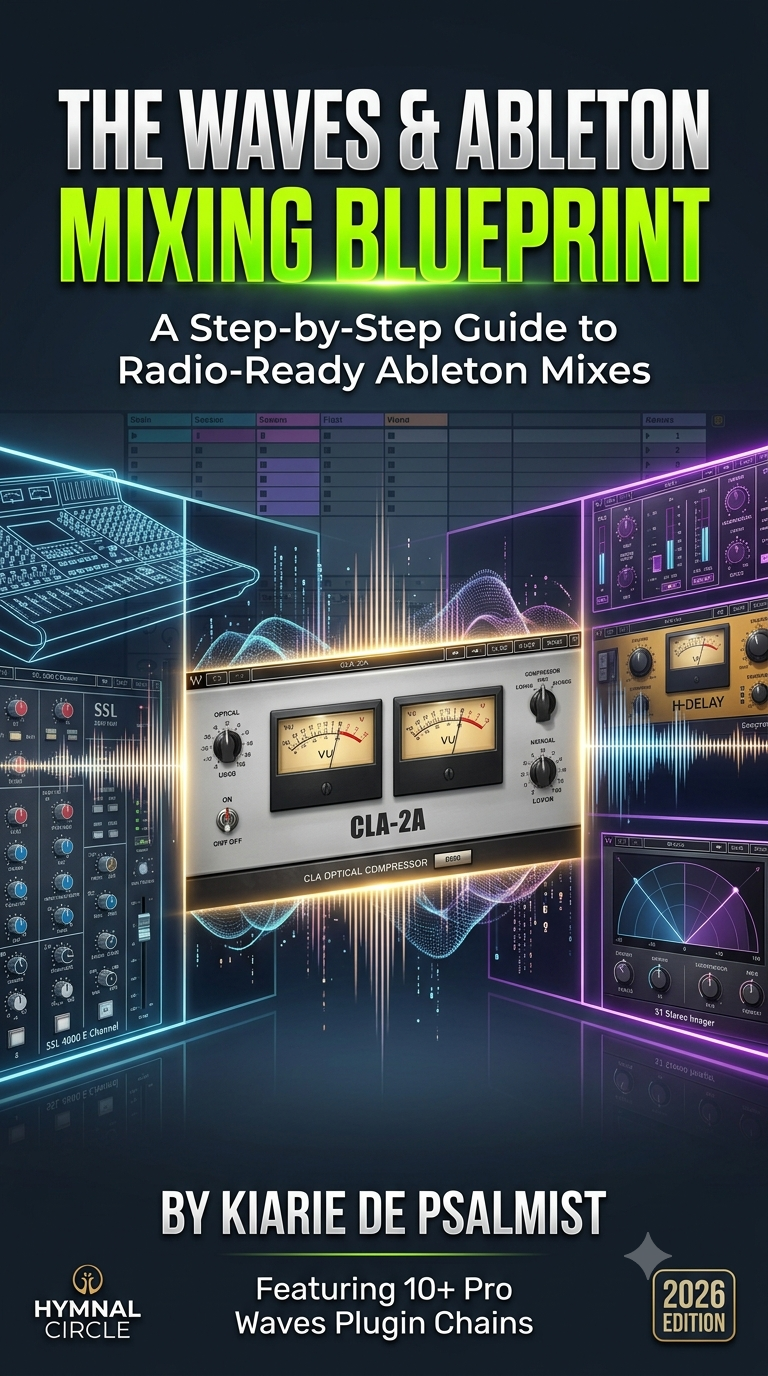
The Waves & Ableton Mixing Blueprint: A Step-by-Step Guide to Radio-Ready Ableton Mixes
By Frank Kiarie
Short Summary
Stop guessing your mix settings and start executing a repeatable, professional workflow. The Waves & Ableton Mixing Blueprint is a practical, step-by-step technical guide designed specifically for Ableton Live producers and mixing engineers who want to unlock the full potential of Waves plugins. This book skips the generic advice and hands you concrete plugin chains, precise parameter settings, and routing disciplines to achieve pristine, commercial-grade clarity right inside your DAW.
What’s Inside the Blueprint?
The e-book is structured into 5 deep-dive technical chapters designed to systematically clean up and elevate your audio:
- Chapter 1: Session & Routing Architecture – Secure a bulletproof digital baseline. Learn how to optimize Ableton’s engine (buffer sizes and sample rates) and configure structured, color-coded sub-mix buses (Drums, Vocals, Bass, Music) to preserve crucial headroom before hitting your plugins.
- Chapter 2: Surgical Clutter Control – Tackle low-end rumble and boxiness using a dedicated Mud-to-Music Frequency Map. Master dynamic frequency taming using the Waves SSL 4000 E-Channel and Waves F6 Dynamic EQ.
- Chapter 3: Pro Vocal Chains & Drum Dynamics – Dive into professional serial compression workflows. Get the exact blueprints for the legendary dual-stage vocal chain using the Waves CLA-76 (for rapid peak catching) followed by the Waves CLA-2A (for smooth phrase body control), alongside drum bus cohesion via the SSL G-Master Buss Compressor.
- Chapter 4: Spatial Routing & Depth Architecture – Discover why depth is a routing problem before it is an effect problem. Learn the Depth Ladder System to position elements in a 3D space using shared return tracks, tempo-locked Waves H-Delay, and lush space processing.
- Chapter 5: Advanced Stereo Imaging & Tape Warmth – Add rich, vintage analog texture with Waves Kramer Tape and safely widen your final mix without risking phase cancellation or losing your low-end mono punch using the Waves S1 Stereo Imager.
Who Is This Book For?
- Bedroom Producers looking to step away from presets and understand exactly why they are adjusting a threshold or a frequency band.
- Ableton Live Users who want to build efficient, clean session templates that save CPU and dramatically speed up their mixing decisions.
- Engineers seeking a reliable, battle-tested, session-to-session formula for pristine vocals and tightly glued instrumentals